We remain fully operational. Our teams are working around the clock to ensure your deliveries continue safely.

DOWNLOAD THE APP


Copyright © 2025 Desertcart Holdings Limited
DOWNLOAD THE APP




Buy anything from 5,000+ international stores. One checkout price. No surprise fees. Join 2M+ shoppers on Desertcart.
Desertcart purchases this item on your behalf and handles shipping, customs, and support to South Korea.
🚀 Upgrade your laptop’s brainpower — don’t get left behind!
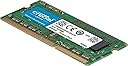
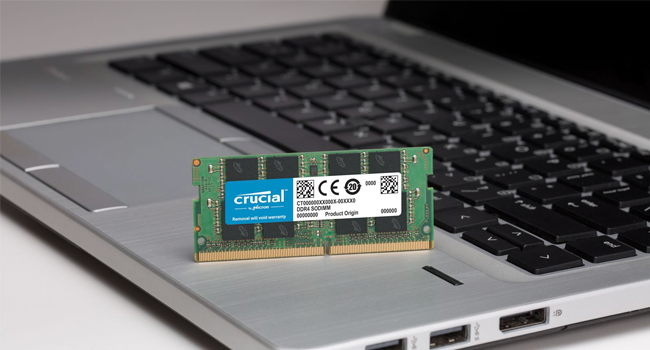
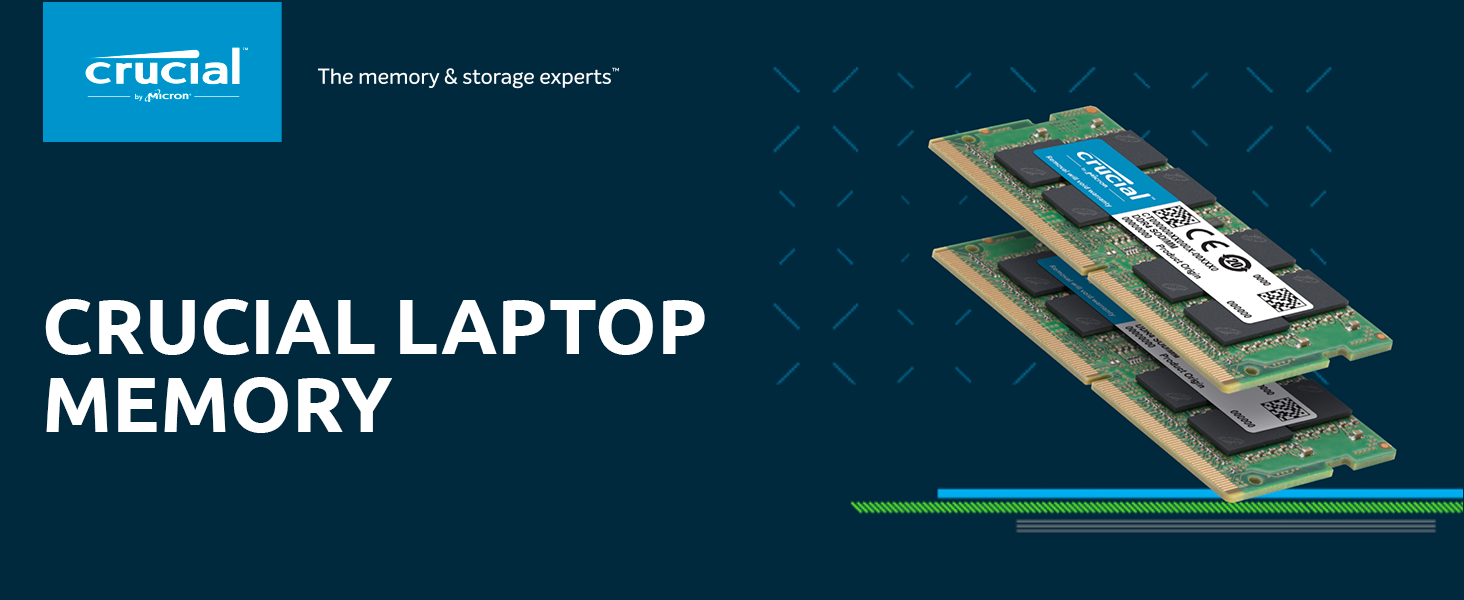
The Crucial 8GB DDR3 1866 MT/s SODIMM is a high-quality, dual-voltage laptop memory module designed to enhance system responsiveness and multitasking. Featuring a standard 204-pin layout and low latency (CL13), it offers a reliable, easy-to-install upgrade for compatible notebooks, backed by Crucial’s trusted brand and limited lifetime warranty.







| ASIN | B00LTV2BBK |
| Additional Features | nv: Company Program^Crucial | Configuration^1024Meg x 64 | DDR Timings^CL=13 | DIMM Type^Unbuffered | Density^8GB | Error Checking^NON-ECC | Megabytes^8192 | Memory Type^DDR3 PC3-14900 | Package^204-pin SODIMM | Platform Category^DDR3 | Replenishment Flag^Y | Speed^DDR3-1866 | Voltage^1.35V | VolumeDiscountBucket^LOW |
| Best Sellers Rank | #333 in Computer Memory |
| Brand | Micron |
| Built-In Media | Internal Memory |
| Column Address Strobe Latency | 13 |
| Compatible Devices | Laptop |
| Customer Reviews | 4.6 4.6 out of 5 stars (4,325) |
| Data Transfer Rate | 1866 MHz |
| Form Factor | SO-DIMM |
| Global Trade Identification Number | 00649528762696 |
| Item Weight | 0.02 Pounds |
| Manufacturer | CRUCIAL TECHNOLOGY |
| Memory Speed | 1866 MHz |
| Model Name | DDR3/DDR3L 1866 MT/s SODIMM Memory |
| Number of Pins | 204 |
| RAM Memory Technology | DDR3 SODIMM |
| RAM Size | 8 GB |
| UPC | 662383073707 649528762696 138149617053 696450105763 |
| Voltage | 1.5 Volts |
| Warranty Description | Limited lifetime warranty |
D**D
Great price
Made a big difference on my laptop and easy to install
J**H
Crucial 8GB Single DDR3/DDR3L - Works Great!
Today I upgraded my 2015 HP Pavilion model 13-a012cl "X360" laptop computer using the Crucial 8GB Single DDR3/DDR3L 1866 MT/s (PC3-14900) Unbuffered SODIMM 204-Pin memory chip. 8GB is the max my laptop can support. The upgrade was flawless. The difference between DDR3 and DDR4 is the number of pins on the chip that connect it to the socket. DDR3 has 240, and DDR4 has 288. Besides the pin number, DDR3 and DDR4 look physically different in length and width. Google your computer's model number or contact the manufacturer to determine which your specific model requires. My laptop is about 5 years old, and usually I have it tethered to an external 22" LG LCD monitor, so the unit functions more like a desktop box would. I thought about getting a new laptop, but opted to purchase the Cruicial RAM chip -$44, a Cruicial MX 500 1 TB 2.5" solid state drive (SSD) (CT 1000MX500SSSD1) - $120, and a new fan- $17. I also bought a Unitek USB to SATA USB-3 adapter to clone drives - $19. So for around $200, I have essentially a new computer. Numerous publications over the years have cited adding additional RAM memory as the single best - easiest - improvement one can make in improving computer perfomance. Add to that SSD and a new cooling fan, and I ought to be golden for another five years. I don't do payroll for the State of California, nor do I track license plate numbers for Bejing, so to me, this was a cost-efficient upgrade. Thanks Cruicial and Adorama for the sales and support!
A**R
Great RAM for my old Synology
Works great with my Synology DS718+. Now I have 16 Gb RAM ( 8*2). My old RAM 2 Gb
J**Y
My only regret is not performing this upgrade years ago
I received this item 48 hours later than expected but I still love this item. I bought these ram sticks to upgrade my Lenovo e531 which only had 4gb of ram and was definitely holding me back. My computer worked fine but operated really slow when I had multiple internet tabs open or when I was trying to use multiple applications. I received this item, unplugged everything from my laptop, disconnected the battery, removed bottom panel (2 screws), removed old ram and replaced with new ram, and reassembled the computer. My computer is significantly faster now. I was constantly pushing upwards of 100% usage of my memory but now it ranges from 25-50%. I'm writing this review, listening to a podcast on youtube, watching multiple graphs on tradingview.com in multiple tabs, and I have a couple other amazon tabs open without any issues. I can switch between these tabs without any lag like I used to get. I also saw improvement while playing league of legends. I installed this memory yesterday 7/23/18 so I can't speak about longevity but I would 100% recommend this product. It is simple to install, just be sure you don't have any built up static electricity because you can cause latent damage without even knowing it.
O**.
Nice upgrade for a Toshiba Satellite c855-s5355 Laptop
NOTE: I already upgraded my CPU from the stock i3 to an i5 processor*, so my computer is now about as upgraded as it can be. Upgrading a CPU is possible with this model laptop as the CPU isn't soldered to the Mother Board. The reason I upped the ram is I was running out of ram regularly with heavy video editing projects (originally had 8GB of ram). I use Ubuntu Linux (16.04 64bit) and do not know how this ram would function on this computer if it were running Windows as I do not use Windows (and very happy that I don't)... although, I would guess that this ram would work fine. This is a very easy upgrade for most laptops... just check your specific model on the Crucial website to be sure you are ordering the correct ram modules for your specific model computer to avoid the hassle of getting incompatible ram modules ;) So far I have had no problems with these ram units, and everything worked perfectly when I booted up after installing them! I am using them in a Toshiba Satellite c855-s5355 Laptop running Ubuntu 16.04 and my System Monitor shows 15.6 GB of usable RAM out of the 16 GB installed (8GBx2)... I am a happy camper! *fyi... I installed the Intel Core i5-2410M CPU @ 2.30GHz (2 cores/4 threads) which worked perfectly in my computer. However, I do not know if Windows 8 or 10 would have hiccuped with this upgrade... again, I use Linux, so it just worked in my case :)
T**1
Works as it should, isn't that what we all want?
I replaced the original 8GB, divided in the two slots of my Lenovo Y510P (from about 2 years ago). I use it for online school. Between word processing, and the occasional Netflix or HBO GO use I use it for Adobe Creative Cloud applications for my school classes/projects. Some stuff gets saved to the cloud (in some form) and others need to stay on my hard drive but I needed more than 8GB alone could give me, so I upgraded to 16 GB. My kid also uses my laptop for Lego Mindstorm programming (Lego robotics). It was easy enough to unscrew the back(bottom) section of my laptop and switch them out, despite finding and extra screw rolling about inside (hmm...bad quality control on Lenovo's part) that hiccup aside I put the new ones in, closed it all up and everything booted up just fine. I cannot stress enough how much, just in case, you should BACK UP YOUR COMPUTER, BEOFRE switching anything out. That way if it does not work out you have not just doomed yourself. But bottom line so you understand why I needed the upgrade and on what type of machine, yes this was and easy install (for me) and works as it is supposed to for the type of product it is. Cheers!
P**K
I got 16 GB to upgrade the low capacity stock RAM on my DS918+. Both sticks worked perfectly out of the box on DSM 7.2. The NAS is now more responsive!
G**N
The RAM upgrade has been working perfectly for over the past day. I added the RAM to handle the extra load associated with a HIKVision Surveillance Camera (model DS-2DE2A404IW-DE3 ). The camera was using approximately 14% of the (original) 4GB of RAM ... it is now using approximately 3% of the (upgraded) 16GB RAM.
J**O
La memoria llega en un blister facil de abrir. No tuve ningun problema, la instalé y funcionó correctamente. Cabe señalar que la instalé en una HP Folio 13 y esta memoria esta sobrada ya que funciona a 1866MHz, y la laptop hace downgrade a 1333MHz. Aun con ello no he tenido problemas. Totalmente recomendada para este modelo y marca de laptop
J**O
No puedo valorar temas técnicos porque no me he puesto con ello y porque la compré para aumentar la memoria de mi NAS Synology DS-918+ La instalación fue sencilla, como cualquier otra pastilla de memoria. El funcionamiento con el NAS ha sido perfecto...ahora tengo 12 GByte de RAM en el NAS.
G**E
Bought to increase the RAM on an ASUS X751LJ (R752L) laptop, This module is recognized directly and without problem by the BIOS / UEFI. I went from 4GB of origin to 12GB thanks to the bar and I must say that even if I have already replaced the hard drive with an SSD I can clearly see the difference under Windows 10! The fluidity, the reactivity is there and it is bluffing! I even put barely ten seconds to start. The assembly is a bit tedious with regard to the RAM on this kind of ASUS laptop series, not having a hatch below, you must first remove the screws below, then remove the keyboard and finally the RAM is accessible but you still have to turn over the motherboard (ASUS is abusing it a bit). If you know your way around, or if you are motivated (finally the change is quite fast) do not hesitate, it is really worth it!
Trustpilot
1 month ago
1 week ago