We remain fully operational. Our teams are working around the clock to ensure your deliveries continue safely.

DOWNLOAD THE APP


Customer Services
Copyright © 2025 Desertcart Holdings Limited
DOWNLOAD THE APP

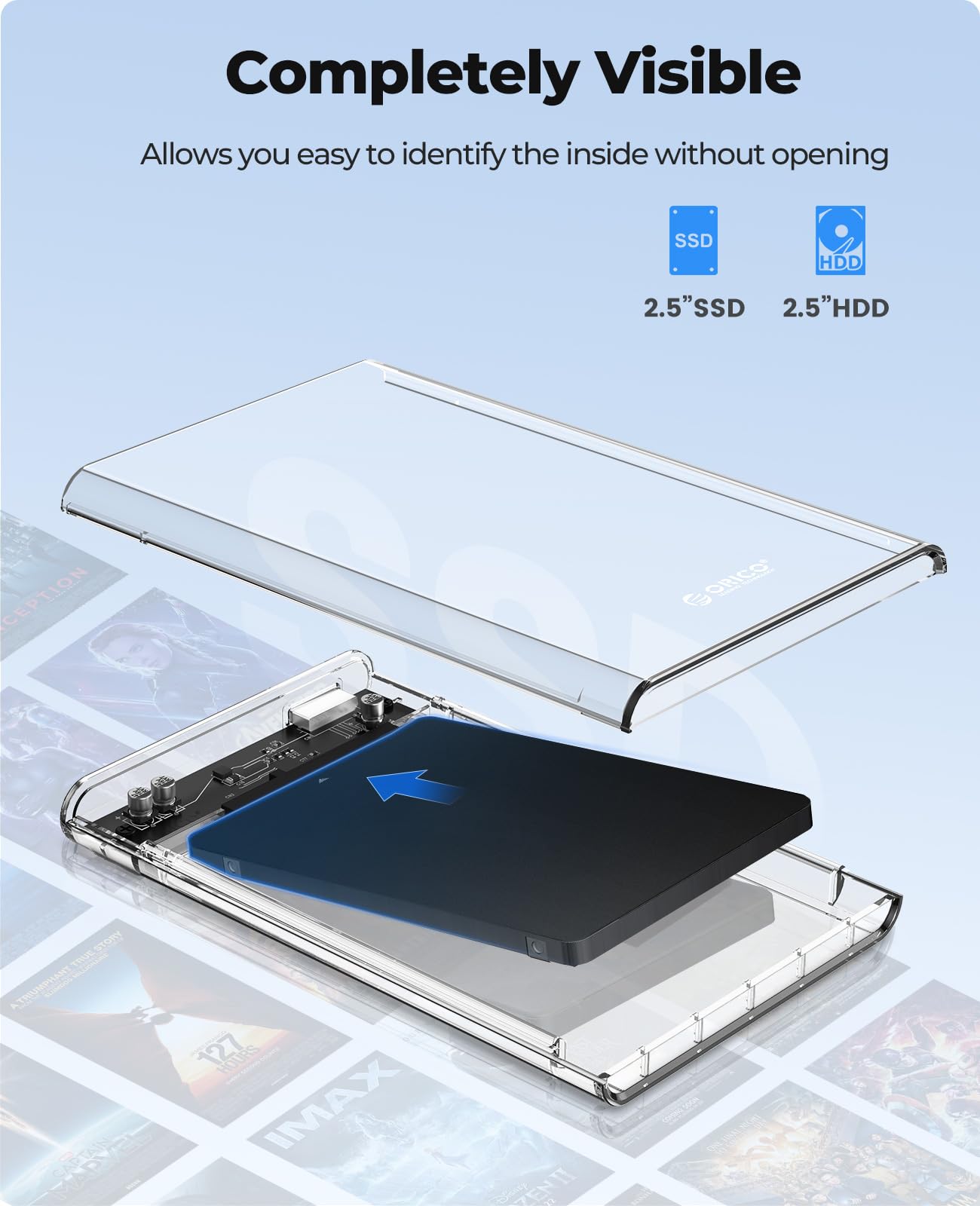


💼 Elevate your data game with crystal-clear speed and effortless style!
The ORICO 2.5'' External Hard Drive Enclosure offers a transparent, tool-free design that supports SATA I/II/III 2.5-inch HDDs and SSDs up to 6TB. Featuring USB 3.0 with UASP for transfer speeds up to 5Gbps, it ensures fast, reliable data access across Windows, Mac, and Linux platforms. Its compact form factor and broad compatibility make it an ideal portable storage solution for professionals seeking both performance and sleek aesthetics.


| ASIN | B01LY97QE8 |
| Best Sellers Rank | #13 in Enclosures |
| Brand | ORICO |
| Color | Transparent |
| Compatible Devices | Laptop |
| Customer Reviews | 4.6 out of 5 stars 10,783 Reviews |
| Data Transfer Rate | 6000 Megabits Per Second |
| Enclosure Material | Plastic |
| Hard Disk Form Factor | 2.5 Inches |
| Hardware Interface | USB 3.1 Type C |
| Hardware Platform | PC,Laptop |
| Item Dimensions L x W x H | 4.9"L x 3.1"W x 0.5"H |
| Manufacturer | ORICO Technology Co.,Ltd |
| Material | Plastic |
| Memory Storage Capacity | 6 TB |
| Product Dimensions | 4.9"L x 3.1"W x 0.5"H |
| Supported Devices Quantity | 1 |
| UPC | 712073949697 669665237697 712073949680 714874073502 |
| Warranty Description | / |
N**X
Great Value
Great case for a 2.5" hdd or ssd. Simple. Tool free. Just works.
D**4
Disappointing Longevity – Great at First, Then Completely Unreliable 5 star reduced to 1 star
I originally gave this product 5 stars because it worked perfectly at first. Setup was simple, transfer speeds were solid, and I liked the clear design. But after a few months, the first unit started having issues—the USB connection became unstable, and the drive would frequently disconnect or stop being recognized by my system. Thinking it was just a fluke, I bought a second unit to replace the first. Unfortunately, the second one started showing the exact same issue in under two weeks. And to be clear—I’m not moving the drive around at all. It’s securely mounted next to my router using Velcro, completely stationary. Yet the slightest touch to the cable or even nothing at all causes the drive to disconnect randomly. I've used other ORICO products in the past and never had a problem, so this was a letdown. It really feels like this particular model was built as cheaply as possible just to hit a low price point. In this case, you get what you don’t pay for—something that works briefly, then becomes a frustrating paperweight. Avoid this one if you need a reliable, long-term external enclosure.
L**E
Works, Simple, Cheap,
Not accustomed to rugged travel, but neither is your hardrive. Cheap, works well. I've been using mine frequently and often and have had no technical issues whatsoever.
L**Z
Good hard drive
Worked great for my laptop storage
C**I
External Hard Drive Case
The cost of an external hard drive from WD, Toshiba, Seagate, and Lacie can be substantial. But those who have an extra SATA hard drive has an easy and cheap solution. You can take that old hard drive from your laptop, say you upgraded to solid state, and still get good service from it. All you would need is a hard drive enclosure, like the subject of this review. This is a hard drive enclosure. Basically, you would install your own SATA hard drive inside this case. You can then use it like an external hard drive. An external hard drive is great for backing up your data and storing large amounts of data. Most mid to high end laptops today come with solid state drives. Unfortunately, they tend to be rather small in capacity. You do not want to use up that precious space with data that you do not access all the time. Like say photos, videos, and email archives. Data such as those are best stored on an external hard drive. Windows 10 also has a built in backup utility. You can attach an external hard drive to your computer and have it backup every hour, every day, however often you wish. An external hard drive used as a backup device is the best data insurance you can have. That data can then be taken off-site, to say a safety deposit box at your bank. It is easy to build your own external backup drive. You only need two items: a 2.5" hard drive and this ORICO hard drive enclosure. No tools are needed. You can buy a brand new hard drive and this ORICO case and the purchase price is still less than what you would pay for a comparable device from WD and Seagate. Sure, you won't get their software, but Windows 10 already has a backup utility. You can choose your own speed and performance. Buy a 7200 rpm drive for faster data transfers. If you want the best reliability possible, spend a little extra money and buy a WD RED or Seagate Ironwolf 2.5" hard drive. All those drives will work inside this ORICO hard drive enclosure. Most people backup their data on a USB thumb drive. Which is better than nothing. But a robust mechanical hard drive is still the best device to use. This is even more true if the data is important. Some people store their data on Microsoft's One drive and Google's Drive. That is fine, but let us be honest, some people have data that they wish to keep private. Anything you upload to the cloud is no longer under your control. Your cow has left the barn once you upload. Who knows how long Microsoft and Google will keep that data even after you delete it. They backup their servers. Maybe you have a video of you and your significant Other during an intimate moment. Do you really want to trust Google with that data? Because you know, your privacy is their main priority, right? I would trust MS and Google to store things like school reports, homework, grocery list, etc. But anything potentially embarrassing, no way. Your personal life should stay that way, personal. Do not upload potentially embarrassing data to the cloud. Anyway, this is what I recommend. Buy a good quality 2.5" hard drive and this ORICO enclosure and build your own external backup device. You choose the capacity, performance, and reliability. For important data, look for a hard drive like WD Red. Yes, they are pricey but also very durable. Those WD Red drives are designed for use in network storage devices. They are robust. This model is for the USB 3.0 connection. Those who have a Macbook Air (these laptops only have USB C ports) will have to use the model with a USB-C connector. Highly recommended.
S**A
Laptop hard drive enclosure is easy to setup & works as advertised
The laptop clear plastic hard drive enclosure was nominally priced, arrived within the allotted time & was packaged well. It was very easy to set up & connect to my laptop with the provided cord. It was immediately recognized by my Win 11 PC. It functioned right out of the box & transferred data at the rated speed. I recommend this product & the e-Tailer who provided the product.
S**S
Love it
My favorite enclosure. The single well placed blue light makes the whole enclosure feel like it’s glowing. Always kept connection stable. Good transfer rates. Works phenomenally well. Reliable. Well designed. Gorgeous. Feels great in the hand.
A**R
Great product
Easy to install harddrive into.
Trustpilot
3 weeks ago
2 days ago