We remain fully operational. Our teams are working around the clock to ensure your deliveries continue safely.

DOWNLOAD THE APP


Customer Services
Copyright © 2025 Desertcart Holdings Limited
DOWNLOAD THE APP


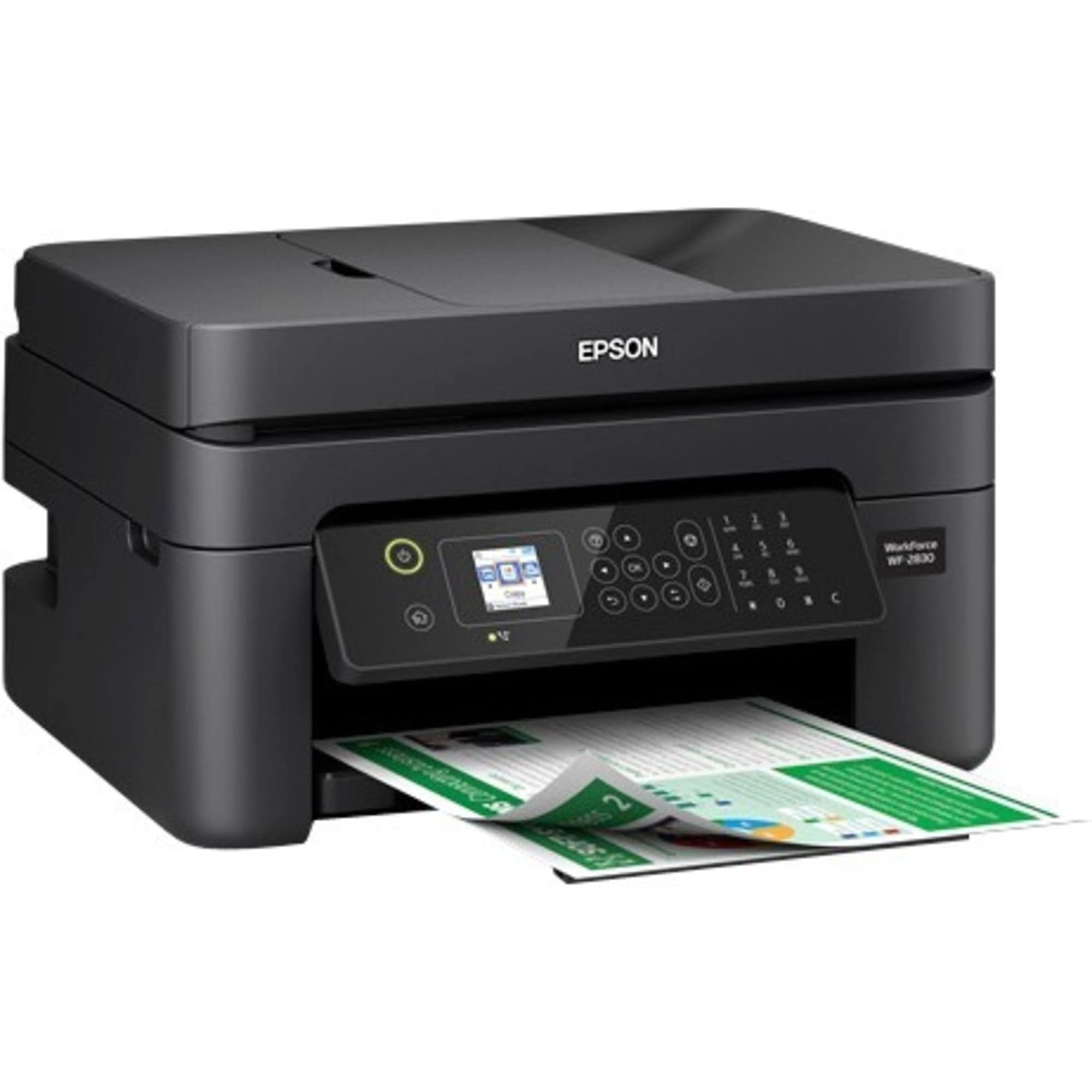
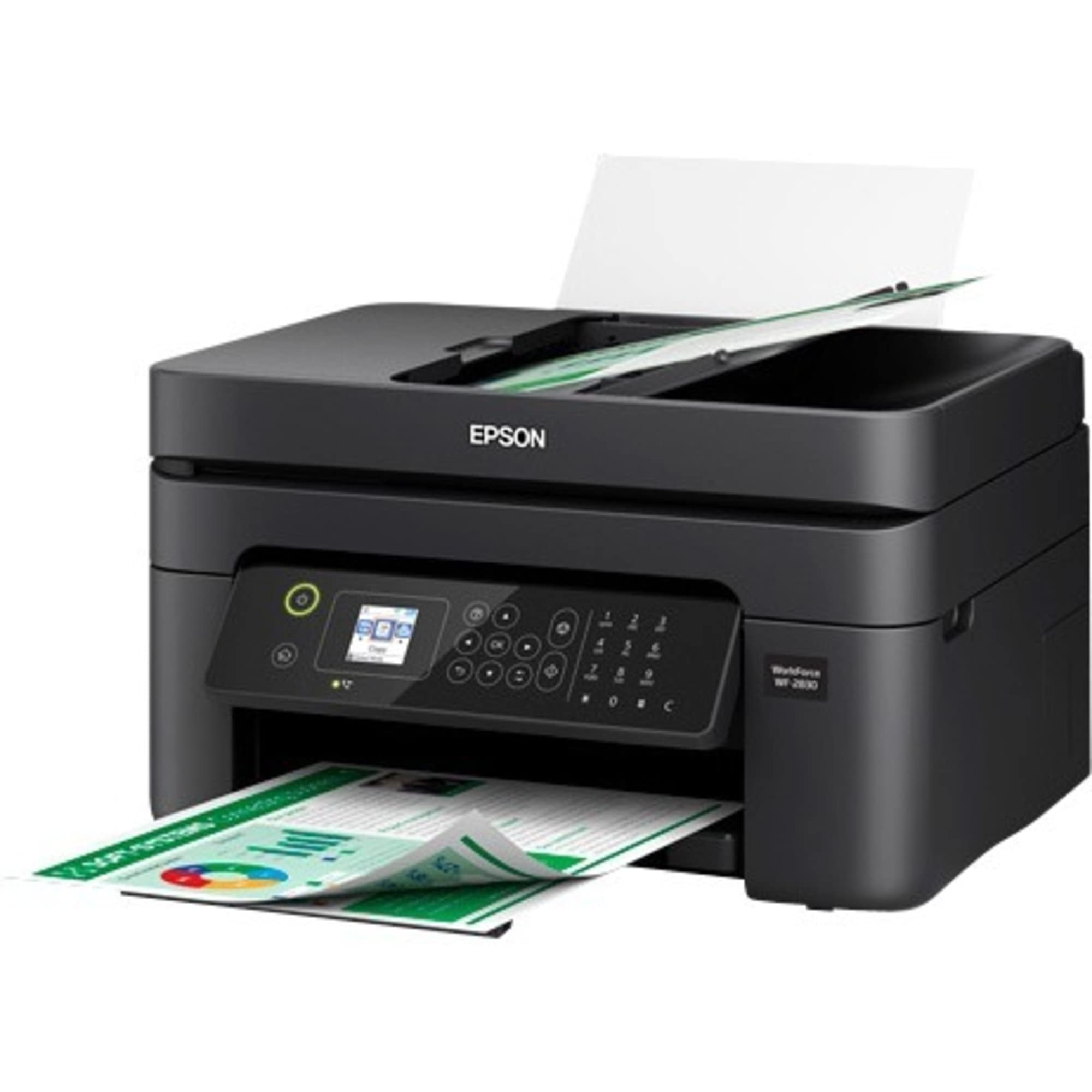

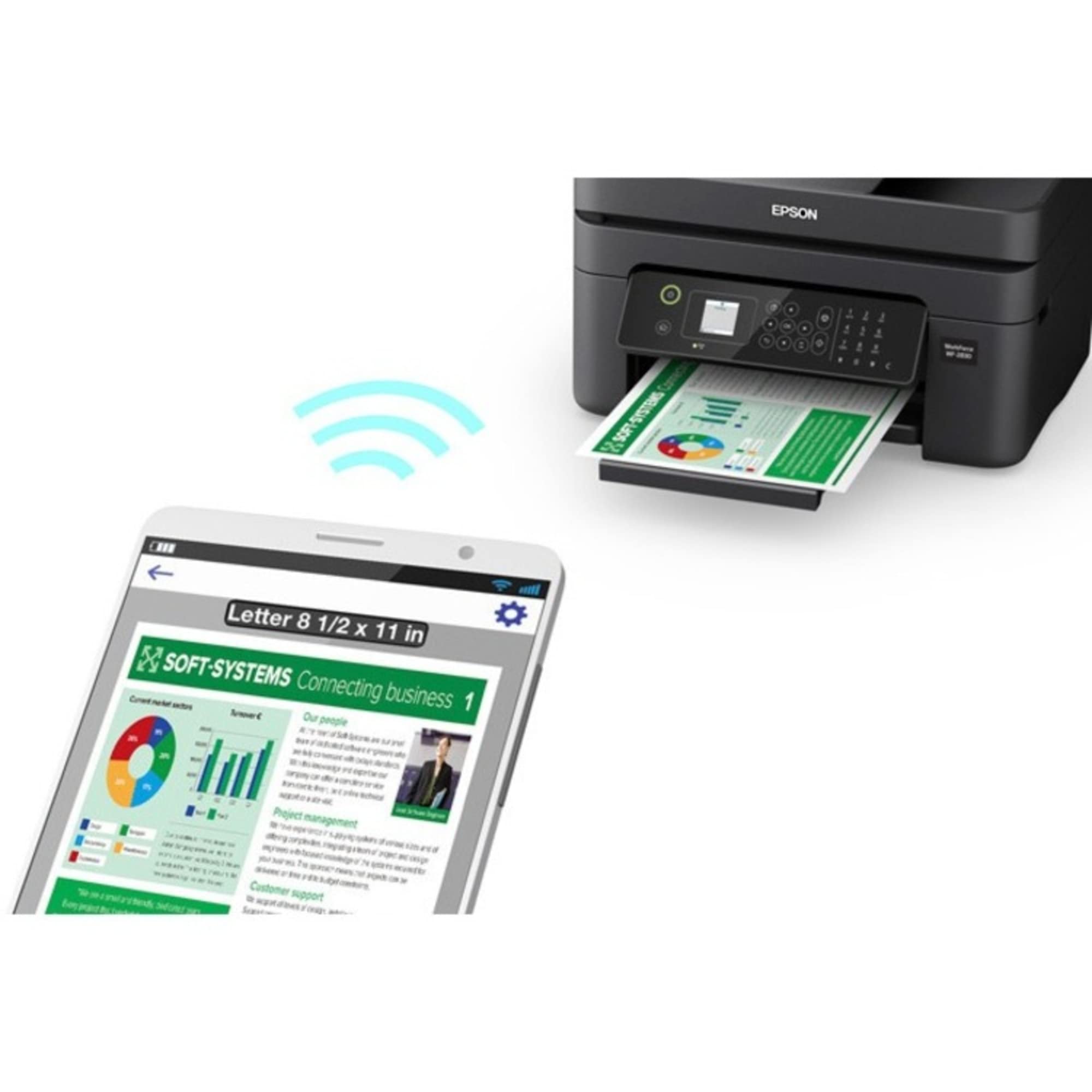
🖨️ Print smarter, not harder — your wireless office MVP awaits!
The Epson Workforce WF-2930 is a compact, wireless all-in-one printer designed for professional-quality home office use. It delivers ultra-sharp prints at 5760 x 1440 dpi, supports seamless mobile and voice-activated printing, and features automatic duplex printing and an auto document feeder for maximum efficiency. With easy setup via the Epson Smart Panel app and individual ink cartridges, it combines convenience, reliability, and eco-conscious design in one sleek package.

| ASIN | B07SXCWC74 |
| Additional Printer Functions | Scan |
| B&W Pages per Minute | 10 ppm |
| Best Sellers Rank | #213,635 in Office Products ( See Top 100 in Office Products ) #141 in Ink Tank Printers |
| Brand | Epson |
| Built-In Media | WorkForce WF-2830 printer, instruction booklets, CD-ROM with drivers, power cord, 4 Claria Ink cartridges (1x Black ink cartridge and 3x color ink cartridges: 1x Cyan, 1x Magenta, 1x Yellow) |
| Color | Black |
| Color Depth | 24 bpp |
| Color Pages per Minute | 5 ppm |
| Compatible Cartridge | Epson Claria 212 Ink Cartridges |
| Compatible Devices | Smartphones, Tablets |
| Connectivity Technology | Wi-Fi |
| Control Method | Voice |
| Controller Type | Android |
| Customer Reviews | 3.9 out of 5 stars 3,604 Reviews |
| Display Type | LCD |
| Dual-sided printing | Yes |
| Duplex | Automatic |
| Global Trade Identification Number | 00010343945968 |
| Hardware Interface | USB |
| Ink Color | Black, Cyan, Magenta, Yellow |
| Item Dimensions D x W x H | 6.81"D x 7.2"W x 4.84"H |
| Item Type Name | Desktop Multi-function (all in one) |
| Item Weight | 11.5 Pounds |
| Manufacturer | Epson |
| Maximum Copy Resolution Black and White | 5760 x 1440 dpi |
| Maximum Copy Resolution Color | 5760 x 1440 dpi |
| Maximum Copy Speed Black and White | 10 ppm |
| Maximum Media Size | 8.5 x 11 inch |
| Maximum Print Resolution Black and White | 5760 x 1440 dpi |
| Maximum Sheet Capacity | 100 |
| Maximum print Resolution Color | 5760 x 1440 dpi |
| Model Name | Epson Workforce WF-2830 |
| Model Number | WF-2830 |
| Model Series | WorkForce |
| Number of Trays | 1 |
| Other Special Features of the Product | Print, Copy, Scan, Fax, Auto Document Feeder, Two-Sided Printing, Display Screen, Voice-activated printing |
| Paper Size | 3.5 inch x 5 Inches, 4 inch x 6 Inches, 5 inch x 7 Inches, 8 inch x 10 Inches |
| Power Consumption | 12 Watts |
| Print media | Paper (plain) |
| Printer Connectivity Type | Wi-Fi |
| Printer Output Type | Color |
| Printer Type | Inkjet |
| Printing Technology | Inkjet |
| Processor Count | 1 |
| Resolution | 5760 x 1440 |
| Scanner Type | Sheetfed |
| Series Number | 28 |
| Special Feature | Print, Copy, Scan, Fax, Auto Document Feeder, Two-Sided Printing, Display Screen, Voice-activated printing Special Feature Print, Copy, Scan, Fax, Auto Document Feeder, Two-Sided Printing, Display Screen, Voice-activated printing See more |
| Specific Uses For Product | Office |
| Total USB 2.0 Ports | 1 |
| Total Usb Ports | 1 |
| UPC | 679541034715 010343945968 |
| Unit Count | 1.0 Count |
| Warranty Description | 1-year limited warranty in the U.S. and Canada. |
| Warranty Type | Limited Warranty |
| Wattage | 13 watts |
J**W
Great printer would buy it again
Have had this item for a few years now. Great products. Paper capacity is good. Very durable. Easy to set up and easy to use. Would definitely recommend this printer. Print speed and quality are great. Not a heavy product. Very functional
M**N
Fast printing.
2nd one that I have purchased. Works great and reasonably priced.
P**R
1st one didn't work sent back 2nd one worked fine
1st one I ordered didn't work so I sent it back. The Epson instructions said to call them for help but after reading the poor reviews of their tech support I decided just to send it back and get another. the 2nd unit worked fine, took a while for it to go through all its gyrations to get going but it does work. I paid $59 for it and that is about all it's worth. it's not a very good printer but it will suffice. Ink is just as expensive as everyone else' so I will be making up any shortfall in price with the purchase of ink. I probably wouldn't buy again, but it was so cheap I don't care. I have for the past couple of decades bought decent printers they all lasted btw 3-5 years so I have had a lot of printers, I am tired of purchasing expensive printers so I bought this little cheapy one. I hope if lasts a couple years. Update 7/13/2020 This is by far the worst printer I have ever owned. The replacement ink only works about 1/2 the time, it keeps saying ink cartridge not recognized. Epson wants you to buy their ink, which is fine, but they need to have reasonable pricing. sometimes it won't print black ink sometimes it will??? I have the latest firm ware and keep it updated. I guess I will be buying an HP bcs I will not be buying epson products again.
O**W
Great printer — but firmware update disables third-party ink
Would have been 5 stars — firmware update and ink lock-out cost Epson my trust On performance alone, this printer deserves five stars. It worked reliably for a long time, printed well, and did exactly what I needed. Unfortunately, Epson’s firmware update policy and ink restrictions cost it one star — and my future business. I have successfully used remanufactured (third-party) ink cartridges for years and intentionally avoided firmware updates for that reason. Epson clearly knows this is an issue: the “OK” button to accept updates is immediate and convenient, while declining requires multiple screens, careful reading, and time. Eventually, despite my efforts, I was caught by an update. After the firmware update, all previously working ink cartridges were suddenly “not recognized,” rendering the printer unusable unless I purchased Epson-branded ink. Nothing else changed. The cartridges did not fail — the software did exactly what it was designed to do. The result was wasted ink, wasted money, and unnecessary frustration. I understand that many manufacturers engage in this behavior, but Epson is the brand that burned me. Quietly disabling functional products through software is profit-driven and irresponsible. It degrades trust and wastes human time and resources. I will not purchase Epson products again and will actively support companies that design printers to serve users, not trap them. This printer could have earned five stars. It lost one because integrity matters.
A**E
Love the printer... but would be nice if the ink that came with it was full!
I really like the printer. Its not big and bulky but still has the features i wanted. I really like being able to use the app to print something at the house even if im not there. I've had it since june and have had no problems with functionality. Price was not bad either for what it does, was able to snag mine on sale tho! 😉 That said... I gave the PRINTER 5 stars bc the printer itself is great but when it came in, the ink was not full. I'm already having to buy black ink and i've not printed enough to need ink already but like i said, the cartridges weren't full. My previous printer was HP and well, i bought another brand lol.
E**E
Love this printer
I like the Epson brand printers. I have had numerous printers and by far the Epson is one that I will keep. Easy to set up and install. Printing, scanning and copying all go with ease. Not to mention the ink cartridges are much more affordable and easier to replace than the HP and Canons that I have had in the past. Printing quality for general home office use (getting used more with COVID), is quite well for various print jobs. It also does not take up a large amount of space on my desk as some of the ones in the past have done. Recommended!
A**J
EXTREMELY SENSITIVE
I had to wait to write a review because of my utter frustration at what a Prima Donna this machine is. I kept having to turn it off and on again because paper feed would jamb if paper wasn't perfectly aligned or there was too much in one scan, or the dang thing would jamb up it's memory, or it would freak out and have to be shut down if I put payables checks in one time and regular paper the next time-because there is a slight difference in weight. If you run out of ONE ink, forget using it, it errors out until you replace. The copier feed is so sensitive that you can only put 6-7 pages in the feed. WHEN it works, it works good, but something seems to happen almost every other time I use it that requires I stop what I am doing, fix it, then reboot the dang princess.
S**S
good stuff
was looking for not epensive home all in one unit for the occasional print/scan job. Dont really need a fax these days. this unit fits the need. Pretty easy to set up. The touchpad is not the most intuitive during the process of setting date, time, connecting to home network, etc. But once you go thru the different screens and the same process repeats, i started to get in a flow. The print quality is solid. Easy to load. Have not had any paper jams or issues with the ink cartridges. Great value for the price.
Trustpilot
2 months ago
2 months ago