
DOWNLOAD THE APP


Customer Services
Copyright © 2025 Desertcart Holdings Limited
DOWNLOAD THE APP
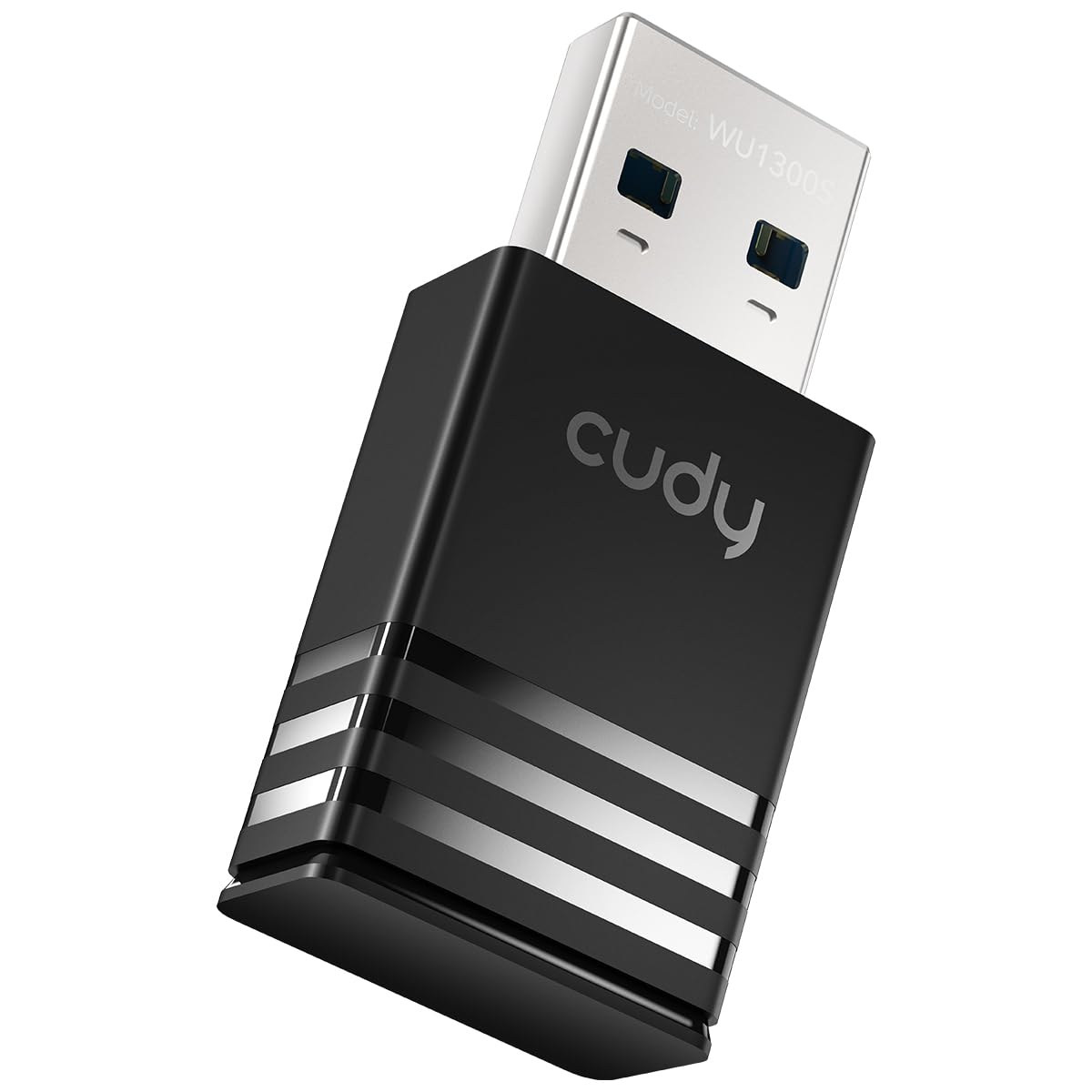
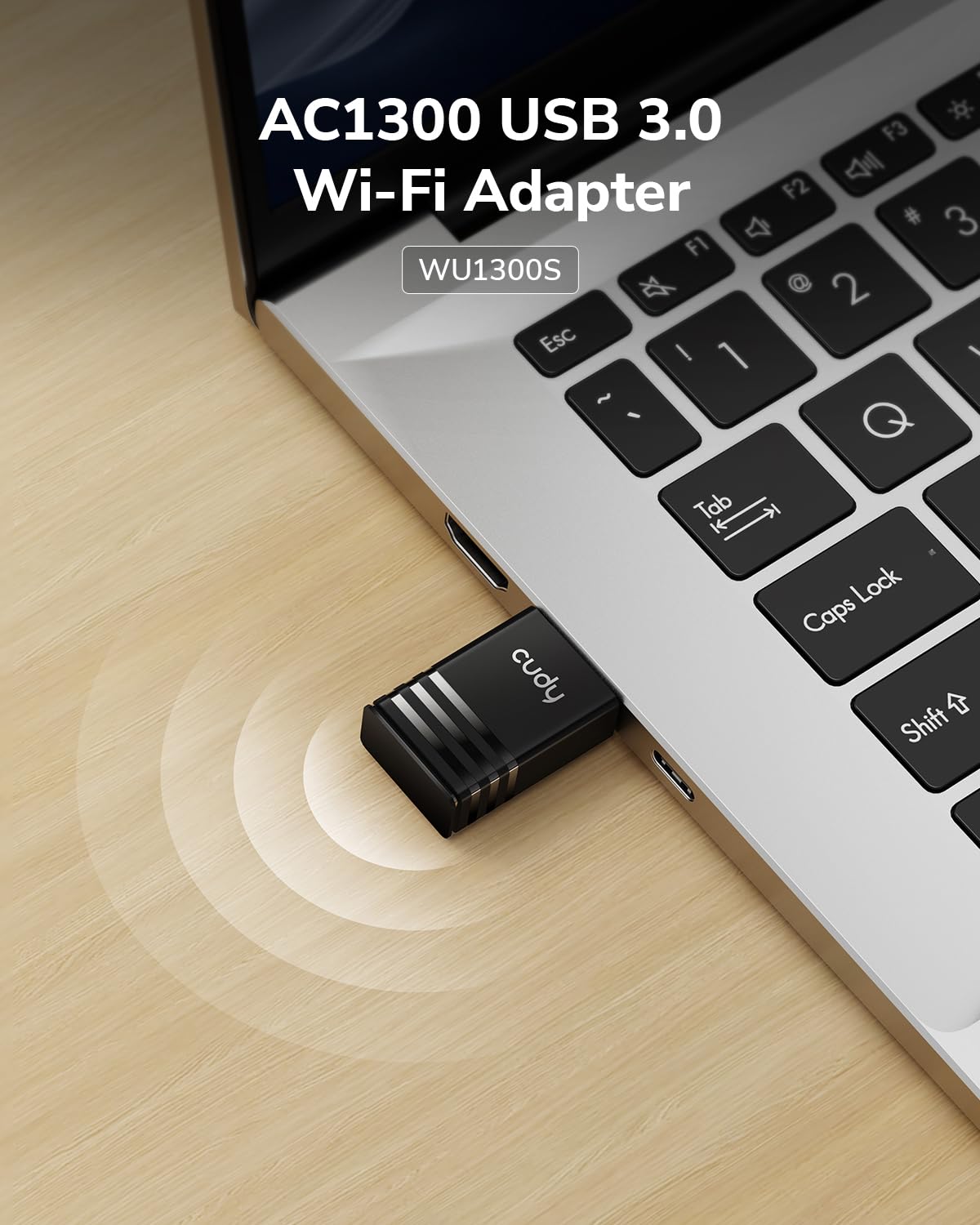



🚀 Upgrade your connection, upgrade your life!
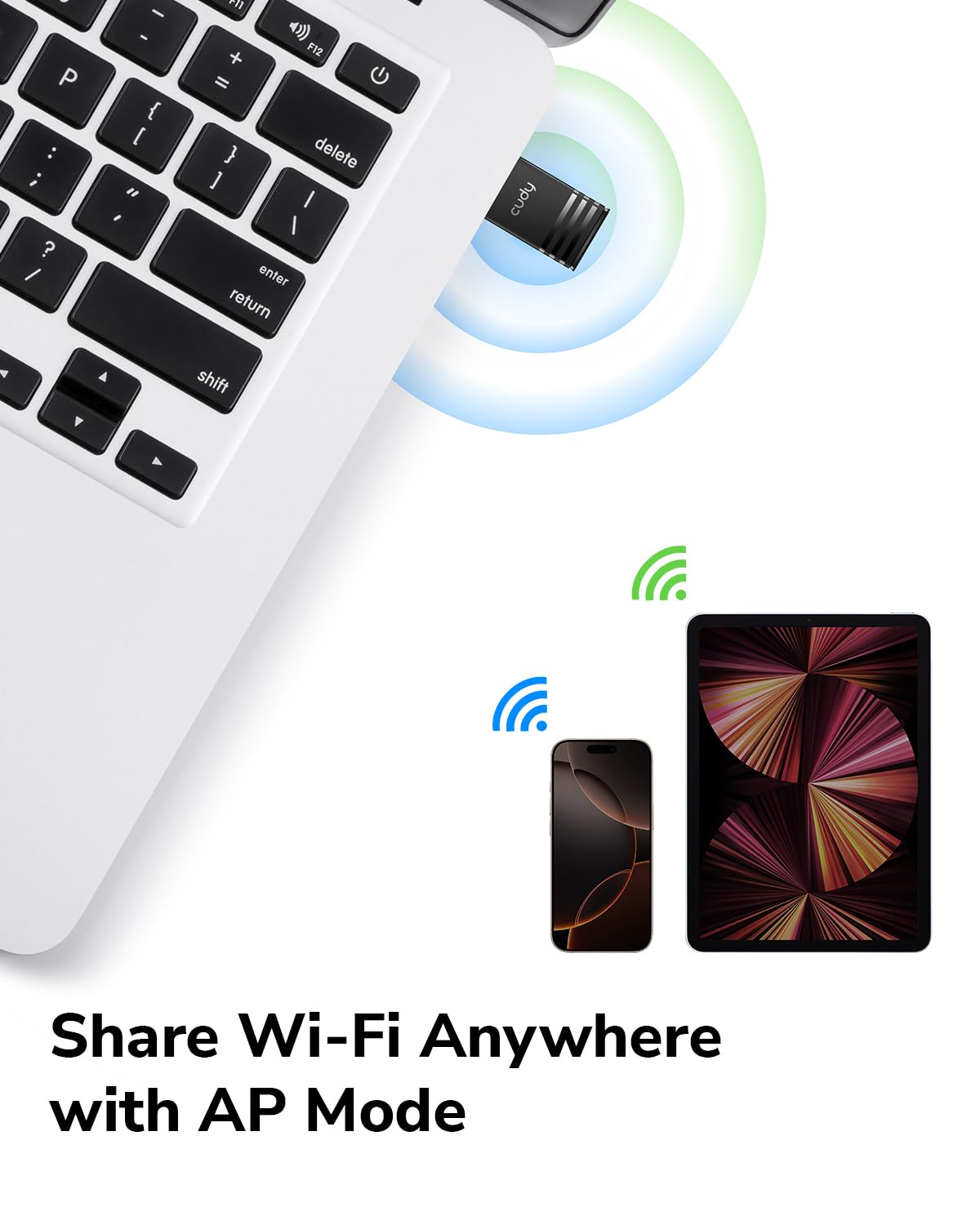
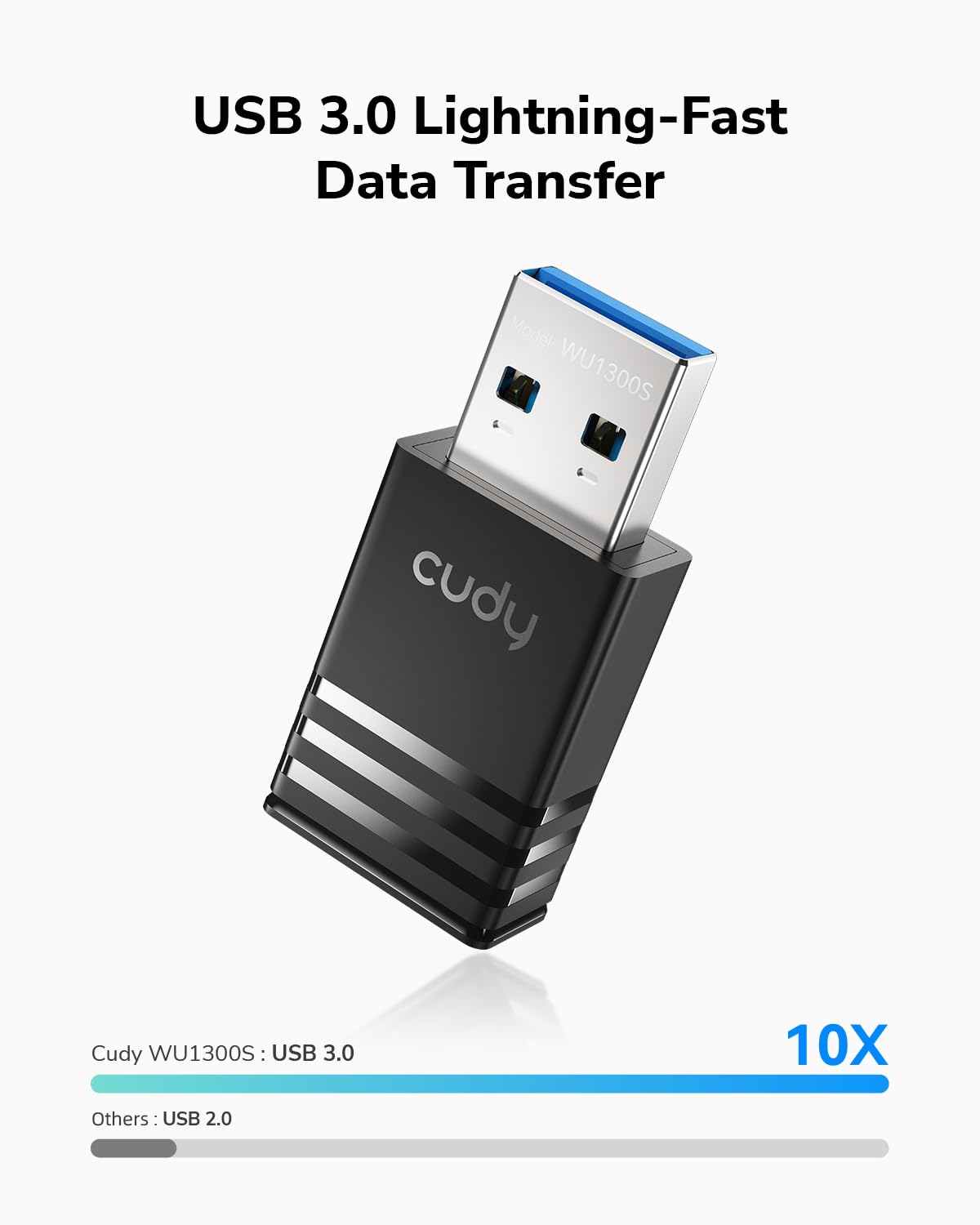
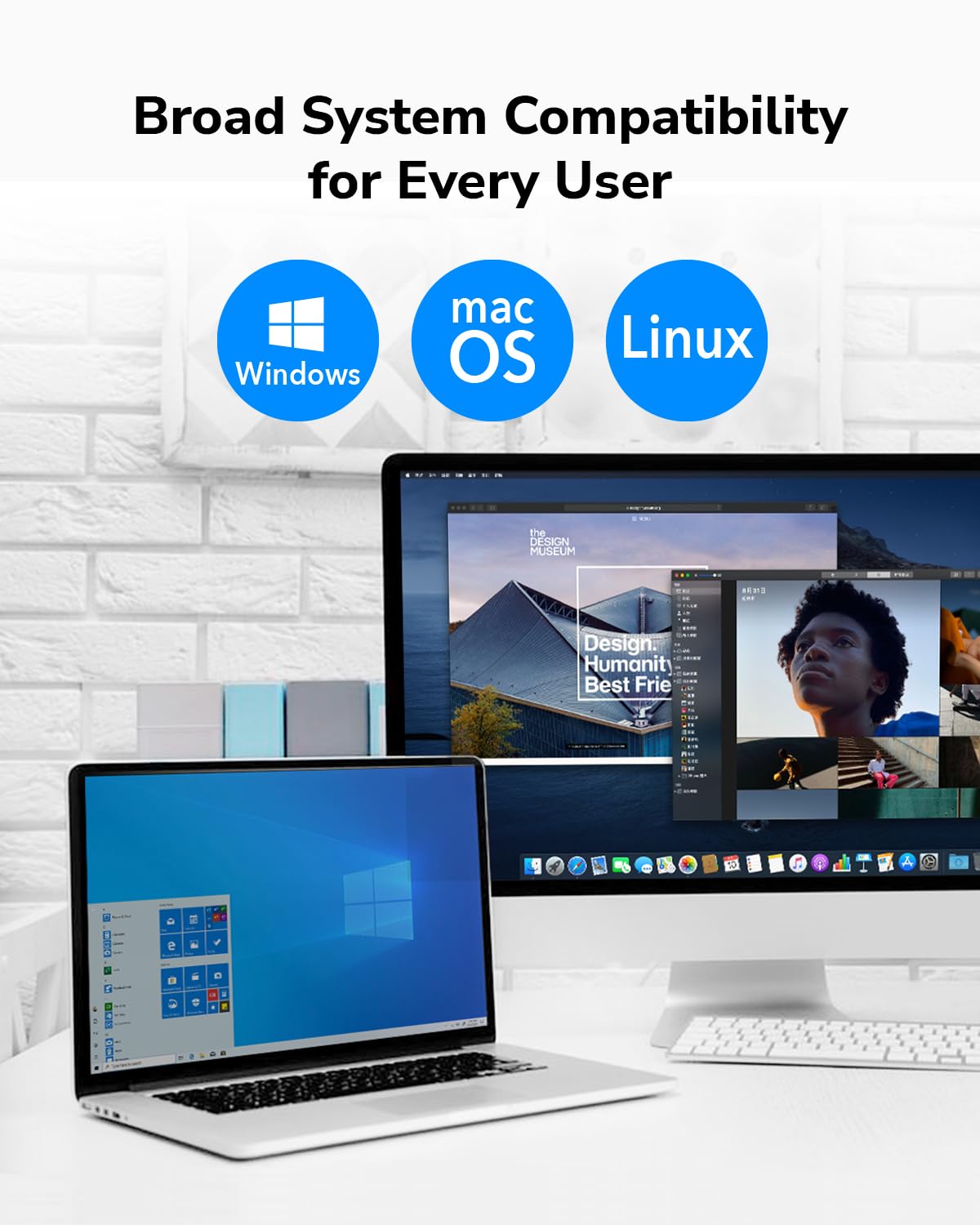
The Cudy AC1300 WiFi USB 3.0 Adapter delivers ultra-fast dual-band wireless speeds up to 1300Mbps via 802.11ac technology. Its compact, portable design fits any USB port, making it ideal for professionals on the move. Compatible across Windows, Mac, and Linux platforms, it also features Soft-AP mode to transform wired connections into WiFi hotspots. Equipped with USB 3.0, it ensures high-speed data transfer and low latency for seamless streaming, gaming, and remote work.









| ASIN | B084FS7BWF |
| Best Sellers Rank | #179 in USB Computer Network Adapters |
| Customer Reviews | 4.2 4.2 out of 5 stars (4,115) |
| Date First Available | February 1, 2020 |
| Item Weight | 1.13 ounces |
| Item model number | WU1300S |
| Manufacturer | Shenzhen Cudy Technology Co., Ltd. |
| Product Dimensions | 1.42 x 0.31 x 0.71 inches |
B**J
Perfect For Linux !!!
**UPDATE** . I still feel this is an awesome adapter and perfect for Linux, the commendations in my original post, ( see below ), have not changed. I'm updating this in order to add some context and info for folks who may be wary of purchasing this based on comments that the adapter has "stopped working", or that it no longer connects. . A note \ observation about Operating Systems in general, and specifically Linux installations. . . Operating System "updates" can have serious negative side effects on 3rd party devices, including causing them to stop working. Even Windows updates do this sometimes, that's why you'll see lots of Windows KB Articles regarding 'broken' devices after an update. Linux is no different, and in fact, it may be less forgiving. . Windows and Mac operating systems have more of a "...let's try to do everything for the user because the vast majority of 'typical' users don't really know what's going on under the covers anyway...". However, Linux is, generally speaking, for the more geeky crowd, it's not always a good OS choice for the faint of heart, and sometimes requires messing with the system to get things to work. . . That said, and to that very point, I *just* had an Ubuntu Update take place on my PC, and after reboot, my Cudy WiFi adapter no longer worked, in fact, Ubuntu didn't even recognize it existed. Does this mean the adapter is garbage and no longer works? Absolutely not, ( I'm using it right now to type this ), does it mean that Cudy produces low quality equipment or drivers? Again, no. What it *DOES* mean is that the Ubuntu Update removed the previous installation of the Cudy WiFi driver. That is **NOT** Cudy's fault, Ubuntu \ Linux removed the drivers. . . Why? When Linux distros update, they sometimes take stock of what's been installed, particularly drivers. If the drivers aren't recognized by that Linux distro, it might think the drivers are old ones that have been deprecated and are no longer needed, hence it will actually uninstall the drivers, which can also remove the entries for the driver in the system config files for the network adapter. At that time, rebooting the system will come up with a completely missing WiFi adapter. . The remedy for this is incredibly quick, simple, and painless. Re-Run steps 5 and 6 in the installation manual. Those are the "sudo make" and "sudo make install" commands, then, reboot. Once you do that, the WiFi adapter will "probably", ( your mileage may vary depending on your distro ), be alive and well and you'll be back online. . Again, Linux isn't for everyone, it's VERY easy to have things "stop working", that doesn't neccesarily mean that thing is bad, it very often simply means that thing's drivers are no longer installed. . ** Here's my Original Post ** . I got this adapter a couple weeks ago, and It works perfectly with Ubuntu 18.04 & 20.04, Mint 19 & 20, ( both Ubuntu and Mint are Debian based ), as well as Fedora 33, ( which is Red Hat's desktop fork of Linux ). . One thing to note is you need to extract the driver and build/install it, ( using the make commands ), in order to use it. For people unfamiliar with how to do this, or who may be unsure that they are technically capable, the adapter has very good documentation in the folder on the included disc, ( you can also find the driver and documents on Cudy's website for those who would like to view it before purchasing ). . I whole-heartedly recommend this adapter, even for people new to Linux. 🙂
T**M
Works great under Linux, but Linux driver not on CD
Using for Linux, I had to download from github, copy to USB key to get to the target computer, and then compile there. Install went fine, picked up the wifi, connected immediately, great speed. Linux driver source is not included on the CD.
E**N
Needs Attention/Updated Support
With the cable companies upgrading to dual band 2.4/5 ghz, I decided it was time to upgrade my Wifi adapter to match these needs. The previous adapter I had was also only a USB 2.0. That being said, I had high expectations for this Cudy adapter. Was grateful that the overall completeness of the product (the installation, extra user-friendly LAN utility program, the driver download location) was seamless. However, for a 3.0 USB adapter at this price (which I've used many of in my work setting), I was hoping for a better range capability. Fast forward a month and Microsoft rolls out their Windows 10 Cumulative update January 5th 2021. With this update, several hours over the last two days troubleshooting, and then later discovering the Cudy's updated 2020 driver for this product, coupled with the Windows update renders the whole adapter undiscoverable, not to mention the Windows update restricts certain website proxy situations (which Cudy uses, boy was that a struggle just to get the driver download to finish before being labeled "forbidden") I've come to two conclusions about this product: 1. For the price, there should be continued, vigilantly updated driver support from their website that coincides with all system updates and also from a shared file hosting link within the Amazon description. There should also be a secure weblink from which to download these drivers so that people wont have to compete with proxy issues 2. The product overall is probably better suited for laptops and hotspots or desktops/TVs that are within a 10 foot radius of the router (I'm in the next room down the hallway but it's still only about 15' max). Because cable companies are offering two-in-one gateways with a forced dual band auto-connect function, most people are going to want to be close enough to ensure they remain on the fastest signal (not the most reliable). And for that reason, you need an adapter that is responsive enough, reliable and strong enough to keep you from being kicked to the lower ghz signal. In summary, I would probably recommend this product to someone who needs an adapter just to get by with a decent connection, or a user that is on-the-go. But not to someone who intends to remain system updated, or in a business setting where reliability is key. It's a solid product and at a decent price, but I do feel there might be a couple better options out there.
D**B
External USB Wi-Fi Adapter
I received the USB 2.0 802.11N wireless 300 Mbps adapter with the PC. It worked well for about 6 months, then it began to drop the internet. I bought the CUDY AC 1300 Wireless Dual Band USB Adapter. I downloaded the following driver: Realtek 8812BU Wireless LAN 802.11ac USB NIC. For the past few days, it has been excellent. Totally worth the price. Does not drop the internet. Connected to the 5GHz.
Trustpilot
2 months ago
1 week ago