
DOWNLOAD THE APP


Customer Services
Copyright © 2025 Desertcart Holdings Limited
DOWNLOAD THE APP


🌿 Master your microclimate like a pro — because your ecosystem deserves elite control.
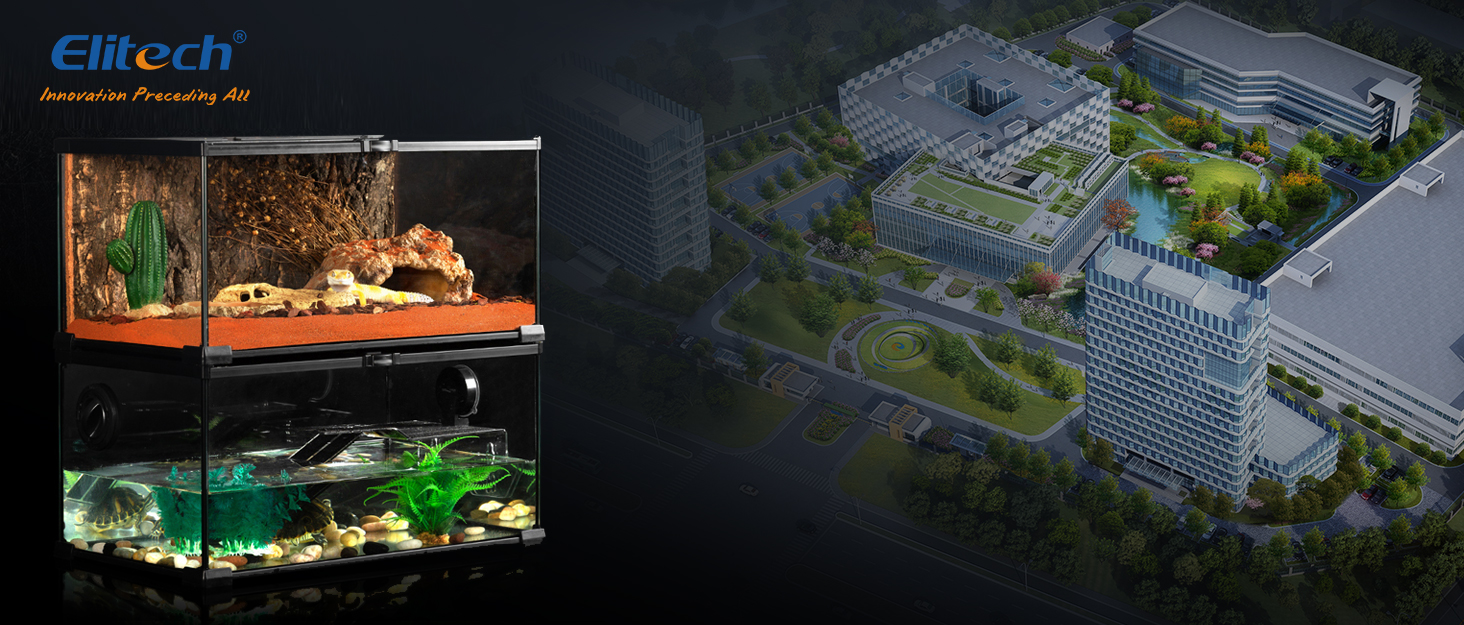
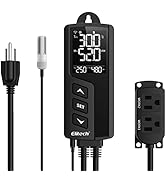
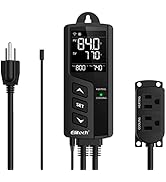
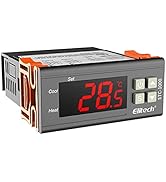
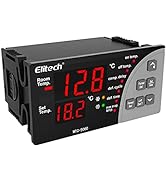
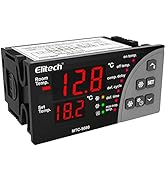
The Elitech STC-1000 TH is a robust temperature and humidity controller featuring a wide control range (-40 to 230°F, 5% to 99% RH), dual relay outputs for simultaneous device management, and a user-friendly pre-wired design. Engineered with safety-certified fireproof ABS casing and equipped with customizable alarms and calibration, it’s ideal for precise environmental control in applications like reptile habitats, aquariums, homebrewing, and mushroom cultivation.






| ASIN | B08C7G4NP1 |
| Batteries required | No |
| Best Sellers Rank | #192,807 in Industrial & Scientific ( See Top 100 in Industrial & Scientific ) #329 in Temperature Controllers |
| Customer Reviews | 3.7 3.7 out of 5 stars (713) |
| Global Trade Identification Number | 00757233346541 |
| Included Components | Integrated Temperature and Humidity Probe, Large LCD Screen, Pre-wired Connections |
| Item Weight | 1.36 pounds |
| Item model number | STC-1000Pro-TH |
| Manufacturer | Elitech |
| Product Dimensions | 1.26 x 2.36 x 6.5 inches |
| UPC | 757233346541 |
C**W
Great So Far for Bedroom Gourmet Mycology!
Ever since seeing Derek Sarno of Wicked Kitchen's videos on cooking Lion's Mane mushrooms, my vegan heart has had an interest in growing my own. After a mildly successful bucket tek approach with some humidity control issues, I decided to upgrade to a grow tent for the long term. I looked around for many different humidity controllers / hygrometer switches before finally settling on this one, and I'm glad I did so far! I would definitely recommend the WIFI version because controlling it from the buttons did see a bit overwhelming to my ADHD brain. My favorite thing about it is that with the WIFI version I can control & monitor it entirely from my phone; and because of this, I can leave the built-in screen off at all times, which is important for me as a light-sensitive person growing in my bedroom. I also like how it has an additional switch for temperature control, in case I decide to regulate temps in my tent down the line. Setup & the manual can be a little confusing at first, so I'd recommend approaching it in the following way- Ensure you're on 2.4ghz wifi (most smart devices require this & most routers can run independent 2.4ghz + 5ghz bands simultaneously if selected in the router settings). Download the 'Elitech iCold' app and follow the instructions to set up an account & connect your device via scanning the QR code on it. If you'd prefer to work in fahrenheit, go to More -> Settings -> Temperature Unit -> ºF. Go back to your Device tab, select this device, and go to 'Parameter'. For humidifying a mushroom tent, I'd pay attention to the following under 'User parameters': HS | Humidity Set Value- this is your target max humidity. I've set mine to 93% to try out for oyster mushrooms / lion's mane. HD | Humidity Differential- this is how much % humidity has to drop from your target before it kicks on again. I set mine to 5%, so it will kick on whenever it's below 88% humidity. HPT | Humidity Protection Time- This setting will keep the humidifier from cycling on/off too quickly. I just set it to 1 minute so there's no chance of rapid cycling, but it generally runs as soon as it needs to. COT | Continuous Output Time- This setting will restrict how long the humidifier can run at a time. I don't want this, so I set it to 0, so it will always run whenever it needs to. BL | Backlight- this controls how long the screen remains on after interacting with buttons on the device. I set it to 1 minute so that I can check temps/humidity by pressing a button if I want, but the light will remain off most of the time (including while I'm sleeping. Love that this feature was thought of!) HDH | Mode - this should default to Humidity; keep it set there! If you are having issues with the humidifier not running, make sure the HPT & COT are set so that it can always do so without restriction, and check your HS+HD ranges while ensuring HDH is set to humidity! With all your settings dialed in, simply connect your humidifier to the socket 'Work 2' and then stare at the mist in your tent for hours! I'll edit this post if I develop issues at any point, but after the initial hurdle of figuring out setup, I'm really happy with this switch. Hope my post has been helpful so that you can get right into using it!
K**N
Only fo a PRO or someone who has a lot of time and patents .
Way to complicated for what it is. The instructions are to confusing. Took hours to set up and get running on my tent humidifier then a few days later the humidifier wont come on (humidity dropped to 15% set at 60%) Ended up just plugging the humidifier in and running it on low , I have a different sensor for the exhaust fan and it works fine . ( set it to 75F and it just comes on if the temp goes higher) I will be purchasing a different one that actually is easy to set (set humidity limit and it comes on) I don't need humidity sensing off set value I don't need an alarm I don't nee a timer I don't nee a dehumidifier setting
R**E
I. Love. This.
I absolutely love this thing. But it didn't start that way. Here's what you should know: 1) I bought it for my gargoyle gecko bioactive and in the beginning, I thought I was going to die from the alarm constantly going off. The number one improvement they could make for this would be a way to silence the alarm in the app. However, I ended up following the instructions from the manufacturer on how to physically remove the alarm. (There's another review listing the steps.) It was tough and kind of felt like playing the game "surgery" with a bone that had been superglued to the bottom, but I was able to remove the alarm. One piece of it broke and was still attached to the system, but this wasn't a problem for me because I had no intention of ever putting the alarm back. 2) Having a timer system would be the second best improvement. I use this for my misting system and being able to say I want it running between 7pm and 7am would be amazing. 3) My last con is that everything is done via the app. But in order for you to receive notifications when something is out of whack, you have to be logged in and the app has to be open. Why do I mention being logged in? Because you will have to do it any time you open the app and sometimes more often if the app is open for a while. I would not rely on this for life or death scenarios where you need to be notified. If you want to be notified if your RV gets too hot for your pup while you're at the movies? This is a bad plan. You probably won't receive an alarm until you open the app and log in, which would likely be too late. You want to run a humidity system and occasionally check the stats on your reptile habitat while on vacation? This would work perfect. I have no idea why the security is so high for this and I can't stay logged in *despite it saving my ID and password on the login screen*, but here we are. 4) On the brighter side: I am a real nerd and really appreciate that it saves all the data for me to reflect on so I can make changes based on patterns instead of sporadic bits of info. 5) Not only is the data cool, but the fact I can check on things when I'm not at home is the best! When I went to get my gecko (9 hours in the car), I was able to check the environment and run the humidifier numerous times (because the furnace was pulling the humidity in the house way down). 6) I've also managed to set this to where my humidity plug is constantly on (because the humidifier pump has a built in timer), but it still has the alarm parameters keyed in. 7) As a random note, the app shows "signal strength" as one of the global metrics. I have no clue what use I could make of that info and it makes it hard to read the temperature graph. 8) I was back and forth on whether I liked the combined thermometer/hygrometer as I'd originally considered using a heat mat and would have wanted the thermometer to measure that separately. In the end, I'm using a standard lightbulb for heating and the combo works perfectly tucked at the back of the tank. I've also checked the readings with a secondary thermometer/hygrometer and found the reading very similar. So I'm guessing it's fairly accurate. Despite the handful of cons, I absolutely love this thing and think it was worth every penny. If they fixed the alarm and login issues and added a timer function, I think this would be the best system on the market, bar none. As is, for the layperson, it probably still is the best system. As a side note, I'd read that numerous people had issues with their hygrometer on other systems failing quickly. I bought a backup sensor for when that happens, but everything seems to be going smooth so far. I'll try to update on here when I actually have to change out the sensor. I started using this system end of December 2021 and as of this review have been running it for about 7 weeks.
P**G
The most cost-effective thermostat—great design and excellent functionality! I don’t understand why a thermostat would cost over $50, but this one is priced reasonably. I bought four, and they all work perfectly. I’d love to buy more, but unfortunately, it’s out of stock now. I hope it gets restocked soon. To those leaving negative reviews, please read the manual carefully—both temperature and humidity can be calibrated!
S**S
Es muy intuitivo. Me hizo la vida facil para acomodar mis parametros en mi terrario automaticamente sin prestarle atención en todo el día a lo largo del mes. Sigue funcionando comprado hace más de 2 meses. Se sienten productos de calidad.
D**N
Purchased this controller for my tropical tree in Canada to turn on heater in greenhouse. There are lots of functions which makes the setup a little bit time consuming, but once it is working everything is peace of mind. You can control and monitor the temperature and humidity using your cell phone. Data can be presented in text or chart for ease of review. A great product for this price. Highly recommended.
G**N
bueno
C**Y
No good at all to hard to set up and it stop working 2 weeks just garbage
Trustpilot
1 day ago
5 days ago