


⚡ Carry Speed, Security & Style Everywhere You Go!
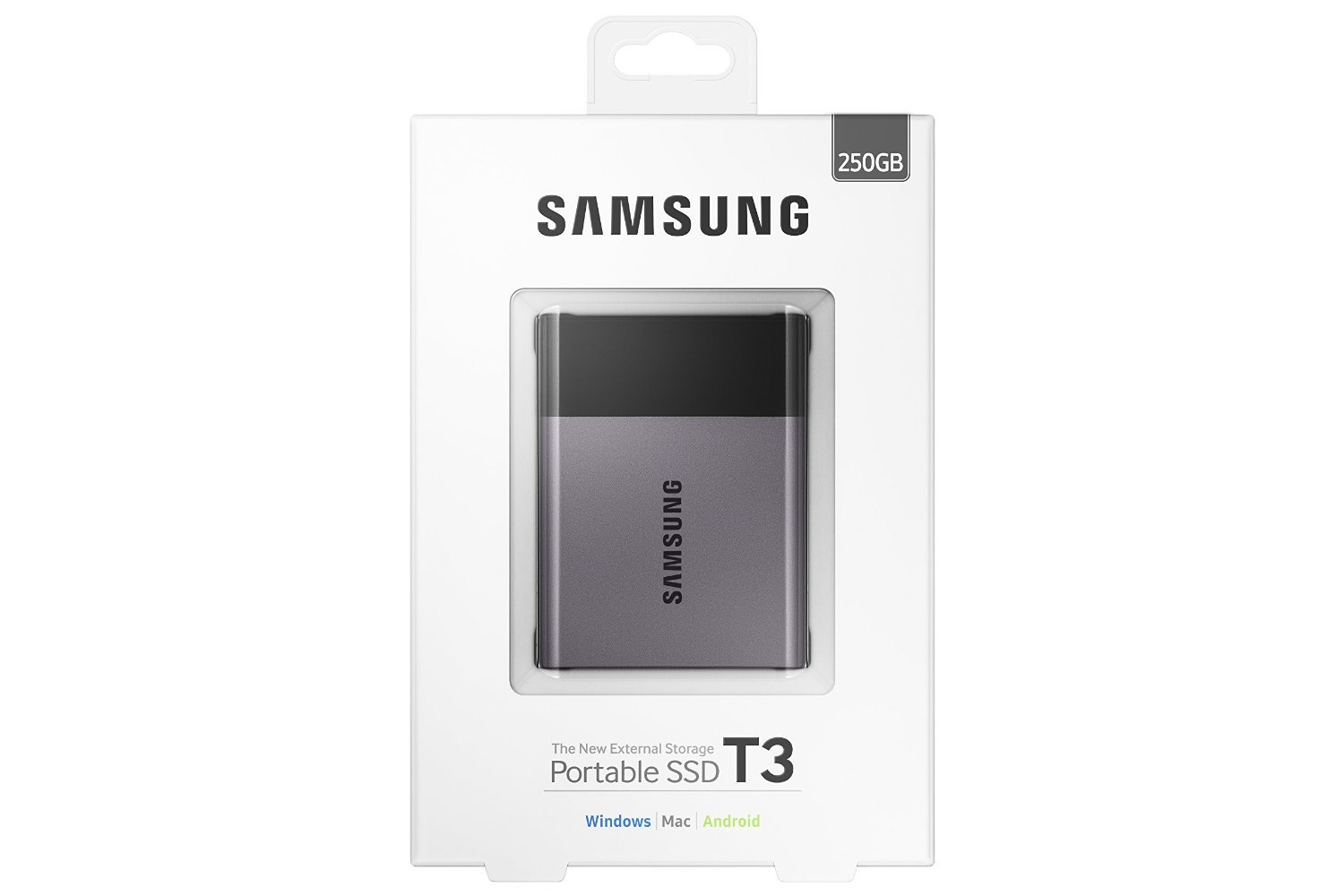
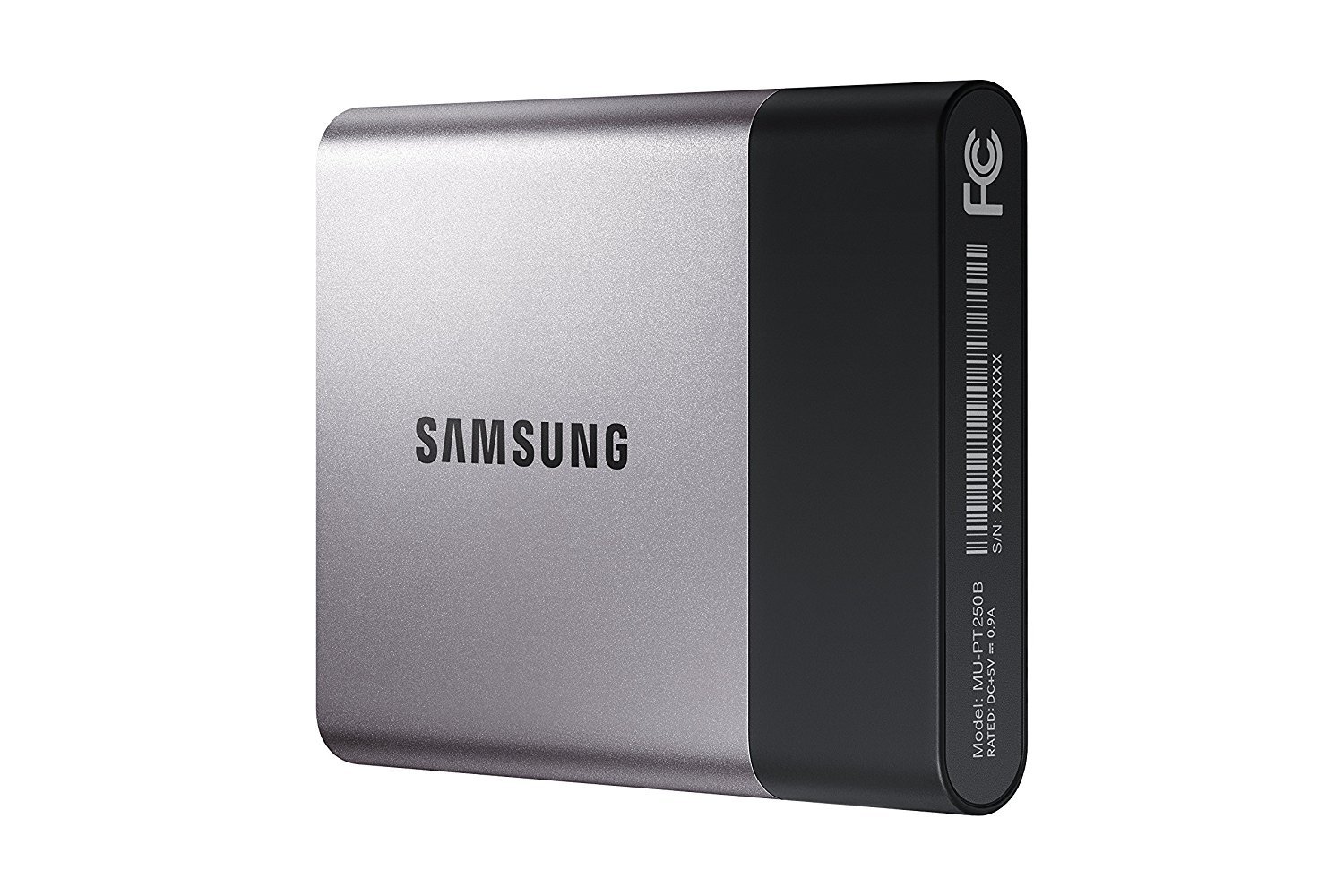
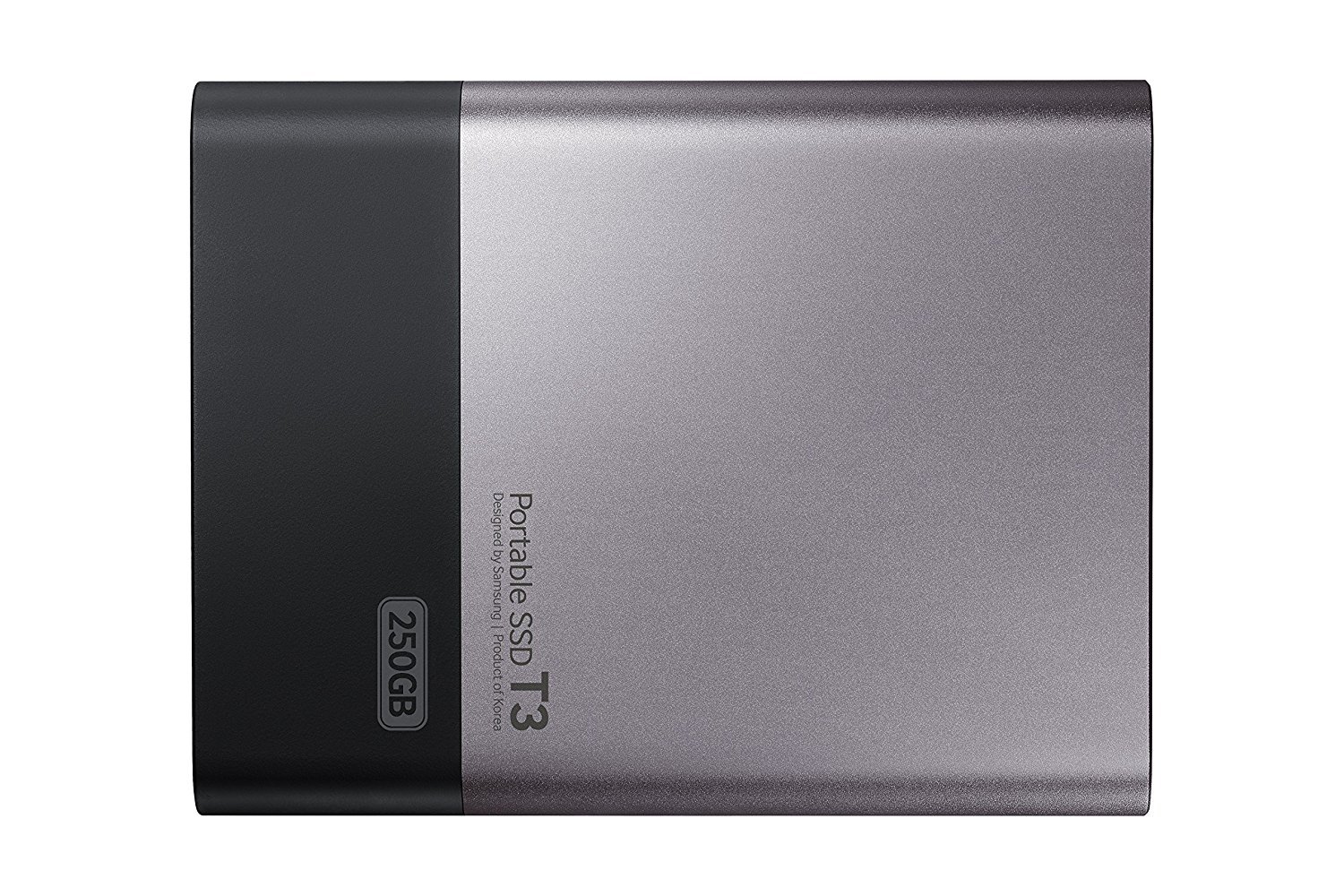
The Samsung T3 Portable SSD offers a robust 250GB storage solution with ultra-fast USB 3.1 connectivity delivering up to 450 MB/s read/write speeds. Its compact, shock-resistant design and AES 256-bit hardware encryption make it ideal for professionals demanding secure, reliable, and portable data access across PC, Mac, and Android platforms. Supported by a 3-year warranty and stellar user reviews, it’s the ultimate external SSD for the modern mobile lifestyle.


| ASIN | B01AVF6WN2 |
| Best Sellers Rank | #546 in External Solid State Drives |
| Brand | Samsung |
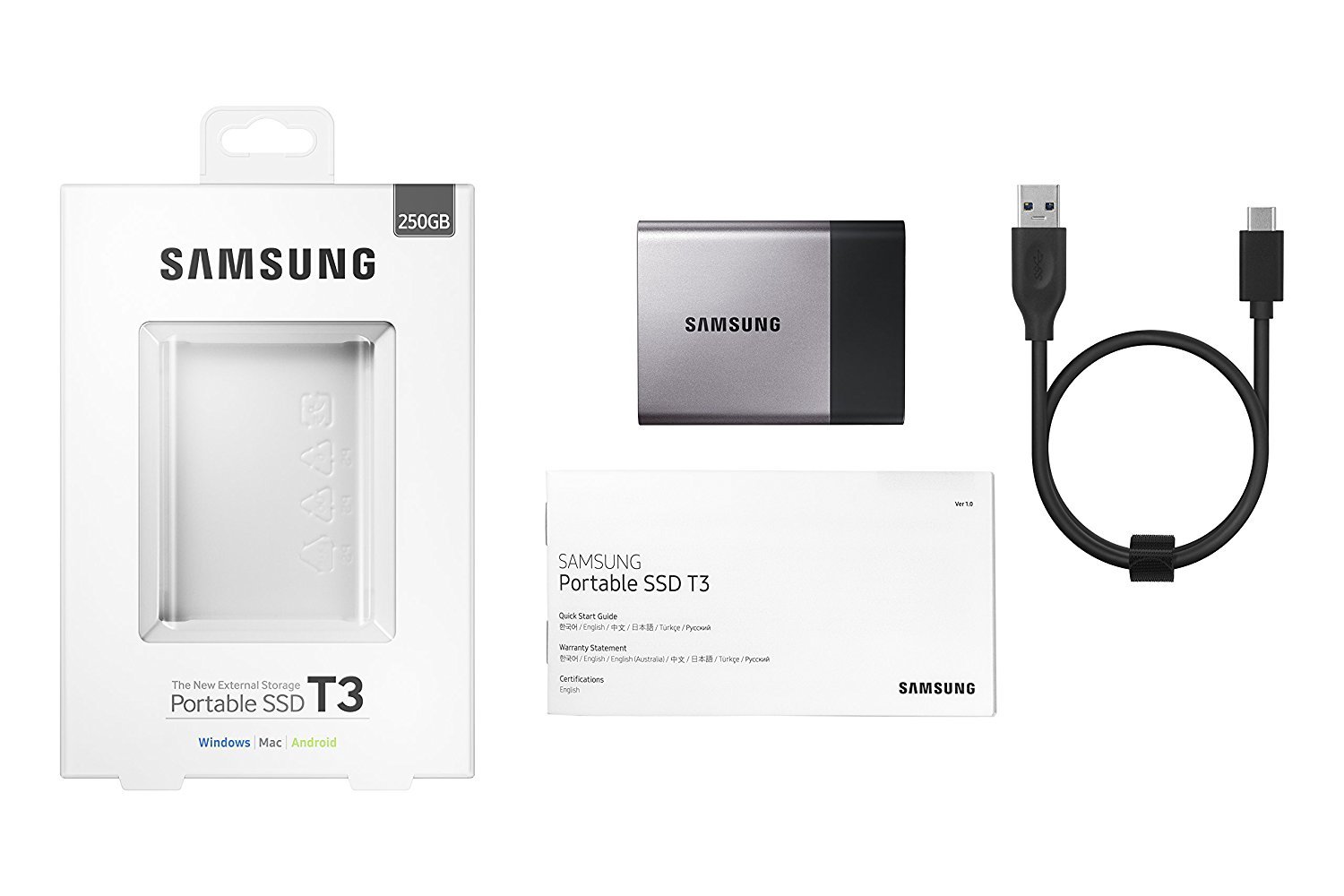
| Built-In Media | Samsung Portable SSD T3 ^ USB3.1 Cable (Plug Type: C to A) ^ Quick start guide & warranty statement |
| Cache Memory Installed Size | 250 |
| Color | Black |
| Compatible Devices | Desktop |
| Connectivity Technology | USB |
| Customer Reviews | 4.6 out of 5 stars 1,262 Reviews |
| Data Transfer Rate | 5 Gigabits Per Second |
| Digital Storage Capacity | 250 GB |
| Form Factor | Portable |
| Global Trade Identification Number | 00887276133508 |
| Hard Disk Description | Solid State Drive |
| Hard Disk Form Factor | 1 Inches |
| Hard Disk Interface | USB 3.1 |
| Hard-Drive Size | 250 GB |
| Hardware Connectivity | USB |
| Installation Type | External Hard Drive |
| Item Height | 0.41 inches |
| Manufacturer | Samsung Electronics |
| Media Speed | 450 megabits_per_second |
| Model Name | T3 |
| Model Number | MU-PT250B/AM |
| Number of Items | 1 |
| Read Speed | 450 Megabytes Per Second |
| UPC | 887276133508 |
| Warranty Description | 3Year limited |
P**S
Fantastic External SSD Drive!
These external SSD drives from Samsung are fantastic for anyone whose looking for both portability, reliability, and fast read/write speeds in a small, rugged package. Just how fast are these drives? For my tests I decided to use the Disk Speed Test application from Blackmagic Design. This is a nifty little MacOS application that allows you to easily stress test any drive that you can connect to your computer. First, I started by testing the internal 512GB Apple SSD in my laptop and got a staggering 1604 MB/s write and 2604 MB/s read speed. Those are insane numbers! No wonder these new MacBooks feel so fast. Next, I tested the Samsung T3 and was pleasantly surprised to see quick 392 MB/s write and 404 MB/s read speeds. Sure, that's no where near as fast as the internal SSD, but it's crazy fast compared to traditional spinning disk media. Just to be fair, I also tested my external G-Drive which uses an HGST 7200RPM internal drive. The HGST, as expected, scored woeful slow speeds of only 28 MB/s write and 24 MB/s read. As you can see, these Samsung SSD drives fall nicely between traditional drives and Apple's insanely fast SSD drives. In fact, these are so nice that I've gone all SSD for backing up the internal SSD in my laptop and for archiving my personal files. Yes, you can get twice as much space for half as much money when you buy a 72000RPM platter-based drive. However, the pathetically slow speeds will soon have you pulling your hair out. Do yourself a huge favor and just stick with SSD drives and this Samsung drive in particular. You can thank me later. :-)
C**M
Best hard drive in the market
This is the best external hard drive out there (June 2017)! It is reliable, light, and surprisingly small. Its speeds are quite impressive and match what is advertised. This SSD also comes with a 3 year warranty which is great in the unlikely event that there is a manufacturing error. It was easy to reformat and works well with my MacBook Pro. My only wish is that it would come with a USB-C to USB-C cable so I wouldn't have to use an adapter with my Mac's ports. I ended up buying USB 3.1 Type C Cable 1FT - 3 Pack, FosPower Reversible USB 3.1 (Gen 2) Type C to Type C Nylon Braided Cord for Nintendo Switch, MacBook, Galaxy S8/S8 Plus, LG G6, Google Pixel/XL, HTC 10 & More to make the connection easier for me. I am also using a Mountie by Ten One Design - Mount Your Phone or Tablet to Your Laptop - an Instant Second Screen for Your Computer Monitor (T1-MULT-109) - Blue to attach it to my MacBook when I am using it for extended periods of time. I keep recommending this drive to friends because it is so great!
C**N
Saved my $3200 MacBook Pro
The list price on a MacBook Pro 15 w/Retina, 16GB, 1TB SSD drive is around $3,000. That's a lot of money. Since 2013, MacBook Pro's have come with NO swappable/fixable/upgradable components. If you are out of warranty and something inside is defective or broken -- you are out of luck. Or so I thought.. I didn't realize it, but the 1TB, $700 SSD drive hard soldered to the motherboard inside my 3 year old laptop was bad. How do I know? Because once I moved my operating system (macos Sierra) to a Samsung T3 (and started running my O/S in tethered mode), there have been 0 crashes. Sure.. Being tethered is like a ball & chain -- but hey.. the "ball" weighs nothing (and the cable is under no strain). New Life! Now my laptop works great - no speed degradation. For the first time, I can consider selling it at upgrade time(unthinkable with it crashing all the time). Out of the box I used the software on the special SETUP_T3 partition to set a 16 character password. Once you do that you can treat the drive like any other -- seamless encryption. I formatted it for Apple and cloned my O/S to it. The real partition (encrypted) is INVISIBLE until you run the special software first on the smaller partition (SETUP_T3). Once you enter your password on the Samsung prompt, the SETUP_T3 disk disconnects (rudely -- generating harmless, but unsettling "Disk Not Ejected Properly" message popup). Quirkiness... the cost of encryption.. From a completely powered off mode, you can't boot into the encrypted partition on the Samsung. Patience! Boot into another drive (in my case the SSD inside my laptop) and run the little program on partition SETUP_T3. I enter my 16 digit password and then restart. After rebooting, the laptop can "see" (find) the data/bootable partition and load the O/S. So each time you power down completely you have a double boot -- but its super fast on an SSD. As long as you don't power down, you can reboot any number of times without entering your Samsung SETUP_T3 password. The speed on my USB 3.0 port is 380MB/s according to a free speed tool. I believe that is half as fast as the Apple SSD "drive" inside my laptop - but not noticable). To give you some idea of what that means.. My old 5400RPM drive goes at about 30MB/s speed (10 times slower than the Samsung T3).
A**R
I would love to get my hands on the 2TB model
I am a huge fan of the previous generation of this drive, the Samsung T1. The qualities I look for in external storage are speed, speed, speed, and reliability/durability. I've yet to have a Samsung disk fail, and I've owned and used a small handful over the past 3-4 years. For me, use means ran a full system from, whether it be as a root drive or as a host for a partition with a Virtual Machine on it. I've not yet been able to confirm the durability and reliability of the T3, but I would be surprised if it failed any time sooner than their T1 l ine. Now, for performance. I will let the numbers speak mostly for themselves, but I will say this- the is is the fastest external drive I've ever found or heard of, and it's actually quite faster than many internal SATA SSD drives over 6gbps interfaces. Here are the no BS benchmarks. I was only able to test the 1 TB model as my budget doesn't allow me to buy one of each of the other sizes. That said, I would love to get my hands on the 2TB model! For the benchmark, I'm actually using a 64 bit Linux system and the partition I am testing on is using software encryption, the settings being xts-plain64-sha1 with a 256 bit key size. This benchmark focuses on what I tend to care most about- raw, sustained throughput. Many drives will burst to a certain speed via some caching mechanism, then quickly return to 1/10th that speed. The T1 and T3 devices do not have this issue- or at least their non-cache speed is still blazing fast. Before I get to the numbers, I'd also like to commend Samsung for not setting the device as a CD-ROM type device untilo formatted using their Windows based software. This device was a 1TB disk out of the box, easy to partition however I wanted. Raw throughput peformance via LUKS software encrypted partition: root@debian:/mnt/usb# echo 3 > /proc/sys/vm/drop_caches root@debian:/mnt/usb# dd if=/dev/zero of=tempfile bs=1M count=102400 conv=fdatasync,notrunc 102400+0 records in 102400+0 records out 107374182400 bytes (107 GB) copied, 258.599 s, 415 MB/s root@debian:/mnt/usb# echo 3 > /proc/sys/vm/drop_caches root@debian:/mnt/usb# dd if=tempfile of=/dev/null bs=1M count=102400 102400+0 records in 102400+0 records out 107374182400 bytes (107 GB) copied, 253.642 s, 423 MB/s root@debian:/mnt/usb# dd if=tempfile of=/dev/null bs=1M count=102400102400+0 records in 102400+0 records out 107374182400 bytes (107 GB) copied, 14.054 s, 7.6 GB/s root@debian:/mnt/usb# To interpret these results- the first is a raw write benchmark, writing ~100MB sequentially, with an empty cache. The second is a raw read benchmark, again, with an empty cache. Without cache, these are worst case performance tests. The third test is read peformance with the cache in play. The numbers: 415 MB/s WRITE speed 423 MB/s READ speed 7.6GB/s CACHED READ speed A device at this price that can read/write at these speeds consistently is amazing for anyone who wants to use it for serious I/O. If you plan to backup an entire system, use this drive. Your source drive will probably be the bottleneck, even if it has Samsung 850 Pro drives in it. If you plan to run virtual machines off of this, you should also use this drive. If you're just one of those people that wants the absolutely best value with a preference towards high performance, use this drive. Hope this is helpful. Note this review is from a Linux system- there's no reason the drive should perform significantly differently in Windows, though it is entirely possible there is a special Windows based driver Samsung provides that gives a small boost. VERDICT: very happy, would recommend you buy this drive
J**Y
Great product but some cons need to mention before purchase.
The Samsung T3 SSD external hard drive is an amazing product. Pro: 1. small and ultra portable 2. super fast transfer speed (when use my own usb-c to usb-c cable) 3. sick design Con: 1. Only come with USB-C to USB-A Cable 2. Only getting 172mb/s read speed when using the factory usb-c to usb-a cable Since so many people and professional youtubers commented about how good this product is, I would like to talk about those two cons I mentioned above. when I purchased a product saying usb-c native ssd, I assume it will come with a usb-c to usb-c cable. And paying $20 more just to get a cable to make this drive work with the new macbook really add up the total cost. Second, I don't know why such an advanced ssd will limit it's transmitting speed when using it's factory cable (my Mac detected this drive as a USB 3.0 drive when using the factory cable). But if you don't mind spending $20 more on an usb 3.1 enable usb-c cable, this drive will be a perfect product.
F**3
FAST.
I bought this hard drive to use as a substitute internal for my new Dell XPS laptop. It ended up being cheaper to do this than buy a larger internal drive. I was a bit concerned with speed, as I use it for photography. I house all my images on this drive rather than the small internal SSD on the laptop. Then, I set Lightroom to read off this drive instead of the internal. And I can tell you it is BLAZING fast. I don't see any difference between the internal drive and this drive when I use the to import and edit images. Fast fast fast. It's also incredibly tiny. My husband was laughing at me because I was amazed at how small this thing is. It tucks away nicely into my laptop bag and barely consumes any space. I feel like I need to wrap the thing in bright orange duct tape so I don't accidentally lose it. The only down side was it does not come with a USB C cable. Which I needed because of my limited USB 3.0 ports on the XPS. And none of the local electronics shops carry them (I guess it's still sort of a new thing?). So we had to order one, which ended up being defective, so we had to return it and order ANOTHER... But everything works well now! Well and QUICKLY!
R**L
Great little hard drive! Man this thing is TINY and works really well
Very happy with this purchase. The drive seems to be of very high quality and has been dependable in the time that I've used it to back up my Macbook Air with Time Machine. It works as described and has the full 500 GB (499.76 GB precisely) as advertised. It is also USB 3.0 and this thing is lightning quick when I use it on my Air - it seems like the files are all transferred in the same amount of time that it takes to eject the drive properly in OS10. As the attached photos show, the drive is extremely small; something I didn't really fully grasp at the time of purchase, which wound up being a welcome surprise. It's also very light, which strictly by comparing the two in my hands while writing this review, has it weighing around 1/3 of the iPhone 6 without case. Bottom line: I'm extremely happy with this purchase and I plan to buy two more to keep at my parents' house and at work as offsite backups. Pictures next to an iPhone 6 for size comparison
A**N
Used HHD before and now 4x faster
Plugged in to my XBOX One and worked magic on my games. It transferred in one minute and I am talking about 60 gigs. Another game from fresh download completed that in about 20 minutes. From Dashboard to Start Menu for Destiny, 10 Seconds, from Start Menu to Character Selection, 30 seconds, and then an additional 10 to see your ship in orbit. On the XBOX ONE without an external HD at all will take aproximately 4-5 minutes to get from Dashboard to Orbit. I think this is the only way I will ever game; with a Samsung T3 attached. The smaller the size, the better the performance, I wouldn't go higher than 500 GB because no body goes through 10 games a week. Recreational gaming will suffice with a 250 GB T3 like I have. 51 grams, like a pair of socks. Smaller than half your cell phone. Sleek as Meek. Edit: still the best 3.1 SSD available like a year later, still not a single problem after gaming at least a few hours a day. I might actually reformat an internal SSD from Samsung to work on my Xbox one! Sata connections are generations faster than usb#.#
Trustpilot
1 month ago
3 weeks ago



