We remain fully operational. Our teams are working around the clock to ensure your deliveries continue safely.

DOWNLOAD THE APP


Customer Services
Copyright © 2025 Desertcart Holdings Limited
DOWNLOAD THE APP
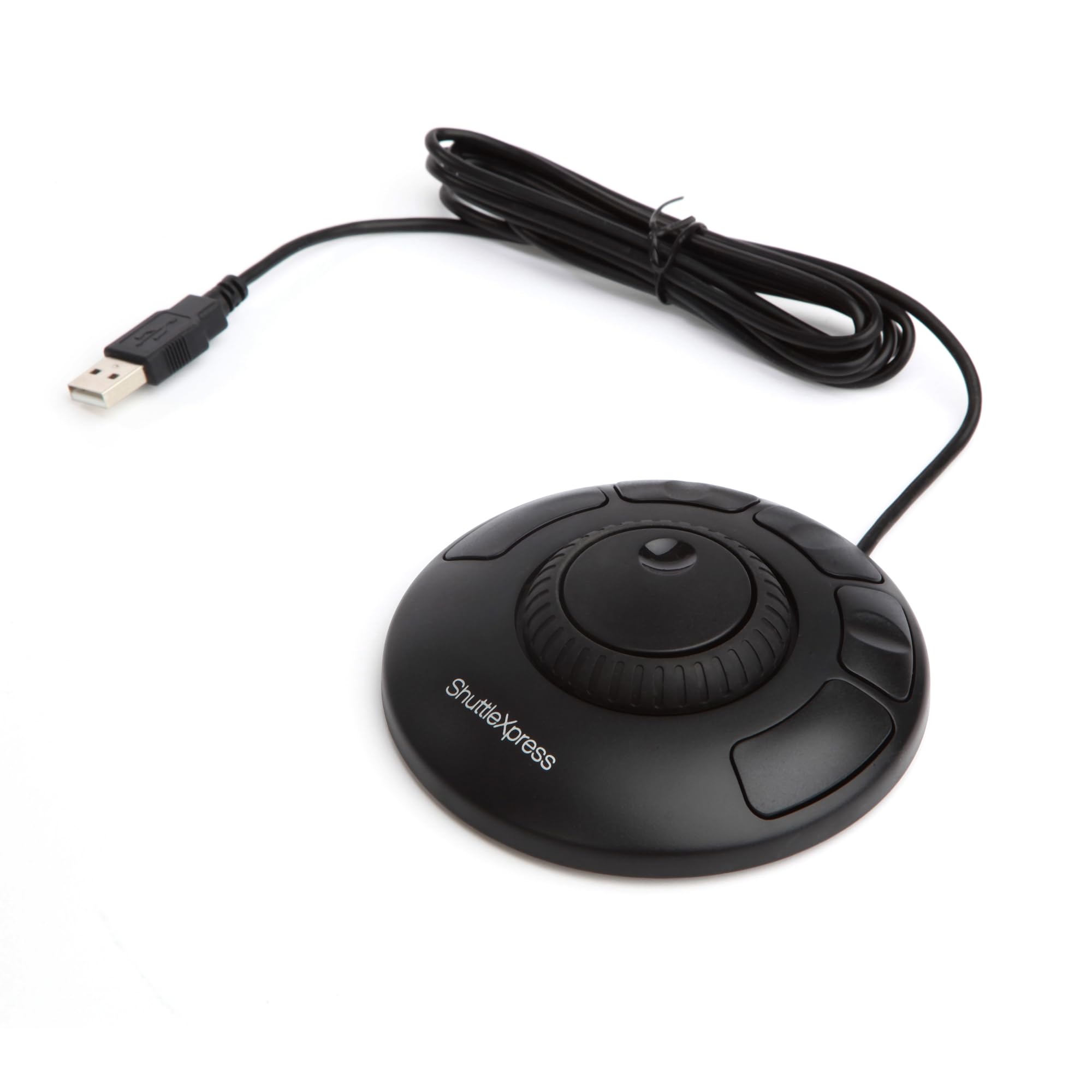
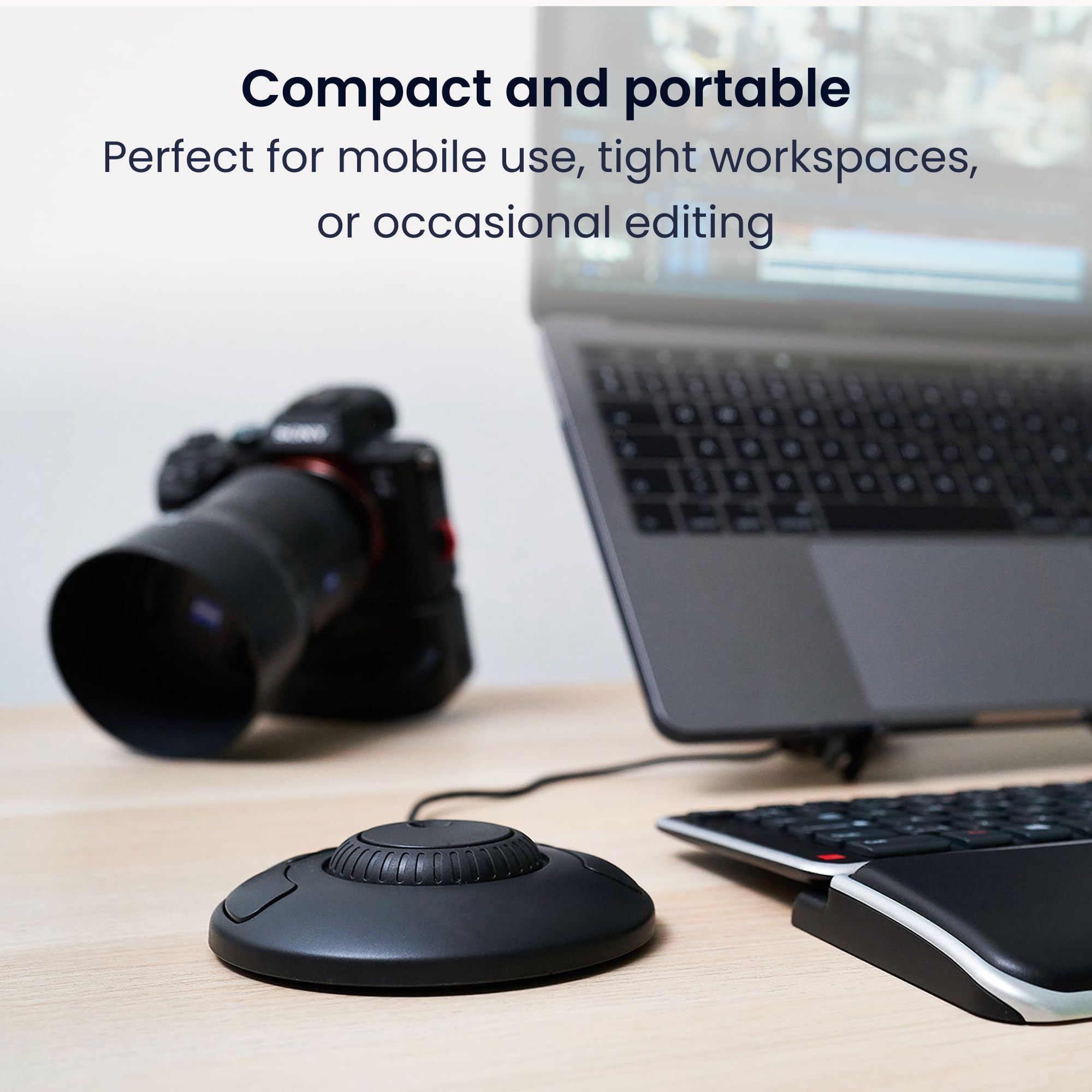
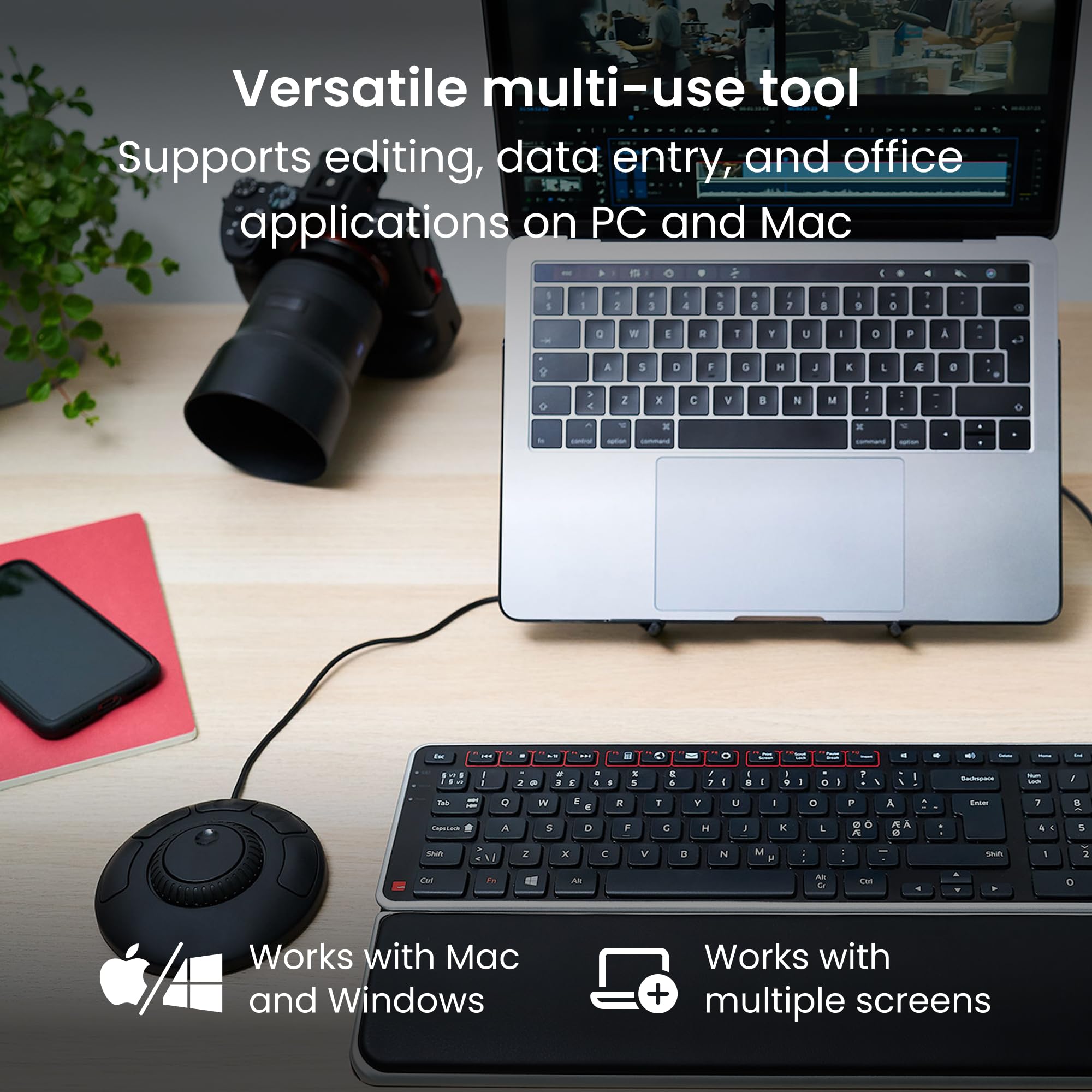
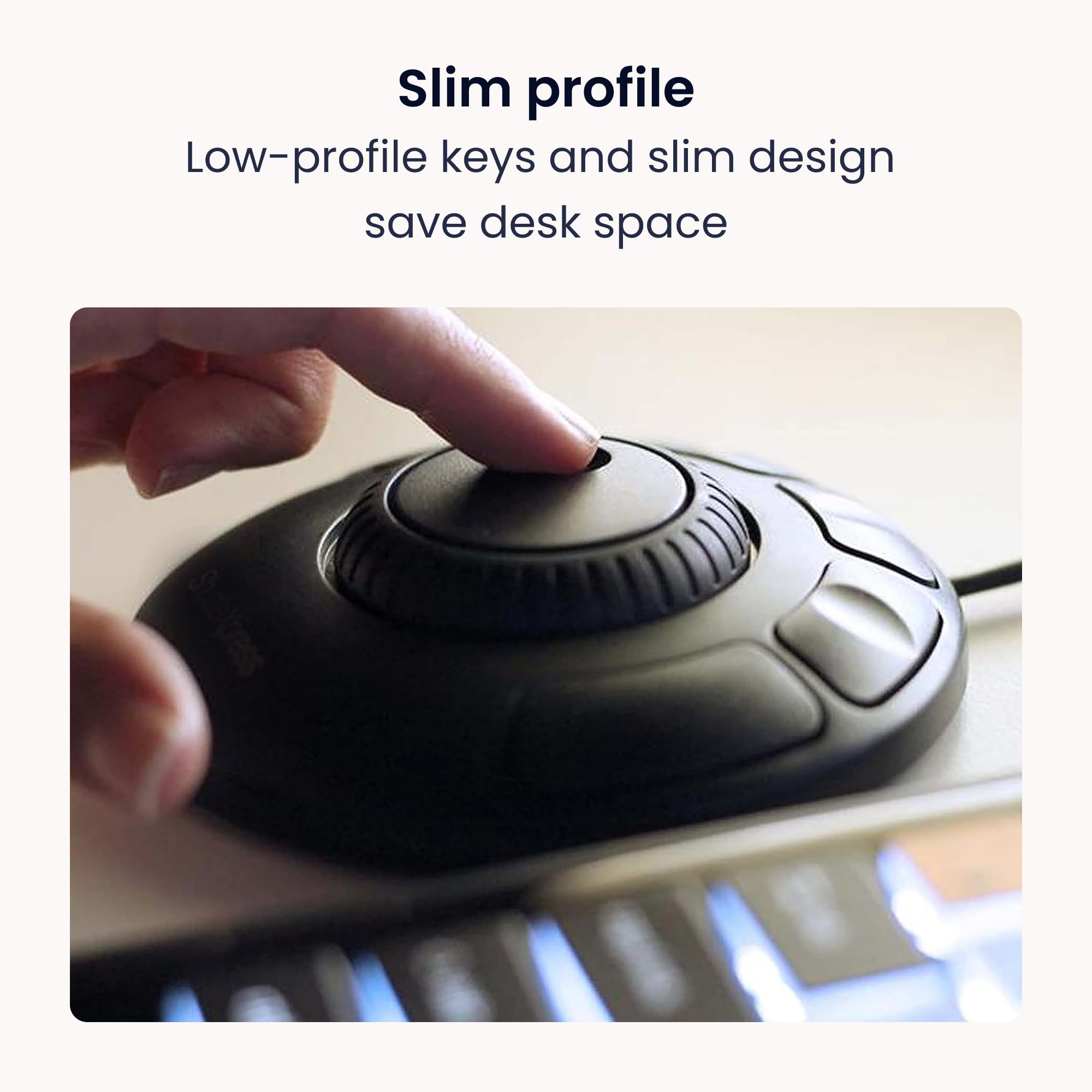
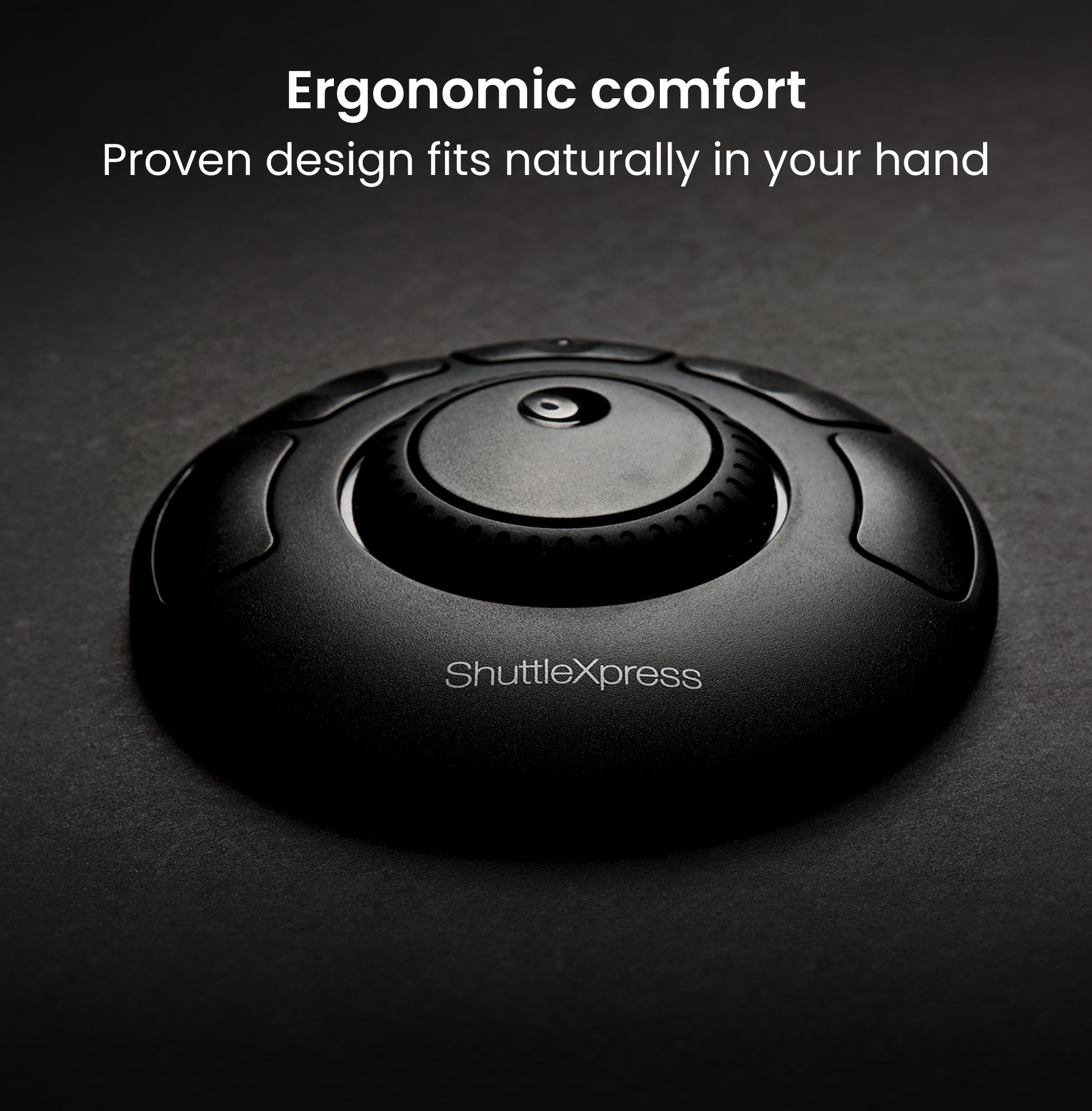
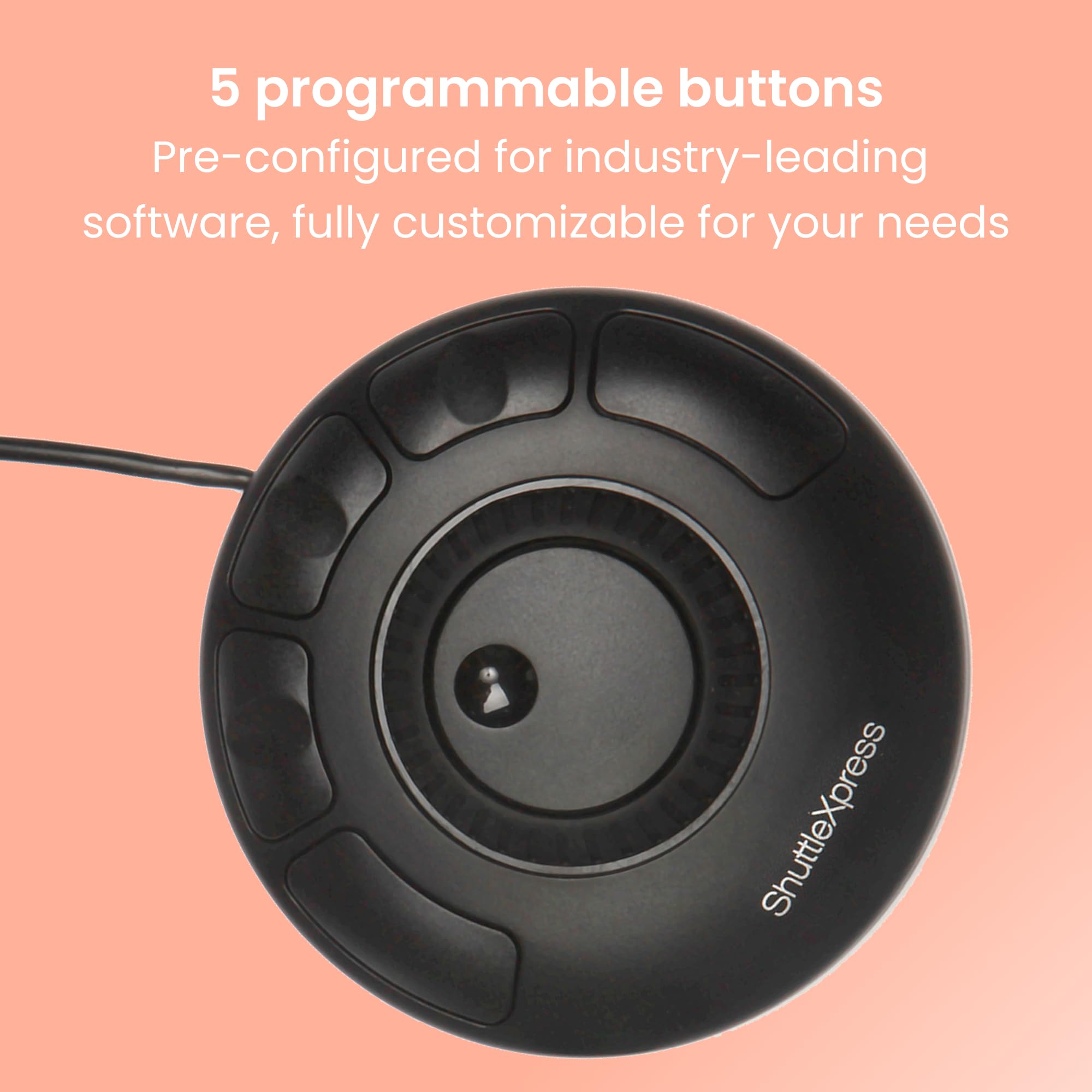
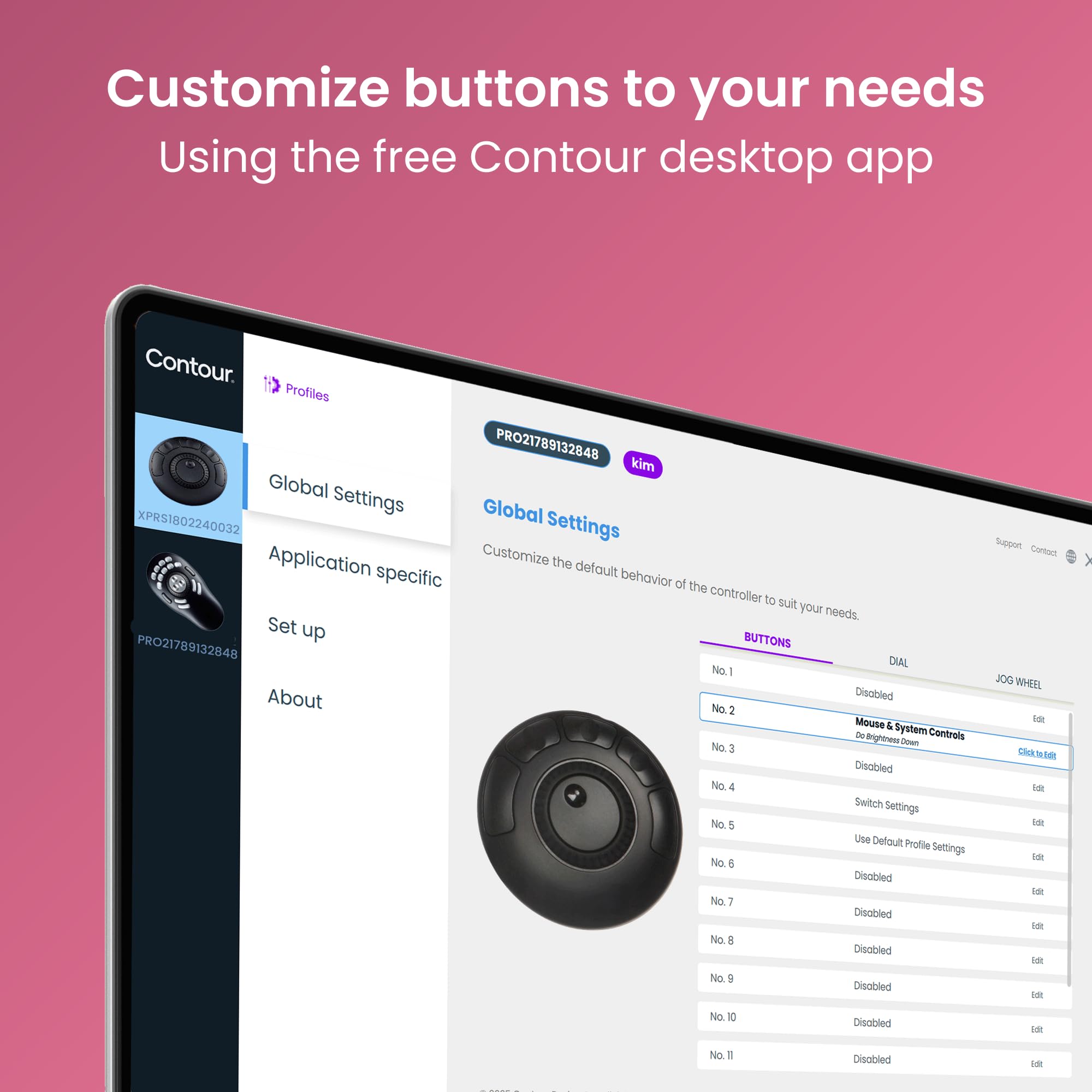

🎬 Edit smarter, not harder — command your creativity with every turn!
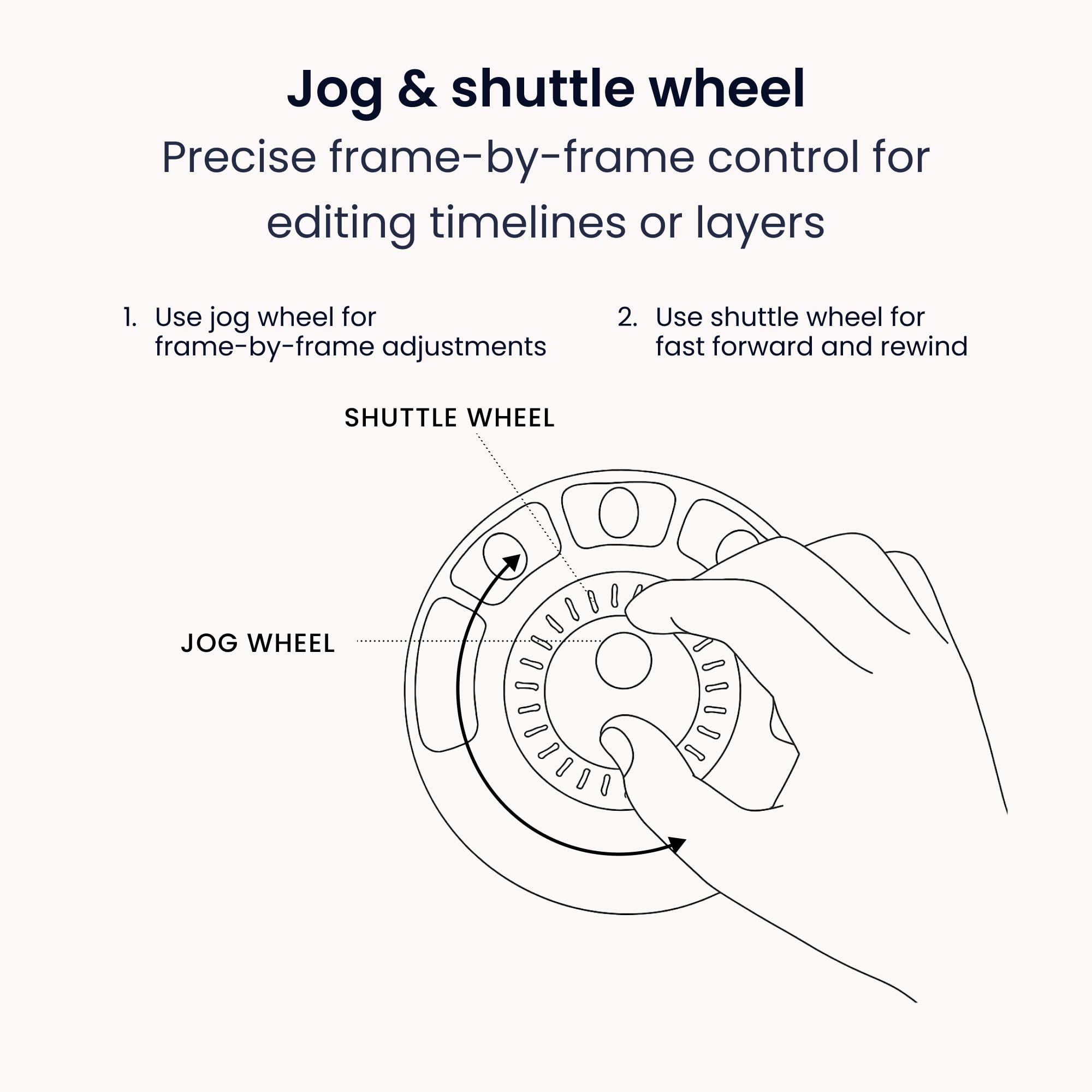
The Contour Shuttle Xpress is a compact, ergonomic multimedia controller designed for professional video, audio, and image editors. Featuring a tactile 7-speed jog dial and 5 programmable buttons, it offers precise timeline navigation and customizable shortcuts compatible with over 100 popular editing applications on both PC and Mac. Its USB plug-and-play design ensures quick setup, making it an essential tool for boosting editing efficiency in any creative workspace.


| ASIN | B0032Y0OH0 |
| Batteries | 1 Lithium Polymer batteries required. |
| Best Sellers Rank | #30,507 in Computer Accessories & Peripherals |
| Customer Reviews | 3.4 3.4 out of 5 stars (1,005) |
| Date First Available | January 15, 2020 |
| Is Discontinued By Manufacturer | No |
| Item model number | S-XPRS |
| Manufacturer | Contour Design Inc |
| Product Dimensions | 4.3 x 1.2 x 4.3 inches; 0.4 ounces |
S**R
Works as advertised, is inexpensive, and has a good feel to it
I bought the ShuttleXpress to use in amateur/hobbyist video post-production. For its price this feels extremely well made. It's not as light as I expected it would be (though it's by no means heavy), and the case has almost no flex to it. The buttons have a reasonably quality feel, and the jog wheel/shuttle both respond well and have the tactile feel that you'd expect. The jog wheel clicks lightly as it rotates (for my use it correctly clicks at each frame), and the shuttle offers increasing resistance when rotated left or right. I didn't even bother with the included driver CD and instead downloaded the latest driver/control panel directly from the manufacturer's website. It installed and worked without issue on my Win7 x64 machine. (I installed the software before connecting the device. I'm not sure if that would make a difference, though.) Since this product and software are a bit old even the new driver package didn't include presets for Adobe CS6, however I was able to find a zip file containing all the necessary .pref files from the manufacturer's (ContourDesign's) forums. If you're in need of them, search Google for (I don't think Amazon will allow me to post the link): shuttlexpress cs6 settings download There are pretty good directions and a lot of other information on the forums, though the actual product page is pretty lacking. I can't speak to the included documentation because I didn't look at it. The Contour Shuttle Device Configuration application (they also call it the "control panel" -- not to be confused with the Windows Control Panel) is very simple, straightforward, and easy to use. There are presets for many different applications (under the heading "Application setting"), and more can be imported by clicking "Options" in that same section. You can also create your own settings and map the buttons/shuttle/jog to keystrokes, mouse actions, and more. It even includes a comment field so that you can remember the purpose of each mapping. Overall, I think this is a fantastic price for a great little input device. The fact that it's customizable beyond the manufacturer's included settings is a huge plus, as it'll be useful even if Contour goes out of business and applications change over time. I must admit that I only got the ShuttleXpress yesterday and played with it for about a half-hour, so I'm by no means an expert. If I experience any kind of hardware failure or software bugs I will update my review accordingly.
D**Z
Junk
MacOS Ventura 13.2; Adobe Premiere Pro 23.4.0 I had hesitations about this product going in given the wired hardware with USB-A but decided to give it a chance since the price was reasonable compared to more expensive controllers. The construction is what you'd expect--perfectly fine plastic, nothing special or horrible. The software that runs it is also perfectly mediocre but usable. The problem is that the controller itself is completely unreliable. I retained the default settings for the wheel to be able to scroll through my timeline, and assigned cut and undo shortcuts to two of the buttons. The buttons seem to work consistently, but it seems like the wheel breaks with every other action I take, e.g. adding a clip to the timeline. I thought at first that it might be an issue of focusing the right panel but try as I might, I can't figure out a way to get it to re-enable the wheel--it seems to start working again randomly before breaking again shortly thereafter. Needless to say I'm returning this. I'm glad that I had the foresight to order a macro keyboard in case this thing didn't work out, but if you're still weighing your decision I'd recommend skipping this product and going straight for something else.
A**R
Shuttle Express works great with DaVinci Resolve
Product is as advertised. I bought the Shuttle Express to travel, since carrying the DVR Speed Editor, which btw I love, was always bulky and a bit heavy. Not to mention every airport security scan kept asking what it did and how was it used. The key to set up of the Shuttle Express must be followed, the included direction are a bit lacking. Watch one or two YouTube videos and do NOT plug the Express into your computer until you are told to so. Step 1 download driver for Contour Shuttle Pro/Express. Step 2 install driver and reboot. Step 3 open Contour Control panel and then plug in the Express. This is where most of the YT videos fail, they show the Contour Shuttle Pro yet you are trying to setup the Shuttle Express. Step 4 understand there are multiple use levels for the hardware. Level 1 is focused on items on the laptop screen, think browser or Photoshop. Level 2 focus by choosing which software, had to search DaVinci Resolve then select it then figure out what control settings I needed for the five buttons on the Express and what the outer ring wheel should do versus the preprogrammed settings. Once that was all configured to mimic my most used Speed Editor keys the Express worked like a charm. Am very happy with its function and its intended editing use when traveling. Am glad I purchased this hardware, and would buy it again.
N**N
Got this controller and returned it after using it for about 20 minutes to exchange for the Shuttle Xpress Pro. The price difference between the two isn't that great and the other model has more buttons and customizeable labels.
M**U
Fast exakt vor 6 Jahren habe ich den erste Shuttle Xpress gekauft und wirklich exzessiv zum arbeiten benutzt. Ab und zu mal geöffnet und mit Alkohol gereinigt, aber seit ein paar Monaten nervt mich ein Klickbutton, der nicht mehr zuverlässig auslöst. Habe den mit einem anderen Schalter ersetzt - aufschrauben, alten Schalter ausgelötet und neuen rein, aber das Klickgefühl ist unausgeglichen gewesen. Deshalb habe ich nun ein neues Gerät bestellt und ich muss wirklich sagen, dass das nach 5-6 Jahren voll in Ordnung geht. Das Ding hat mehrere Tastaturen und Mäuse überdauert. Vom Preis/Leistungsverhältnis ist das sehr gut. Einzig würde ich mir wünschen, dass das Jogdial genau wie das Shuttle-Wheel gummiert ist, aber das ist nur ein persönliches Empfinden. Wer auch nur ansatzweise mit Videoschnitt zu tun hat, der findet hier das ideale Arbeitstier und eine enorme Erleichterung im Ablauf.
M**.
I bougth this specially for a ham radio setup remote control. It works super.
M**O
Fa bene quello per cui è pensato lo uso per live sportive su YouTube dove posso configurare i tasti e le rotelle
R**R
Aunque lo he probado con un programa de edición de vídeo, en realidad lo uso como rueda de sintonía para el control remoto de una emisora de radioaficionado ICOM CON EL RS-ba1 de manera que en lugar de sintonizar con el ratón y los botones esto se asemeja más al control real de una emisora. Supongo que vale para otros equipos de radio. Bien acabado y buen aspecto.
Trustpilot
2 weeks ago
4 days ago