We remain fully operational. Our teams are working around the clock to ensure your deliveries continue safely.

DOWNLOAD THE APP


Customer Services
Copyright © 2025 Desertcart Holdings Limited
DOWNLOAD THE APP

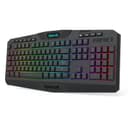
🎮 Elevate your desk game with RGB power and wireless freedom!
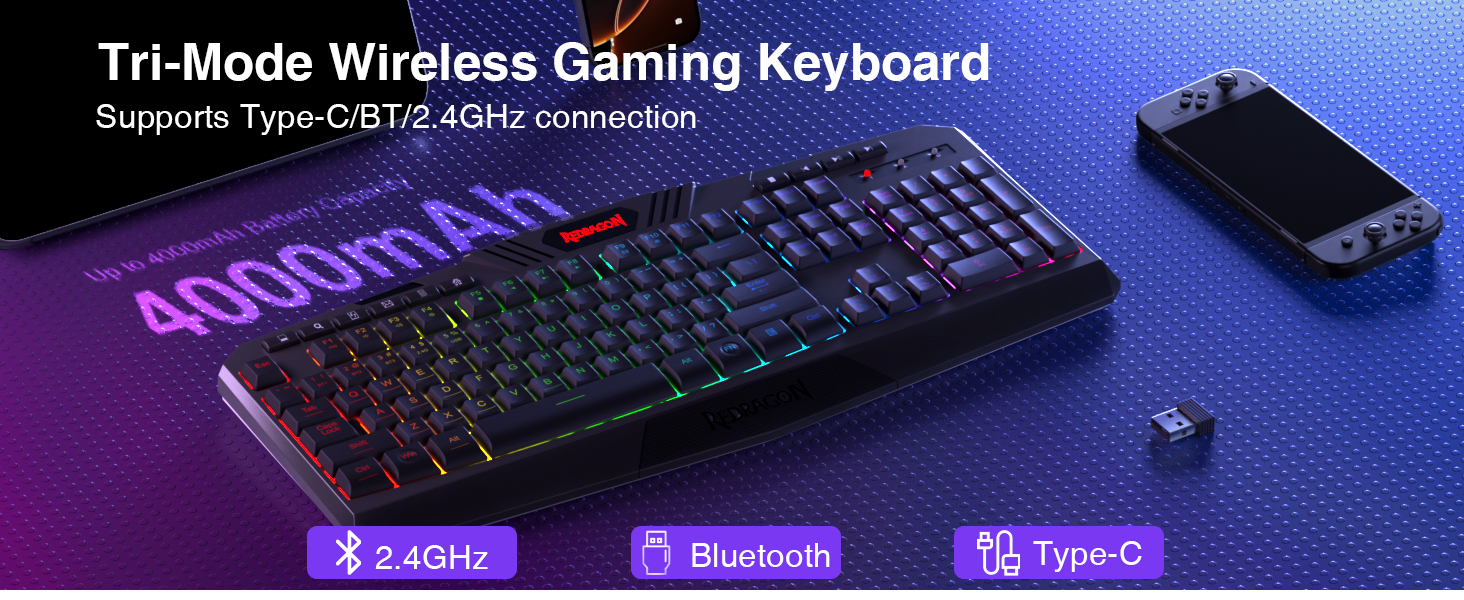
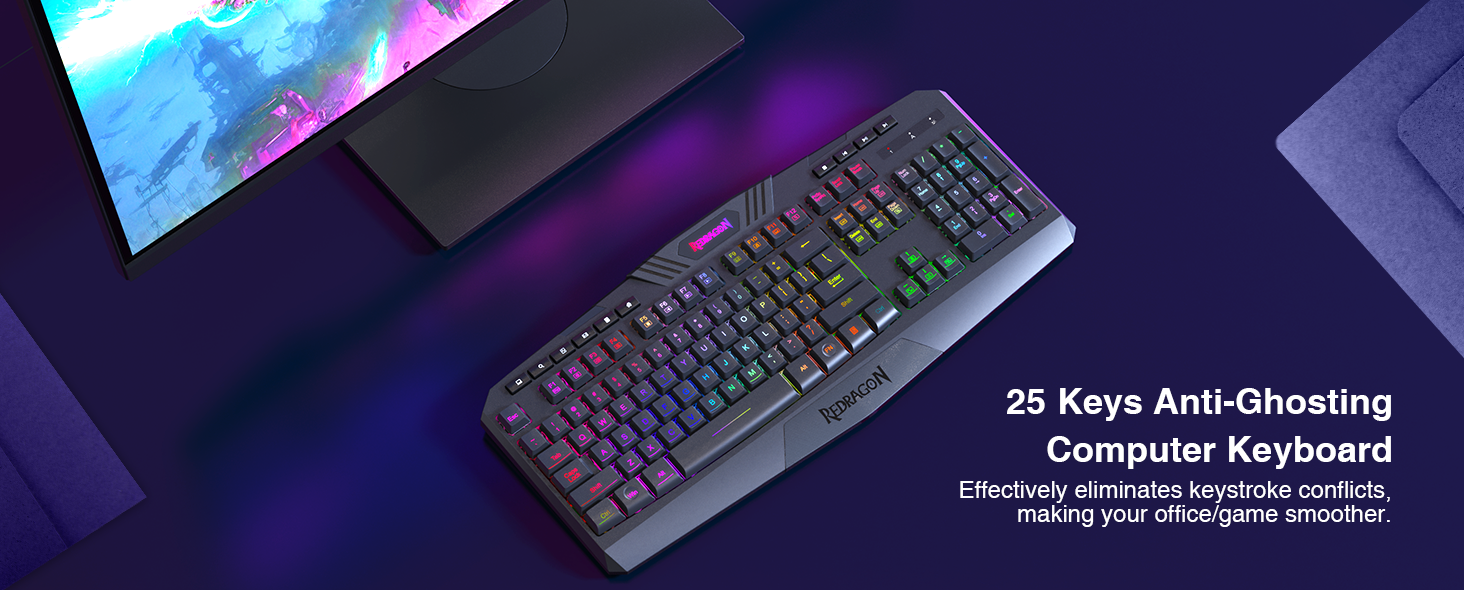
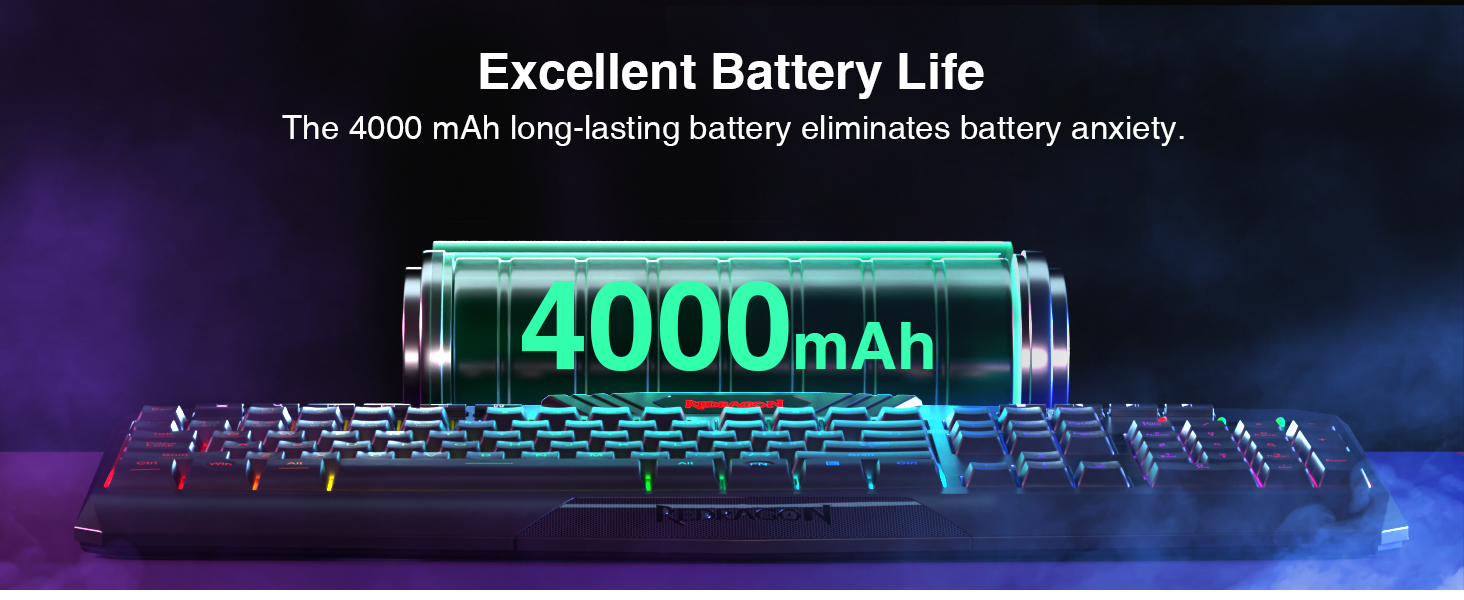
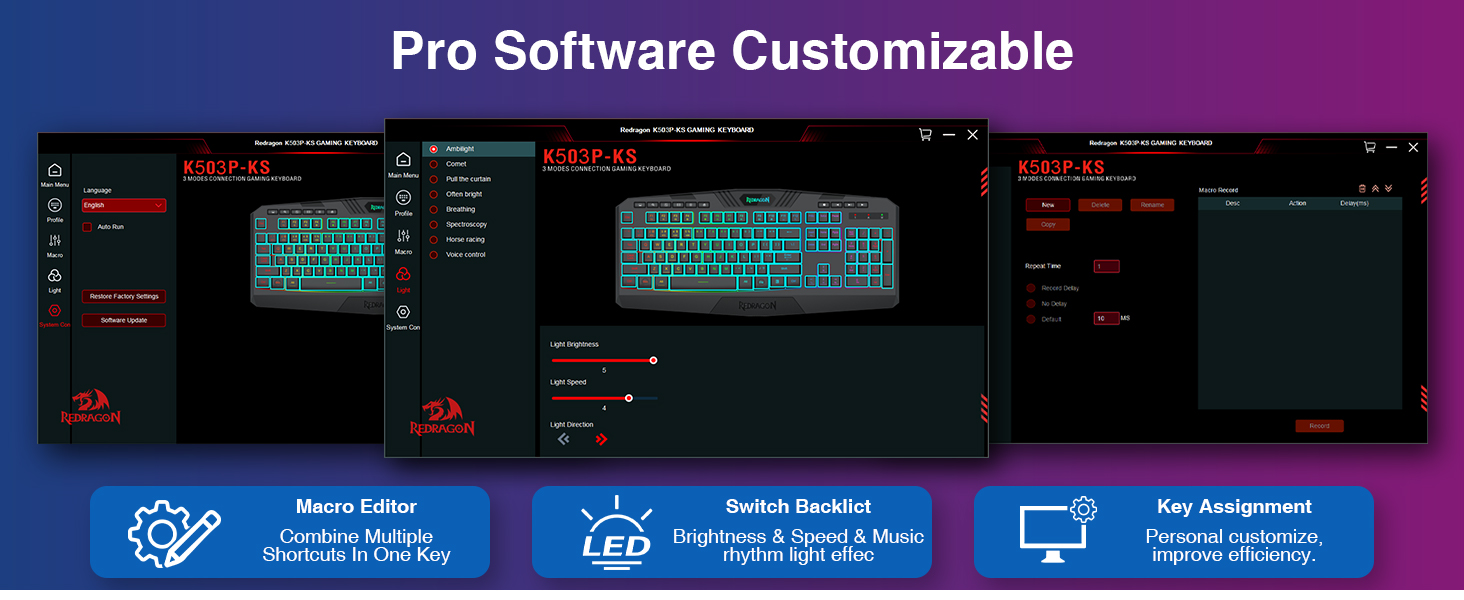
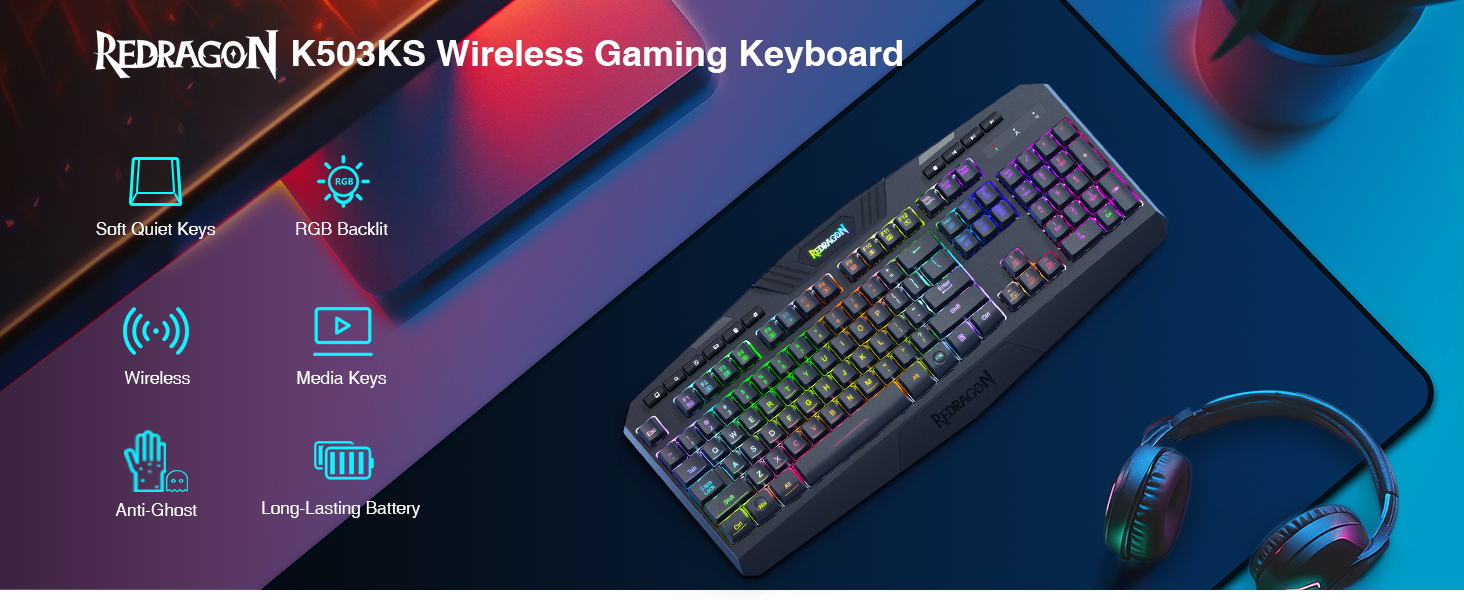
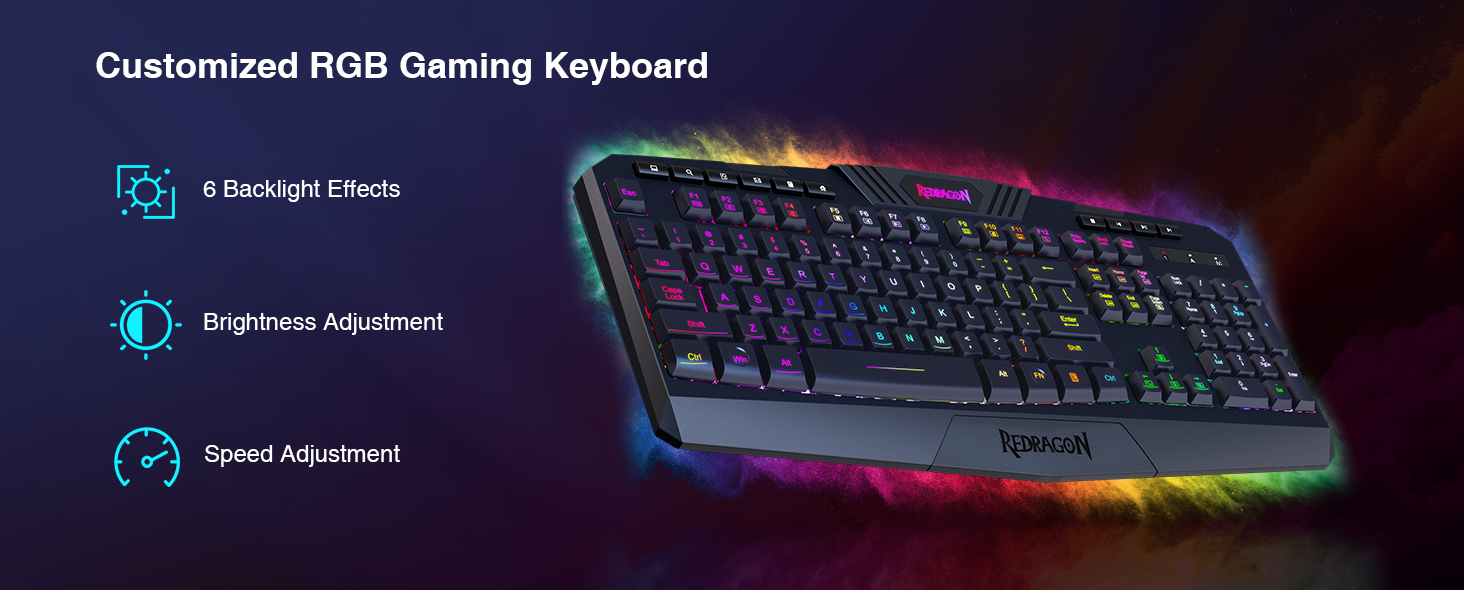
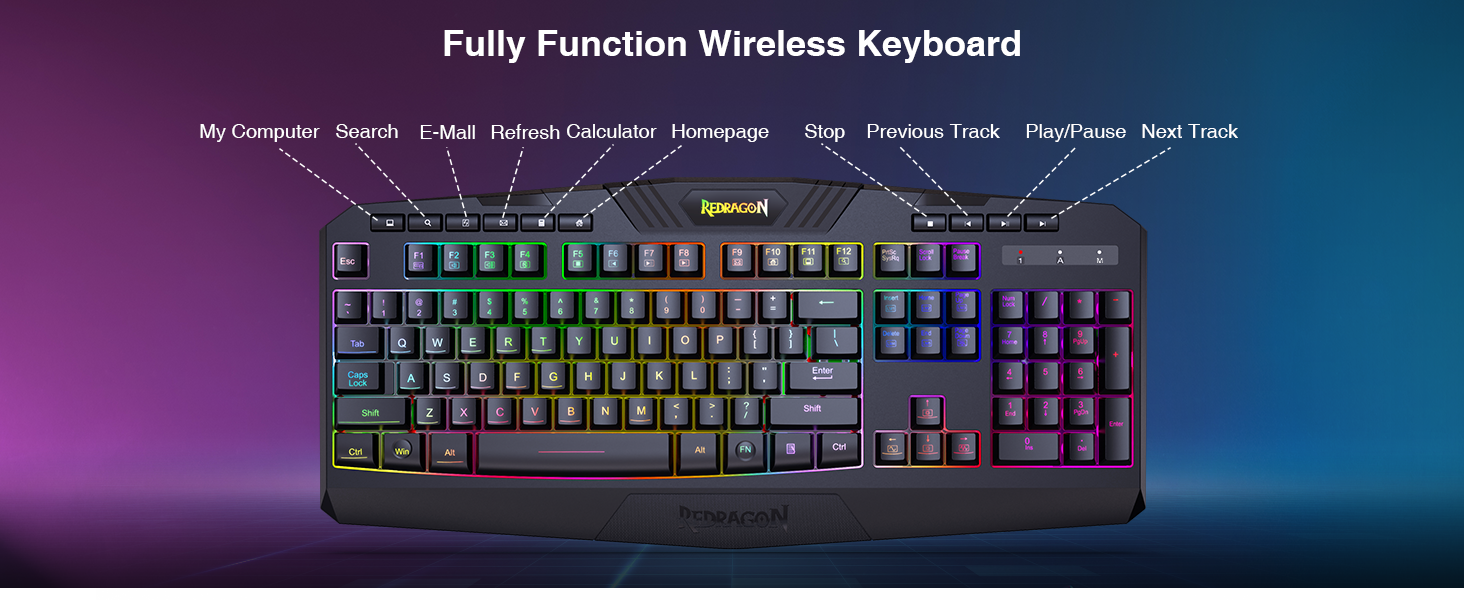
The Redragon K503 is a versatile wireless gaming keyboard featuring tri-mode connectivity (Bluetooth, 2.4G wireless, USB), a robust 4000mAh battery for extended use, and fully programmable RGB backlighting with six modes. Its silent membrane keys offer 25-key anti-ghosting for precision, complemented by multimedia controls and ergonomic wrist support, making it a top-tier choice for both gaming and professional multitasking.



| ASIN | B08CFPXPB7 |
| Additional Features | RGB Backlighting |
| Antenna Location | Gaming |
| Best Sellers Rank | #287 in Video Games ( See Top 100 in Video Games ) #19 in PC Gaming Keyboards |
| Brand | Redragon |
| Built-In Media | USB Cable |
| Button Quantity | 114 |
| Color | Blue-Black |
| Compatible Devices | Computer/Laptop |
| Connectivity Technology | USB, USB-C |
| Customer Reviews | 4.2 4.2 out of 5 stars (3,613) |
| Enclosure Material | Acrylonitrile Butadiene Styrene |
| Hand Orientation | Ambidextrous |
| Item Dimensions L x W x H | 17.5"L x 7.9"W x 1.18"H |
| Keyboard Backlighting Color Support | RGB |
| Keyboard Description | Gaming |
| Keyboard Layout | QWERTY |
| Manufacturer | Redragon |
| Model Name | K503KS |
| Model Number | K503KS |
| Number of Keys | 114 |
| Number of Sections | 3 |
| Power Source | Battery Powered |
| Processor Count | 1 |
| Series Number | 503 |
| Style Name | K503KS |
| Switch Type | Membrane |
| Theme | gaming |
| Unit Count | 1.0 Count |
| Water Resistance Level | Water Resistant |
A**R
Good entry gamer
This is actually a decent keyboard. Works well and can change the colors. Unsure about the battery life yet but so far it is good and lasts before charging. Keys feel nice and are quiet.
J**R
Great tactile and lighting keyboard.
I owned a corsair that looked just like this. This is much cheaper and works just fine and is super easy to set up. Well worth it if you want a fancier lighted keyboard but without the price. It has a separate button on the keyboard that allows you to turn on or off the lighting which my corsair mechanical keyboard didn't have. The response feels really good as well. Frankly I cannot tell the difference between the Corsair and this Redragon Keyboard.
M**R
Solid fullsize keyboard
I want to be frank, I'm not a gamer but I do own a gaming keyboard made by Redragon, however I needed a keyboard a full size keyboard. I like the clickiness my original keyboard and figured I'd grab a fullsize that felt the same. This keyboard is not it. While this keyboard had the RGB led lights and is fullsize, it doesn't offer the click of my other keyboard. This keyboard is light and seems sturdy enough to get knocked off of my desk a few times. I am able to type fairly quickly and the strokes of the keys feel deep and solid like my other Redragon keyboard helping to mitigate keystroke errors. At the end of the day this is an extremely affordable keyboard that functions as it's intended. A great purchase for the cost.
K**R
Great beginner gaming keyboard.
Lights up great with the preset patterns! All keys are very receptive and can match typing speed really well. In terms of satisfying sounds from keys being clicked, I'd give it a 6 out of 10, they're not the loudest clicks but you can definitely hear them and be satisfied. It had a great weight to it, well balanced, even with having the volume knob on the top right corner. And the little pegs it has at the top rear of the keyboard allows for good comfort when using it.
M**L
Awesome product! Worth the price
Amazing first impression. Feels great typing & the colors are very nice. Very subtle colors allows to type in dark room, even if lights are off. Good sound quality and feel. Definitely outdoes the price! Worth the money!
T**T
Bought 2 of these keyboards. Both stopped working 5-6 weeks after purchase.
When I purchased the first Redragon K509 keyboard, I also purchased a Redragon S107 keyboard and mouse combo at the same time. The keyboard in that S107 combo looks identical to this K509 keyboard. It even has the exact same instructions, looks identical, and behaves exactly the same. This K509 keyboard appeared to be a good value. I felt the quality was good for the price. The LED's were not fixed colors (which is good), and the LED's could be set in many colors, in "breathing mode" and constant brightness. However, when set to constant brightness, the lights dim a significant amount. I could live with that. I would give this K509 model a fairly high rating, but after 6 weeks, the first keyboard stopped working. Windows would no longer recognize the device. I tried plugging it into different USB ports, but that made no difference. I tried using the keyboard on 2 other PC's, and they had the same trouble recognizing the device. I figured I just had bad luck, and ordered a second, exact same keyboard. After 5 weeks, this second keyboard started having the exact same trouble. Windows would no longer recognize the device. It couldn't even tell it was a keyboard. Again, I tried this keyboard different USB ports and on two other PC's. It would not work no matter which port or PC I plugged it into. Other devices, including other keyboards, work on each of the USB ports I tried on the 3 different PC's. I also have a Redragon S107 Keyboard that is part of the Redragon S107 Keyboard/Mouse combo. That keyboard still works great, and looks and behaves identical to the K509, except for the label underneath the keyboard. The S107 keyboard (not this KB) works just fine on all 3 PC's, and I still use it without trouble, to this day. I have contacted the manufacturer and attempted to get support for this product, multiple times, and they said that it was a problem with the USB port, and to plug into another port. I had tried this, as well as trying the keyboard on multiple USB ports on two other PC's. The manufacturer would not admit that the problem was with the keyboard. I was given instructions how to remove the unrecognized device in the Windows "Device Manager", and let windows recognize the device again. This had no effect. After the problems began, each time I plug in the keyboard, it would light up for a few seconds, the PC would make the typical "USB device attached" sound, then the light would turn off. Two or three seconds later, it would light up, PC makes the sound again, and lights turn off. It would repeat this for various number of times, before the keyboard would eventually have the lights stay ON, and look as if it was working, but none of the keys would respond. When I check Windows 10 "Device Manager", I would see the keyboard listed as "Unknown USB Device (Device Descriptor Request Failed)" The Device Status read as, "Windows has stopped this device because it has reported problems. (Code 43) A request for the USB device descriptor failed." I like this keyboard. I would purchase another, but I worry that there may be a design or manufacturing flaw, causing an increased chance of the device failing to be recognized by the PC. I have only tried two of these keyboard, so I cannot be sure. But 0 out of 2 is not a record that would inspire the confidence for me to recommend this keyboard to anyone. I get this exact same behavior and error on all 3 PC's... an HP desktop, a Dell/Alienware desktop, and a Microsoft Surface Pro 4 Tablet PC. My Redragon S107 Keyboard and mouse combo continues to work just fine. I have an older USB keyboard being used instead of the two Redragon K509 keyboards. Neither K509 keyboard was damaged, dropped, or misused in any way. They get plugged in, and remain in a fixed position from that point forward. No food or drink is consumed near them, because they are located around other sensitive equipment. I should have attempted a product return on Amazon, but it was already outside the window of time I could return or exchange the product. That is on me. However, the manufacturer still would not admit that the keyboard was defective in any way, in spite of the obvious evidence to the contrary.
C**5
Not enough lighting control
Good economy keyboard. Poor lighting control. Can only turnbacklighting on/off, breathing mode on/off and control brightness. Cannot change to one solid color, which is what I prefer over the "rainbow" look. And as I type this... several typing errors, key spacing seems off. Missing the occasional keystroke. Might have to return.
A**R
Best Keyboard at this Price Point
One of the best keyboards I've had at this price range. I bought this keyboard six months ago and it has held up incredibly. The keycaps haven't faded in the slightest, and they're super easy to remove and put back for cleaning. A little loud, but not unbearable. Super responsive, I have no issues playing games like OSU which has been a problem for numerous other keyboards I bought before I found this one. This keyboard is lightweight, but it has rubber stops on the bottom that keep it from shifting around on your desk too much. All in all, this would be my top pick, and it also has the option to shut the LED glow off, which I appreciate greatly!
K**R
The Redragon Dyaus K509 is an excellent choice for gamers seeking the perfect balance between affordability and performance. Despite being a membrane keyboard, it offers a **semi-mechanical feel**, providing tactile feedback and a satisfying keystroke that closely mimics mechanical switches. This makes it ideal for both gaming and typing, delivering a responsive and comfortable experience. One of its standout features is the **vibrant RGB lighting**, with numerous color modes and dynamic effects that add flair to any setup. The low-profile, ergonomic keys ensure minimal fatigue during extended sessions, while the build quality is impressive for the price. If you're looking for a budget-friendly keyboard with a **mechanical-like typing experience**, customizable RGB, and reliable performance, the K509 is one of the best options available.
B**D
Parfait
L**E
There are 7 solid colors to choose from for the back lighting.(plus 3 red / green / blue offset patterns) It has a good layout, easy to read letters without any fancy "Gamer" style to the font. It looks clean and simple. I do occasional typing and occasional gaming. The USB cord has a decent long length. At first I couldn't get it to stop "breathing" of the light level up and down and that was annoying. I looked for software for this keyboard on the manufacturers website, they have tons of keyboards similar to this model that have software, but there is no software for this model. How do I get it to stop breathing or flashing crazy like a Christmas tree?! Ahh! Then I figured out how to get it at just One color - always on without breathing or flashing. After power on of the computer, hit the right Fn key and the Page Up (LM3 - "light mode three I assume"), this first step will lock it to not breathing or flashing, then hit right Fn key and Home (LM2) until you get the desired color you want, tada! You can then use Fn key and arrow up or down to set how bright. It is sort of annoying having to do this every time I power on the computer, but I actually prefer to not have to run extra software on the computer just for the backlight of the keyboard, so for me its fine.
I**Y
So my keyboard doesn't seem to fit the features described on Amazon, or more importantly, on the Red Dragon website. My keyboard product sticker on the bottom clearly states model RDK509 DYAUS-K509-1. Im looking at photos and my keyboard certainly does not have any edge lit features. Its a good keyboard, very quiet, with Color LED features as described (other than edgelit) When the PC is switched off or rebooted,(USB powered off) it reverts back to colour changing mode and does not remember my preferred setting.
O**A
Perfecto mejor de lo que esperaba gracias
Trustpilot
1 month ago
3 weeks ago