
🚀 Unlock 6x SATA III ports and turbocharge your storage game!
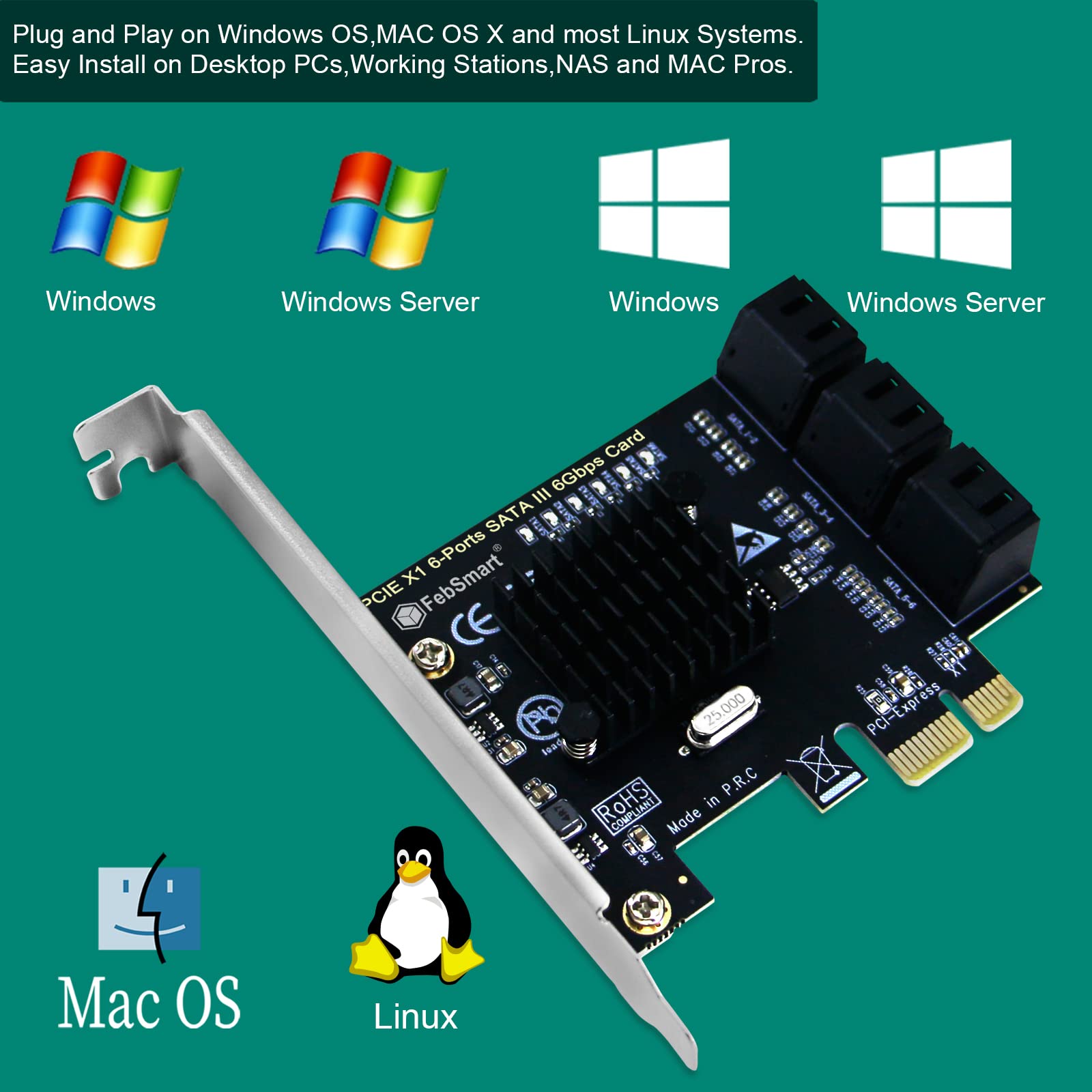
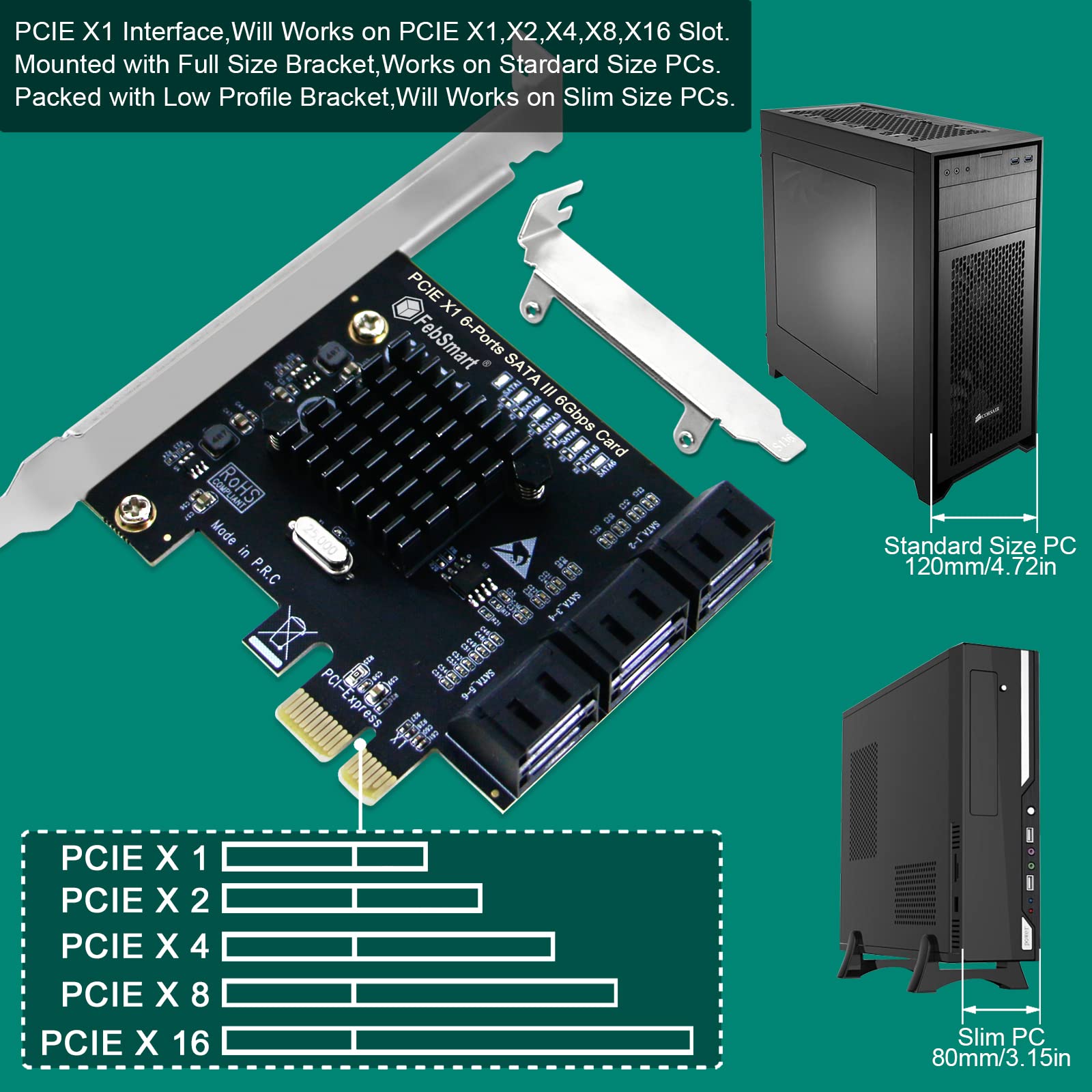
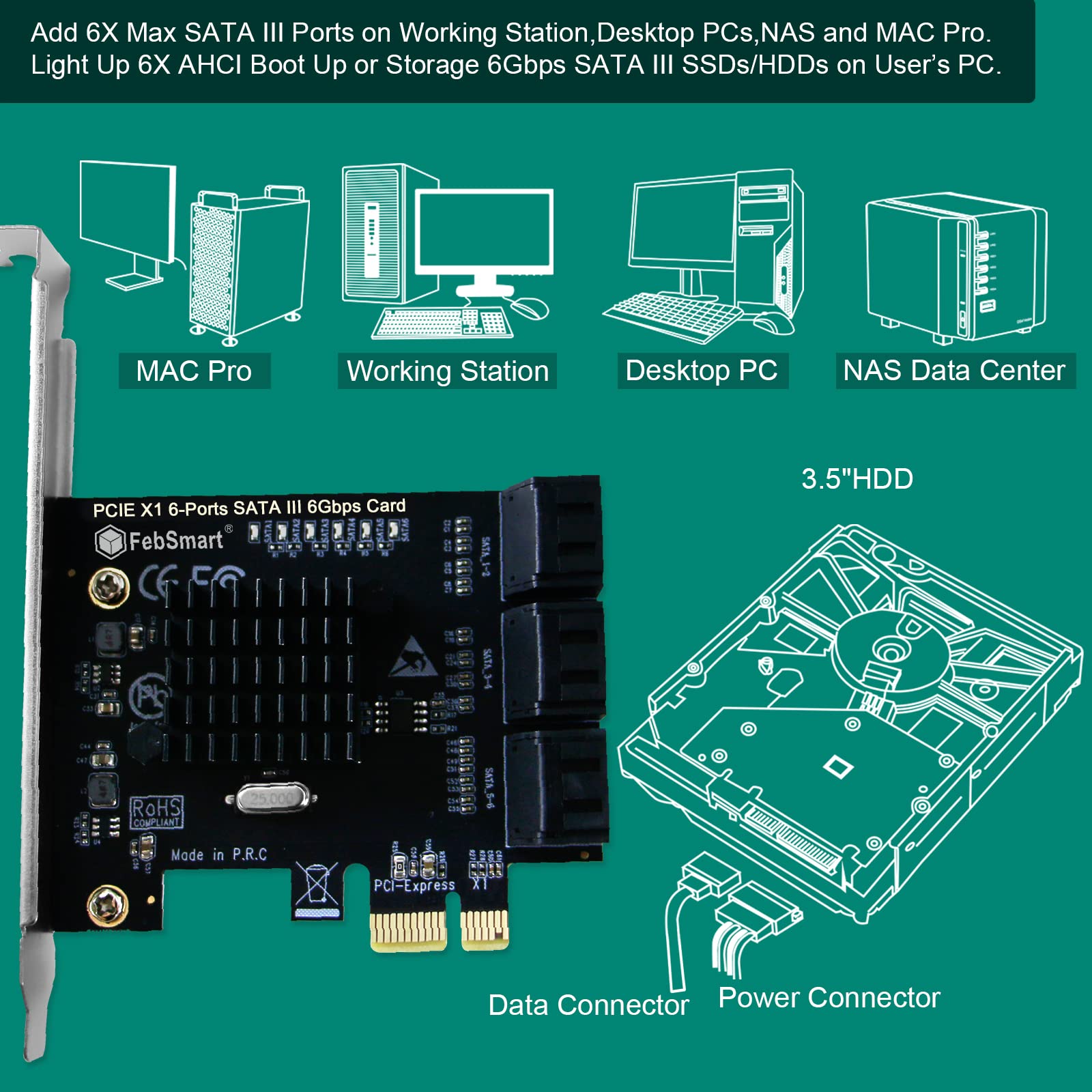
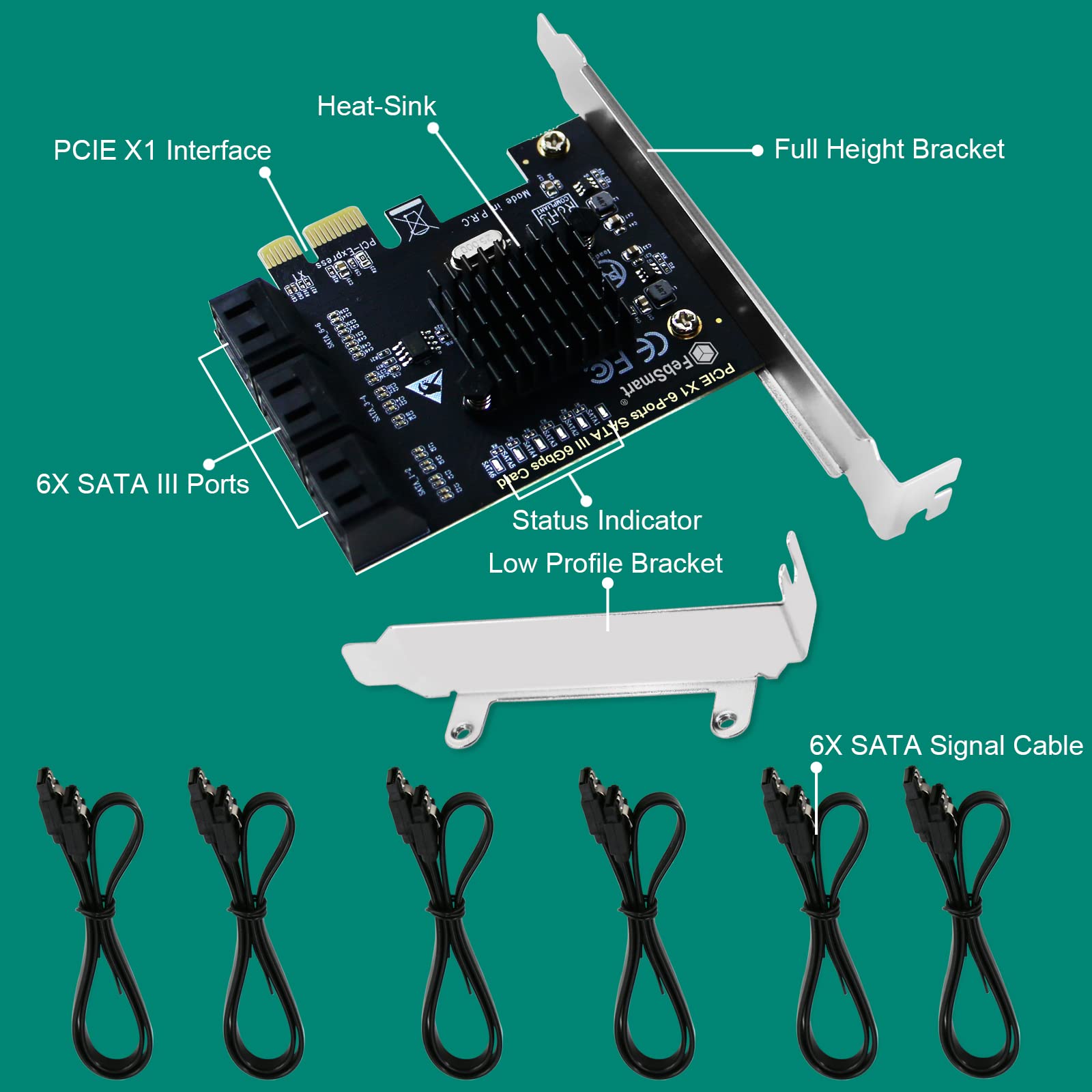
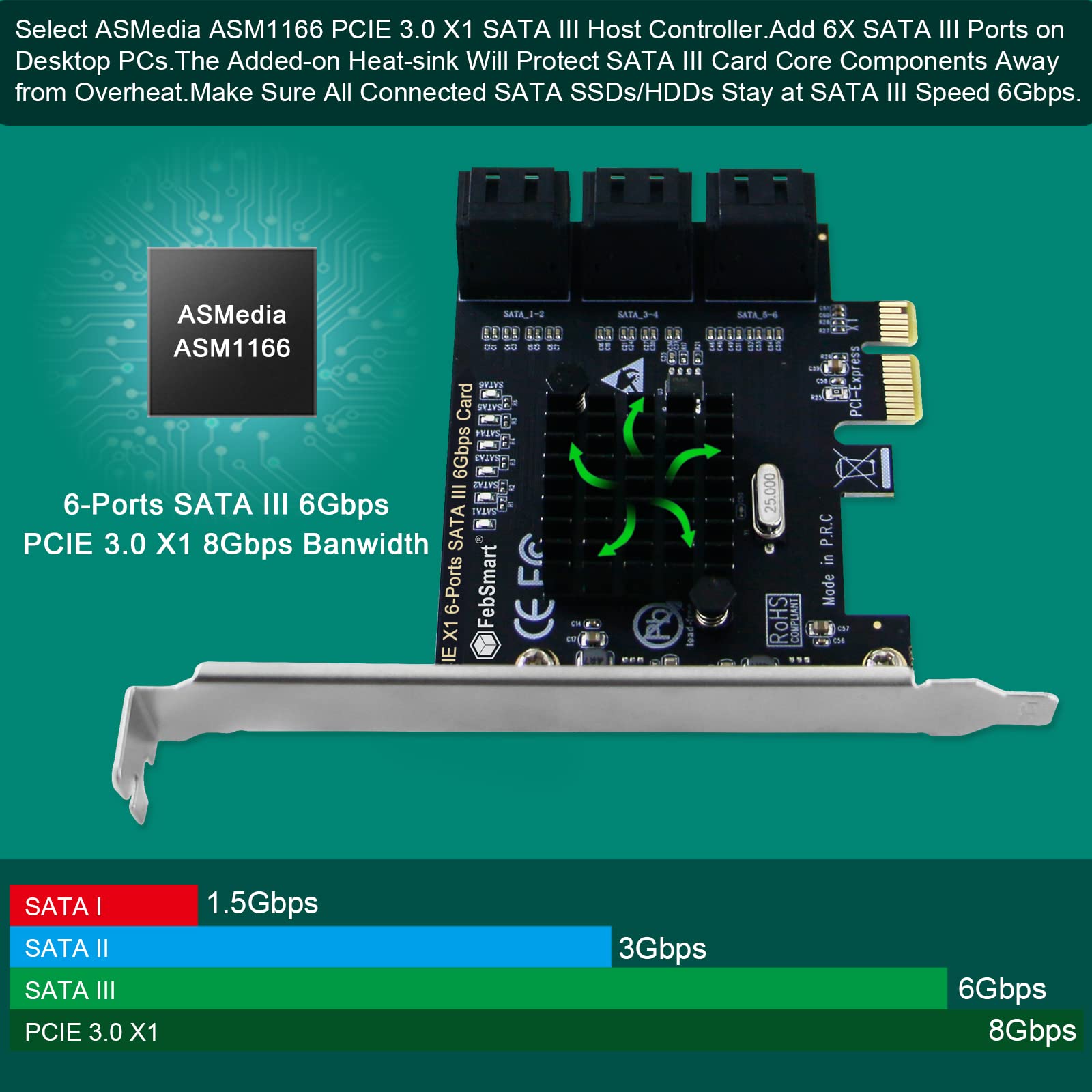
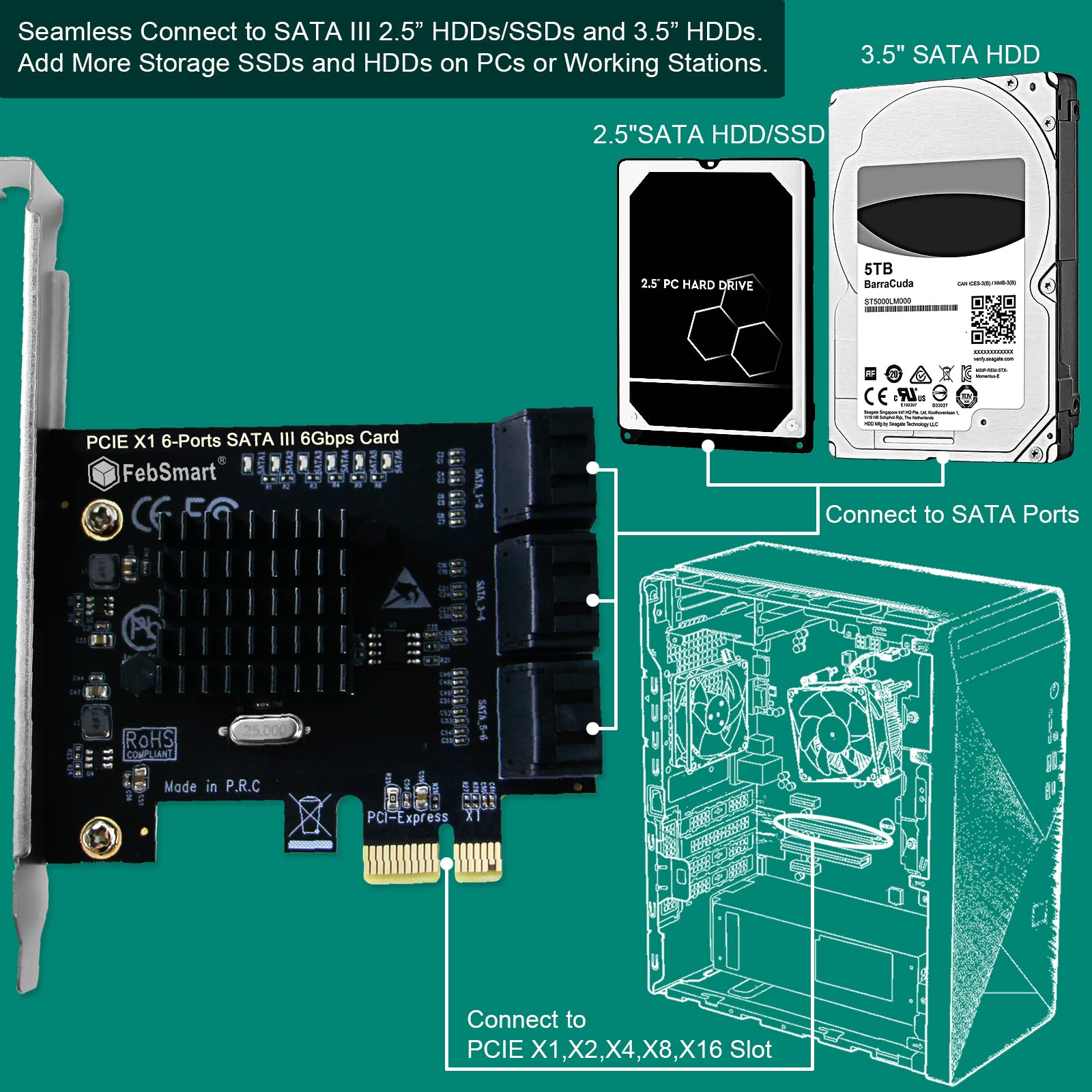
The FebSmart FS-S6X1-Pro is a PCIe 3.0 x1 expansion card featuring 6 SATA III ports, each supporting up to 6Gbps transfer speeds. Powered by the stable ASMedia ASM1166 controller, it ensures reliable AHCI boot and storage performance. Compatible with Windows, Mac, and Linux systems, this plug-and-play card supports PCIe 1.0 to 4.0 slots, making it a versatile upgrade for desktops, workstations, and NAS setups.


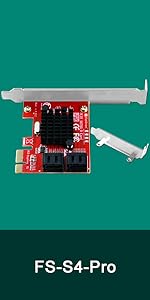


| ASIN | B09BMBPZLZ |
| Brand | FebSmart |
| Compatible Devices | Personal Computers, Laptops, Servers |
| Customer Reviews | 4.3 out of 5 stars 324 Reviews |
| Hardware Interface | PCIE x 1 |
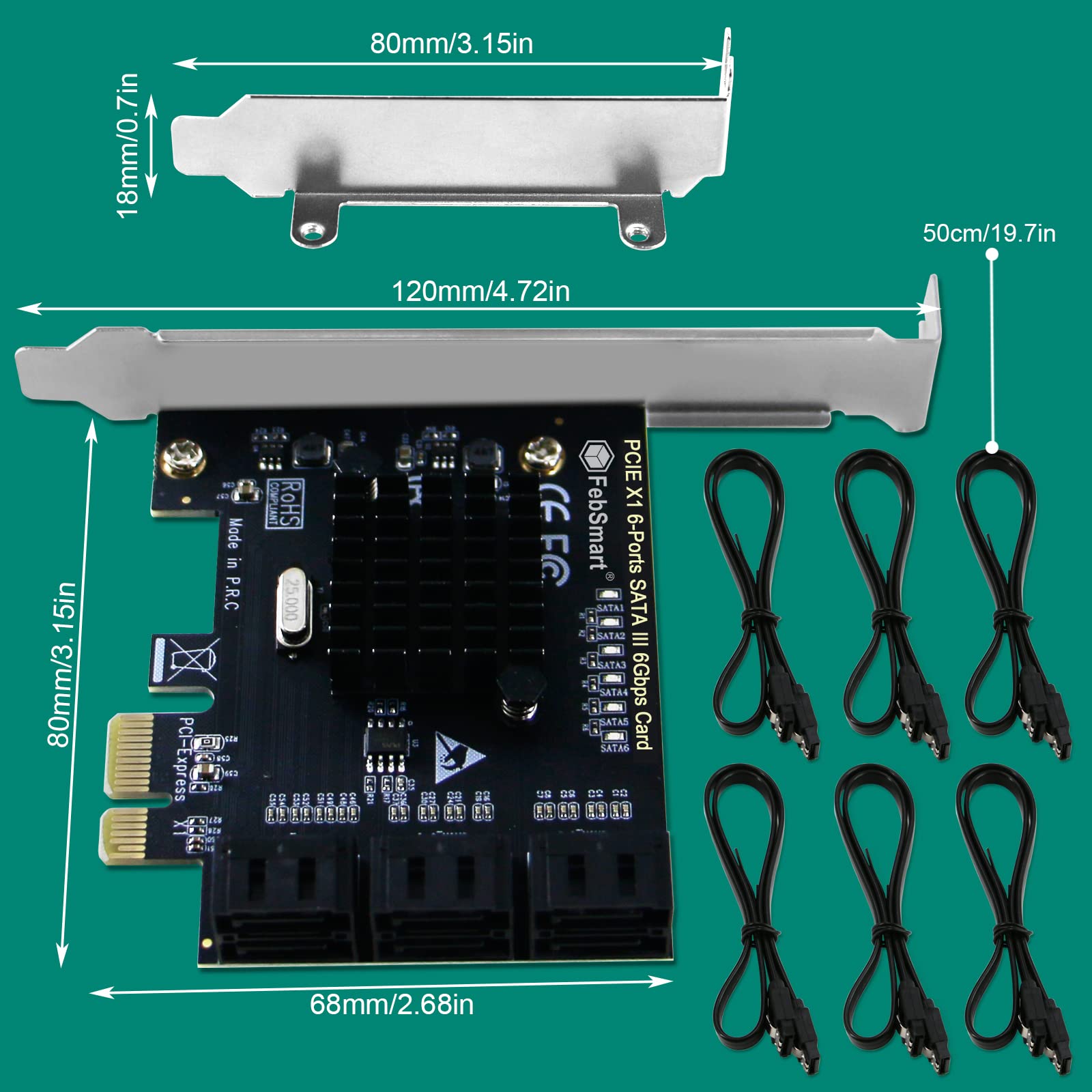
| Item Dimensions L x W x H | 4.72"L x 3.15"W x 0.72"H |
| Item Height | 0.72 inches |
| Item Type Name | PCIE X1 to 6X SATA III Ports Expansion Card |
| Item Weight | 95 Grams |
| Manufacturer | FebSmart Co.,LTD |
| Model Number | FS-S6X1-Pro |
| Operating System | Windows, MAC and Linux |
| UPC | 710964767894 |
| Warranty Description | 1 Year Limited Warranty. |
"**"
Works as advertised, plug and play.
This card works exactly as it should, without any fuss (far less problematic than the Marvell based cards I've used). However there are a few things to know (this is for the x1, 4 port card): If you are using this to add SATA III 6Gbs ports to an older system, such as one based on x58 or x79, to maximize performance, you will need to use a PCI-E slot with channels provisioned from the primary IO-Hub (x58) or CPU PCI-E IO (x79/Sandybridge and later) and not from the ICH or PCH. This is because ICH or PCH provisioned channels generally lag a generation behind, and are therefore slower. You'll most likely need to use an x16 slot that would normally be used for a GPU (in the case of x58 or x79, there are generally two full x16 slots that are provisioned either from the primary IO-Hub or the CPU integrated IO controller). For this card to provide SATA III's maximum sustained 6 Gb/s (585MB/s), it must be plugged into a PCI-E 3.0 capable slot running at 8 GT/s. On an x58 (or similar vintage board) your maximum performance will be capped by the PCI-E 2.0 5 GT/s, though this will still significantly exceed the ICH10's SATA II ports (410MB/s sustained transfer versus 250MB/s), but you must use a PCI-E slot provisioned directly off the x58 IO-Hub, not the ICH. Generally, all the X1 and X4 slots on x58 boards are PCI-E 1.0, provisioned off the ICH, which will result in this card providing performance significantly below that of the SATA II ports provided by the ICH10 southbridge. On later chipsets, the same basic rules apply (until you get to current gen chipsets, like AMD x570, where PCH and CPU IO-hub PCI-E lanes are all 4.0). If using, for example, an x79 board, the PCH provided PCI-E slots/lanes are 2.0, which will result in this card underperforming compared to the on-board SATA III ports. Again, to maximize performance, you'll need to make sure you plug the card into a PCI-E slot that supports PCI-E 3.0. There are comments that this card doesn't perform well, but this is mainly due to misunderstandings about what PCI-E link type and speed the card is able to run at on a given board and slot. On boards that support PCI-E 3.0, this card can, and does, provide full SATA III 6Gb/s throughput. You can use a tool like HWiNFO to verify if you have the card plugged into the most capable available PCI-E slot (along with simple benchmarking tools like CrystalDiskMark to verify throughput). A final note: for those using a very old chipset, such as x58, you may want to consider the 6 port, PCI-E x2 (physically x4) version of this card, as 2 PCI-E 2.0 lanes should provide full SATA III 6Gb/s throughput.
T**L
Works well for software raid with some configuration
Although the card says that it isn't a raid card, it means it's not a card with hardware raid - You can definitely use this for software raid. I did a first experiment on Windows 10 using storage spaces and disk manager to create a RAID 10 array using 6x 6tb hdds. Initially I had issues with transfers dropping down to 0MB/s and eventually windows would freeze up completely and/ or the transfer would fail. I dropped the disk count down to one mirrored pair (so two hdds) in storage spaces and had a successful transfer, but I bought this to run all 6 ports into an array - not just two. I finally achieved success by recreating the 6 disk raid 10 array and turning off write caching for all drives in the array through device manager. Something about this expansion card and windows disk write caching doesn't play well when dealing with 6 disks at once. After all of this, a 4TB transfer from a usb3.0 external hdd to the raid array took around 7 hours with a transfer rate of around 160MB/s and a full data verification step by using a program called FastCopy (it's a free program, google "fastcopy jp"). There are other copying utilities that will do this as well. I did reach out to the seller on amazon as a result of my initial issues, and they were fast to reply - although by that time I had already found a solution. At the end of all of this, you're probably better off running some sort of *nix distro and using mdadm to set up the array, but it was a fun challenge getting everything working on Windows. Edit 7/7/2023: Alright, so maybe you don't want to use this with all the disks being slammed at one time by an mdam resync. I had issues with windows storage spaces still dropping transfer speeds and eventually failing writes on some disks, while smart tests were coming out OK on each individual disk. I went over to linux to do this with mdadm and didn't make it through a raid 10 setup before one of the disks dropped (resync speeds were going to take 111 days to build the raid 10 array before it dropped). I redid this as 3x raid 1 pairs instead and it worked. It's a perfectly functional sata expansion card if you're not abusing it like I am, so don't let this review worry you, just beware before trying to use this as something to write to 6 disks at once. The motherboard could be an influence, as well as the disks, as I'm not doing this with enterprise level hardware, but in general the card works, just doesn't like being pushed beyond its limits. The vendor doesn't recommend this for software raid, but I tried anyway. Oh well, 3x 6TB raid 1's will get the job done for my needs (part of a 3,2,1 backup with mdisc as cold storage for the important stuff)
I**S
Just What My Good Ole' Rig Needed
I'm running a 7 year old AMD Octa-Core machine with 32GB of ram that's ineligible for Windows 11 (TPM 2.0) as my main desktop. I have tired of Windows long ago and the constant breaking of my configuration. I utilize more than one OS; however, I favor Linux moreso than the others. I use many different Linux Flavors, MACOS, & Windows 10. I have yet to give Windows 11 its initial spin. I'm really not that interested after seeing what Windows 10 was about... You just get tired of the telemetry hogging resources, random updates/unscheduled reboots & consistent upgrades with Windows. This is regarding both low/high end machines. It's just not worth the hassle or the cash it'll set you back. Nevertheless, this card works very well for somebody that has a need for SATA Expansion. M2/NVME cards are so expensive right now. You can just pop out your old mechanical drives & utilize 2.5 SSD drives with brackets. This is far less expensive in my opinion. I'll do this and slowly upgrade at my leisure. This card gives me that capability, being that all 6 of the SATA ports on my device are unavailable. Utilizing Linux more than likely will render this machine obsolete by 2029-2030 or so. I wonder if computers will still exist by the time this machine reaches EOL. As us Linux users all know very well, you can keep hardware for what almost feels/seems like an eternity in the tech world. This card worked right out the box with a fresh Linux Mint 21.1 installation. It really was flawless the IOMMU -- that was the drama to say the least. The workaround for that is GRUB. However, this card posted during boot & has no know problems that I have encountered thus far. If you're in a similar position & you don't just send your computers to the perpetual e-waste dump or the proverbial recycle bin this is your answer. I'm still in the testing phase; therefore, I'll be sure to come back and update this review if there's anything I should add.
G**S
Works out of the box on TrueNAS
Works great without any particular setup on my trueNAS machine. My motherboard had 2 PCIe 3.0 x1 slots, and I got this card for each, for a total of 12 extra sata ports. PCIe 3.0 x1 means ~1GB/s of bandwidth shared between the 6 ports, which comes to ~166 MB/s per port. It's very limiting for SSDs (which regularly reach 500MB/s), but only slightly for HDDS (which often tops around 200MB/s). Note that unlike sata, PCIe is full duplex (it provides 1GB/s read _and_ 1GB/s write). So if you copy from some of the sata ports to other sata ports, it's even less of a problem.
P**!
Despite saying no drivers needed -- drivers very much needed
I am using a Crosshair Hero VIII X570 board. I have tested this card in multiple PCIe slots, and despite it being recognized by the BIOS, it is not recognized by Windows. Furthermore, whenever a drive is plugged into it, the system boots to a blue screen with a Page Fault Error. Again, regardless of PCIe slot. Was eventually able to get it to boot with a drive plugged in, but the drive was not recognized by Windows. I tested the drive in an onboard SATA connector to make sure it wasn't a bad drive, and nope...runs fine. Card either doesn't have the proper drivers to actually be recognized or was DOA. I unfortunately cannot actually CHECK if drivers would help as the manufacturer website when you look for the drivers only says "no driver needed for Windows." This is probably due to Windows being able to automatically install drivers from the web for newly installed HW. Buuuut unfortunately when the card isn't recognized by Windows whatsoever, easier said than done. Tried installing the drivers for the ASM1064 SATA controller from ASMedia, but alas that not only didn't fix my issue but ended up disabling all my RGB lights in my system until uninstallation (despite no options to customize the install, it decided to ALSO install drivers for Patriot RGB RAM and for some m.2 RGB drives or something, these have a conflict with AuraSync). Needless to say, this card is going back.
S**N
Works okay. A bit tricky to set up. Some additional facts.
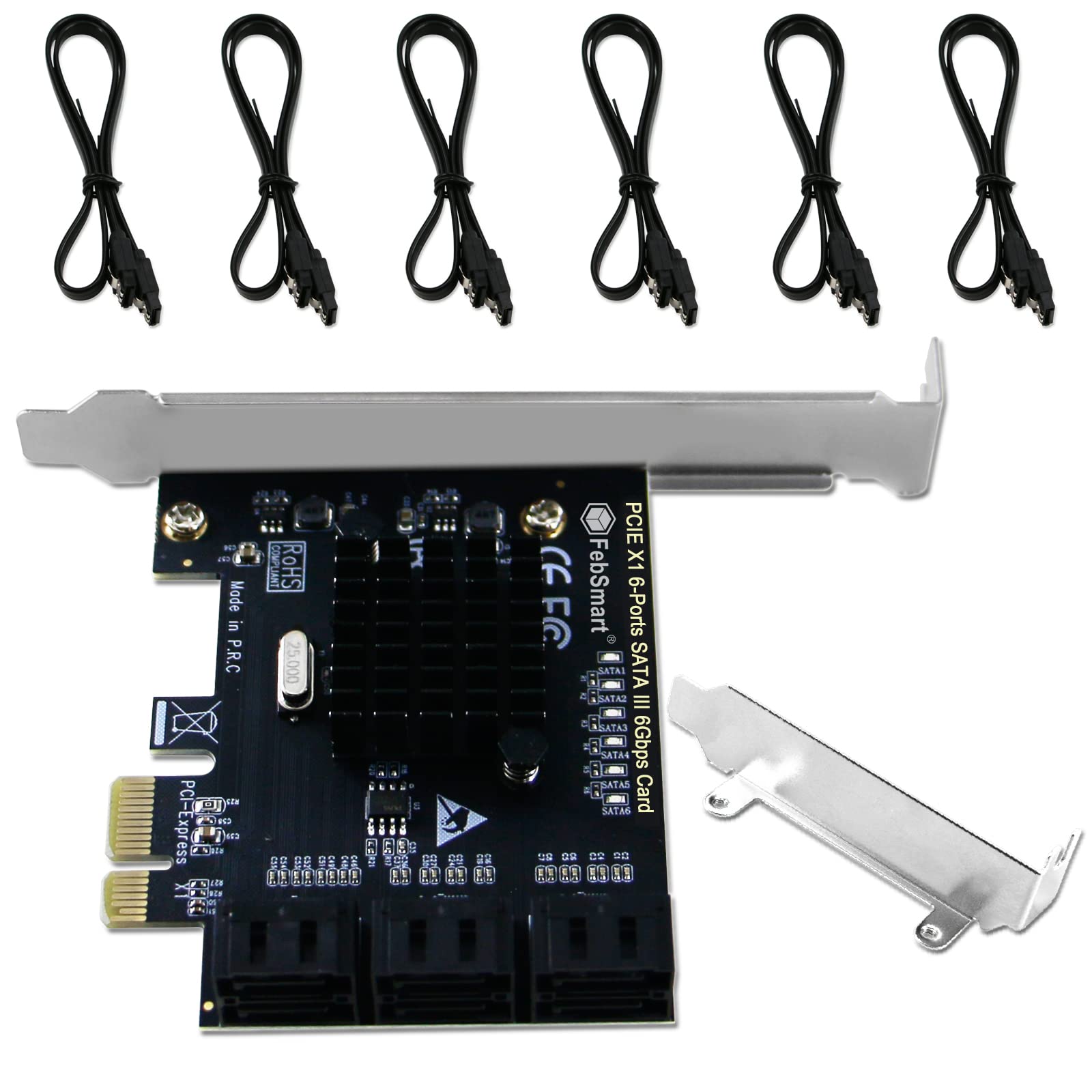
This is for the FS-S6-Pro card with the ASM1166 chip. First off, let me say that the cable length of the supplied cables are exactly 15.5 inches end to end. So I can see them being approximately plus or minus a half inch at most, so the reported length of 19 inches or 18 inches are all wrong according to what I just received. Cable length of 15.5 inches is what I measured. Next thing is that as this is not a RAID card per say, but you can set up a mirrored 'software' array and perhaps others through the windows 'disk management' although a bit tricky, at least for me. I've used the windows 'storage spaces' in the past for hdds connected directly to sata ports on the motherboard, but in the case with hdds connected to this ASM1166 card, storage spaces wouldn't work. 'Disk Management' was the only way to get the 2-hdd mirror I wanted and it also made the disks 'dynamic' as opposed to 'basic' which through 'storage spaces' the disks stay 'basic'. Not sure if that matters or not but thought I would throw that out there. The reason for the tricky is that it took a few tries to figure out how to get the 'mirror' option to show up and let me select the proper drives for the array. I don't even remember the exact order of things, but it's something like this....start with both drives unallocated, empty, and they won't show in 'file explorer'. From there you could try the 'storage spaces' and see if it's just something with my mobo. If that doesn't work then go to 'disk management' and you should see the two-six new drives installed from the asm1166 card. Next, tricky part, because I had originally formatted and allocated a single volume per drive. But then I could not mirror, greyed out, and 'storage spaces' didn't even show them, but of course 'file manager' now showed them as single new empty drives. I tried with both empty and unallocated but the mirror would fail and 'storage spaces' didn't work. So then I had just one drive formatted and allocated and from there I was able to select create mirror, not greyed out, and then chose the other drive I wanted to use and it worked, I think it failed once too but I can't remember what I did to cause that. But then it took all night long to synch and show 'healthy', but worked. Also, when I originally started things up before any of this, one of the drives came in 'offline' so I had to change that. Not sure why that happened. Another observation with 'disk management' is that you will see both dynamic drives on separate bar graphs as a mirrored volume as opposed to only a single line bar graph for the mirror created with 'storage spaces'. Confusing, maybe. I'm confused also because I thought windows no longer used 'disk management' to create RAID type volumes and went to 'storage spaces' instead. I guess I'm wrong on that. I also have two other dynamic disks in my computer that are in a mirrored volume through Intel Rapid Storage Technology that also show both drives on separate bar graphs in 'disk management'. Anyway, I used to build computers (about 10 of them) over the last 25 years but I'm older now and haven't built one in about 8 years, which is this one I'm trying to add extra storage too. It's a Gigabyte X99 Gaming G1 wifi mobo, and windows 8.1 updated to 10 a couple years ago, late bloomer. Pretty solid setup and I hope it lasts with this new storage. I don't game I just really liked the mobo when it came out and wanted to build a system with it and it became my main computer after all the others finally hit end of life. Not with the hardware so much as with the software mainly. So I'm a bit rusty and not completely up to date with all the terminology so please excuse any wrong computer lingo I've used. Hope this helps a little. I researched a lot of cards and thought this one looked the best, but all these ASM1166 cards are probably about the same in reality. This card came in a static (maybe?) bag and was packed tight so no worries about it breaking apart bouncing around inside an oversized box. No drivers or any software to install. Plug and play. So far I'm only using two ports of the six and have not tried any of the ports with other peripherals like blue-ray burners, dvd burners, cd burners, or any other type sata device except these two hdds (WD Red 3TB) that came out of a crashed and burned NAS that I was able to retrieve the data from.
E**A
Fast. Compatible with Windows 10/11. Doesn't work with Z690 out of the box.
I picked this card up because it's one of the few that gives you 6 full-speed SATA III ports without overheating terribly as long as you have good airflow around it. Despite what another reviewer has stated, you DO NOT need CSM/Legacy boot support to run this card. It will work just fine on a UEFI-only system. It also works just fine with optical drives, unlike a lot of other SATA expansion cards. What it will not work with, however, is a Z690 chipset (which is used by the 12th gen Intel CPUs). This is actually true of ALL ASM1166 based cards, so it's not a problem with this particular model. However, what is a problem is that there's a firmware that allows you to use this card with a Z690 motherboard, and FebSmart doesn't provide it (hence the 3-star rating). Silverstone offers a model that uses the exact same chips, the ECS06 -- if you to go Silverstone's product page for that card, you'll find a download called "Improved compatibility for Intel 600 Series chipset motherboard". This contains a firmware flasher that works with this card as well, and enables support for Z690 motherboards. Note that the firmware update CANNOT BE PERFORMED on the z690 computer. You will need to use literally any other computer with an available PCI-E slot for the update. I used an old AMD A10 APU box with a PCI-E 2.0 slot for the process without issue.
J**N
Really useful and useful and need to use 2 of the 4 ports
Great product….really comes in handy when you have more usb devices that the motherboard can handle
Trustpilot
1 month ago
1 month ago



