Desert Online General Trading LLC
Dubai, United Arab Emirates
Desert Online General Trading LLC
Dubai, United Arab Emirates

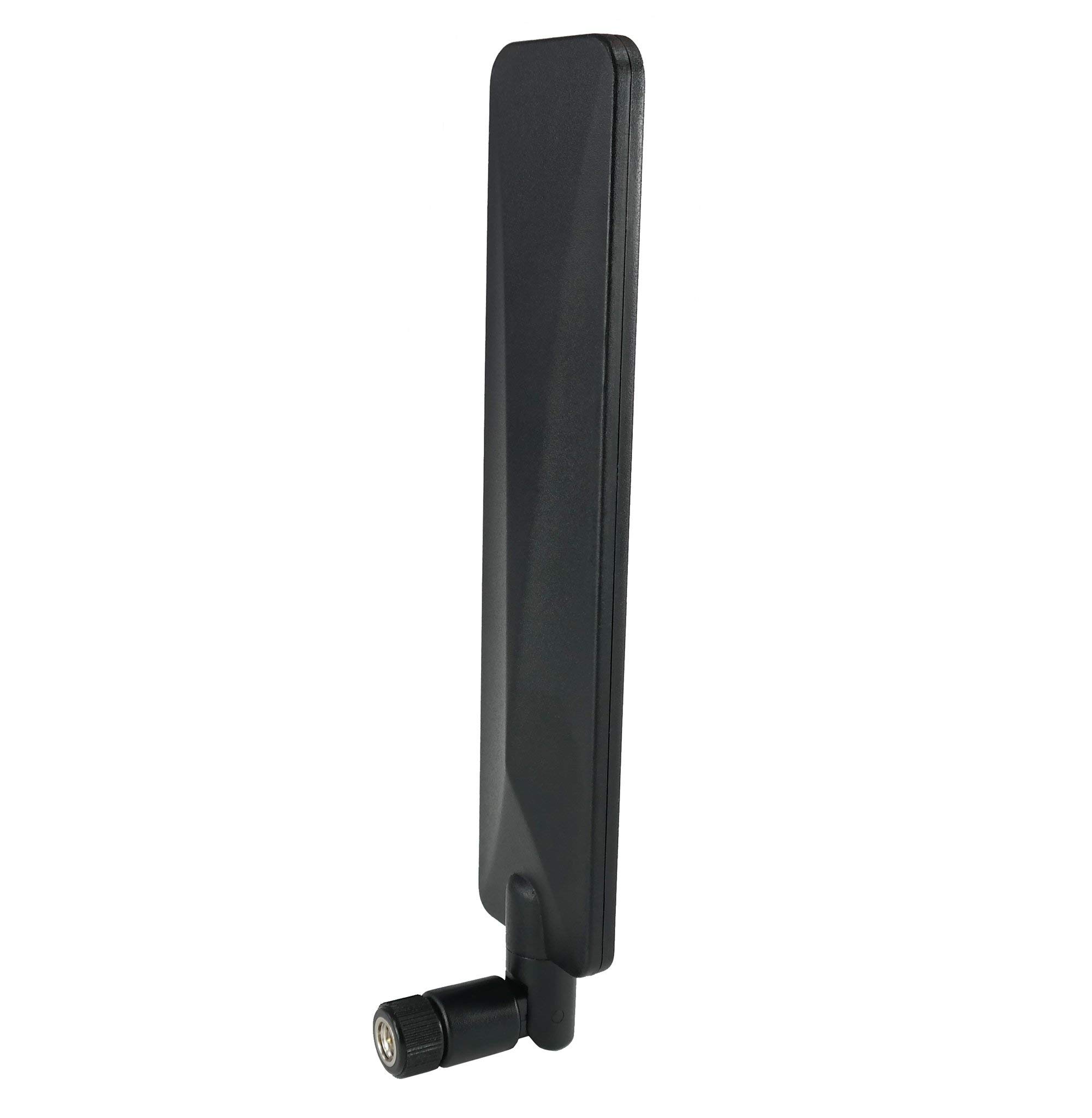


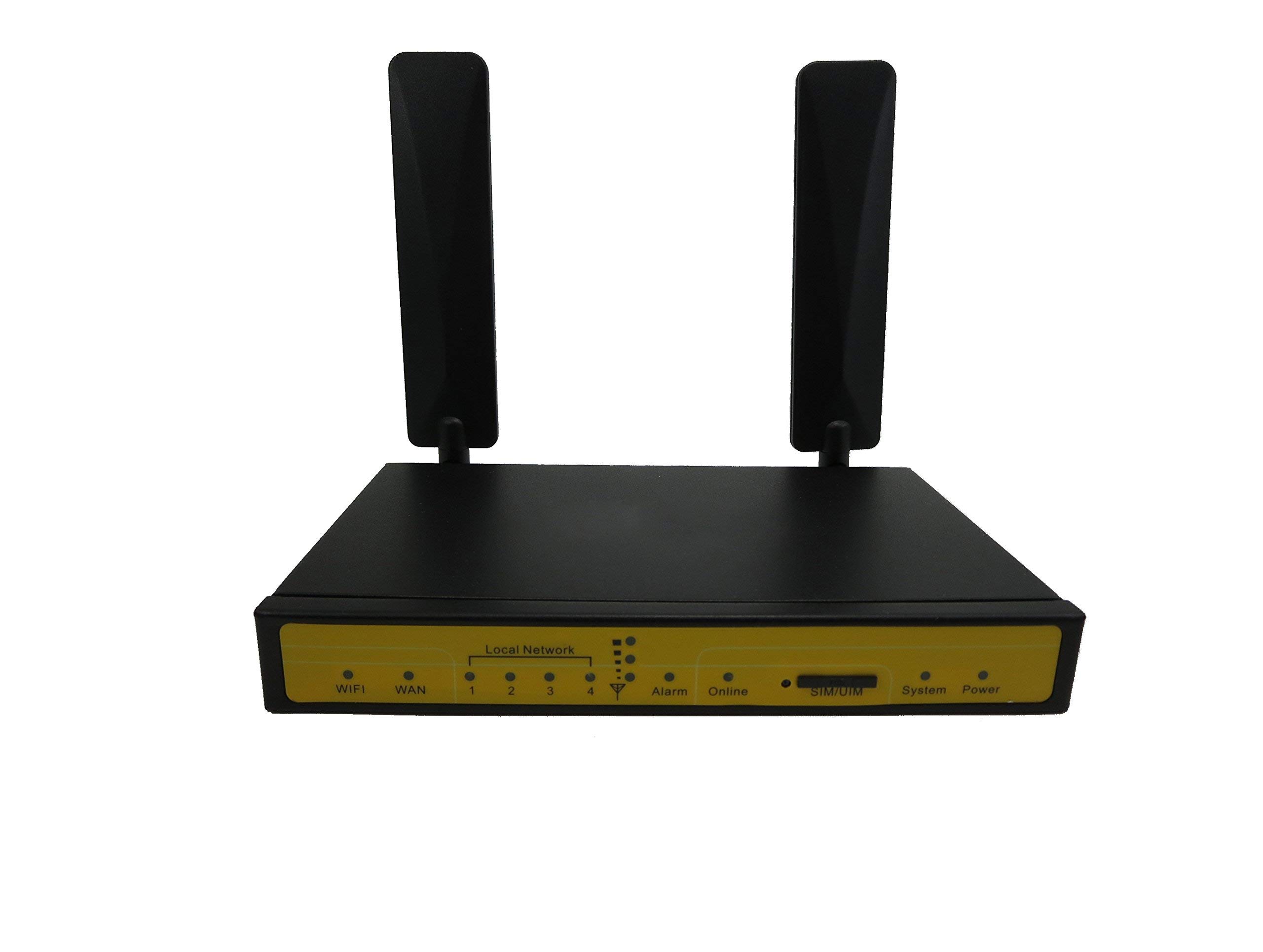
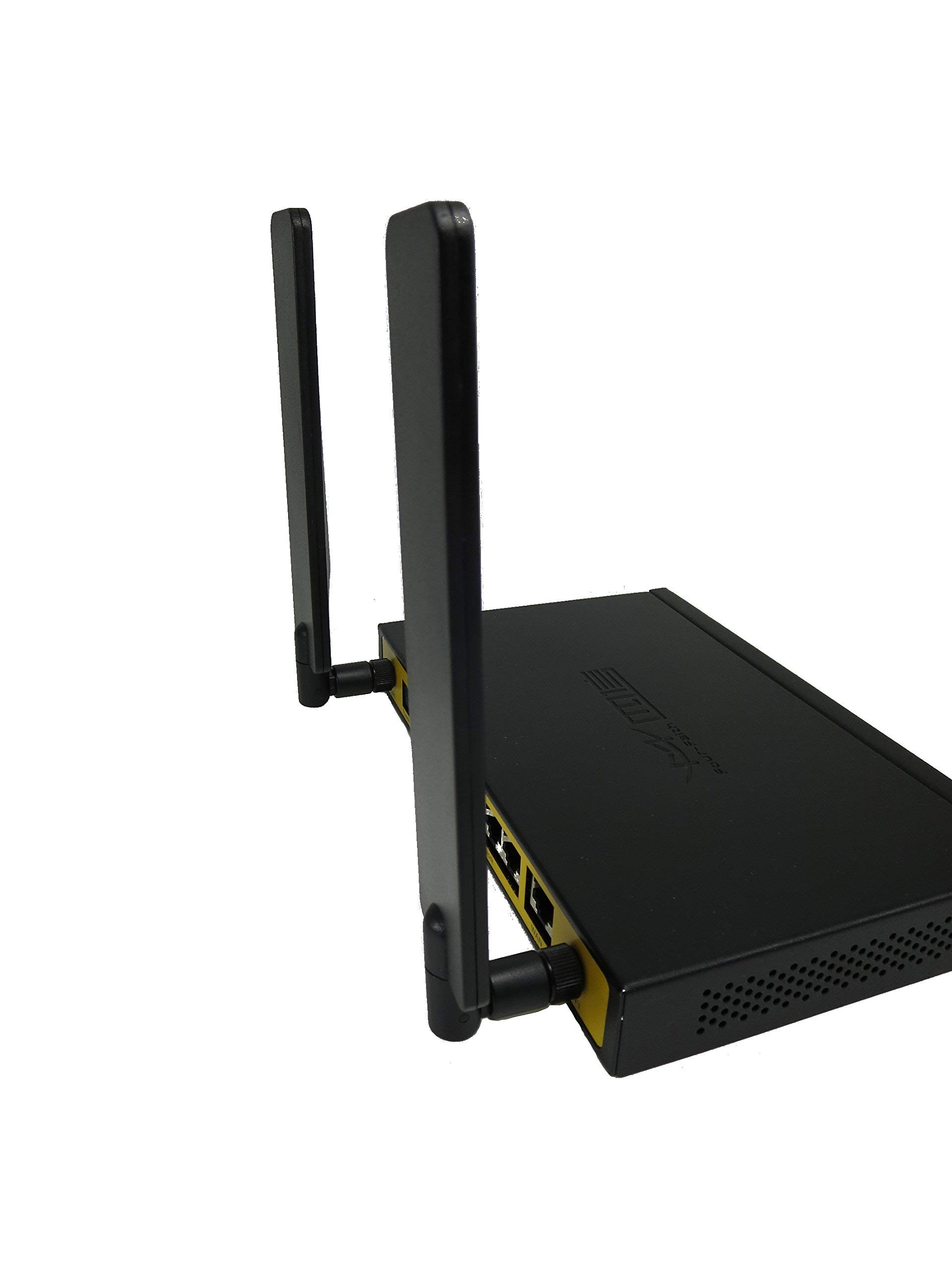
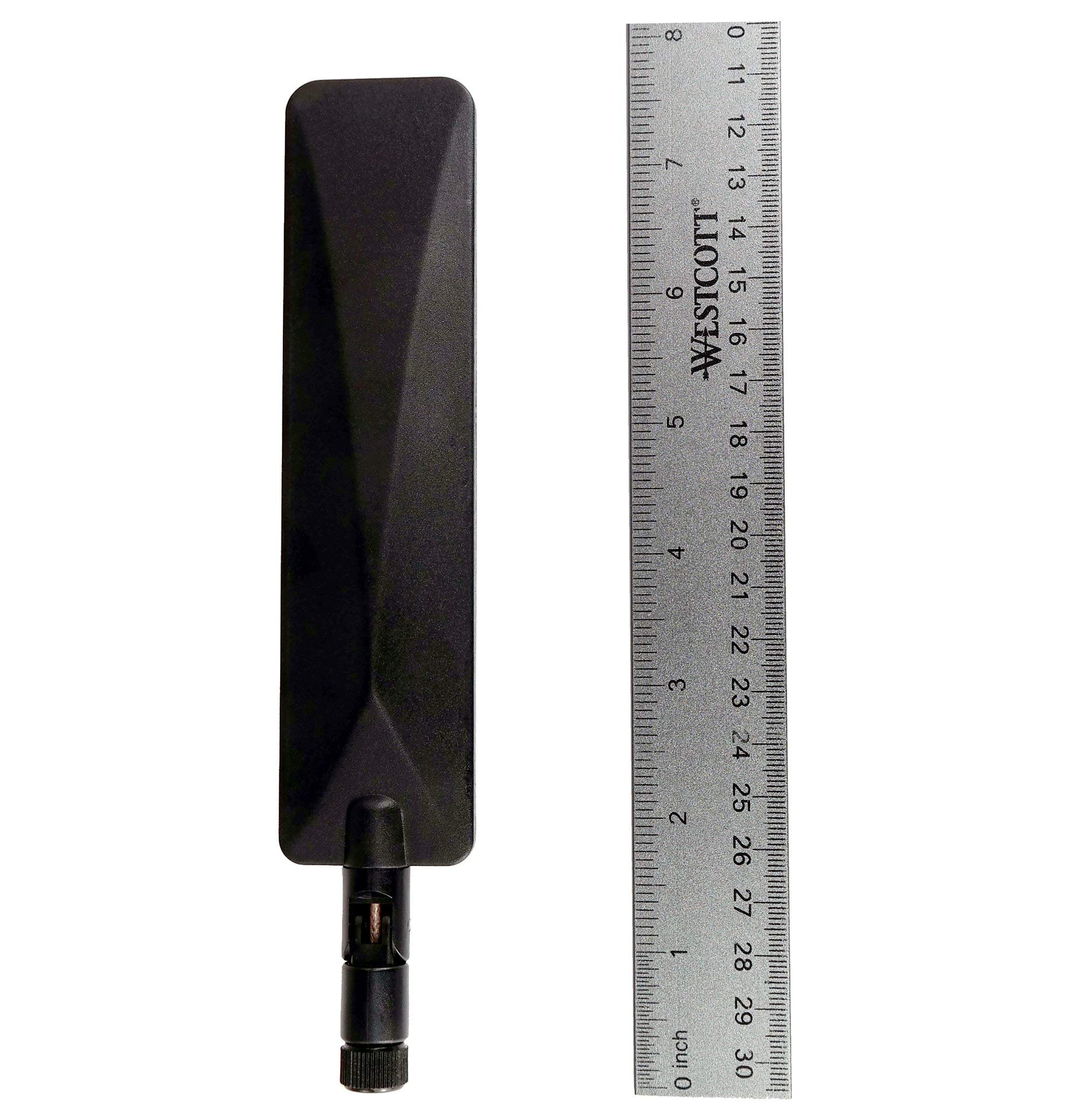
📡 Elevate Your Signal Game!
The Proxicast 4G/LTE Universal Wide Band 5 dBi Omni-Directional Paddle Antenna is designed to replace low-gain antennas, significantly boosting signal strength and data speeds for a wide range of cellular products. Compatible with various carriers and devices, this antenna features a swivel and tilt design for optimal reception, ensuring you stay connected even in remote areas.

H**A
A definite improvement
Used on ATT's AWI wireless internet router. We live in a rural area about 10-12 miles from the cell tower up on a ridge but in a forested region. Purchased the Proxicast antennas based on reviews, even though expected improvement in gain was only 5 dbi stated. (Was not too keen on getting on the roof to install Lte antennas with better signal gain if i could help it.)Initial signal strengths before adding the antennas were -109--> -115 dBm with download speeds 10.9 to 19.7 Mbps (using ATT internet speed test). Upload speeds a miserable 0.5 to 3.0 Mbps at bestWith paddle antennas installed signal strength consistently improved with much less variation despite weather changes (cloudy rainy days tended before to give better signal; bright sunny days much worse signal strength).Although initially had immediately a dramatic increase with -84 to 86 dBm strength far exceeding my expectations (imagine my glee of excitement); by the next day and subsequently only achieved -105 to - 106 dBm. Cannot explain why but currently researching. This was my initial expectation given the 5 dbi gain stated.Download speeds improved some 20 to 28 Mbps but upload speeds definitely improved & more consistent at 3 to 5 Mbps (important if you are using outdoor Blink cameras to monitor your property). Occasionally even belter for both.A few tips:1)- used the OpenSignal app (free to download) to locate the direction of the cell tower2)- the ATT AWI device sits flat on a small child's table at the window that faces the cell tower, & through trial and error determined the back of the device pointed at the tower gave best signal strength with the internal antennas before installing the Proxicast antennas.3)- the Proxicast technical page states that most cell towers have vertical polarity so recommends keeping the antennas upright, so when I installed the antennas did so keeping the AWI router in same exact location/orientation.4)-- testing internet speeds will depend in part on network congestion and time of day. (Sundays had slower speeds and Mondays in midmorning better results). Use the signal strength meter on AWI router page to determine how well you are doing. Also note signal strength can vary intermittently so it takes a while to get a feel on how you are doing.Overall given my expectations initially product works as advertised, and saved me drilling holes in the walls to run an outdoor antenna ( which I would expect would work even better-- but our needs are met) Definitely would recommend purchasing and trying as long as you have realistic expectations.... & and contain your excitement if you get a huge improvement initially the first day until you see how things settle out...;)
V**T
These definitely increase signal strength, but placement and angle are key.
We ditched the super slow DSL that we were restricted to (2Mbps down/0.5Mbps up) in favor of an LTE hotspot router via a company that primarily caters to people who spend a lot of time on the road or in a situation where conventional high speed internet is not an option. Since fiber internet is not available in our area yet I am using this until it is.I just upgraded to these new Proxicast paddle antennas from the Panorama desktop MiMo antenna I was using to try and increase the strength of the signal to the local tower and my upload speed doubled while the DL speed jumped up a bit more than I was already getting when at peak speeds (from what I understand, most home internet plans have a cap of 10Mbps upload so this was a bit of a win for me because I tend to upload large files at times due to my business).These are 5dBi (the Panorama is 4.5dBi) and I have some 9dBi antennas coming. I'm hoping those will be able to push me over the 30Mbps down mark because I really want to be able to stream content in 4K, which requires a minimum of 25Mbps. If not, these will definitely do. Still ten times better than I was getting before the service switch.The main thing with these is that you have to play around with the angle and placement for optimal performance but once you have that dialed in you should be very happy with your increased speeds.
A**R
Is this any better than a piece of wire?
I always feel these type of antennas don't do anything. I almost feel like this is just a connector with a piece of wire running through. It doesn't behave any differently than the built-in patch/ceramic antenna. I'd almost rather just buy an antenna from the manufacturer of the device on the assumption that they at least tried to test what they're selling. They also seem to have some kind of pattern to the PCB layout for those specific antennas.I also cannot stand the connectors on these things because they eventually get loose and the antenna doesn't stay in the position that I want. So what's the point of making it articulate if it just turns into a limp spaghetti noodle?
E**R
Not For Wireless Home Phone
I got this for a Verizon T2000. Without the antenna attached the device would go between 2 and 3 bars. After I put the antenna on the device and put it through a power cycle, it stayed at just 2 bars.I tried it for a week and found that it may have actually hurt the reception because calls were being forwarded to the voice mailbox instead of coming through. I took it back off and did a power cycle and the device went back to going between 2 and 3 bars.If you're looking to add this to a Verizon T2000, do not use this, as it looks like the T2000 may disable the internal antenna (which seems to get better reception) and limit the reception to whatever external antenna you may use. (I am assuming this as the instructions in the manual state when you add an external antenna you are supposed to turn it on and then back on [power cycle] for the device to detect it)
E**Y
works as expected
works as expected
B**L
Works ok if you aim it perfectly
I almost threw these away until I figured out they have to be absolutely perfectly aimed. I don't mean kind of aimed in the direction of the tower. i mean precisely just 1/2 an inch out of alignment and they are worce than the antennas the cheap lte router came with. The best I've seen is a 20% improvement in download speeds. So they do work but be prepared to spend some time testing and moving it 1/8 inch at a time. It took me about an hour to get it perfect.
Trustpilot
2 weeks ago
2 weeks ago