
DOWNLOAD THE APP


Customer Services
Copyright © 2025 Desertcart Holdings Limited
DOWNLOAD THE APP

🎧 Elevate Your Audio Game—Where Comfort Meets Clarity!
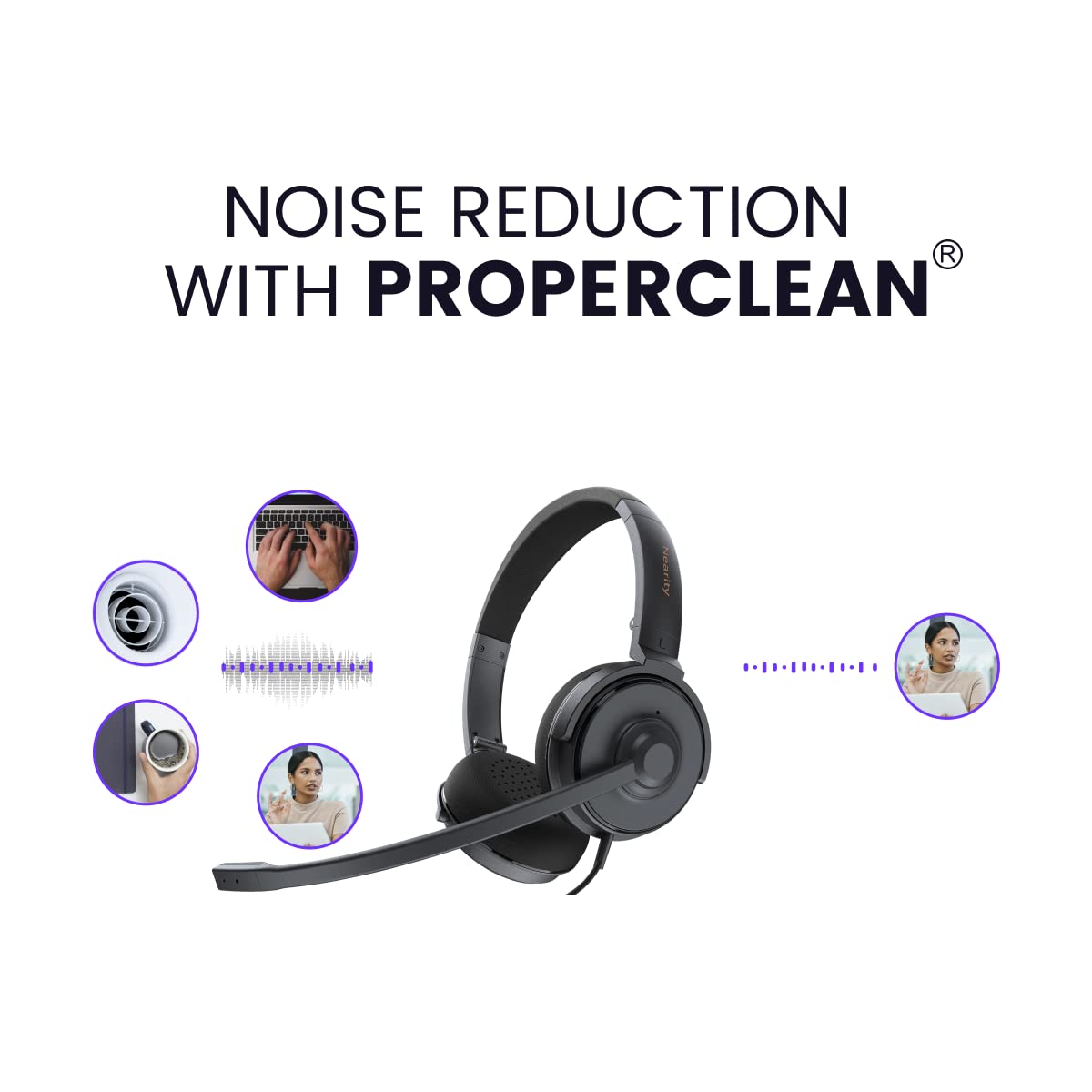
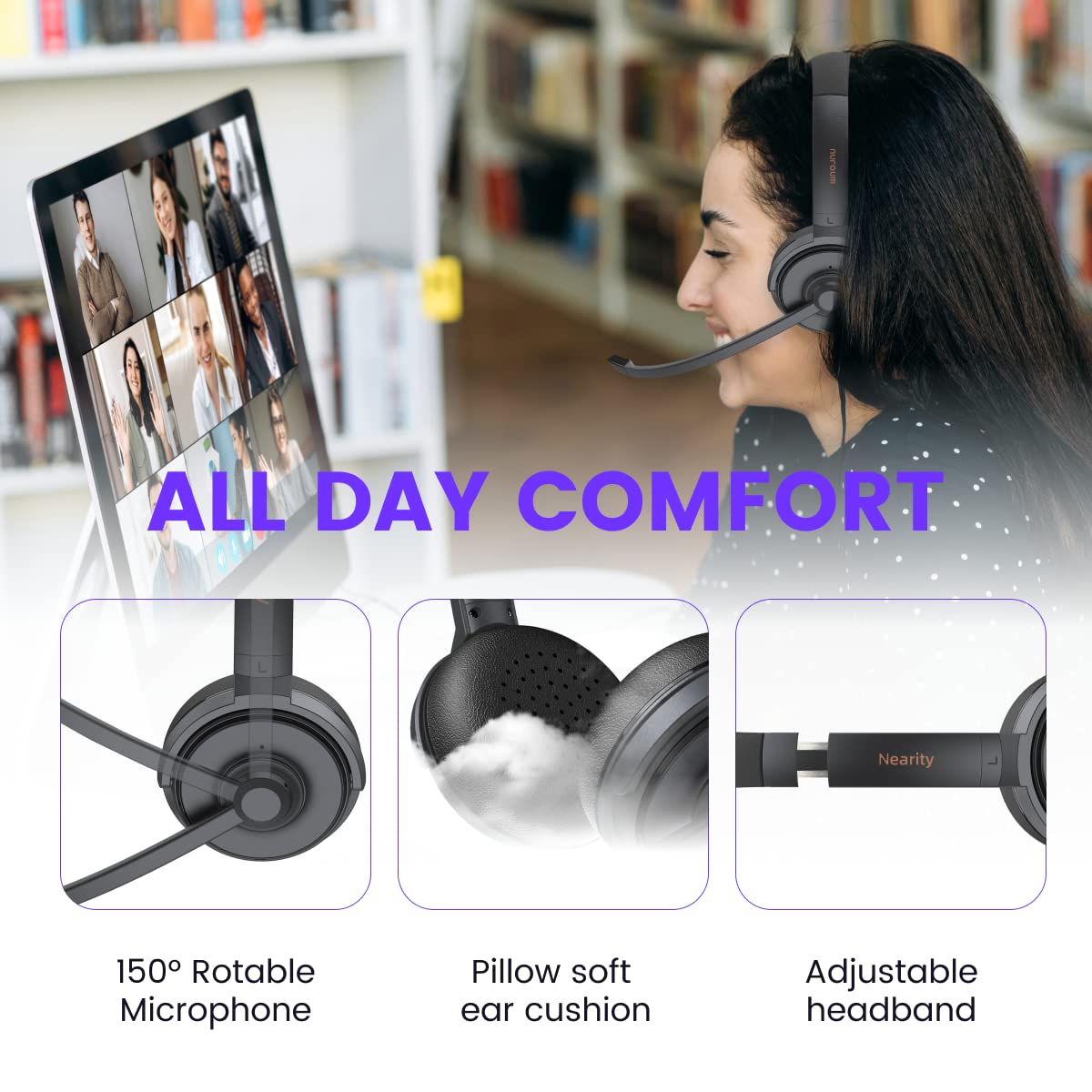
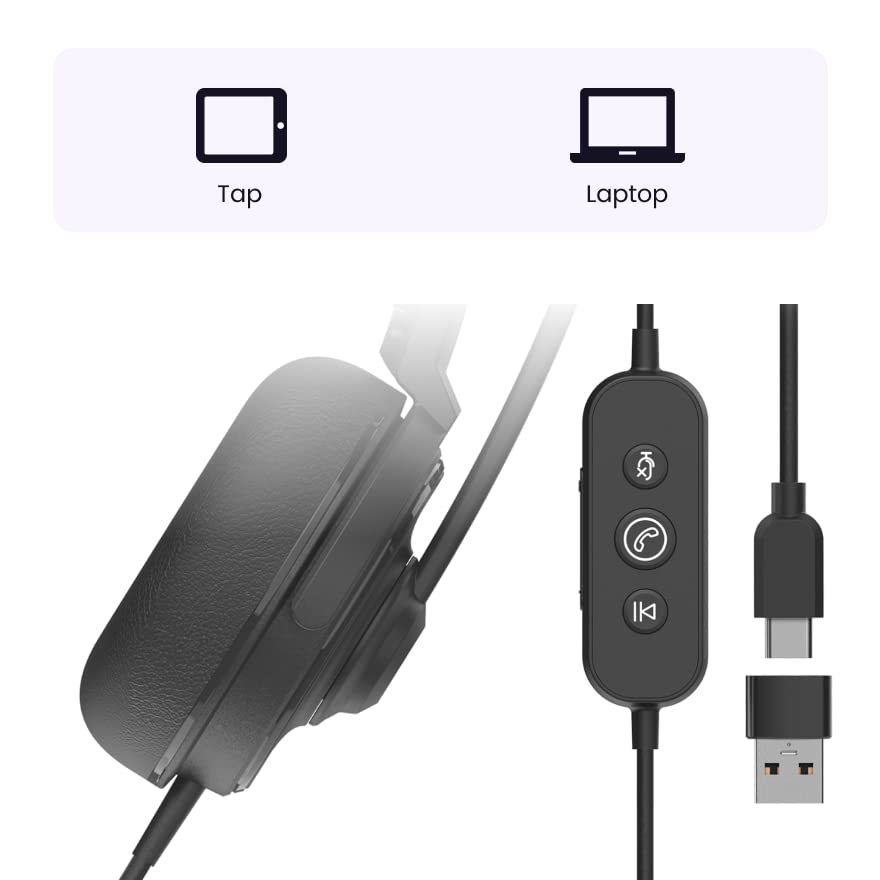
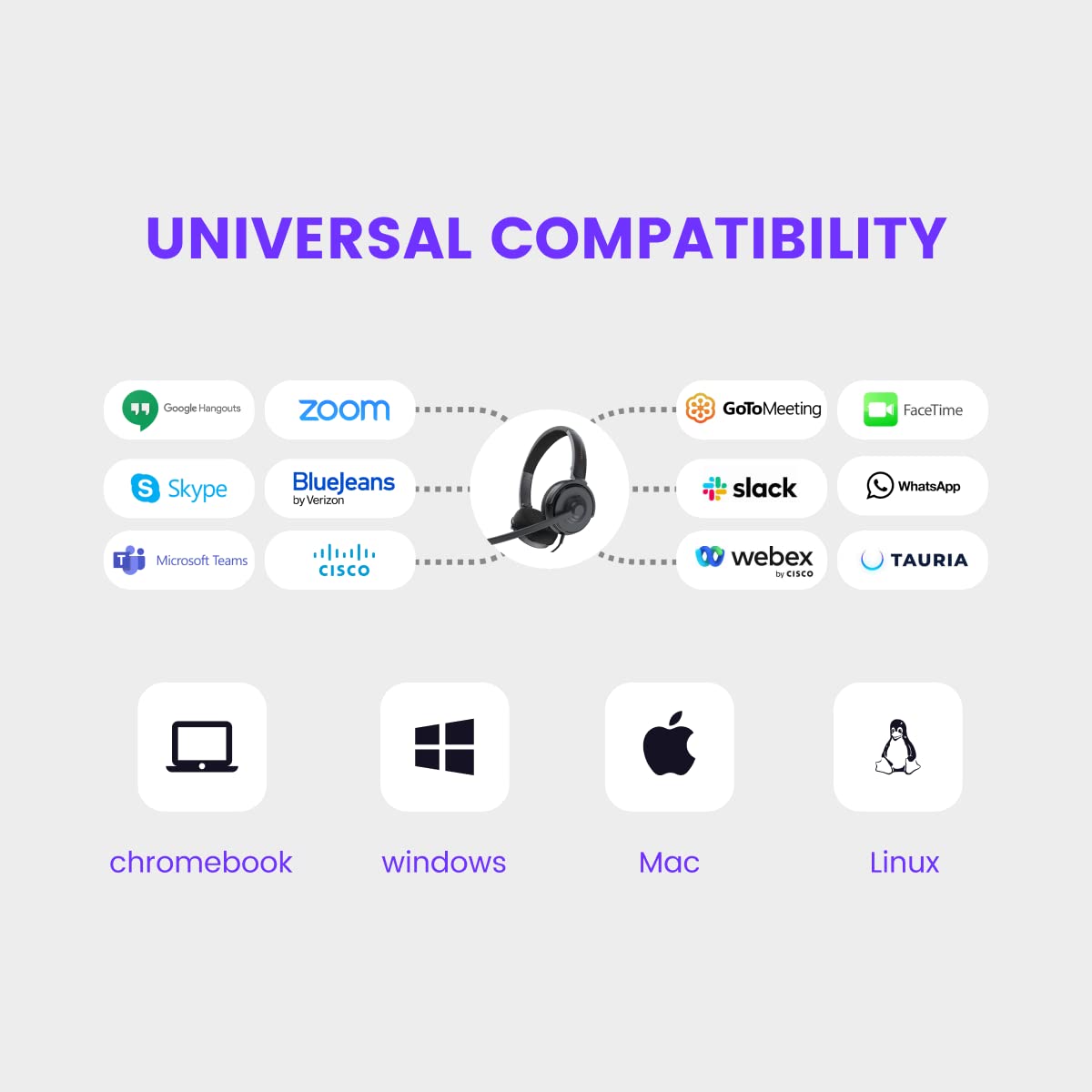
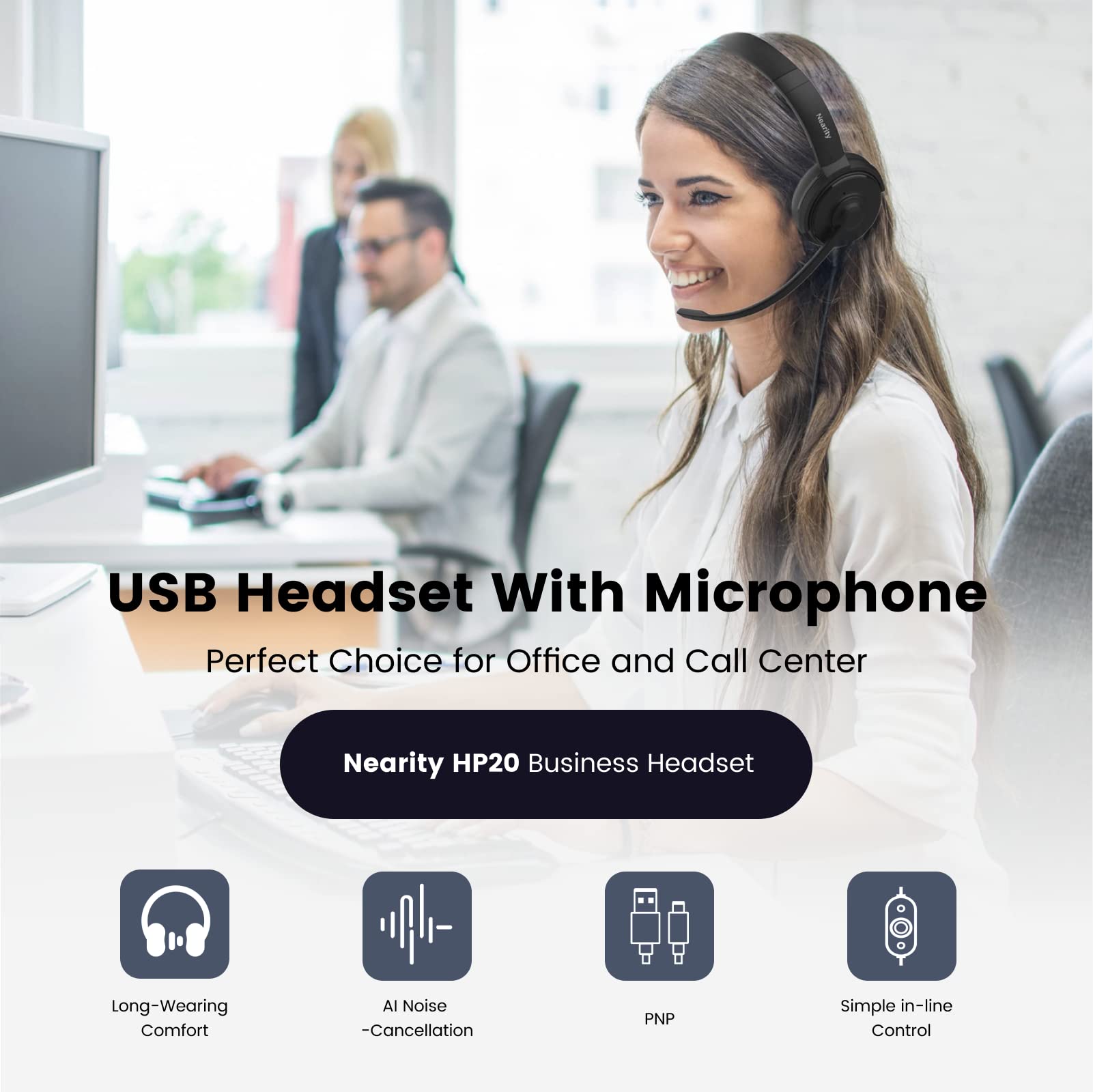
The HP20 Wired Computer Headset is designed for professionals seeking superior sound quality and comfort. Featuring dual noise-cancelling microphones, plush ear cushions, and versatile USB-C/USB-A connectivity, this headset is perfect for long hours of calls, online courses, and virtual meetings.
D**O
Good item
Great item no problems
R**N
Great noise cancellation but not comfortable
The ear piece is very uncomfortable and put a pressuring pain on my ears. Not sure if it’s because they’re not bigger. Not comfortable I can only keep them on when I’m actually on a call.
B**N
Works well over my hearing aids
I needed on ear earphones due to feedback from my hearing aids while using my previous over the ear headphone. The sound is not as good, but it works fine for me
R**.
Comfortable
Product used for work. Worked well for my type of use. They were comfortable.
M**Y
Overpriced!
Not worth the money, can barely hear through them. Not very good quality either. Very disappointed.
R**T
Super Plush and Comfortable
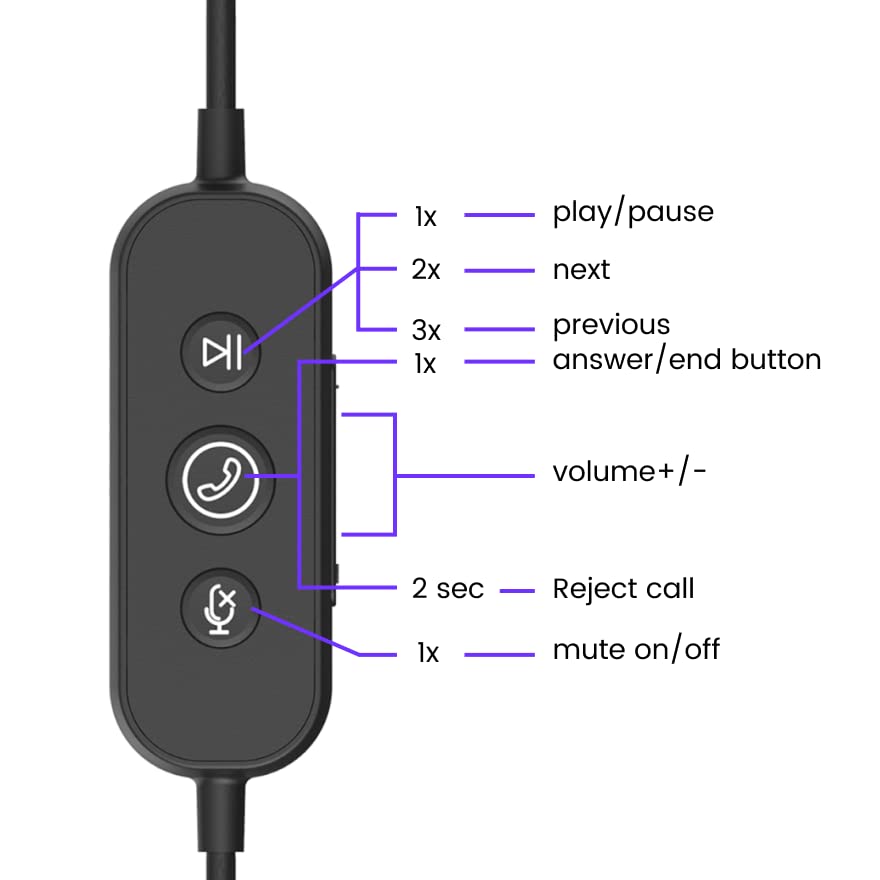
I work in a call center, so it's important that my headset be comfortable for hours at a time. I am happy to report that this Nearity headset is probably the softest, plushest, most comfortable headset I have ever worn. The earcups are super soft and cushiony--almost as if they were made out of cotton candy wrapped inside a leather-like sponge. It is lightweight, comfortable and very well made, in terms of build quality.The attached microphone works great, and there is a mute on/off button that actually tells you whether you have it on or not ("Mute on" or "Mute off" is what you hear when you push the button). I like the dual USB connectors, so it is compatible with multiple devices, and Windows (11) recognizes the headset (plug and play) without any setup or drivers needed.The instruction manual is a single sheet of paper folded multiple times, and it actually displays information in 17 different languages. Sadly, you're not getting much in the way of information, aside from a few photos--although I'm grateful English was on top, and I didn't have to search for it. The font size for the manual is so small that I literally put a pair of magnifier readers over another pair of magnifier readers in order to read the instruction manual. Aside from the photos, the instruction manual doesn't say much in addition to the technical specifications.Putting it to the test, I found that the people on my conference call could hear me loud and clear, without noise, muffling, static or interruption. However, on my end, I pretty much had to turn up the volume control almost all the way to hear them in a normal voice tone. The volume control goes up to a setting of 100, and I thought the setting for a normal voice level/tone to be in the 80-85 range. I was hoping for a little more wiggle room. Also, although the frequency range is between 20Hz and 20kHz, the ear speakers performed much better with music than it did with voice, which I found a bit surprising. I could carry on normal conversations, but my input sound appeared to be a bit canned, and not as dynamic as I've experienced with other headsets that I own. The sound was not muffled, but it came across as being a bit compressed, which I found noticeable in light of it having such a good frequency response according to the specs.Overall, though, I would place this headset among the better choices on the market, and it compares quite favorably to other headsets in a similar price range. If you're looking for a comfortable headset that you can wear for hours on end, I don't think you could find much better than this set. It elevates plush to a new level.Recommended. Made in China.
T**H
So Soft You Won't Want to Take them Off
These NEARITY headsets are my primary device for attending conference calls when using my desktop PC.Let me say I’ve worn plenty of headphones over my 50+ years of existence, and the ear cups on this Nearity HP20 wired computer headset are the softest most comfortable I’ve ever come across. It feels like my ears are being caressed by soft latex pillows. Can literally have them on for hours and my ears never get hot or feel like their being flattened.Even though there is a USB-C to USB A adapter included, I wish the USB A connector was the main plug for this headset. Only have one USB-C port on my PC and its always being occupied by an external SSD drive. The USB C to USB A adapter causes a slight delay with the audio when using it.The noise cancelling feature of these on-ear headphones is amazing. Co-workers tell me it sounds like I’m right in the room with them during a conference call. Audio sounds crisp and clear when someone is talking to me or the group. The volume and mute controls also work well during a live call.Can’t say how well they sound with music for I got them mainly for use with apps like Skype, Zoom and Google Meet. Do listen to YouTube DIY videos with them and there doesn’t seem to be much of a drop off in quality when a presenter’s theme music play.In closing, I would say these USB-C computer headphones are ideal for anyone wanting to significantly improve audio quality when utilizing digital communication software. That could be for school, business, training or even just horsing around with friends.
J**R
Good Business Use Headset
I spend a lot of time on the phone and would be absolutely lost without a good headset. The Nearity HP20 wired headset is good but with a couple of reservations.First, I like that this is a wired headset. I find in general the wired gives a slightly better sound quality than a Bluetooth headset. There are two different connectors – a USB and a type C connectors.The ear cushions are large and soft, they rotate about 90 degrees. They fit comfortably over the ears. The headband is adjustable. The microphone boom can be rotated away from your mouth. The only thing I do not like about this headset is the mic boom cannot be adjusted closer to your mouth. The boom is rigid so it is a constant distance from your mouth.All the controls are located on one button located about 15” from the headset. The controls are easy to use. On the side of the control button is the volume +/- lever. On the center of the control button is the answer phone button, mute and next/previous buttons.The sound quality is good for this price range headset. This works with your laptop/desktop of smartphone. It will work with all operating systems.You can use this headset for extended periods of time.
Trustpilot
5 days ago
1 week ago