We remain fully operational. Our teams are working around the clock to ensure your deliveries continue safely.

DOWNLOAD THE APP


Customer Services
Copyright © 2025 Desertcart Holdings Limited
DOWNLOAD THE APP

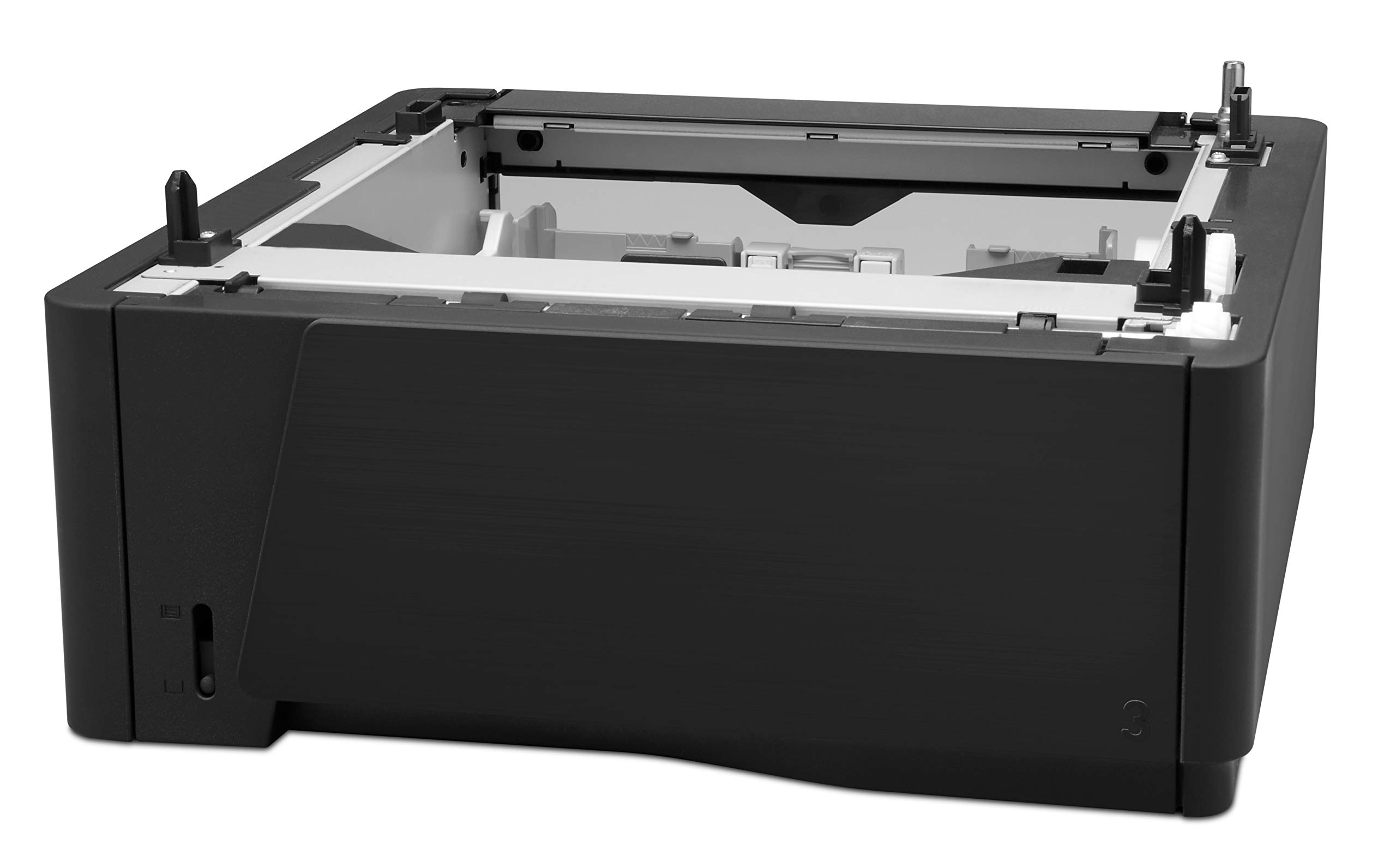

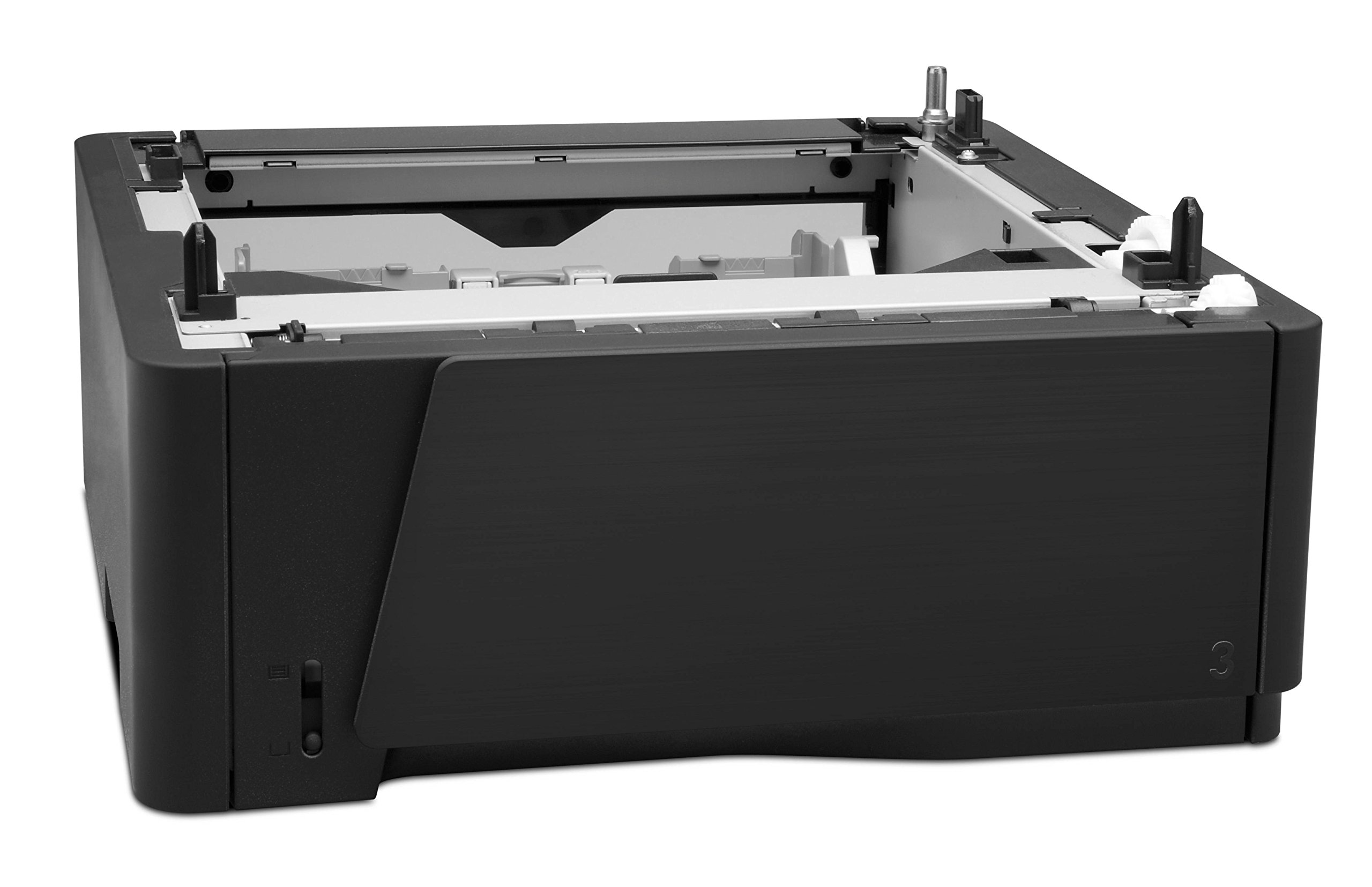
📈 Elevate Your Printing Game!
The HP LaserJet 500 Sheet Feeder CF284A is a robust and efficient addition to your office, designed to enhance productivity with its impressive 33 pages per minute printing speed and a maximum sheet capacity of 500. With seamless Ethernet connectivity and a user-friendly touch control interface, this monochrome laser printer feeder is perfect for professionals seeking reliability and quality in their printing tasks.
| B&W Pages per Minute | 33 ppm |
| Hardware Connectivity | Ethernet |
| Color | Black |
| Maximum Sheet Capacity | 500 |
| Is Electric | No |
| Ink Color | black |
| Number of Trays | 1 |
| Processor Count | 1 |
| Control Method | Touch |
| Controller Type | Push Button |
| Print media | Paper (plain) |
| Scanner Type | Sheetfed |
| Printer Type | Laser |
| Printer Output Type | Monochrome |
| Item Weight | 8.6 Pounds |
J**B
Just works!
A user needed a new printer (I bought him an HP Laserjet Pro 400 M401n), and he needed a sheet feeder that could handle legal sized paper. This fit the bill perfectly. He has had no issues with the printer, or this sheet feeder. Very easy to connect to the Pro 400 printer. I would recommend this item.
C**B
Works as described, but could use better software.
Used this now for about 8 months and it's working without any problems. Four stars because the HP software does not detect which paper size is in which tray. I have to manually go into the printer setup and tell it to go to legal size and which tray it's in or it defaults to tray 1. It was easy to set up, just pick the unit up and set it on top of the feeder tray. The software did recognize the tray on startup. Overall, it was worth the money, since I no longer have to manually feed a sheet of legal size paper via the pull out tray.
T**N
Works great, came new in the HP box.
This additional tray works great, you have to go into the Printer Properties and Options and change to Tray 3 Installed and Tray 3 Available so the printer knows Tray 3 is there to draw paper from after you install it. I think people who have written reviews saying they have had problems may not have known they needed to do this. Some have written that they feel the printer draws paper from what they consider the wrong tray first. I have my printer set to Automatically select the tray and it draws from this extra tray first then the original tray the printer came with when this one runs out. That works fine for me since I use the same paper in both trays and I just wanted to not have to refill the original paper tray every 2 or 3 days and this extra tray now allows me to only have to fill both trays every 7 to 10 days of use for my printing needs. I thought that this extra tray would "click" in or some how latch to the bottom of the printer but it does not. The printer just sits on top of this extra paper tray and if you don't lift the printer from the very bottom if you go to move it you lift the printer right off this extra tray. Fortunately HP molded in places to put your fingers on the sides of this 3rd tray so you can lift the entire unit. I recommend this extra tray and the HP Pro 400 M401,About getting it from this seller -I was concerned that the expected delivery date from the seller was several days more than what I usually experience with Amazon orders. And then I was not notified it had shipped for about 3 days after placing the order when most Amazon sellers notify me the same day or the next business day that the item has shipped. I thought it would show up 3 to 5 days from when I was notified it shipped but it showed up the next day after I was notified it shipped. Overall it showed up when I thought it would 3 - 5 days after placing the order and was new in the manufacturers box and it works great. Just wish the seller had notified of it being shipped in a more timely manner so I did not think my order was misplaced.
W**N
Does not fit on HP Laserjet Pro M451dw
This item does not fit on my HP Laserjet Pro M451dw.Have to send it back.I wish, there was more info on Amazon's web siteshowing with which HP printer it would be compatible.
G**N
Works Fine
I installed this and turned the printer on and off and it just started working with no trouble. It was in great shape and didn't show many signs of wear. Very pleased.
K**P
bad customer service
It was advertised as a part compatible with a series that in fact it is NOT compatible with. Explained this to customer service and their response was basically that it was a final sale and too bad.
L**A
The tray is a tray. Nothing special
However, the printer set up is difficult without a tech person. Even now, if I put paper in the feed tray first, and then go to print, the printer pulls the paper from tray #1 instead of the feeder tray. It is annoying, a waste of time, and a waste of paper. You would think that if the lever on the feeder tray is tripped, the printer should pull from the feeder tray FIRST! No matter what. I hate machines that think they are smarter than you. Another problem with HP. I was reluctant to buy another HP product and now I know why. I won't make that mistake again.
D**D
Increase paper capacity with minimal difficulty.
Little to say. Easy to install and boosts the paper capacity of your printer. Great.
S**Y
Sitzt und passt!
Das Zusatzfach passt. Endlich mehr Papier zum Arbeiten. Ich benötige Papier in zwei Farben. Daher ist das Zusatzfach genau richtig. Eine wahre Erleichterung. Der Drucker hat das Fach ohne Probleme erkannt, ist bei HP Druckern ja nicht immer der Fall. Kann das Fach nur empfehlen.
O**4
Five Stars
Easy to fit, arrived promptly, works with no extra setup.
D**R
If you need it, it does the job.
If you need a 2nd paper tray for the Laser Jet Pro 400 series of printers, this is your only choice. In my case, I wanted to reserve the hand-feed tray for odd paper sizes, but also want to have both 8 1/2 x 11 and 8 1/2 x 14 paper available.Installation is very simple; set up the add-on tray for the paper size you want it to hold, lift up the printer, and have a 2nd person slide the tray underneath. Align the two units, and lower the printer onto the tray; done. The only other task is to use the printer's control panel to tell it what paper size is in the new tray, and (perhaps, depending on which PCL driver your are using) set up the printer driver on your PC to know the tray is present.After that, things work perfectly.
G**N
Five Stars
Perfect. Just what I ordered
M**Y
Five Stars
Perfect thank you
Trustpilot
1 month ago
2 weeks ago