
DOWNLOAD THE APP


Customer Services
Copyright © 2025 Desertcart Holdings Limited
DOWNLOAD THE APP
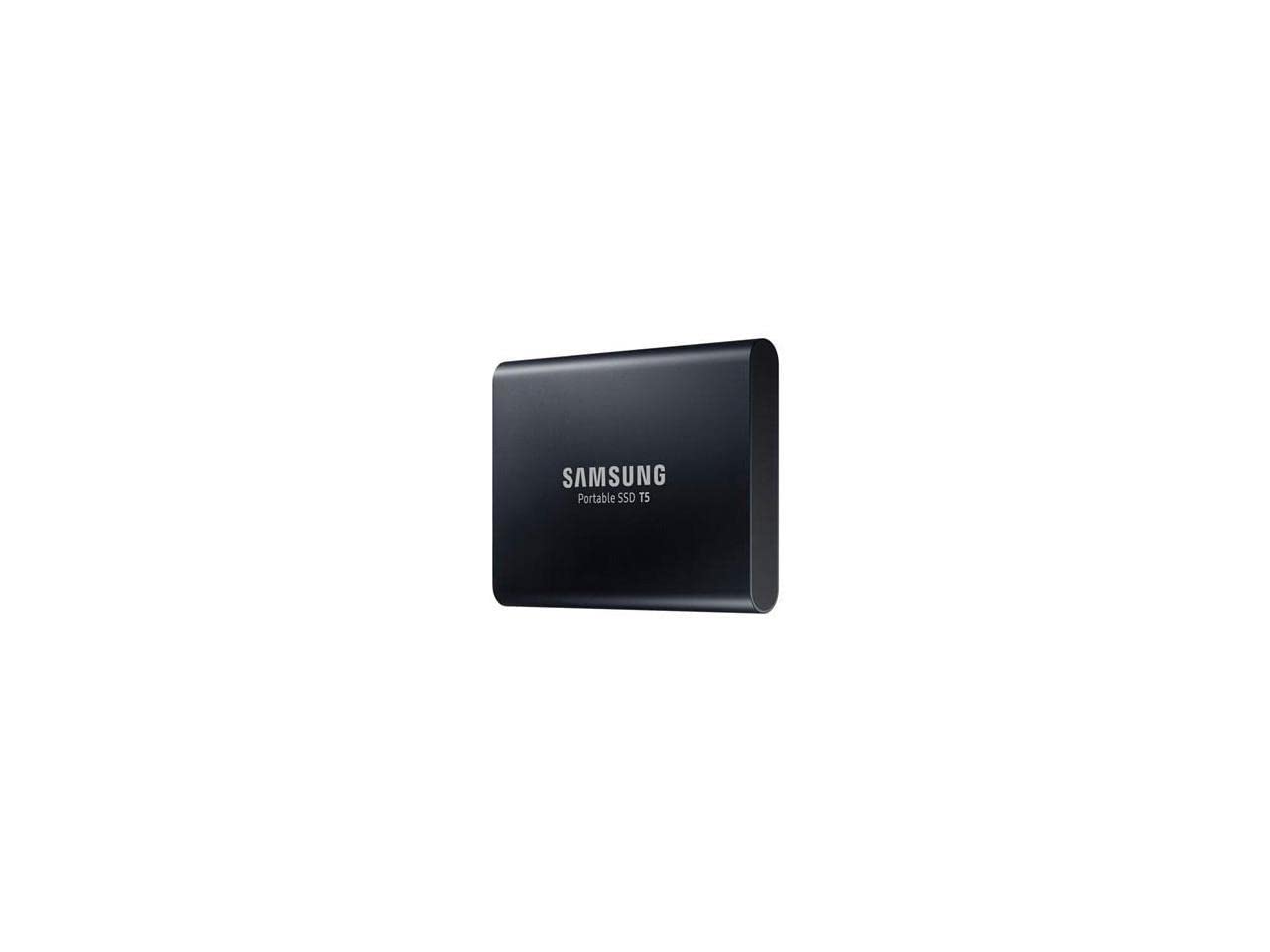


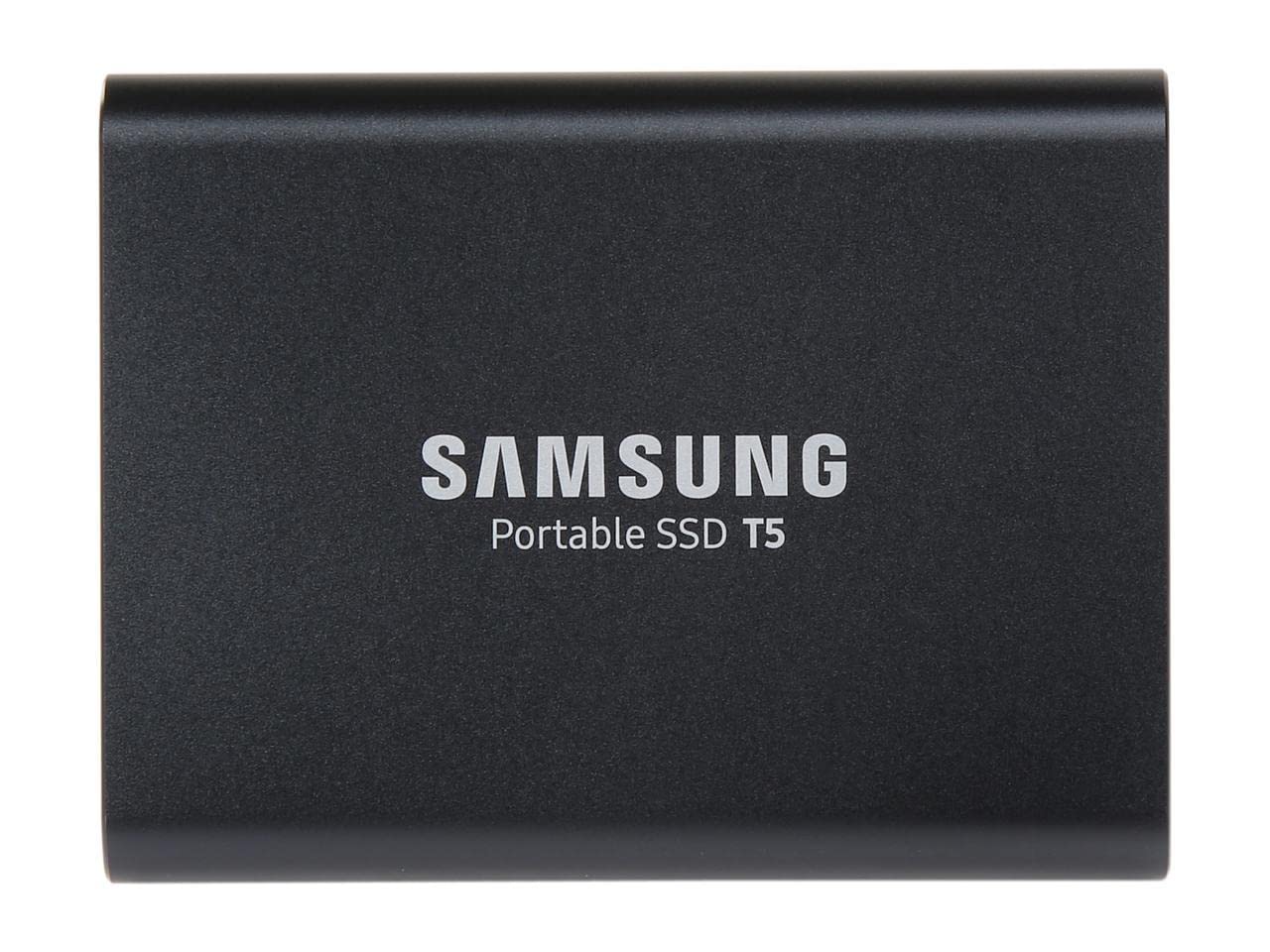
🚀 Unlock speed, security, and style in the palm of your hand.
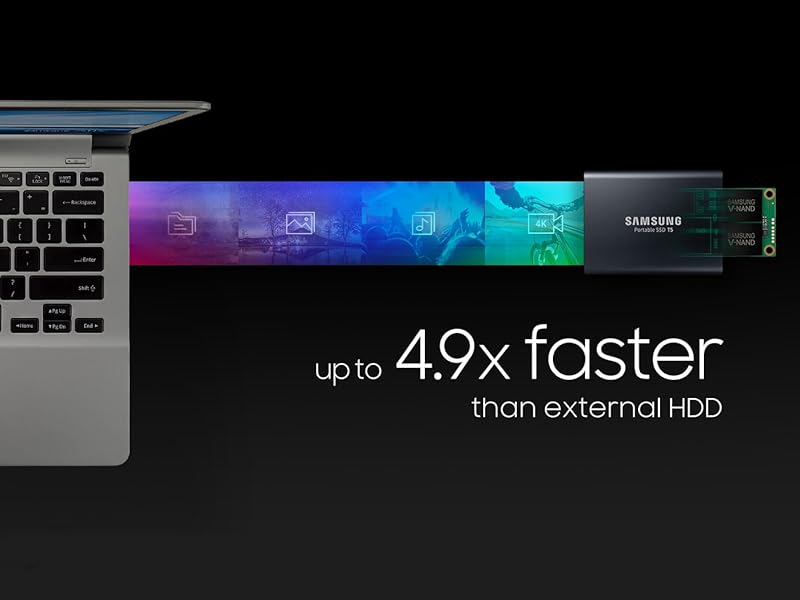
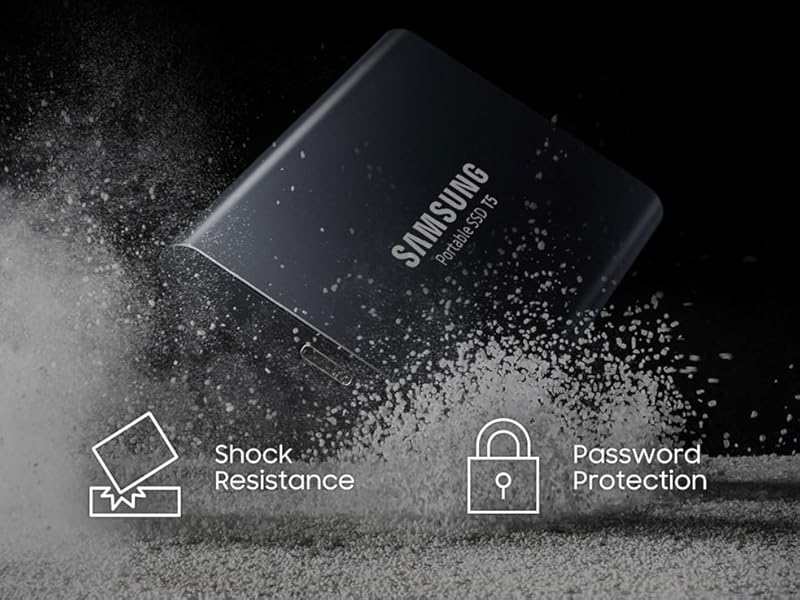
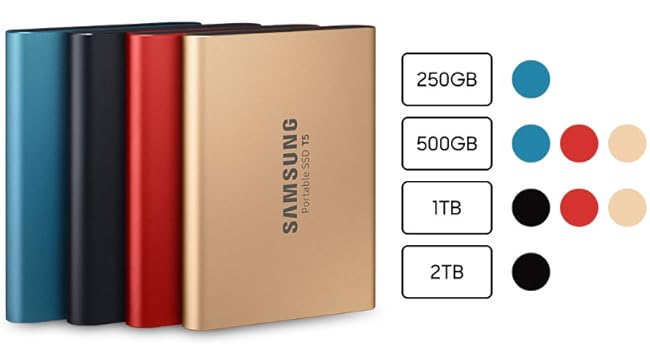
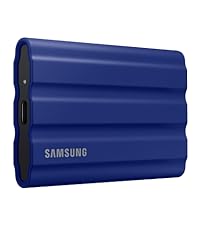
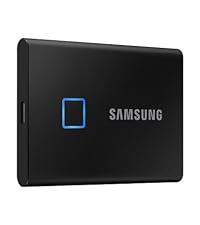
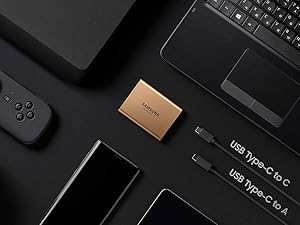
The Samsung T5 Portable SSD 2TB combines ultra-fast USB 3.1 transfer speeds up to 540MB/s with robust AES 256-bit hardware encryption in a sleek, shock-resistant metal design. Compatible with PC, Mac, and Android, it includes versatile USB-C to C and USB-C to A cables for effortless plug-and-play use. Lightweight and compact, it’s the ultimate portable storage solution for professionals who demand speed, security, and durability on the move.


| ASIN | B073H4GPLQ |
| Best Sellers Rank | #178 in External Solid State Drives |
| Brand | Samsung |
| Color | Black |
| Customer Reviews | 4.8 4.8 out of 5 stars (17,734) |
| Date First Available | August 15, 2017 |
| Flash Memory Size | 2000 |
| Hard Drive | 2 TB Solid State Drive |
| Hard Drive Interface | USB 3.1 |
| Hardware Platform | PC;Mac;Android OS |
| Is Discontinued By Manufacturer | No |
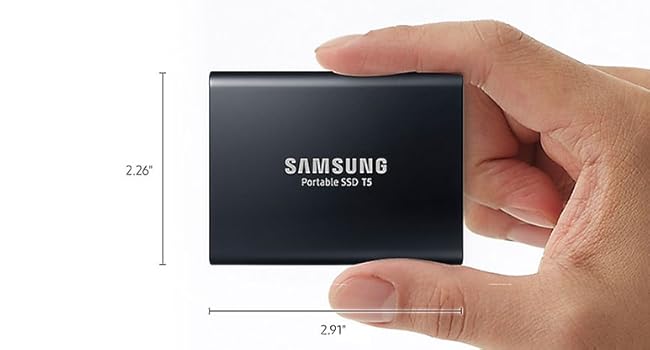
| Item Dimensions LxWxH | 2.3 x 0.4 x 3 inches |
| Item Weight | 1.6 ounces |
| Item model number | MU-PA2T0B/AM |
| Manufacturer | Samsung Electronics |
| Number of USB 3.0 Ports | 2 |
| Product Dimensions | 2.3 x 0.4 x 3 inches |
| RAM | 2 TB |
| Series | Samsung T5 |
D**E
Tiny but powerful tool; versatile & reliable
Bottom line: Works wonderfully and harmoniously across computers. This drive comes with a hardware-based secure log-in system, and when you plug it in you'll see a choice of emulator/"activator" interfaces for login to PC or Mac or device. I ordinarily use it with a Macbook or desktop Mac, but I've guest-visited PC's also, and what happens is: you plug it in and will see the initial choice of platform log-in apps. Choose your OS, click, and enter your password - whatever password you set up initially from your own computer/device, as once you do that your password is hard-wired into the drive, and you can access it from anywhere - if you have the password. Setting up hardware-based encryption/security is optional, by the way. But really simple, and it really works easily across my own computers and ones I've guest-logged into while traveling. Same routine. Bring up system-specific log-in screen, enter password, you're in. Password required every time it's re-installed. Great basic mobile security. For Mac there's a known strangeness, despite full compatibility. When first plugging it in or upon ejecting it, you may see an upper-right-hand corner pop-up saying disk was improperly ejected (last time). Maybe on Windows "safely eject" avoids that, but on Mac you'll likely see it. Not to worry, as long as you're not transferring data while unplugging. (In Mac I "eject" and it looks normal but still will get a pop-up nag about safely ejecting.) What else can I say? I know there's a few reputable makers of 250-500GB SSD portable drives worthy of consideration. (As a scientist, believe me, I read all the reviews and looked at "data", but as a typical computer user I chose based on things like form factor, price, and past experience). So this is my 3rd Samsung T (2 "3"s and one T-5 now). I've had no problem with any of them (thus my collection has expanded). They are fast, reliable, and practical between the various interfaces, portable security protection, and choice of cable/interface. I'm a fan.
K**Z
Reliable, Fast, and Convenient
I’ve been using the Samsung T5 Portable SSD 1TB for several months now, and I have to say, it’s an excellent choice for anyone needing fast and reliable external storage. Whether I’m working with large files for video editing or just backing up important data, this SSD does the job without a hitch. Design & Build Quality: The T5 has a sleek, compact design that fits easily in my bag or pocket. It's lightweight and made from durable, metal material that feels sturdy but not too heavy. The build quality is top-notch, and I don’t worry about it getting scratched or damaged from everyday use. I’ve also dropped it a couple of times, and it still works perfectly—it's definitely built to last. Speed & Performance: The 540MB/s read/write speed is incredibly fast, especially when compared to traditional hard drives. I use it to transfer large video files and it handles the job without any slowdown. Transferring a 10GB file takes just a couple of minutes, which has really sped up my workflow. Compatibility & Ease of Use: I’ve used it with Windows and Mac, and it works seamlessly with both. It comes with both USB-C to USB-C and USB-C to USB-A cables, which makes it compatible with a wide range of devices. Setting it up was super easy—just plug it in, and it works right away without any complicated software installation. Security: The AES 256-bit hardware encryption is a great feature if you’re concerned about data security. I use the password protection feature, and it works perfectly to keep my files safe. Battery Life: The T5 doesn't need an external power source, which makes it convenient for travel. It’s powered directly through the USB connection, so I don't need to worry about carrying extra cables or chargers. Conclusion: Overall, the Samsung T5 Portable SSD 1TB has been a fantastic addition to my tech gear. It’s fast, durable, and portable—everything I need in a reliable external storage drive. Whether you’re a professional or just need extra storage for everyday use, this SSD is a great choice. Highly recommended!
Y**0
Fast, sturdy, portable, dependable SSD
I've been waiting to buy a portable 2TB SSD for a while now. I've looked at many different brands, SanDisk, G-Drive, Glyph, etc... But I didn't want to spend a lot of money. I picked up this T5 as an Amazon Deal of the Day so I got an awesome price! I also finally got to try Amazon's 5 month, no interest, item payment plan lol. Thanks for giving me another reason to keep my Prime account, Amazon! I uploaded a pic of a quick speed test using Samsung Magician. I imagine it would be faster if my laptop didn't also have a regular WD Black HDD inside, as well as a Samsung Evo 860 M.2 SSD as my OS drive. I wanted to be able to use this for Windows 10 backups, and for Android phone backups. It comes formatted as exFAT file system, for use with Android devices and such. I deleted the exFAT partition and created a new 1.5TB NTFS partition, and a separate 500GB exFAT partition, so I can now use it for both Windows and Android :-) Samsung T5 is in a nice, sturdy aluminum case that is kind of a matte finish, so it doesn't smudge and hold fingerprints like shiny aluminum. It is very small and lightweight, so very portable. I love the USB-C to USB-C connection! It has a 3 year warranty as well, so I'm pretty confident it will last. I will update this review if anything changes!
G**O
Super Rápido, simples de usar e configurar o sistema de segurança de dados ofertado pela Samsung. Melhor compra que fiz em anos!
M**K
Best part is the cheaper price than buying it in my local computer store.
Y**J
Great portable SSD for storing media! Fast read and write transfer speeds!
J**B
I needed a simple SSD drive for my wife's computer and this really delivered. I cannot believe how small it is, and that installation consisted of me plugging it into a USB port on the computer. That's it! SO much better than having to open it up and insert it into a drive tray. Bonus with this is it comes with a USB-C cable as well as USB cable, so you can use it for your phone or tablet, and is easily portable. I have had no problems with it so far and my wife is very happy with the upgrade to her computer loading times!
A**D
ممتاز وكما بالاعلان
Trustpilot
1 month ago
3 days ago