

Desert Online General Trading LLC
Dubai, United Arab Emirates
Desert Online General Trading LLC
Dubai, United Arab Emirates

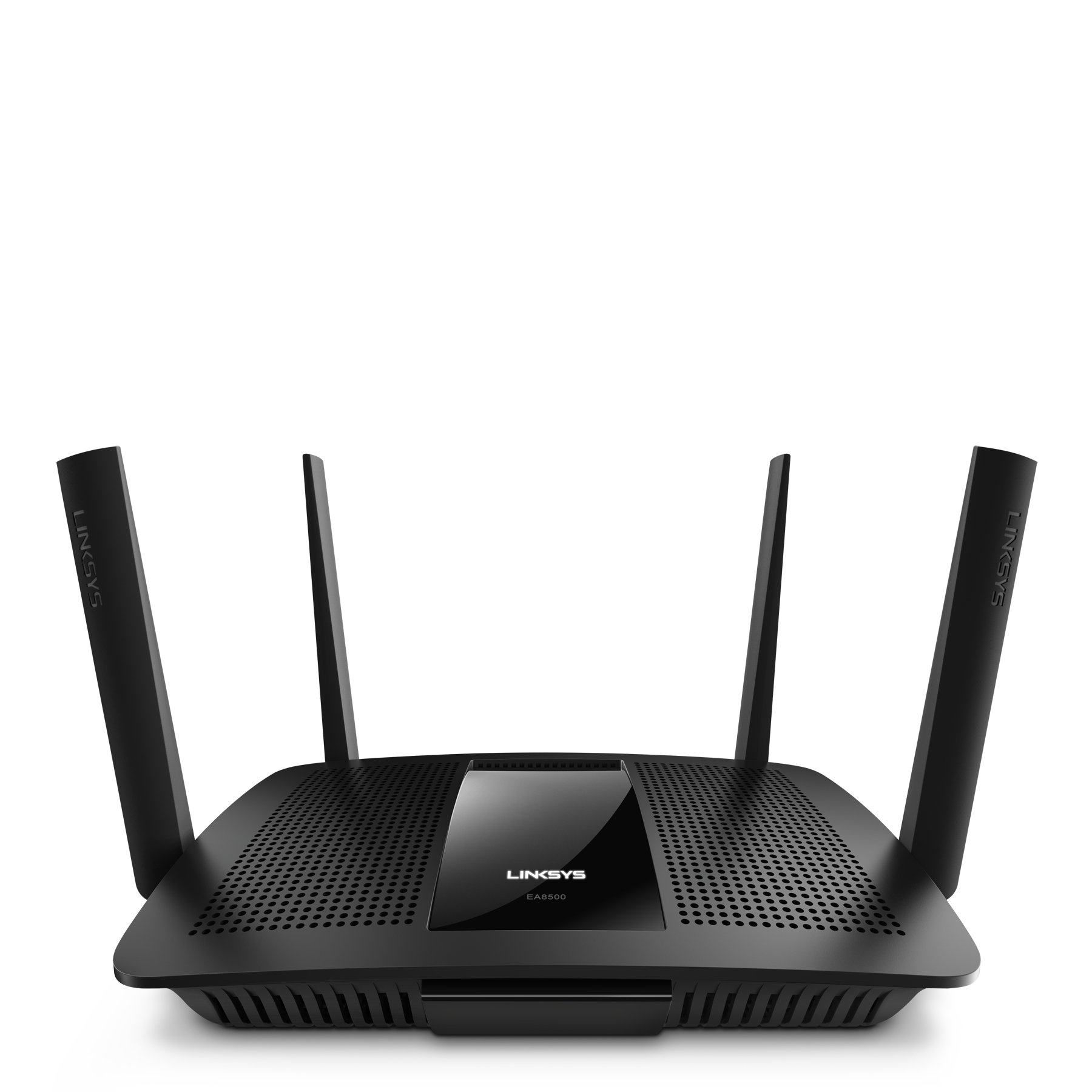
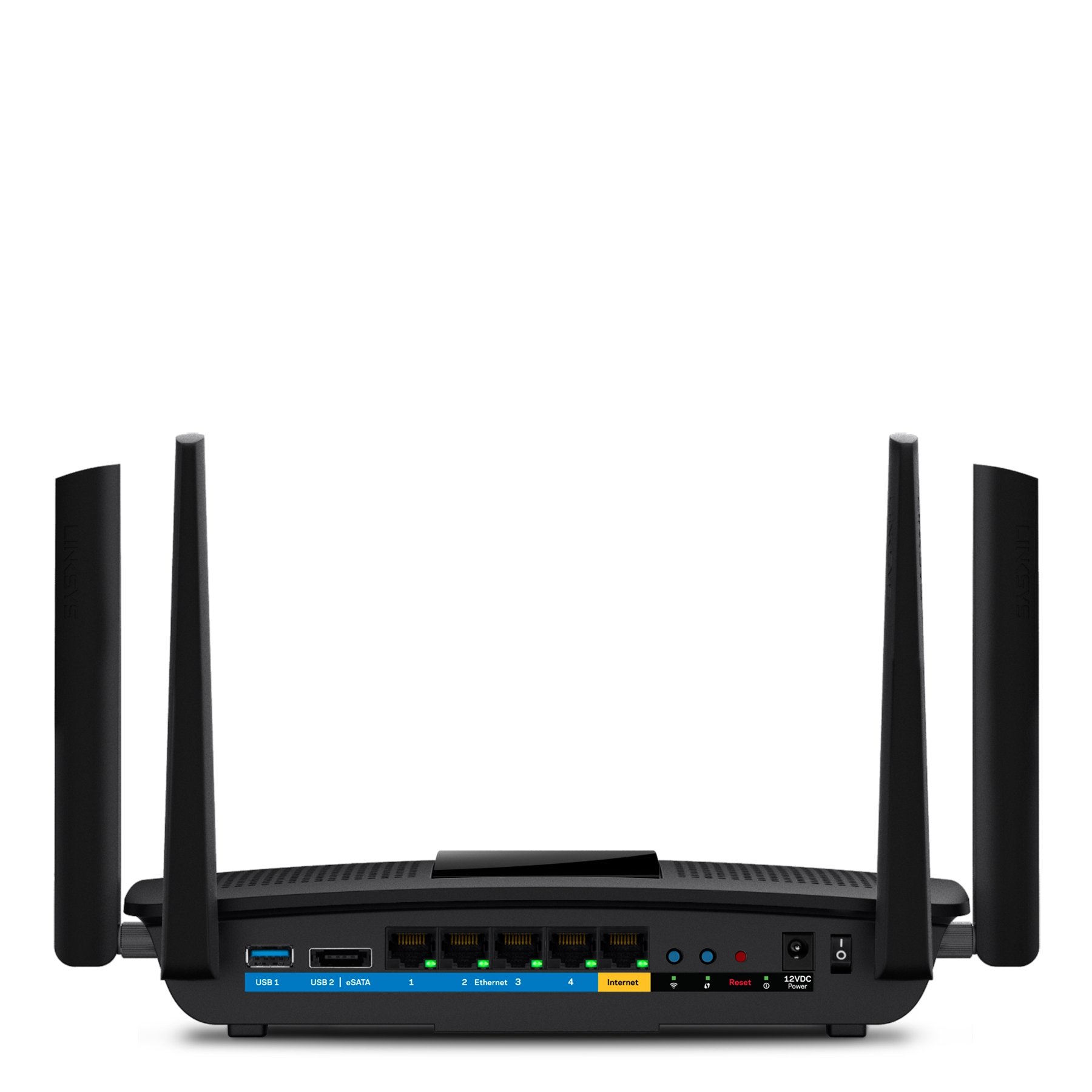



🌐 Elevate Your Wi-Fi Game!
The Linksys EA8500-UK Max-Stream Dual Band Router is engineered for high-performance connectivity, featuring MU-MIMO technology for simultaneous streaming, a powerful dual-core processor, and advanced beamforming capabilities, making it the ideal choice for gamers and streaming enthusiasts alike.


| Brand | Linksys |
| Product Dimensions | 52 x 37 x 9 cm; 1.56 Kilograms |
| Item model number | EA8500-UK |
| Manufacturer | Linksys |
| Colour | Black |
| Processor Brand | Qualcomm |
| Processor Speed | 1.4 GHz |
| Processor Count | 2 |
| RAM Size | 512 MB |
| Computer Memory Type | DDR3 SDRAM |
| Connectivity Type | Wi-Fi |
| Wireless Type | 802.11n, 802.11b, 802.11a, 802.11g |
| Number of USB 2.0 Ports | 1 |
| Number of Ethernet Ports | 4 |
| Operating System | Windows |
| Item Weight | 1.56 kg |
| Guaranteed software updates until | unknown |
D**Y
Future proof and works well.
I purchased this router to replace my four year old EA6500 which is still working fine although does get very warm with the amount of things I now have connected to the internet.Can't comment on the MU-MIMO side of things as I don't have any hardware that uses that technology yet, but as it's going to get more and more common it will come into its own later.Set up is a breeze and took just a few minutes to be connected and changing passwords etc.I have between 25 and 30 things connected to my router and where my EA6500 got very warm this is not very warm at all and running well, lets see how it gets on over the next few weeks/months but so far so good.I'm on the Virgin Media Vivid 200 package and am getting 205MB/s down and 12 up using the 5ghz wireless on my Chromebook HP 14, so no complaints about speed and the range is great too.First thing to do after changing the passwords etc on set up is to update the firmware which is simple, luckily after the first download I clicked the update firmware button again and it gave me another update, so keep pressing that update button until it says there are no updates available.It's only been a few hours but set up and operation has been very straight forward so if you're a bit concerned about that side of things don't worry, believe me I am no techie and if I can do it you can.I will update this review after a few weeks or if I experience any problems, early days I know but so far so good.***** Update *****I've now been using this router for just over a month and can report that in my environment not only is it working well it's been faultless not one glitch, loss of signal or problem. Nothing.All I have done is given it a reboot every couple of weeks, which I have always done with all my connected equipment as someone once told me that it is best to this so everything even my Sky box gets a reboot every now and again.I noticed there was a firmware update a week or so ago and backed up my settings etc which is easy just a click of a button and then went for the update, again no problems everything came back and the router has been faultless.So in summary.I am using this router on Virgin Media vivid 200 service and getting speeds of 206 MB/s down and 12MB/s up consistently.I have about 25 devices connected through the router including CCTV cameras, phones, central heating, Sonos speakers, Sky, TV's, Chromecasts and more.I realise that results will vary from person to person but in my case this has been a great purchase and I am starting to take it for granted as the internet is always there.I have recommended this router to a friend and he is also seeing the same excellent performance.************UPDATE***************Now into September and no issues or problems to report.Last weekend (Fri, Sat & Sun) I streamed via YouTube the Goodwood Revival in 1080P HD for between six and eight hours every day on to my 50" smart tv and didn't get a single drop out or any buffering at all, it just streamed faultlessly for three days.So, so impressed with this router.ONE MILLION STARS ************************************************************************ etc, etc.
A**R
Average router
Greetings all,After 2 weeks of usage and a lot of network hangs, found that it's an average router suffers from a several issues mostly in port redirections and disconnection from network.It has a good UI and management application to the mobile.
R**T
Really bad.
*Update 2*New router firmware update (I updated 23 Aug 17, but can't log in to see what the version number is!) brings back old problems. Back to square one, which means back to TPLink for me. Shame - it was ok when it worked, even with its limited range.*Updated* from one to three stars:Software has been fixed and a local login is available. It's been running well over the past month. Old review is here, this is the reason I cannot give more than 3 stars:Switched to this because TP-Link's software didn't work properly. I wanted a router that I could control remotely with parental controls that actually worked. My kids will be over 18 by the time that ever happens.I can confirm that with the latest firmware, this router is useless. You cannot log in to the configuration. You put the router's IP and it FORCES you to log in to the Linksys cloud service, which doesn't work and says 'try again when you're connected to the internet'. Some facetious, idiot programmer thinks his sarcasm will amuse a pi**ed off user? If they *think* there's no internet (which is totally incorrect) then maybe they should OFFER A LOCAL LOGIN INSTEAD. Commercial morons want to monitor your every move. It must be data collection.If you want to control the router remotely you need to set up a cloud account. But then you'll never be able to log in from the LAN that the router is managing. On the 2 occasions I logged on remotely and the 2 occasions at home that it worked, it was *excellent*. But just wait until you're denied access.... then you will experience a fury and disbelief at the stupidity of the software.Hardware-wise, it performs adequately - I have MIMO clients, but TP-Link's non-MIMO router is faster. The AC-3200 is tri-band, slower CPU and reportedly slower bandwidth per 5GHz channel but outperforms this EA8500 in my house. TP-Link wins on hardware. TP-Link wins on software too - how embarrassing - it's useless software, but at least you know where you stand with it.Throughout my problems trying to connect to the router's configuration, I confirm that the wifi performance has remained solid and stable.A quick word on Linksys support: waste of time. They didn't mail me a transcript of our chat but they asked, "How far are you from the router?" I said "3 metres...", they said "that's too far away". It was totally surreal.This is my fourth Linksys router. I hoped they had fixed their software glitches of the past. I don't know of one brand that offers an excellent router with software that works. It's still the case. Maybe those whole-home wifi kits are a better bet in future.
T**Y
Nightmare setup until tried Android app, then worked like a dream
Bought this as I've been having terrible trouble with my Sky Hub where, of the 8 items connected to it, 1 would have its internet connection cut off randomly, although it was still connected to the router and remained viewable on the network.This arrived yesterday and I'll admit it took me a couple of hours to get going. It seemed to do exactly what was asked of it, but every time I tried to set up the router via the browser on my MacBook (any browser) I would get an error screen. I must have reset it about 20 times, trying to run the setup via my laptop and iPad before, as a last gasp, deciding to give the Andriod app a go on my phone. That worked a charm and I completed the setup and had it running in a few minutes.I understand it's worth trying the 192.168.1.1 address as well as a mylocal. url too, if there are issues with the url given for connection to the router.Anyway, although the app itself shows lower signal strength in an upstairs room where we have a smart TV and laptop, the connection is noticeably speedy for actual use of both those items - in fact much better than Sky, which had a repeater in that room. Even though a signal monitor shows a lower strength, the connection is strong and fast, so the overall performance is better. Our house does have very thick walls, so I'm planning on moving the router to a more central location, which should help.So, marked down for not setting up like it said it should, but good performance since then on doing the job.
G**D
Wrong purchase
Was not what I wanted
Trustpilot
4 days ago
1 week ago
2 days ago
1 month ago