
DOWNLOAD THE APP


Customer Services
Copyright © 2025 Desertcart Holdings Limited
DOWNLOAD THE APP
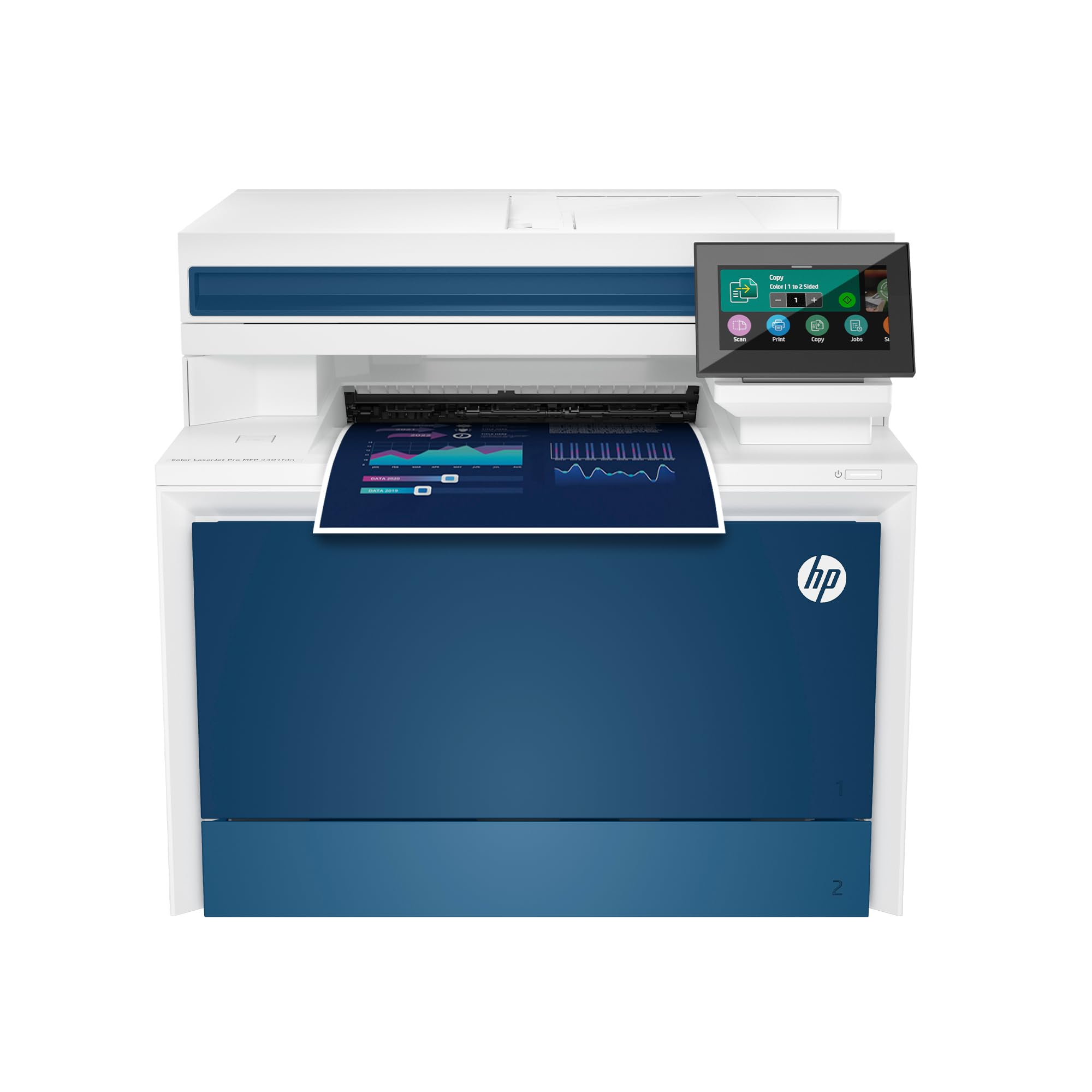
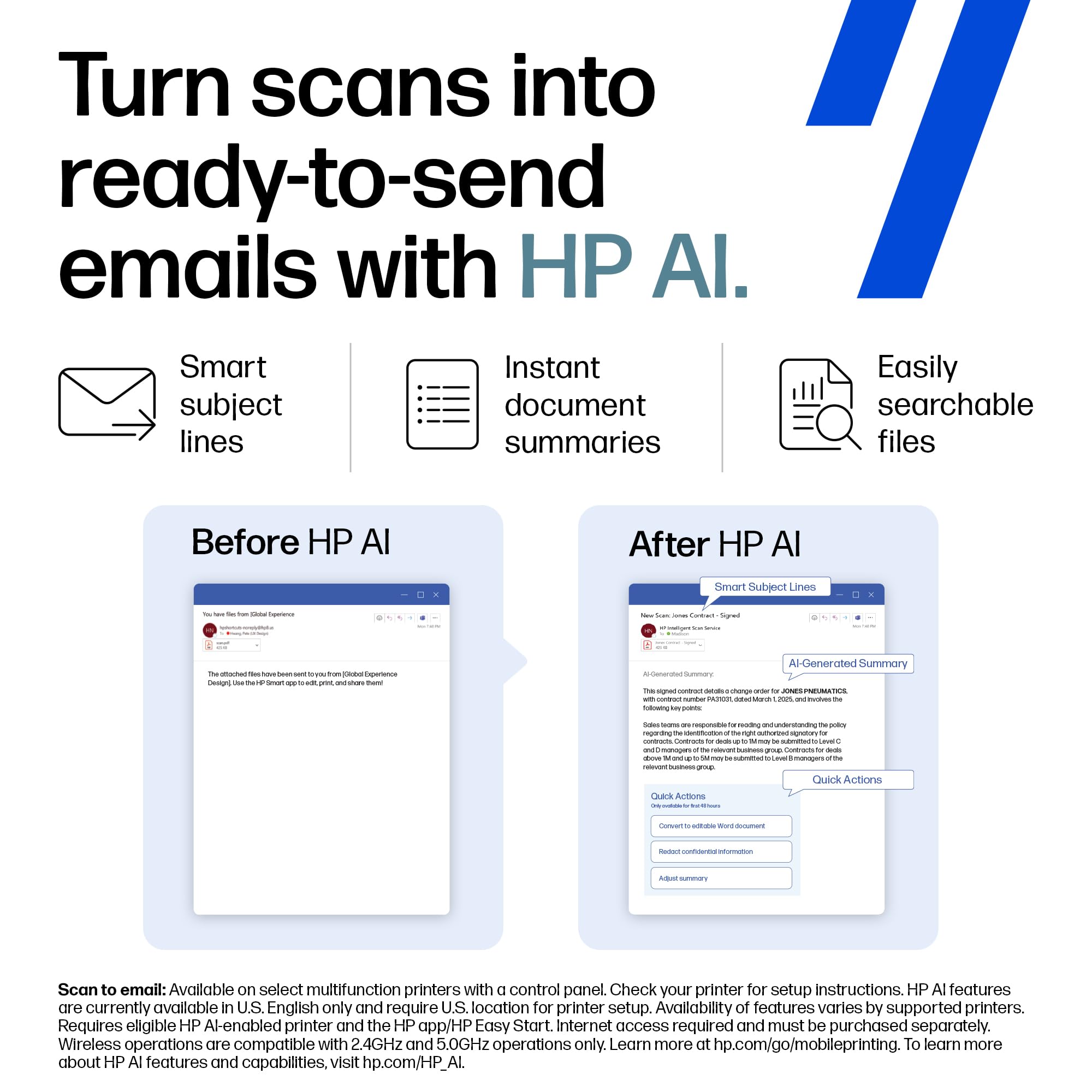



🚀 Power your small team with speed, security, and seamless workflow.
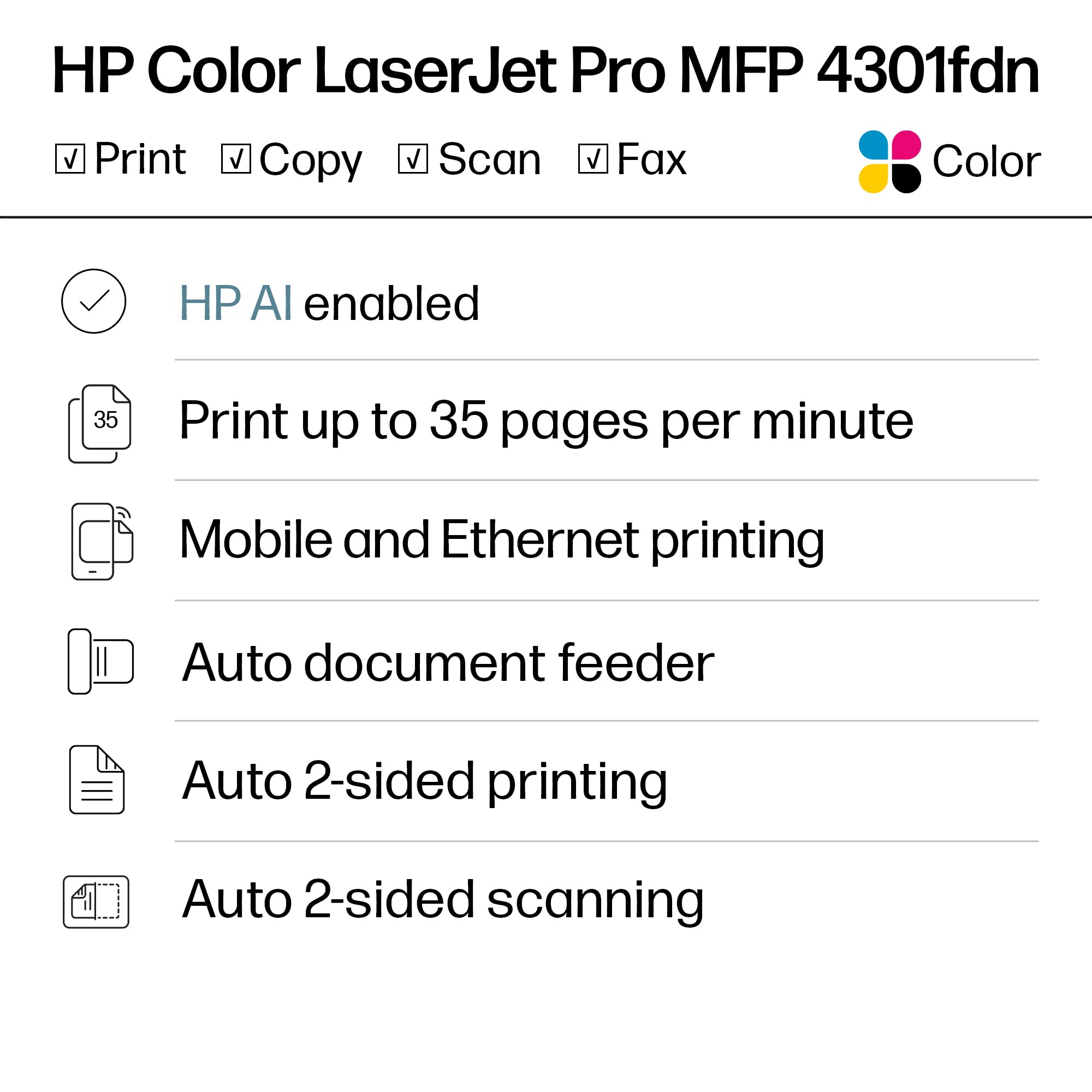
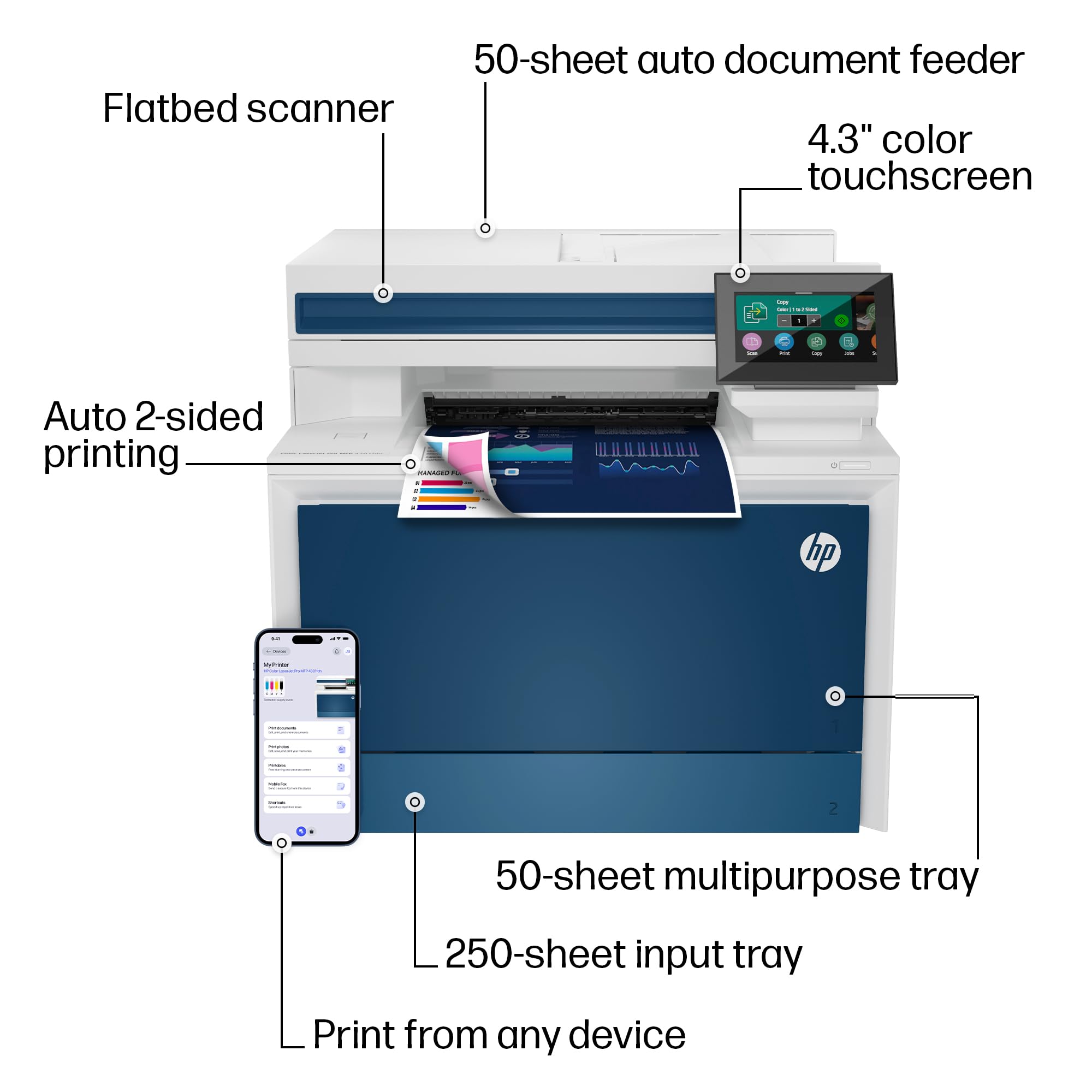
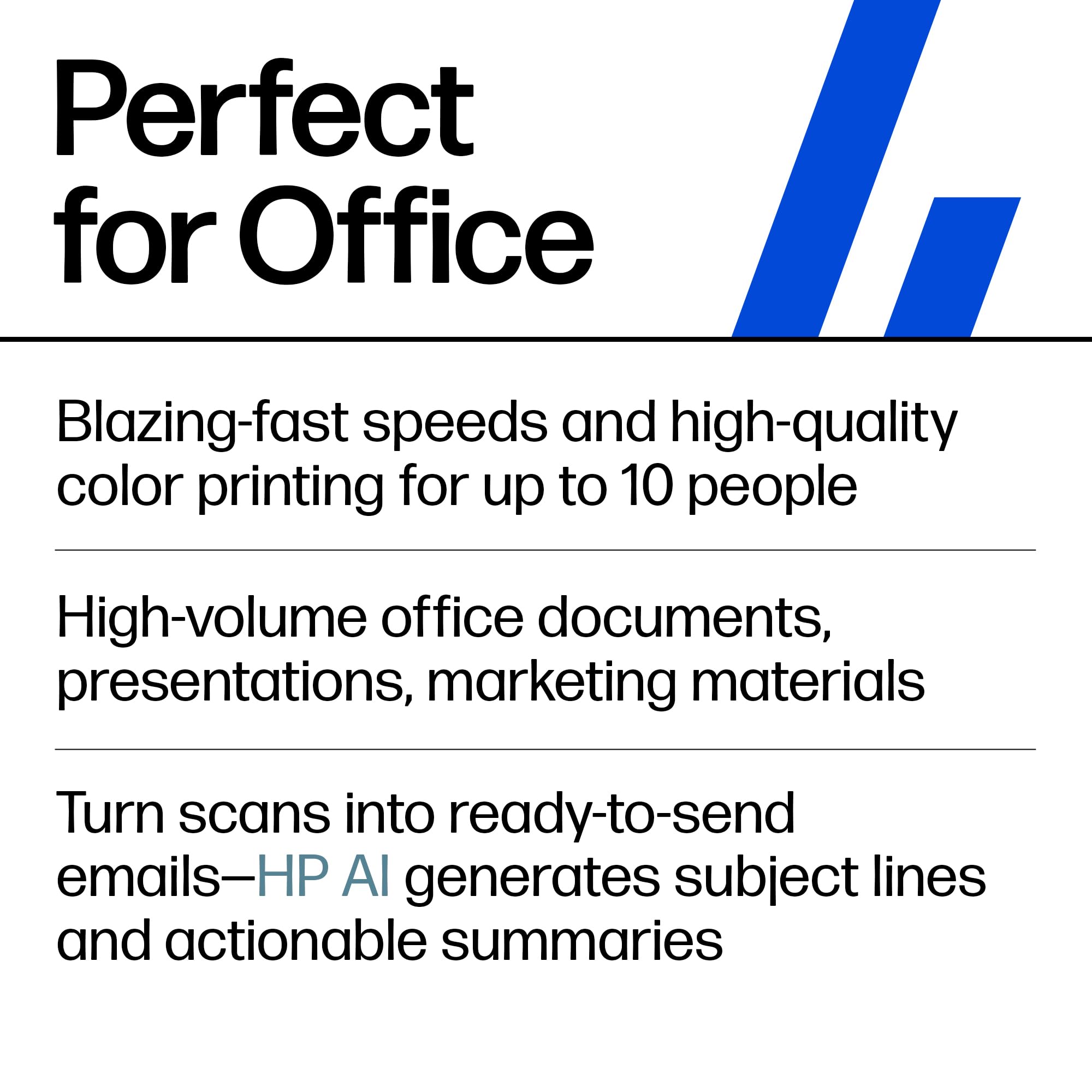
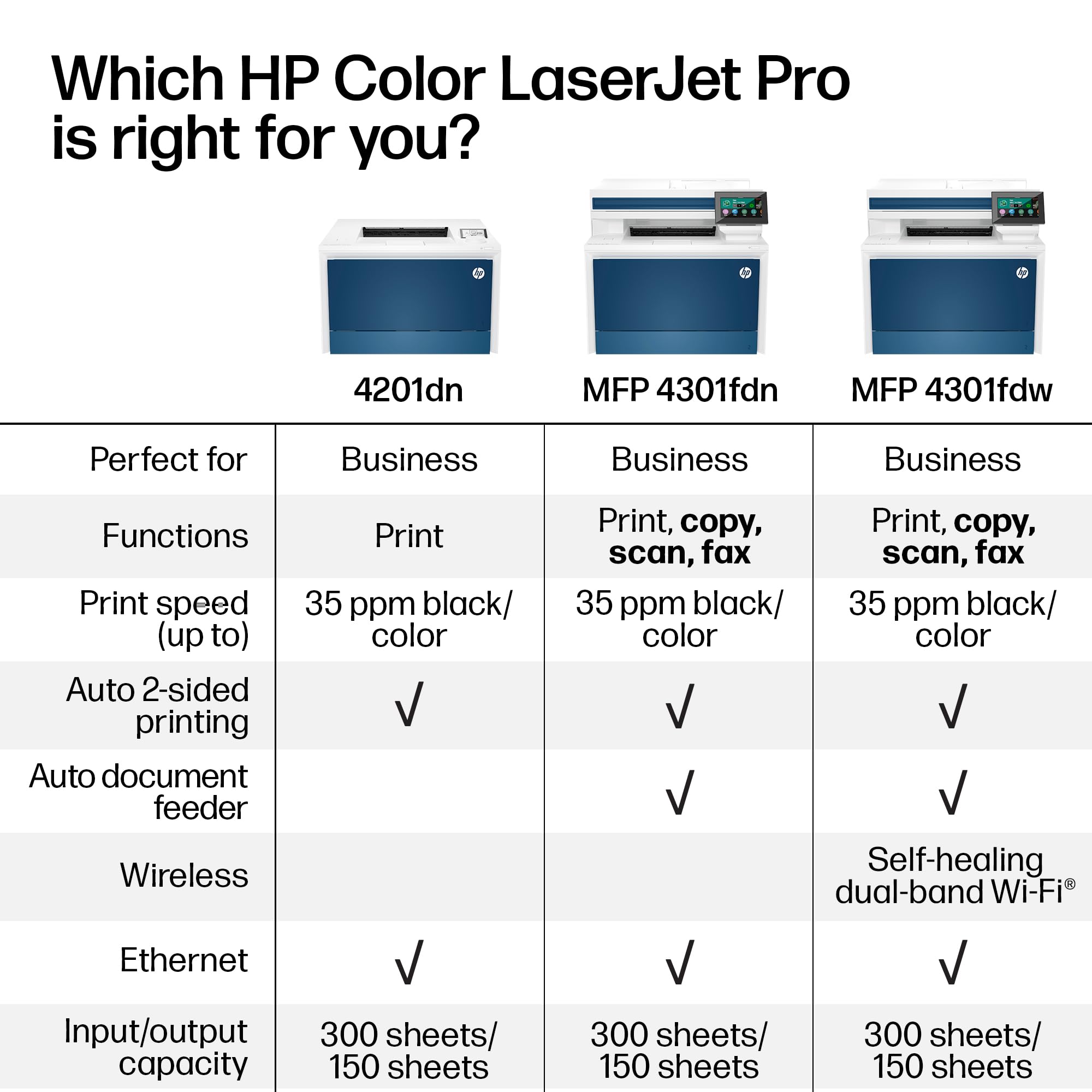
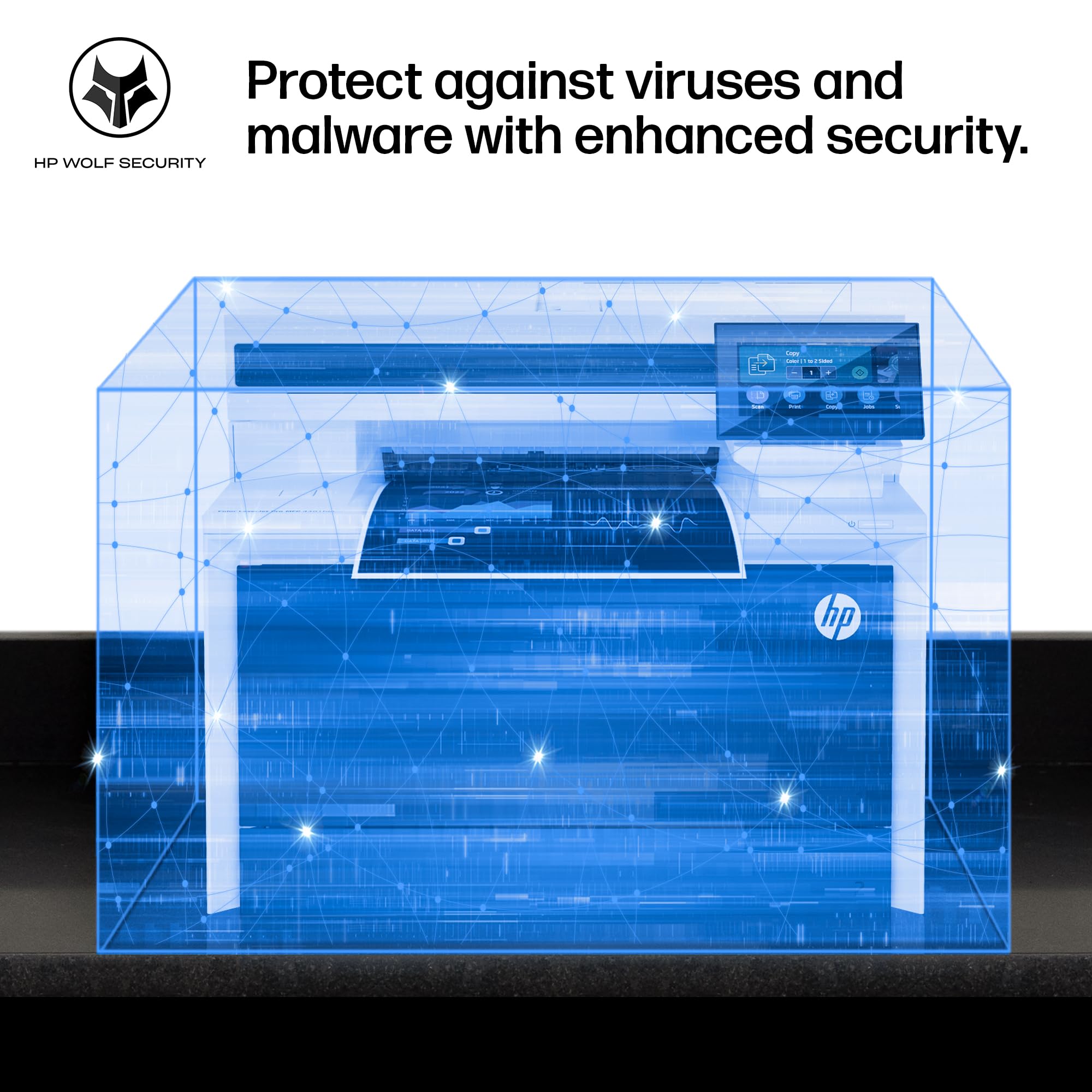
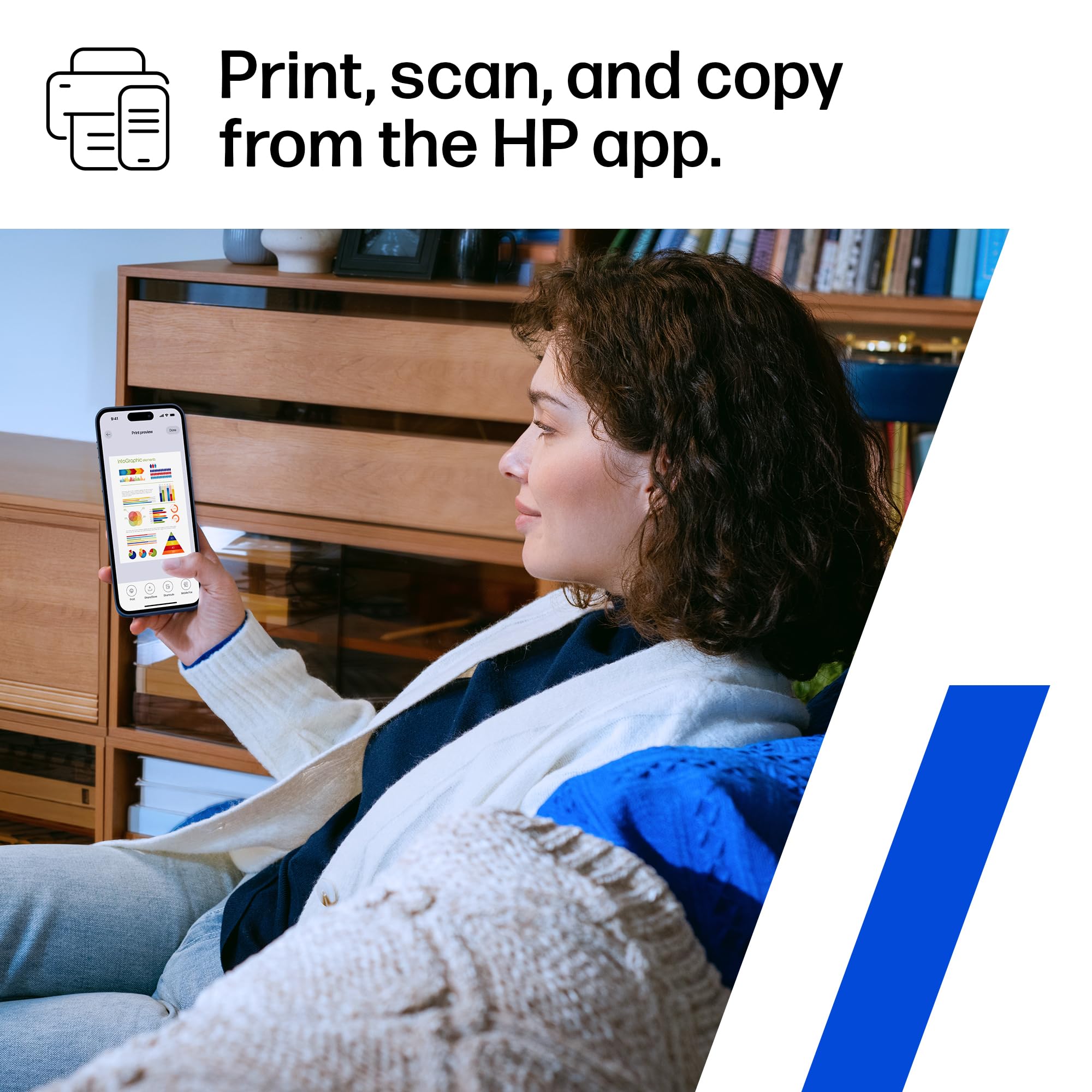
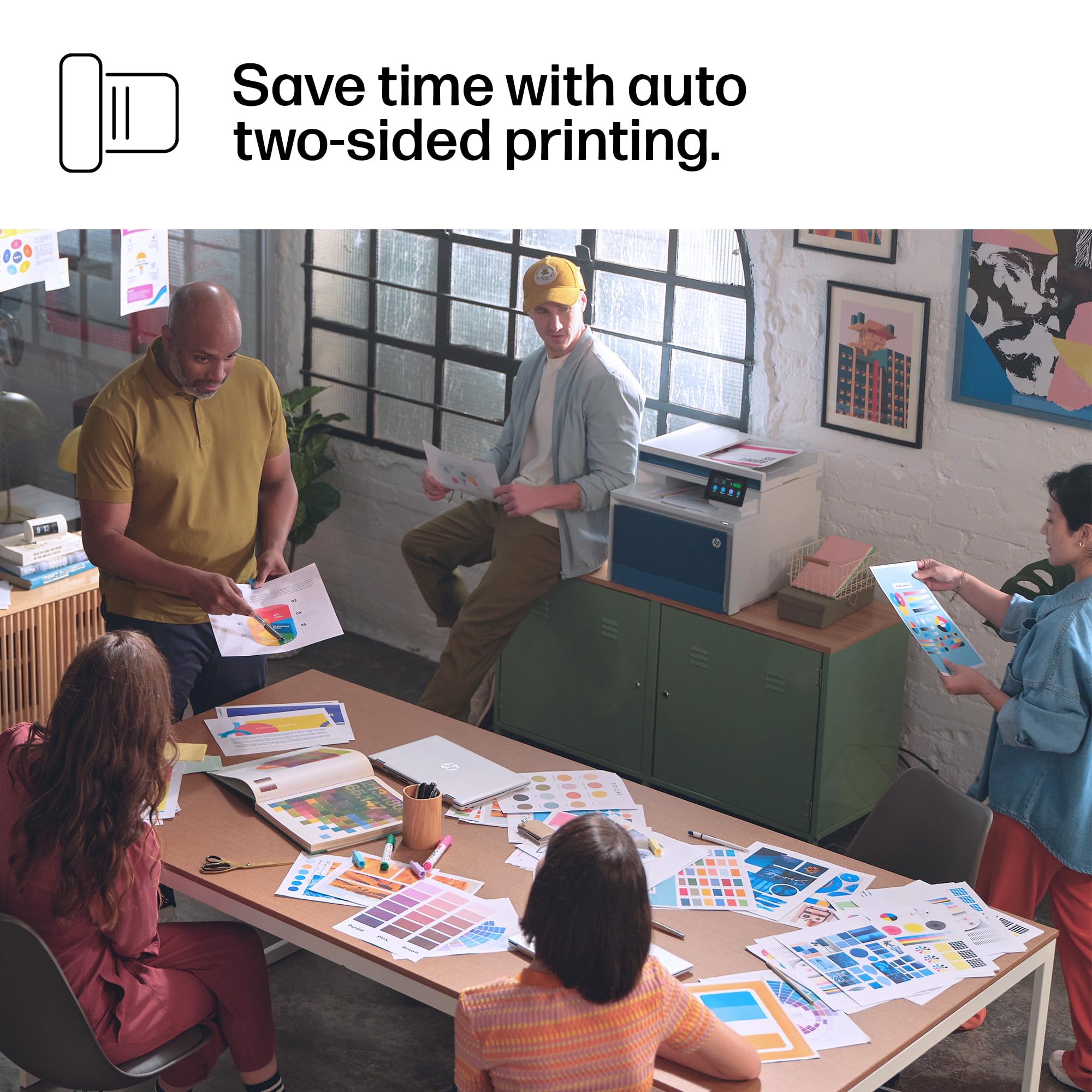
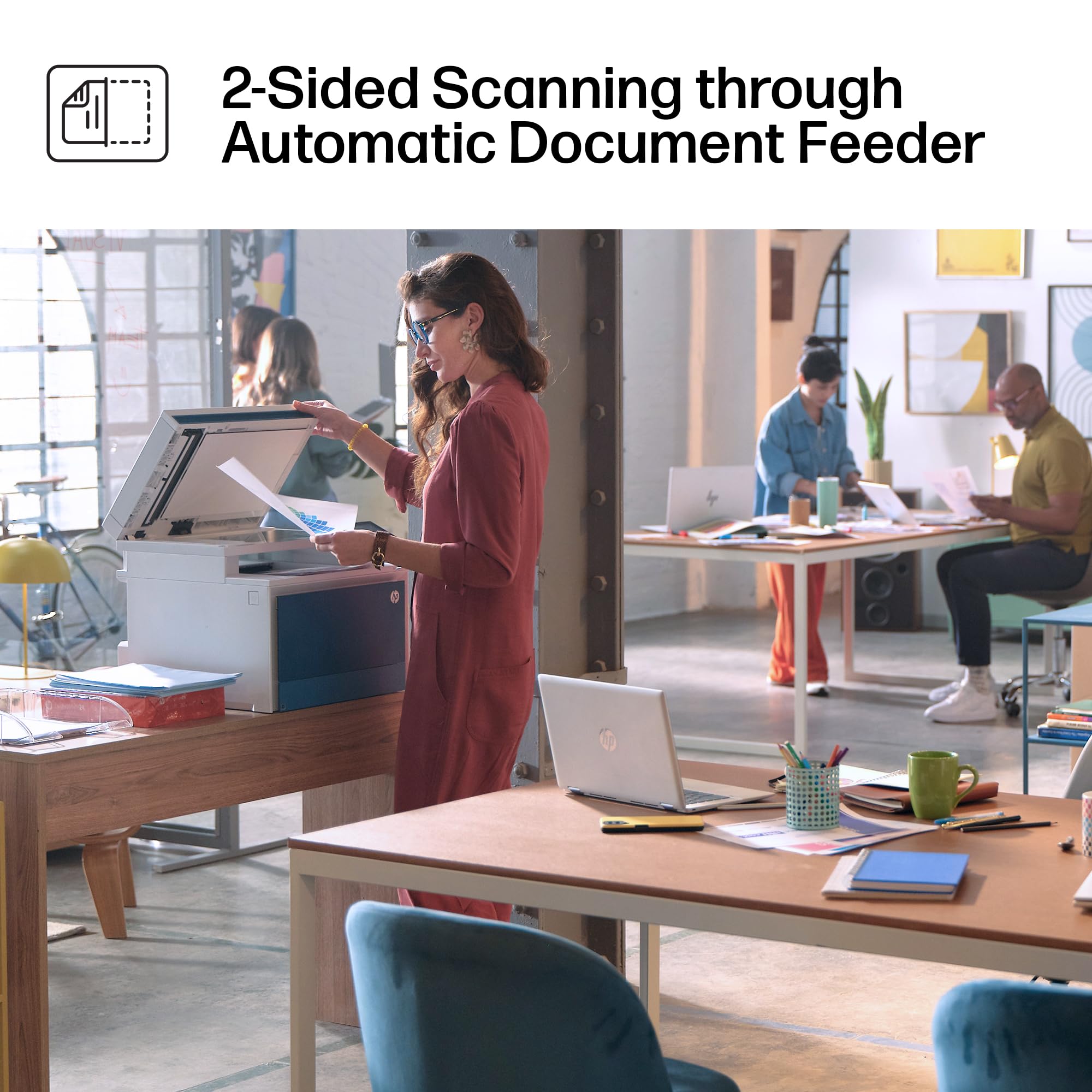
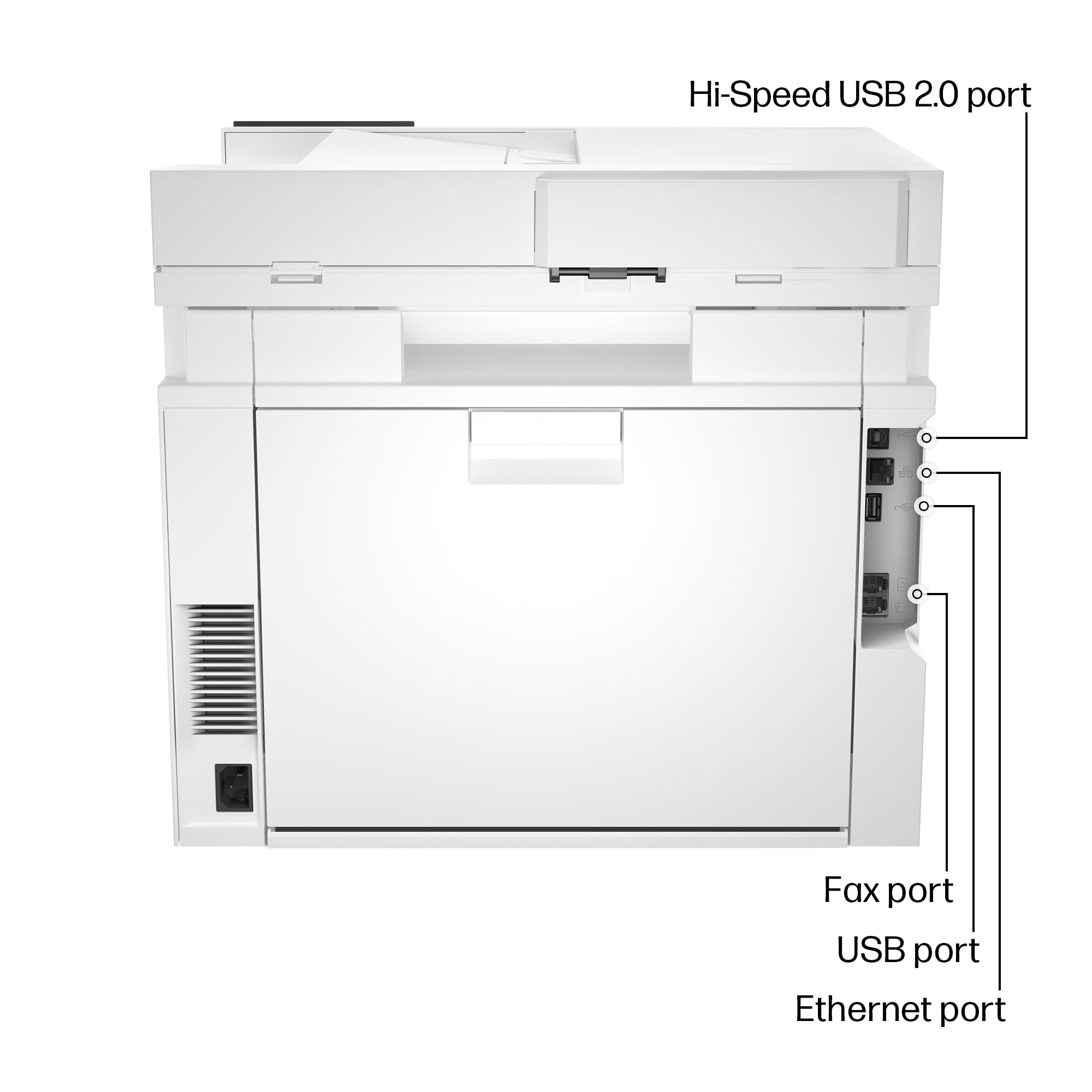
The HP Color LaserJet Pro MFP 4301fdn is a wired all-in-one printer designed for small teams up to 10 users. It delivers professional-quality color prints at up to 35 pages per minute, with automatic duplex printing and a 300-sheet input capacity. Featuring HP Wolf Pro Security, it safeguards your data while supporting mobile printing across multiple platforms. Its Ethernet and USB-only connectivity ensures a stable, secure office environment without wireless risks.


| ASIN | B0BVXDLWYQ |
| Additional Printer functions | All In One, Copy, Scan |
| Best Sellers Rank | #38,623 in Office Products ( See Top 100 in Office Products ) #49 in Laser Computer Printers |
| Color Depth | 24 bpp |
| Compatible Devices | Laptops, PC, Smartphones |
| Control Method | App |
| Controller Type | Android |
| Customer Reviews | 3.8 3.8 out of 5 stars (691) |
| Date First Available | April 3, 2023 |
| Dual-sided printing | Yes |
| Duplex | Automatic |
| Hardware Interface | Ethernet, USB 2.0 |
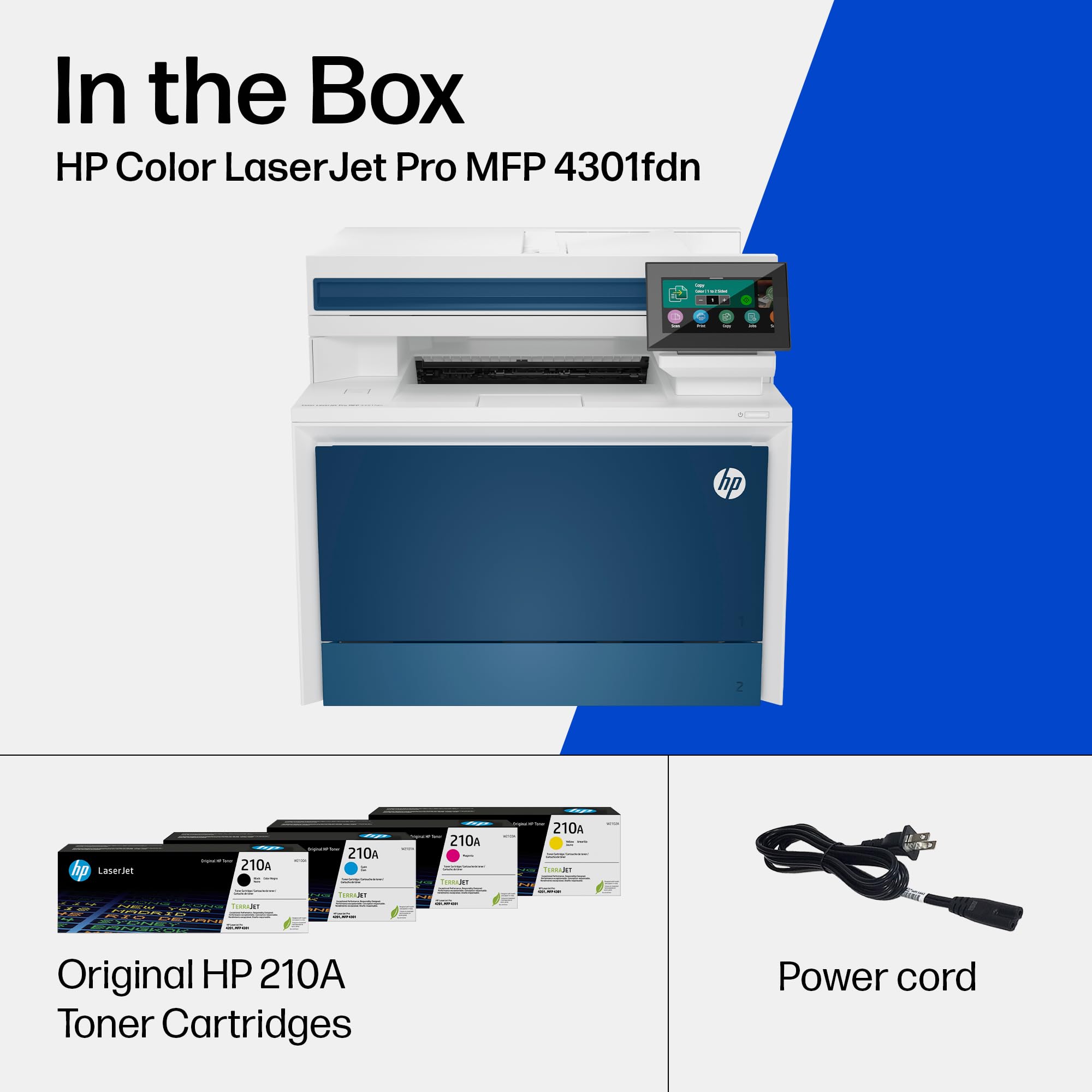
| Included Components | Printer, Toner Cartridges |
| Initial page print time | 9.1 Seconds |
| Ink Color | black, cyan, magenta, yellow |
| Item Weight | 45 pounds |
| Item model number | 4301fdn |
| Manufacturer | HP |
| Max Copy Speed (Black & White) | 35 ppm |
| Max Input Sheet Capacity | 300 |
| Max copy resolution black-white | 600 dpi |
| Max copy resolution color | 600 dpi |
| Maximum Black and White Print Resolution | 600 x 600 Dots Per Inch |
| Maximum Color Print Resolution | 605 x 600 Dots Per Inch |
| Maximum Media Size | 8.5 x 14 inch |
| Memory Storage Capacity | 512 MB |
| Model Series | 4301 |
| Number of Trays | 2 |
| Power Consumption | 585 Watts |
| Print media | Envelopes, Glossy photo paper, Paper (plain) |
| Printer Ink Type | toner |
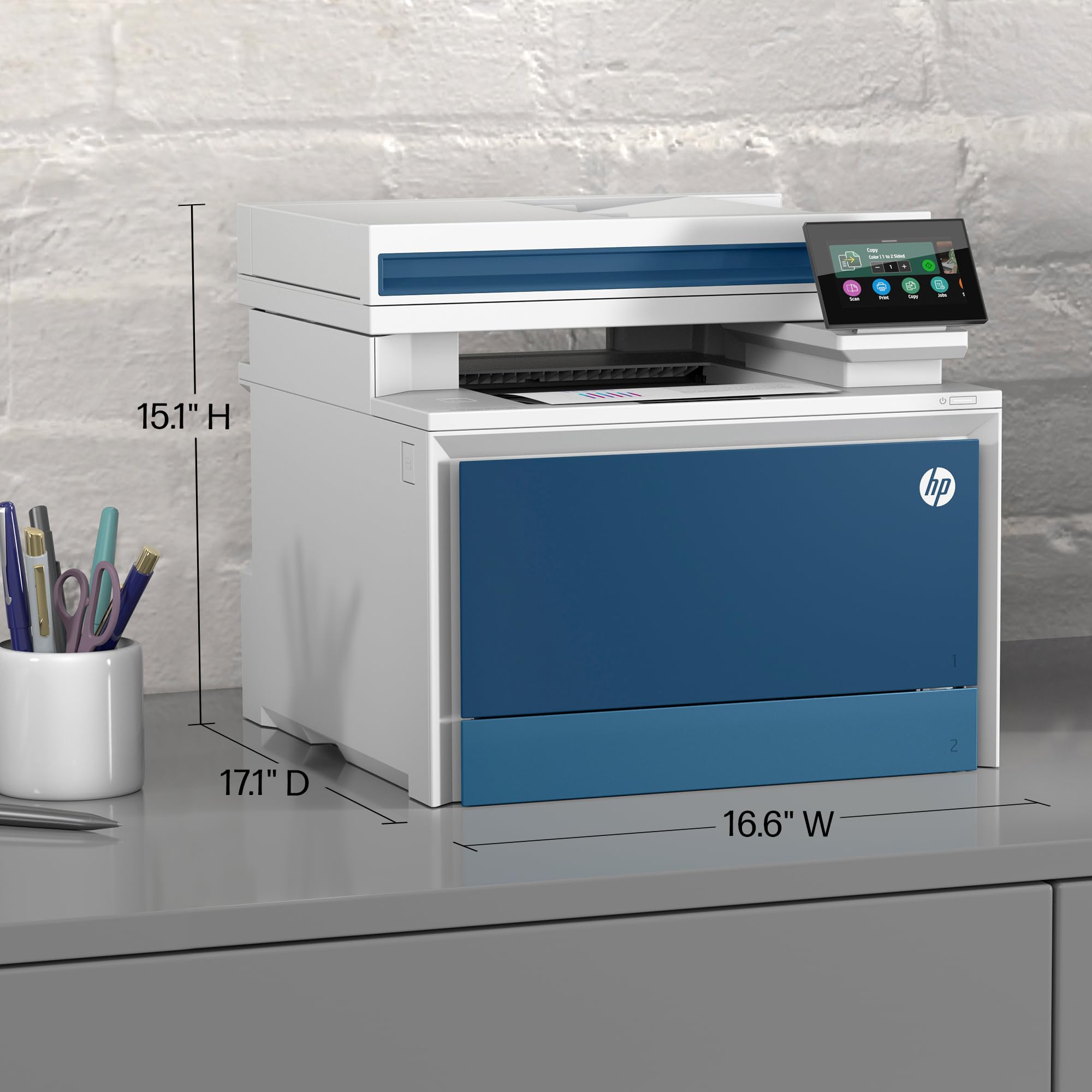
| Product Dimensions | 16.6"D x 15.1"W x 17.1"H |
| Scanner Type | Flatbed |
| Sheet Size | 6 x 5 to 8.5 x 14 |
| Specific Uses For Product | Office |
| Supported Media Sizes | A4 |
| Total USB Ports | 3 |
| UPC | 196068323097 |
| Warranty Type | limited warranty |
| Wattage | 580 watts |
G**A
Excellent print quality, fast printer, and quiet
We recently replaced two Brother units. One simply broke and gashed the developer cartridge and the other was slow as it took too long to warm up and it processed jobs slowly, as well as printed slower. This printer is not wireless, hence the lack of the "W" in the model number. We choose this specifically since we use them wired and to eliminate any open wireless connectivity. The web-based interface is extensive and we turned off several modes so that it wasn't discoverable and therefore only the shared printer showed up on the server. The scanning to a network (or computer) folder works flawlessly as long as you assign the proper permissions to the folder. The quality is super to both the Brother 8850 MFC and the 8360 standalone printer we had. The speed is faster than both as well. Print speed and speed to get the first page. Duplex printing is far superior in terms of speed over the 8850. The printer is also quieter than both of the Brother units. Scanning overall works well whereas the Brother 8850 would scan everything horribly skewed when using the document feeder. The HP scans everything perfectly straight. I scanned a bunch of ruled paper (paper with lines) in with the document feeder and all of the lines on all of the pages were totally straight. Perfect test. We are switching to this model as well as the 454dn when we don't need the scanning/copying. For reference, we are in an office environment and print a reasonable volume, but not heavy by any means.
J**.
Tanked at 11 months
Aside from HP completely abandoning common sense printing protocols. This printer is a privacy nightmare. The print quality is good but at 11 months after running a few sheets of card stock through it (with the proper settings) the paper sensors and feed have just decided to tank. Not impressed. I've been a huge proponent of HP printers for a couple decades and this is unbelievably disappointing. I'll be looking at Brother or another mfg for my small office needs for clients from now on.
A**R
GREAT VENDOR
Beach camera are good people and gave me a 100 oercent credit. So I take back any negative comments I made. They are very reputible.
A**E
This printer works as expected and is much better than my old one!
At this time I did not test the fax part and double printing, but everything else works as expected. Unfortunately, I could not test the double printing capability which requires heavier paper than what I have. I got 5,000 pages which can't be used for double sided printing because they are too light (75g). At the speed at which I use them, I have a stock for like 10 years... oh well. Maybe I'll get a pack for double sided printing when I need such. Otherwise, I'm really pleased, the scanning is extremely fast compared to my old Epson Perfection 1260 and can be done in duplex in one pass and that gives me a PDF automatically. It's much more practical for most of my scanning needs. The printing looks a bit "faded" compared to my old printer, but the quality is still very good. The fact that there is a tray where I can leave paper and not have to load each time I print is also a great improvement. Finally, I got the network only (no WiFi) since I have a WiFi router on my network I did not need to have yet another EMF emitter in my house. I just had to connect the printer to my switch and voilà it worked as expected. Zero setup and I could print my first invoice. So... if you want to be able to print double side, make sure to get the correct paper. From what I understand, it's at least 120g/page. Outside of that, this is a great gadget!
D**D
Nightmare
This printer will not communicate with my computer, no matter what. It will not register an ethernet cable or a USB cord. It comes with no instructions whatsoever as to how to set it up. In fact, it comes with no instructions in several different languages. The control menu on board the printer is completely useless. It has a super-nice app, but that's beside the point when the app resident on your computer cannot communicate with the printer under any circumstances. I think I got a brick that will have to be shipped back. Your mileage may vary. UPDATE: the printer won't communicate because it does not have WIFI. It must be connected to your router by an ethernet cord (which HP does not provide in the box--instead, they supply a simply phone line, apparently for the fax functionality that no one uses anymore). The fault is Amazon's, because on its page in the product comparison feature, it says that this printer has WIFI. I was relying on that product comparison data. Had I known that the printer does not have WIFI, I wouldn't have bought. My router is not on the desk; it is in a closet across the room. Just to see if it would work I found an old ethernet cord, took the printer to the router closet, and plugged it in. Yes, it does work, but it isn't practical for me to have the printer in the closet. Also, the automatic paper feeder for the scanner doesn't work. It won't pick up pages automatically. Further UPDATE: The printer actually works well, even though I would not have purchased it had I know it did not have WiFi capability. But I decided I can live with it being in the closet attached by wire to my router. The same printer with WiFi capability costs almost $200.00 more. Also , the page feeder for the scanner DOES work, but you have to use a downloadable app on your computer, and you have to designate on the app whether the scanner is to look to the page feeder or the scanner glass. You can use either one, you just have to choose on the app, and if you designate page feeder, it will feed pages. Typically, the pages are not grabbed perfectly straight, but the app allows you to straighten the PDFs post-scanning.
R**O
I HESITATED a LOT before buying this printer when I saw the high number of bad ratings. Before buying anything of importance, I ALWAYS take the time to carefully read and UNDERSTAND the description of the product. I complete this doing my own research on the product on the manufacturer’s website. I also take a fair amount of time going through reviews. Doing so, I realized that a large portion of the bad reviews had nothing to do with "real problems" of this machine: they were MISUNDERSTANDINGS about the model being ordered. For instance, a fair number of reviewers expected THIS model, the Color Laser Jet Pro M479fdn (a Fax/Duplex/NETWORK also called an Ethernet printer)- to be a wifi printer... To THEIR credit, the DETAILS section of the description on Amazon.ca could lead anyone into disarray. Let me reproduce some of that confusing information from the description: "Brand: HP Connectivity Technology: Wireless, Bluetooth, Wi-Fi, USB, Ethernet ..." NOW DID YOU READ THE LINE above? BOTH "Wi-Fi" and "Ethernet" are listed !!! But they refer to TWO DIFFERENT machines: ONE is Wi-Fi, the OTHER is Ethernet!! The two models LOOK the SAME, except for their name tag and some connection differences. The Wi-fi printer is called: The Color Laser Jet Pro M479dw The Ethernet printer is called: The Color Laser Jet Pro M479fdn. It is the is The Color Laser Jet Pro M479fdn that is being SOLD HERE!! and the The Color Laser Jet Pro M479fdn is NOT Wi-Fi. SOMETHING ELSE that is WRONG in the description but we can all tell it is an error, is the output "Printer output: Monochrome" This is WRONG because BOTH printers are Color printers. OK, this being clarified, let me say that I am EXTREMELY happy with this printer. It is replacing my ol' faithful M477fdn. I am happy to report I was able to use my extra tray (Tray3 ) in which I can fit a full realm of paper. Fitted like a dream instantaneously recognized. Also, this printer is A LOT faster than my M477fdn. It also wakes up NO problem from sleeping mode. That had been a problem with my M477. I always had to restart it at least once a day. No such need with the M479. Something else that is FANTASTIC is that it handles the spooling memory a LOT better. I always had problems sending more than a few pages at a time to my ol' faithful. It would overload the memory somehow. So I would have to split the printing inso smaller chunks. It would print beautifully but it was a bit of a hassle. No such thing with this new printer. It's fast and it knows what to do with big files. I am very pleased. Very, VERY please with this printer. And I was able to use my left over cartridges because they use exactly the same ones. I recommend this printer. it prints fast, it prints very clearly. I LOVE it. Would buy again in a heartbeat. Nevertheless I took the extended warranty for peace of mind... Wishing you many years of happy printing with this wonderful printer.
J**R
Todo perfecto con este vendedor
F**O
Stampante di qualità eccezionale con tutte le caratteristiche corrispondenti alla descrizione. Stampa e scansione con fronte/retro automatico, strumenti di gestione professionali e qualità di stampa che non ha bisogno di commenti.
C**S
Sehr kompakter, sehr einfach einzurichtender Multifunktions Farblaserdrucker. Die Druckgeschwindigkeit, die Druckqualität und die Lautstärke sind einfach spitzenmäßig. Auch das Doppelseitige einscannen und das doppelseitige Drucken sind mit ein wenigÜbung bei der Software nach Einarbeitung sehr schnell und einfach zu bewältigen. Ein TOP Gerät wenn es nur nicht so teuer wäre... Mit drei Kindern im homeschooling lernt man so einen Drucker zu schätzen und zu lieben. Klare Kaufempfehlung in Bezug auf Qualität und Funktionalität. Auch die Einrichtung war mit windows 10 ein Kinderspiel. Ich kann diesen Drucker nur wärmstens empfehlen. Ein Stern Abzug gibt's beim Preis der echt schon sehr ambitioniert ist.
K**K
Prfekt
Trustpilot
1 month ago
5 days ago