We remain fully operational. Our teams are working around the clock to ensure your deliveries continue safely.

DOWNLOAD THE APP


Customer Services
Copyright © 2025 Desertcart Holdings Limited
DOWNLOAD THE APP


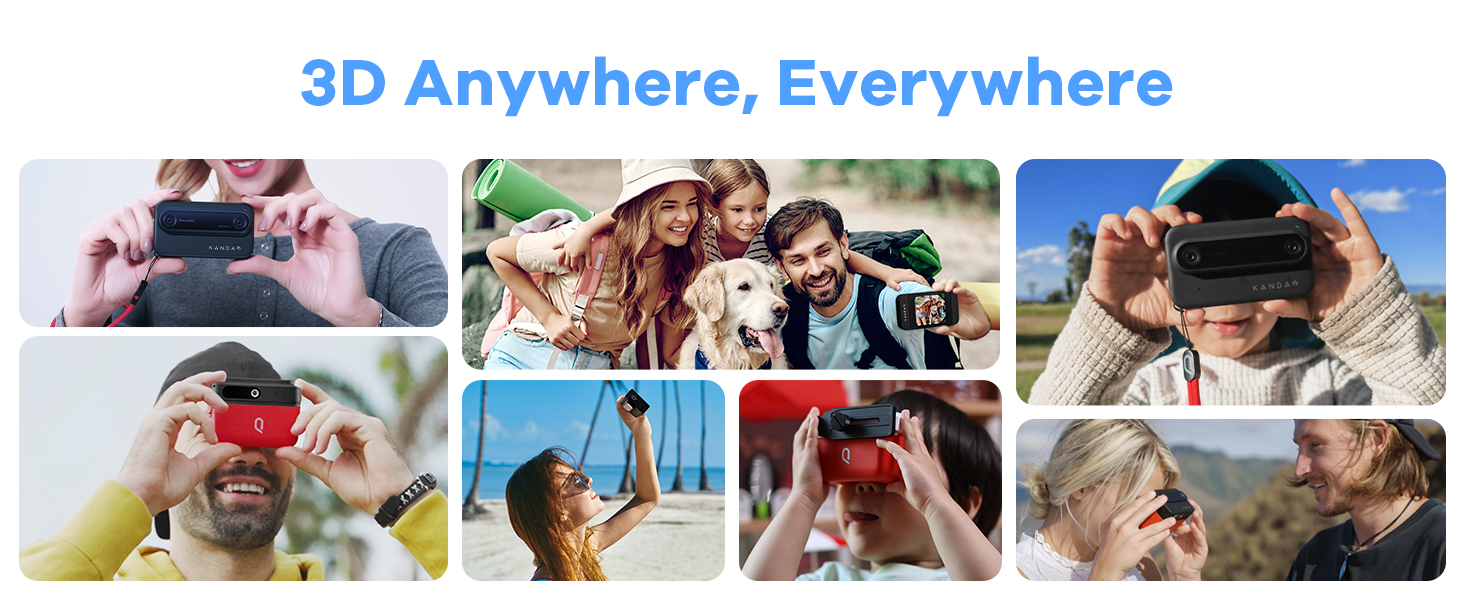
🎬 Capture. View. Share. Step into the future of 3D storytelling.
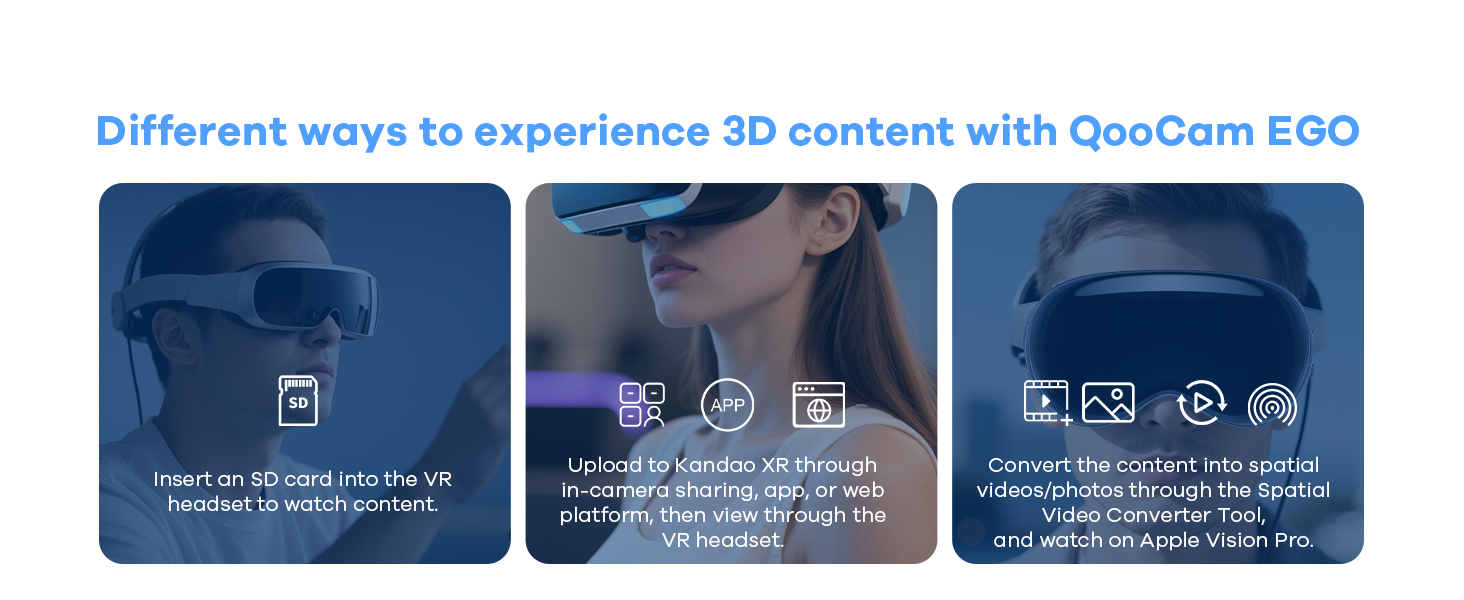
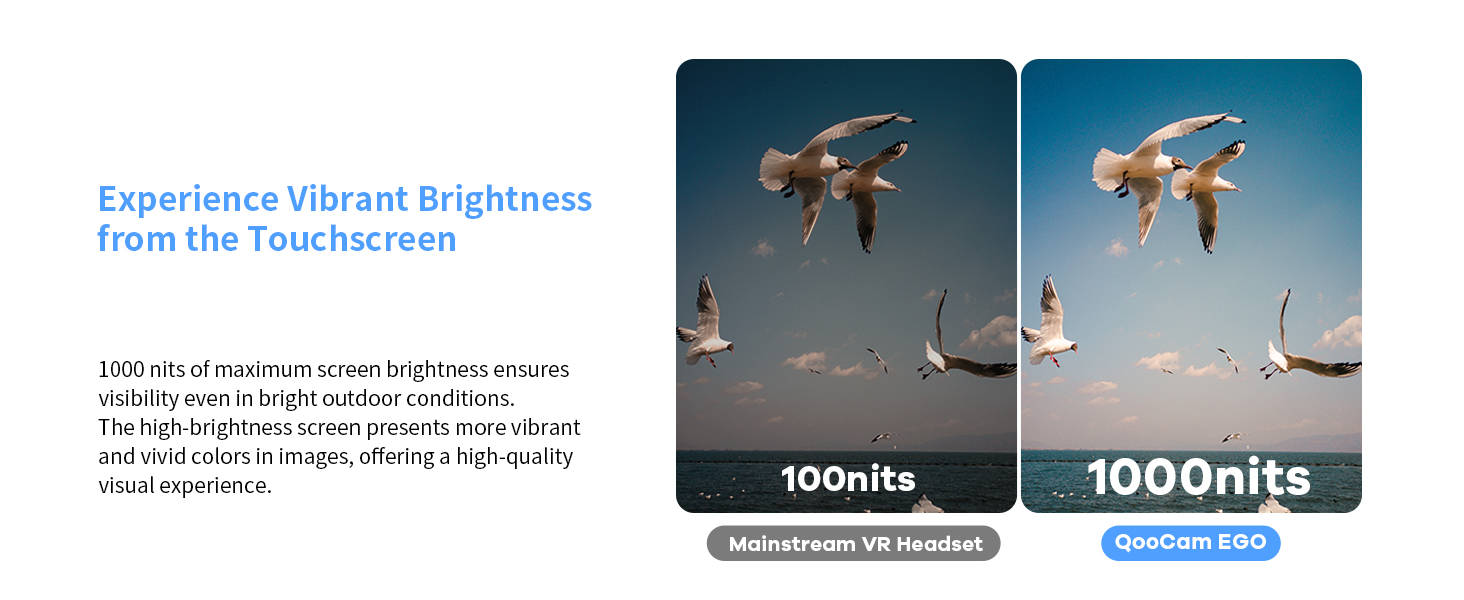
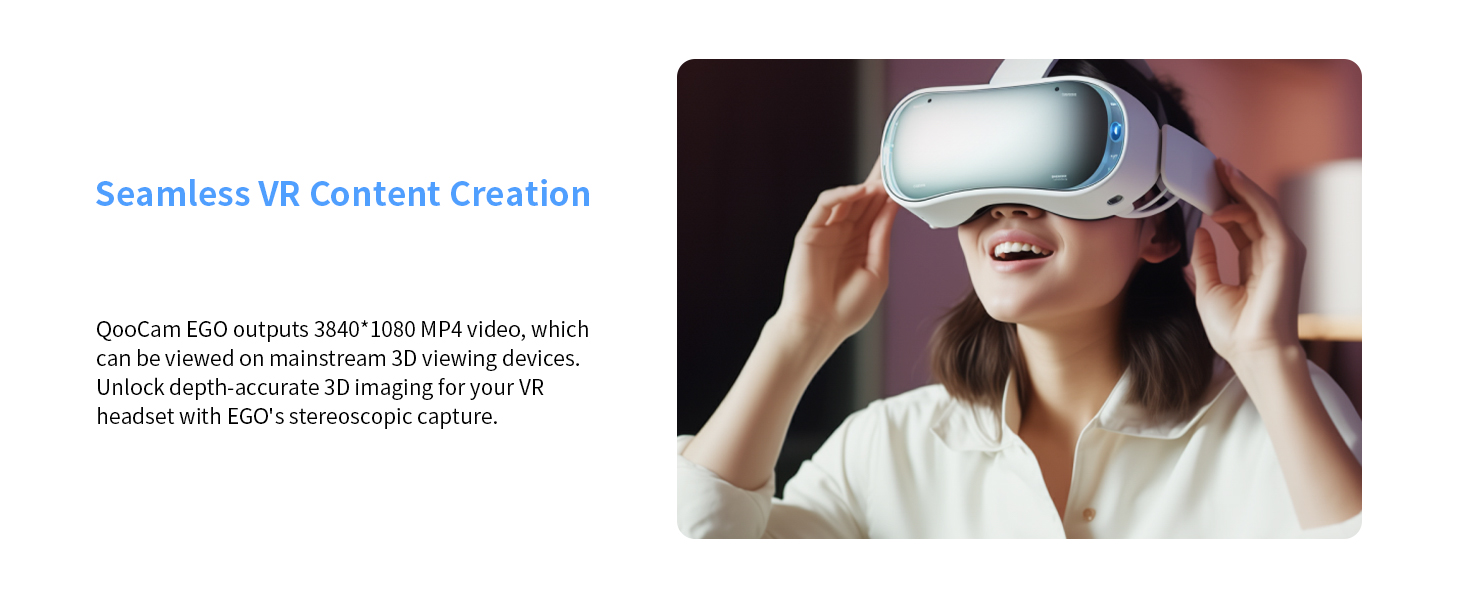
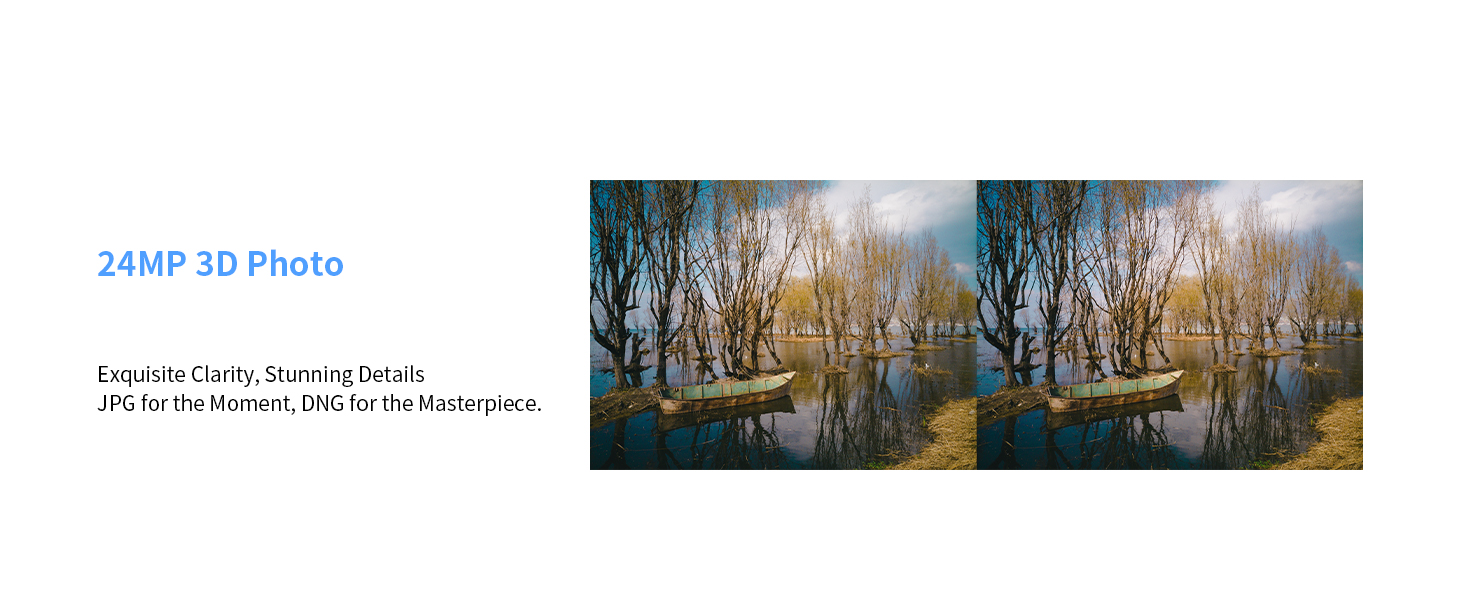
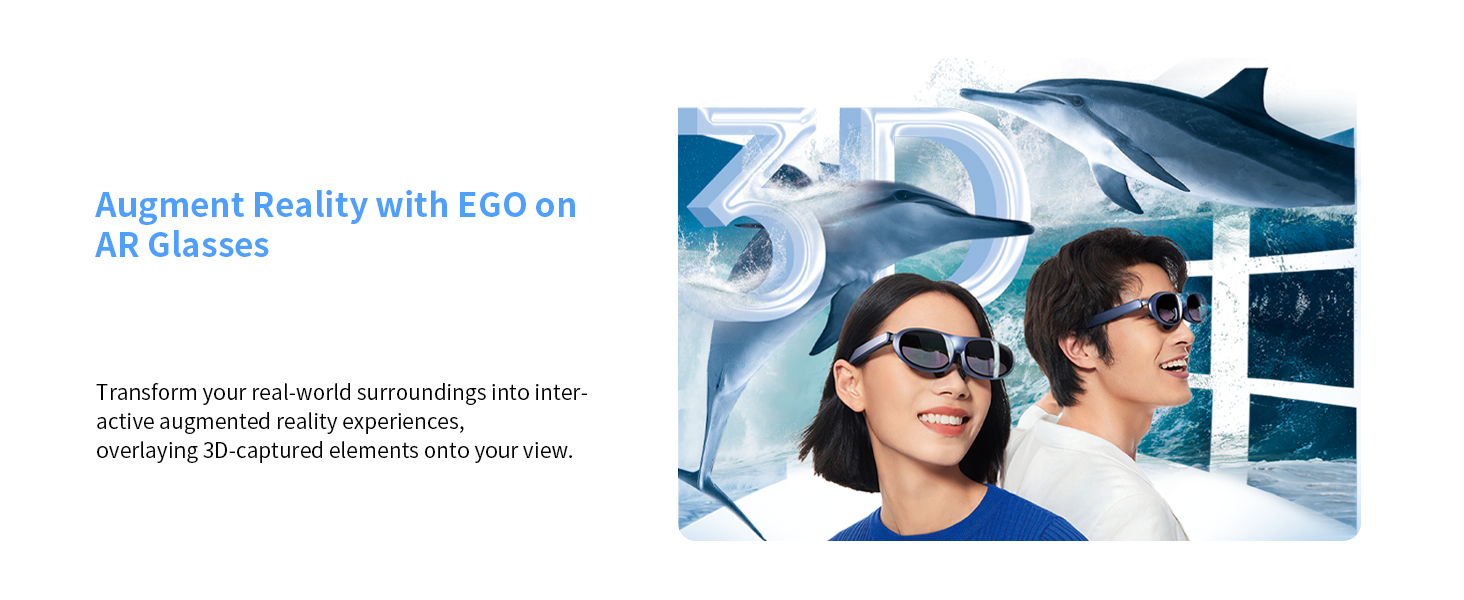
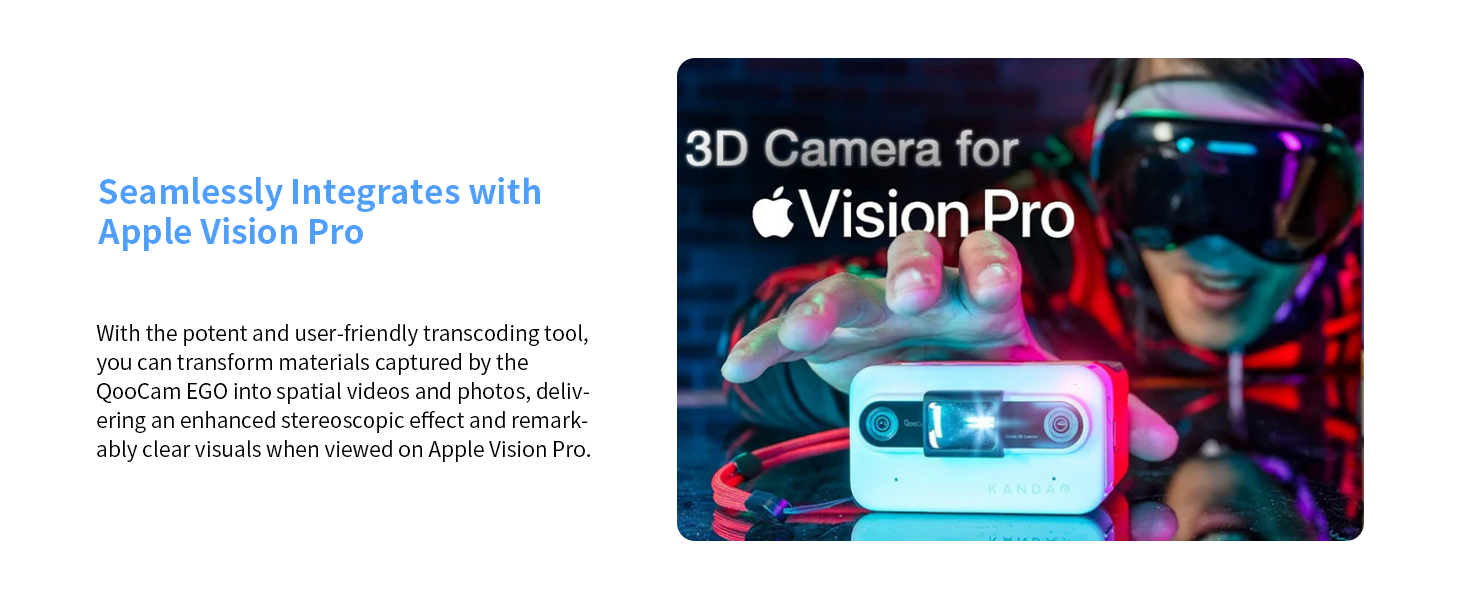
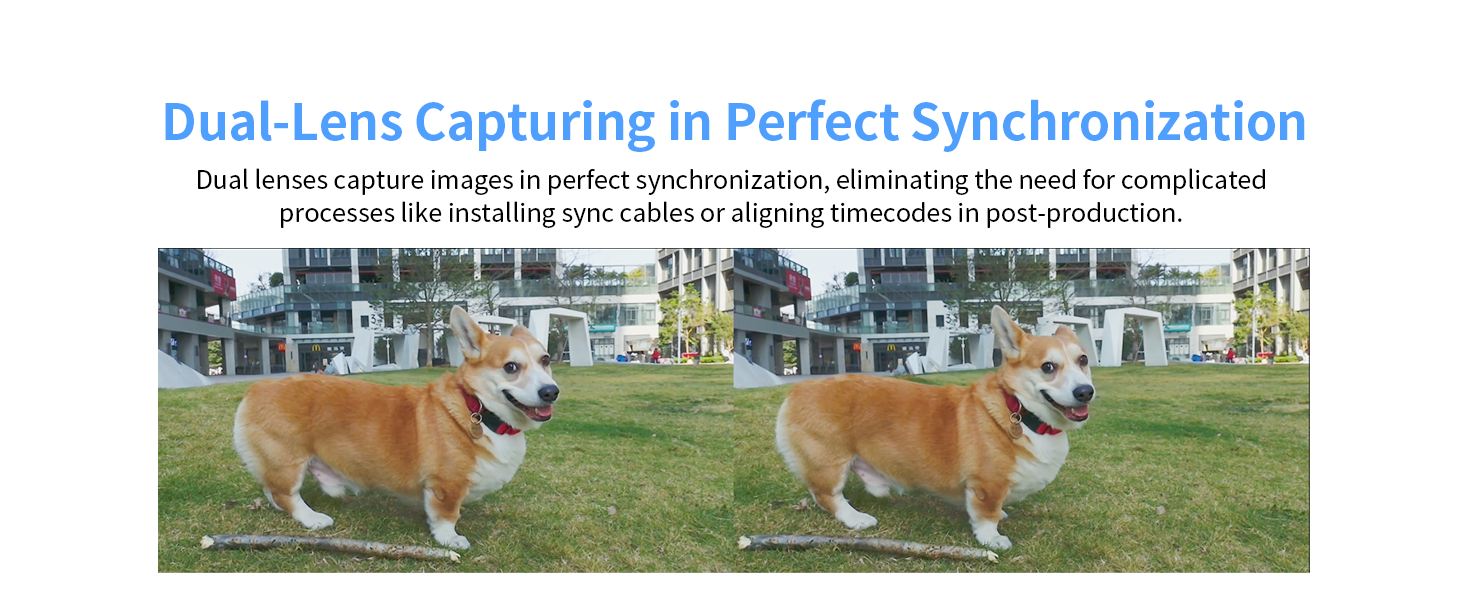
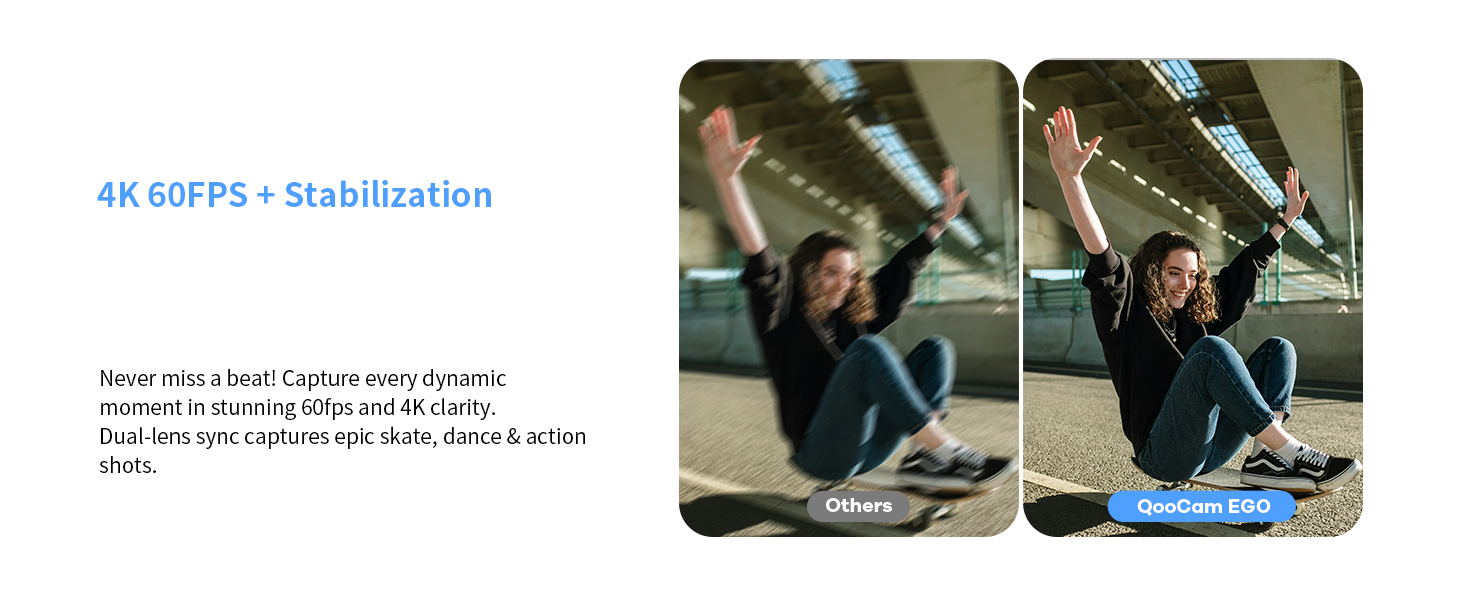
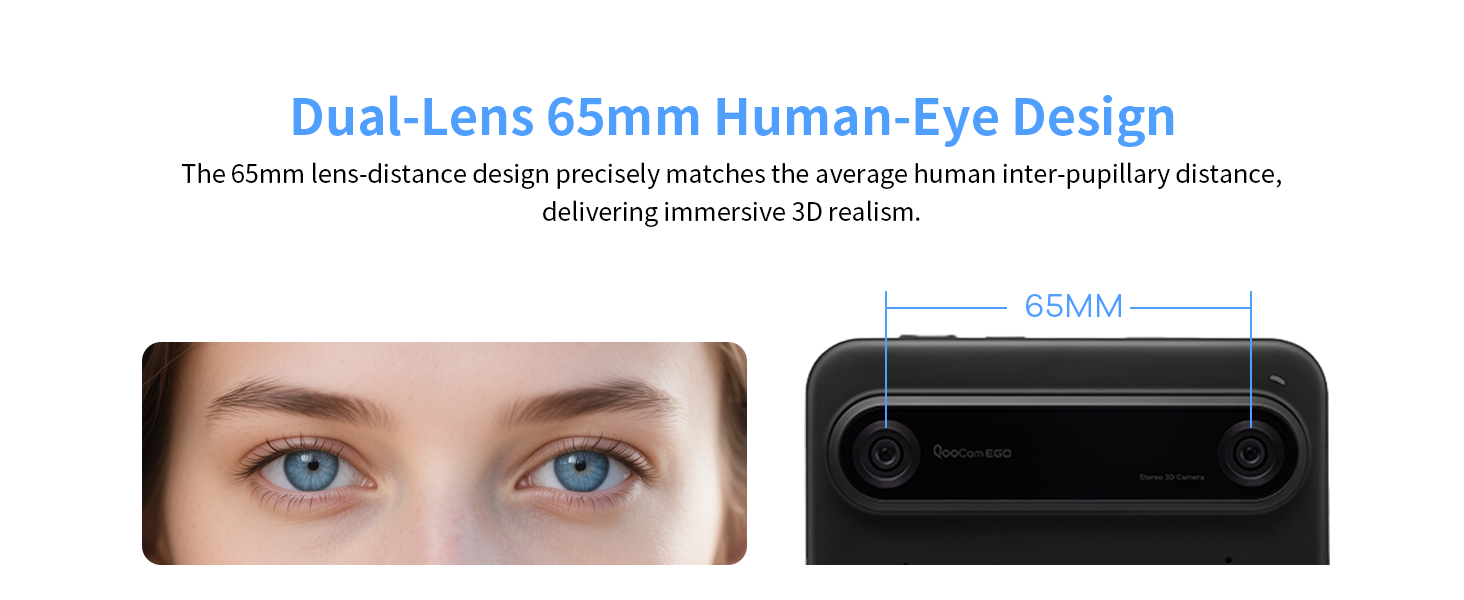
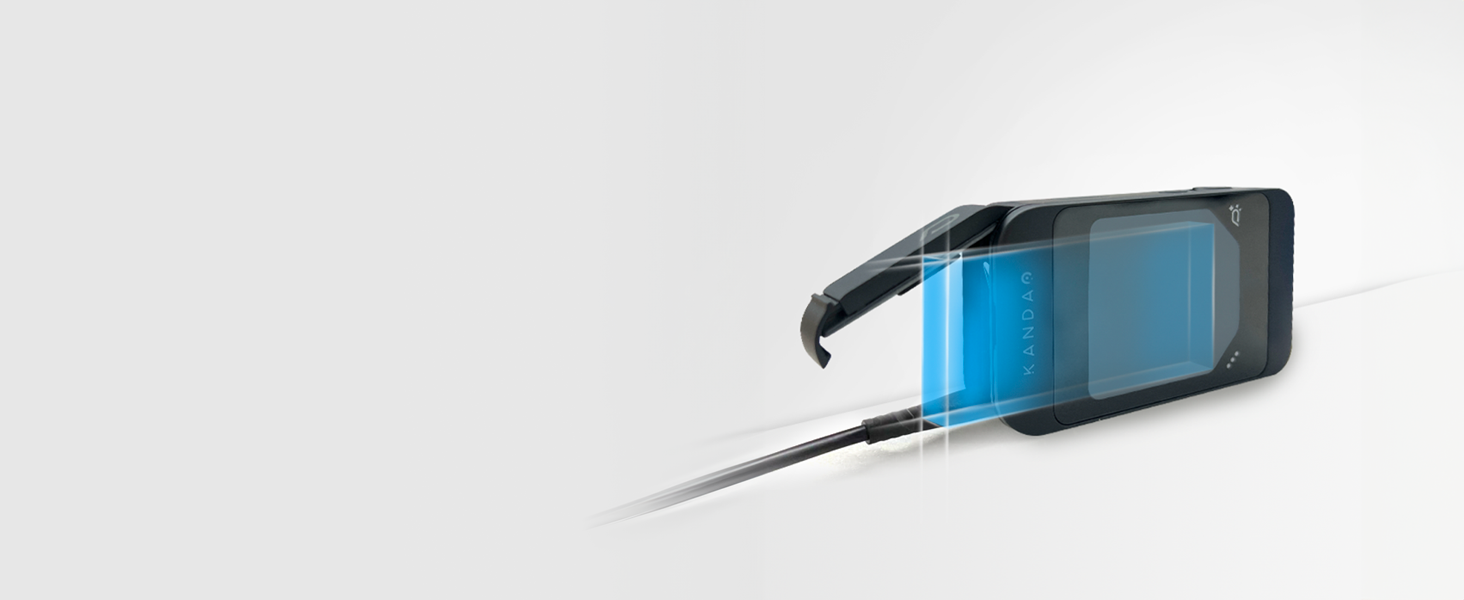
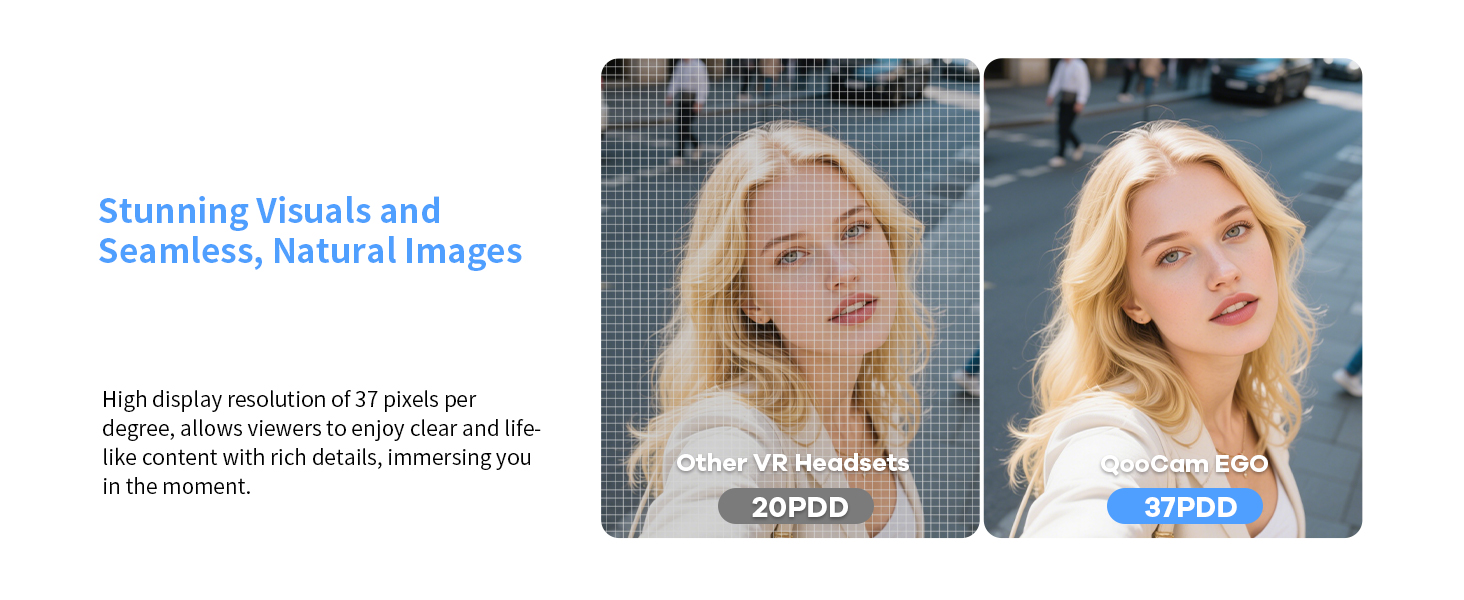
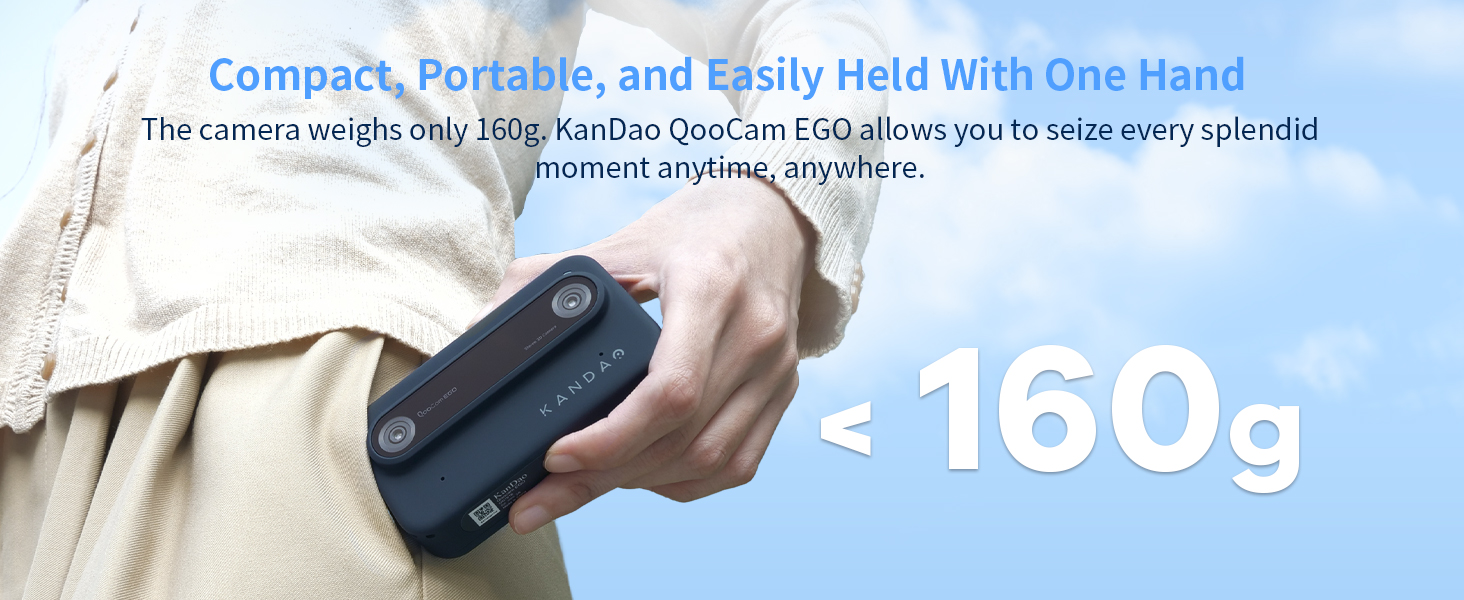
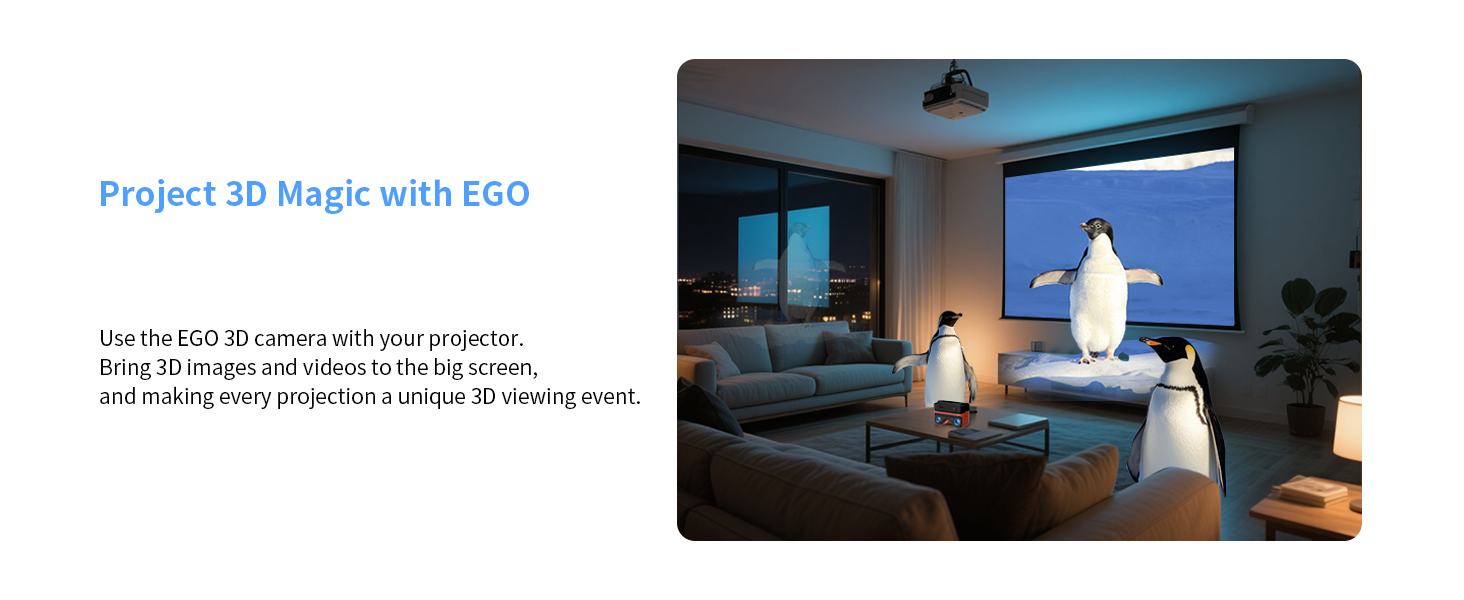
The KanDao QooCam EGO is a cutting-edge viewer-integrated 3D VR camera that delivers stunning 24MP photos and ultra-smooth 4K 60FPS stereoscopic videos. Featuring a 65mm lens separation for authentic depth perception, built-in IMU stabilization, and a unique magnetic 3D viewer, it offers an all-in-one portable solution for immersive content creation and instant playback. Compatible with VR headsets and AR glasses, it empowers millennial professionals to effortlessly capture, edit, and share cinematic 3D experiences on the go.


| ASIN | B0CB5V7GLM |
| Best Sellers Rank | #64,396 in Electronics ( See Top 100 in Electronics ) #134 in Instant Digital Cameras |
| Item model number | QG7018 |
| Manufacturer | KanDao |
| Product Dimensions | 28 x 18.5 x 9.5 cm; 1.1 kg |
M**D
great build quality and simple but battery drain suer fast
great build quality and simple but battery drain suer fast
D**N
Video quality is pretty good and the 3d effect is more pronounced than that produced on a mobile dues to the proximity of the lenses . Battery life is I guess ok at best but I don't shoot 3d for any longer than 5 mins at a time . Audio. Is usable in most cases . It would have been nice to have Bluetooth to link a mic but if you really wanted to you could record audio separately and sync in post . I bought the camera without the viewer as I have a quest headset . My PC refused to let my quest headset connect so I could load the videos I created . However that meant I had to develop a workaround and dare I say it better solution so here it goes . More people have quest headsets than Kandao viewers so I'd you want to share your vids so the following . Create a folder in Google drive or equivalent web accessible storage . Send the link to the file to your friends . And hey presto you are sharing 3d content . Alternatively you could go the YouTube route for public vids . So in summary . I like this camera . I would have liked different recording options as oppoesed to just 30 / 60 fps , and Bluetooth. But if you're looking for spatial 3d video that looks good and doesn't cost the earth . This is well worth a look .
C**G
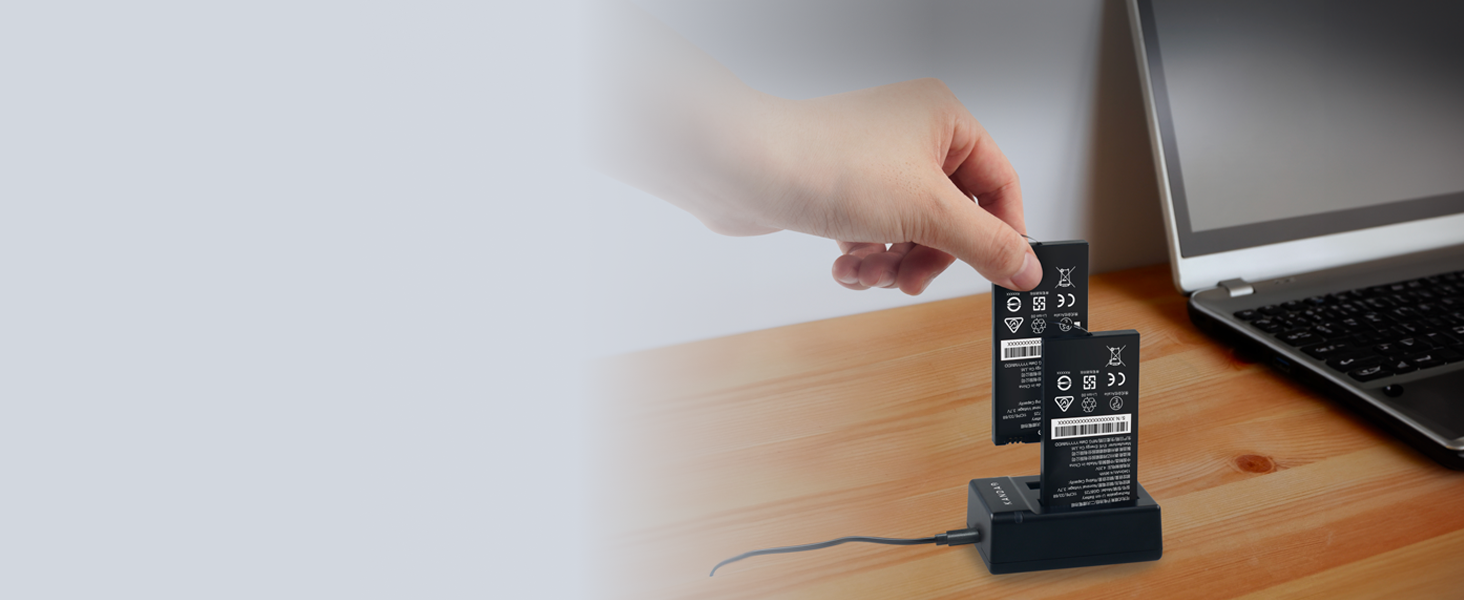
QooCam Ego. Being only one of the affordable 3d cameras out there on the market, for the price and quality of pictures it takes its not a bad purchase. I've had it for over a year now and taken many enjoyable pictures with it. Seeing them through a 3d vr headset brings a whole new dimension to picture photography, a quality of depth and detail of which you will never get with an ordinary camera. The design and shortfalls have got a long way to go though, but I'm sure the designers of this camera will take the other peoples comments seriously enough to make this a truly unique piece of photography equipment. If you decide to purchase this camera, I would highly recommend getting the selfie stick and at least another couple of spare batteries. The battery life goes down really quick with the camera switched on. The manufacturer sells both of these products. The reason for the selfie stick is so that the camera can attach to it so as that you don't have to handle the camera in your hand. Prolonged holding of the camera will cause the lens to fog. All in all, a good 3d camera for the price. A world beater if the developers listen to the reviewers.
C**N
Buenas calidad de imagen.
M**.
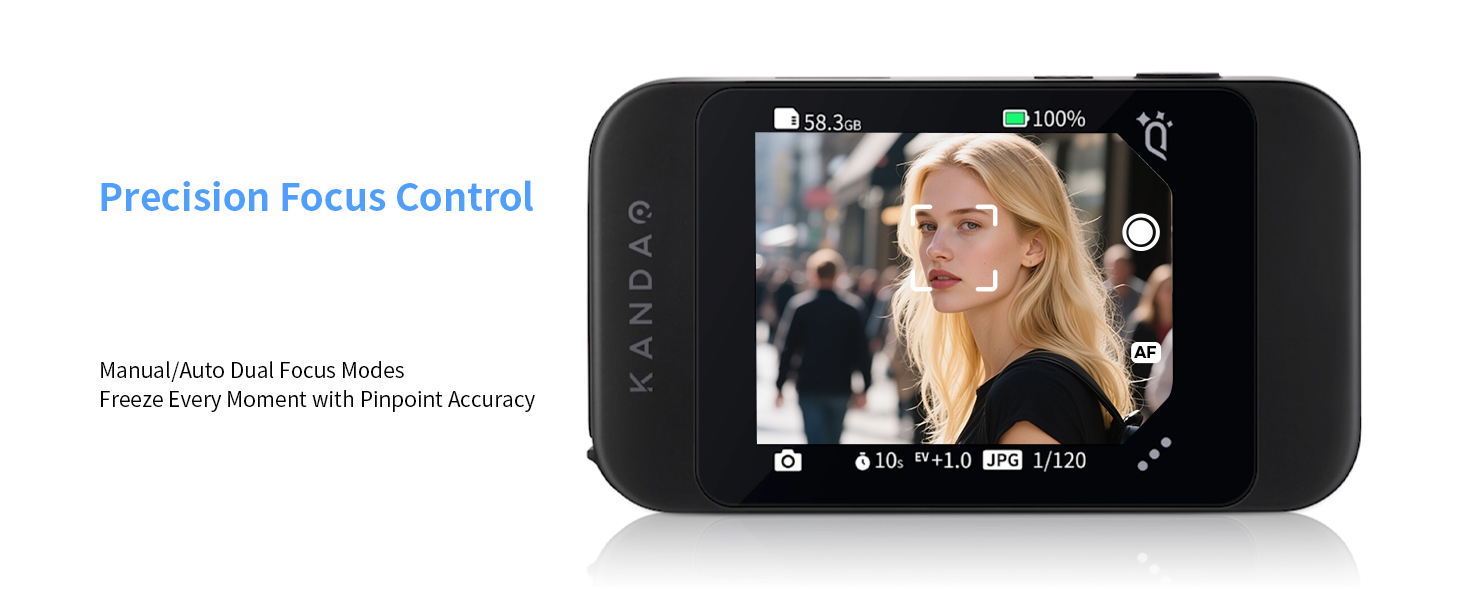
Takes very good 3D pictures in high resolution. It takes some getting used to, I found it best to use the self-timer as pressing the shutter button rocks the camera, so I use self-timer to give me time to realign the camera. It is very small and portable. It has exposure compensation (up to +/- 2 EV) and you can manually set the focus (I use it manually set to infinity as I mostly take landscapes). The battery life is very short so I turn it on, take a picture or video, then turn it off. The clip on viewer is good for a quick review of your photos in 3D; but to see them properly you can either use the QooCam App to put them to your phone or (not mentioned in user manual but it works) plug the camera USB into a computer and copy the photo files to your PC or to the cloud. You can, on your phone, train your eyes to look at the two images side by side and see them in 3D, I use the "Lite Owl" viewer (designed by Brian May of Queen no less) to help see the 3D images. Overall I am very pleased with it. More battery life would help; but I suppose that would make the camera bigger. It does take about 20s to "boot up" when turned on, so not so good for reacting to a fleeting photo opportunity.
L**O
Tutto perfetto
Trustpilot
5 days ago
2 days ago