
⚡ Light up your performance, own the future of speed!
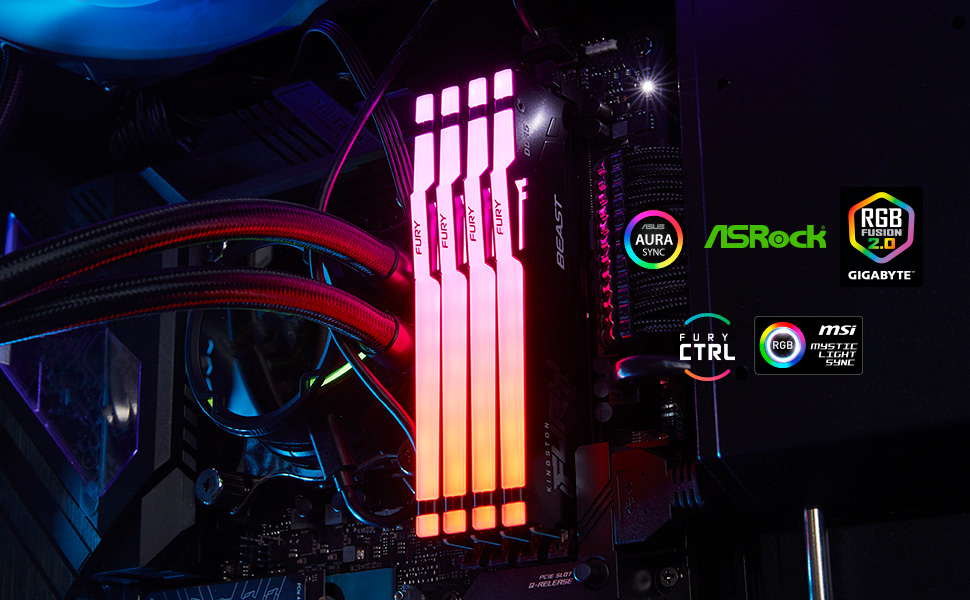
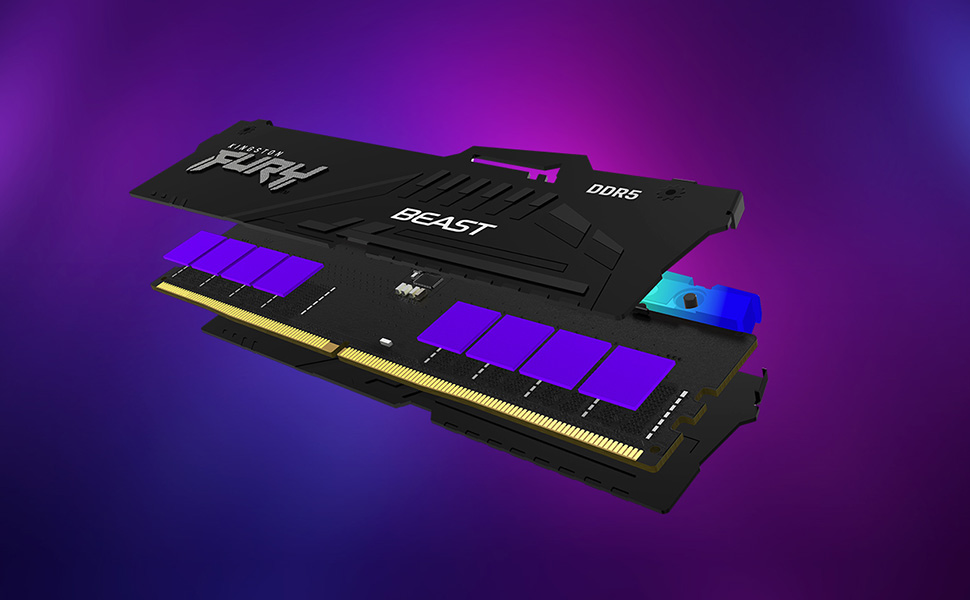
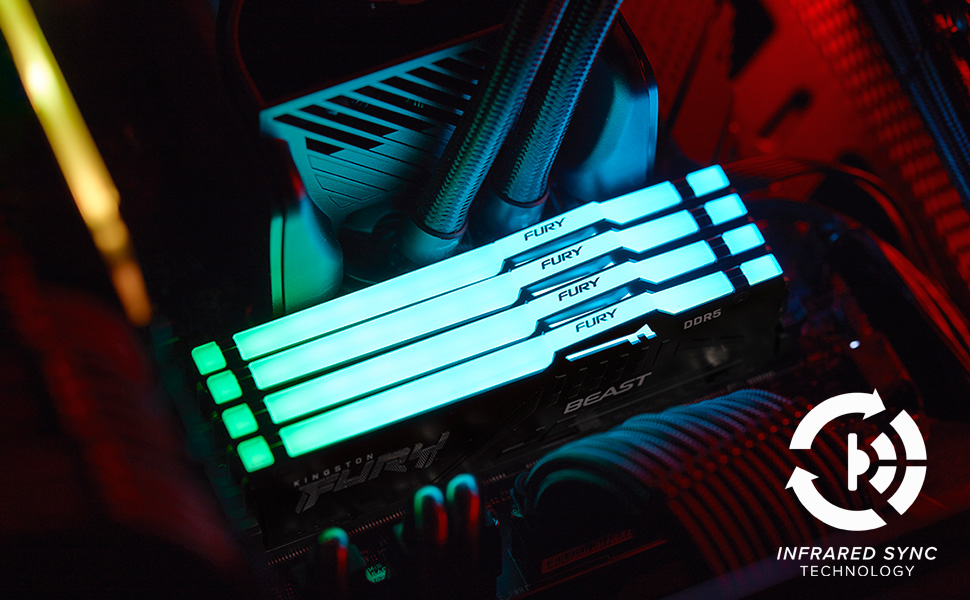
Kingston FURY Beast 16GB (2x8GB) DDR5 RAM delivers a powerful 5200MT/s speed with CL36 latency, featuring patented Infrared Sync RGB lighting for flawless color coordination. Designed for professional-grade overclocking stability, it supports Intel XMP 3.0 and AMD EXPO profiles for easy tuning. With sleek heat spreaders and a lifetime warranty, this kit is the ultimate upgrade for high-performance desktop builds.


| ASIN | B0BRTKH5R9 |
| Additional Features | DDR5, Overclocking, RGB Lighting |
| Best Sellers Rank | #32 in Computer Memory |
| Brand | Kingston |
| Column Address Strobe Latency | CL36 |
| Compatible Devices | Desktop |
| Computer Memory Size | 8 GB |
| Customer Reviews | 4.8 out of 5 stars 791 Reviews |
| Data Transfer Rate | 5200 MHz |
| Form Factor | DIMM |
| Global Trade Identification Number | 00740617331981 |
| Item Height | 1.18 inches |
| Item Type Name | Kingston FURY Beast 16GB (2x8GB) 5200MT/s DDR5 CL36 RGB Desktop Memory Kit of 2 | Infrared Syncing | AMD Expo | Plug N Play | KF552C36BBEAK2-16 |
| Item Weight | 91.33 Grams |
| Manufacturer | Kingston Technology Company, Inc. |
| Memory Speed | 5200 MHz |
| Model Name | KF552C36BBEAK2-16 |
| Number of Pins | 288 |
| RAM Memory Technology | DDR5 |
| RAM Size | 8 GB |
| Special Feature | DDR5, Overclocking , RGB Lighting |
| UPC | 740617331981 |
| Voltage | 1.25 Volts |
| Warranty Description | Lifetime |
R**E
Amazing!
This worked flawlessly for me and was incredibly easy to install. It’s also highly compatible with my PC. The RGB lighting is particularly impressive, as it perfectly matches all the colors of the other components in my system. I recently upgraded to the 64-gigabyte kit, and these RAM sticks offer excellent value for the money, providing both speed and durability.
T**D
No Brainer. Fast and stable.
Only need two for PCIE 5.0 and windows 11. Too easy. Made me feel like the pro I will never be. Runs a cool fox in a forest fire.
A**R
Great addition to Gaming Rig
The Kingston Fury Beast RGB 32GB (2×16GB) 6800MT/s kit delivers extremely fast speeds that make a noticeable difference in both gaming and productivity. Load times feel quicker, multitasking is smoother, and performance stays consistent even under heavy workloads. The customizable RGB lighting is another highlight. It looks great in cases with good visibility and syncs well with other components, adding a clean and vibrant aesthetic without feeling overdone. Overall, this memory kit combines high-end performance with eye-catching visuals, making it an excellent choice for a powerful and stylish PC build.
L**X
OMEN 35L Gaming Desktop GT16-0044 - Ryzen 7 8700G, B650 Wolant board, Bios version F11
Okay, so after scouring the internet, including YouTube videos, Reddit posts, Amazon reviews of different makes of individual DDR5-6000 Ram, looking to upgrade my Memory on my OMEN 35L Gaming Desktop - GT16-0044 - equipped with a Ryzen 7 8700G, RTX GeForce 4060ti 8GB, and previously 2x8gb Kingston Fury (HP version) DDR5 Ram. At first I was getting mixed information, certain retailers stated that the ram with this machine is 5200 MT/s. CPUz shows the Ram as DDR5-6000 (3000 MHZ). HP Assistant Desktop specs shows DDR5-5600. At first I ordered two 8gb RAM sticks from Kingston to go with the two that were already installed, however when I went into BIOS and selected Expo (1 or 2) it was unstable and would not post or boot, it was registering at a very low speed, like 4800 MT/s, due to the BIOS JEDEC default, and I had zero luck overclocking it using Expo profiles within the BIOS. I returned those two sticks. I read that it is best to just run two sticks of memory instead of four, even though there is four memory slots, it is too much for the memory controller to handle running all four slots. I then ordered these: Kingston Fury Beast RGB 32GB (2x16GB) 6000MT/s DDR5 CL30 Desktop Memory | AMD Expo | Plug N Play | Kit of 2 | KF560C30BBEAK2-32 Obviously, I took the existing two sticks out and hated doing that because I don't want to just set them aside and not use them, but in this case, for me it was worth it. So I inserted the two 16 GB DDR5-6000 sticks and it booted up right away but was showing 5200 MT/s by default in task manager, so I restarted and went into my bios into the advanced options, and selected the Expo 1 Profile showing 6000 MT/s, but again The computer would not boot up, so after powering down and unplugging and then turning back on and resetting several times, I had to take the new Ram sticks out and reinstall the old memory again to get it to boot up. After I was able to get it to boot up I again uninstalled the old memory and installed the new memory, and this time I went into bios, into the advanced menu, and selected Expo Profile 2 (5600 MT/s), I selected save and exit and when the computer rebooted it took a little bit more time but it booted right up and indeed I had 5600 MT/s in task manager. After much more reading I then downloaded and opened up the app Ryzen Master, and on the basic view, on the right hand side, it shows Expo Profile options, and showed Expo as off, even though I just enabled it in BIOS. With that being said, I selected Expo profile one in the AMD Ryzen Master app, and then, at the bottom of the app, I selected "apply and test" This reboots the computer and then when it boots back up, it takes a little bit, you then wait and you let Ryzen Master load on its own again and it will run a stress test to test the memory on the profile that you selected. It passed the test and so I went to task manager to check it and indeed it was now running at 6000 MT/s CL 30. I was extremely happy so I powered down the computer and then started it back up just to make sure it would hold the speed, and it did hold the speed of the memory at 6000 MT/s, and at that time I tested some apps and everything seems to be working very stable. If you have the same PC or you're running a Ryzen processor with a B650 chipset, but you can't get Expo in Bios to work properly, you have to use the AMD Ryzen Master app and enable an Expo profile within the app. So far everything is running extremely stable, also performed a few memory tests and all passed with no errors, and I really hope that this review and information helps someone and saves them the hours and hours of reading and researching as I have done because it just gets more and more complicated. Now I have upgraded my RAM and I'm running on a much better speed with much lower latency and I could not be happier. (I did not have to change any timings, or voltage parameters, or anything else.) 100% reccomended.
A**T
Good Product, RGB Feature Works Well
Unable to speak to the performance, but operates and works well with a RGB system.
P**E
Well worth the price, lights weren't off color like some other brands
Glad I got this before ram prices went up, worked great and good value. Lighting was easy to change and was bright! Adjustable brightness and good colors
J**S
Nice Ram Kit, Very Stable with 7800X3D
I used these for my Ryzen 7 7800X3D in an X670-P motherboard. I upgraded from 32gbs @5600MT/s to 64gbs @6400MT/s. I originally planned on slowing it down to 6000MT/s so I could lower the CL timings, but to my amazement this kit has no issues maintaining its speed and stability at EXPO settings. My 7800X3D feels like it finally has the memory capacity and speed to fully let the processor "stretch its legs" and demonstrate its gaming dominance. The ram looks very sharp in this PC setup, I am very happy. Now the memory capacity might've been bit too much for what this PC is being used for which is just gaming, but I have zero regrets in going with the 64GB kit.
J**R
It’s fast
Good stick of ram, it was at a good price when I bought it and it works well.
Trustpilot
1 month ago
1 month ago



