

Desert Online General Trading LLC
Dubai, United Arab Emirates
Desert Online General Trading LLC
Dubai, United Arab Emirates

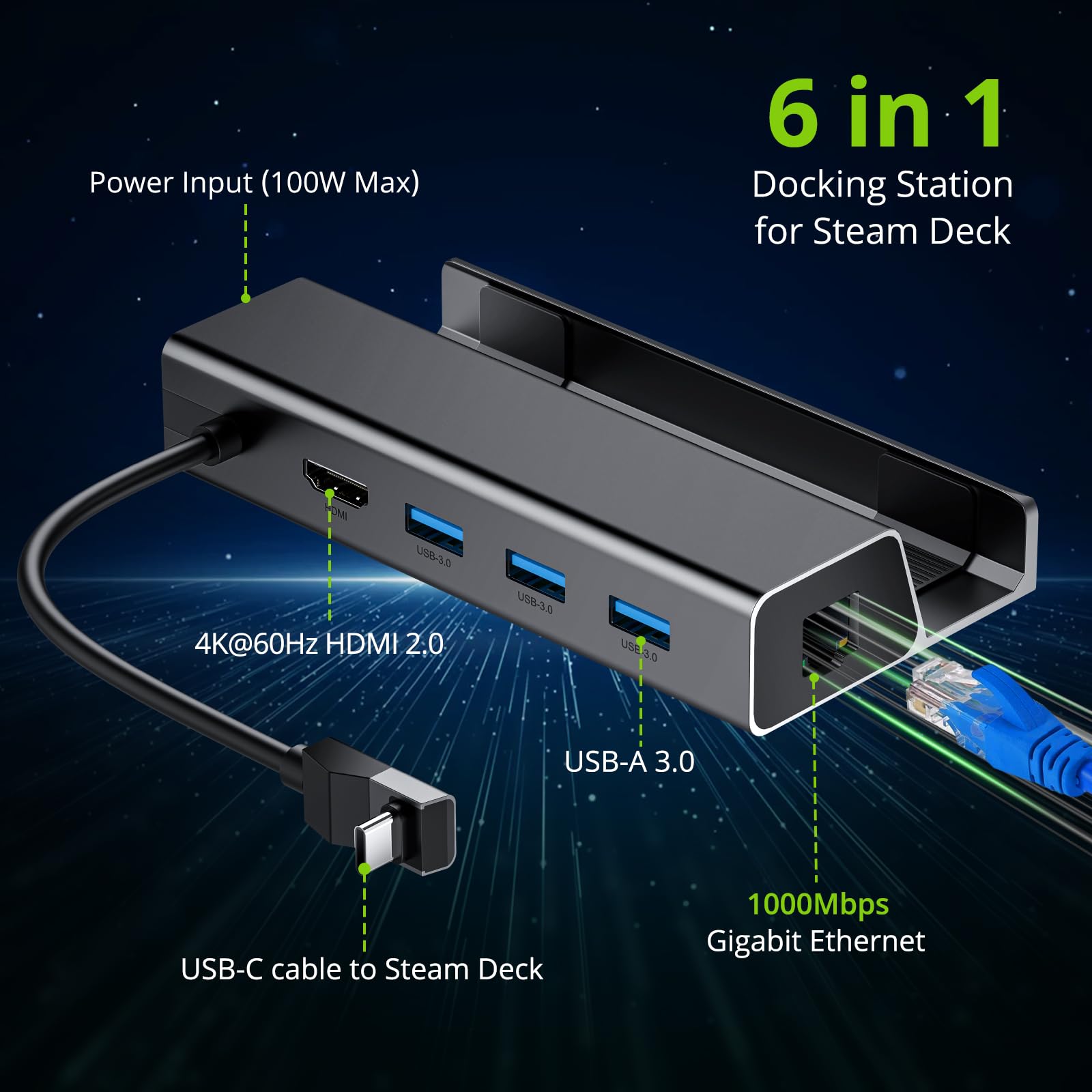

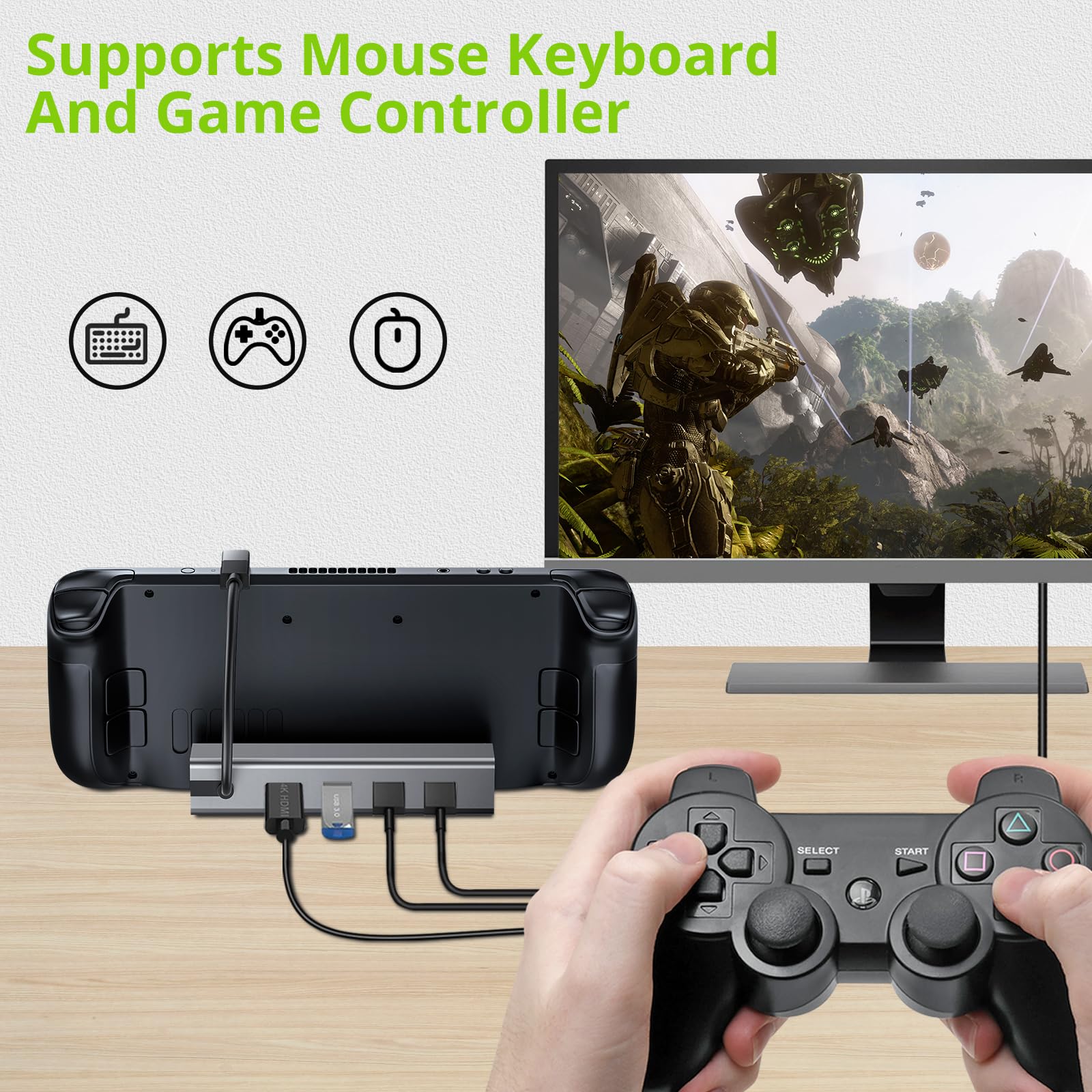
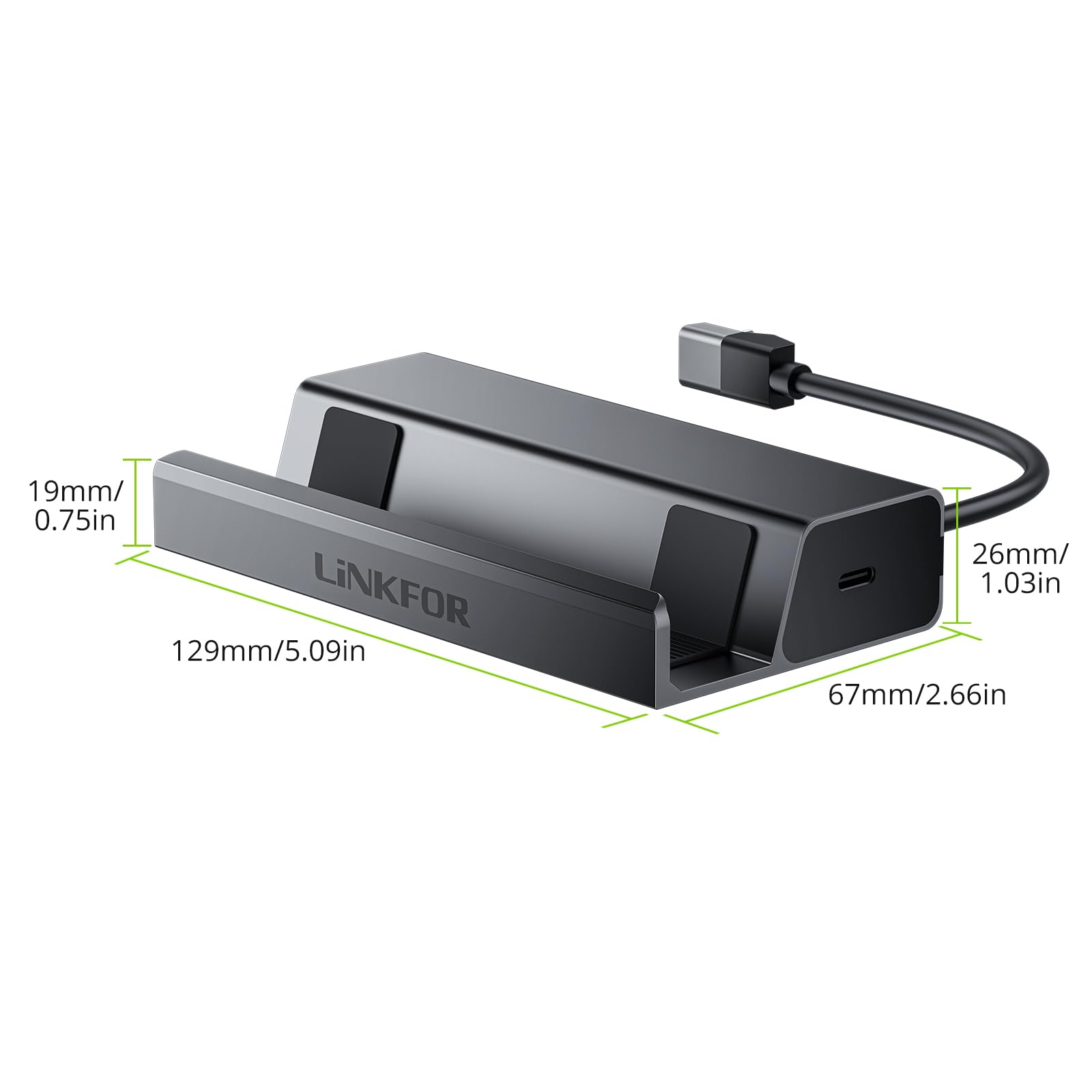
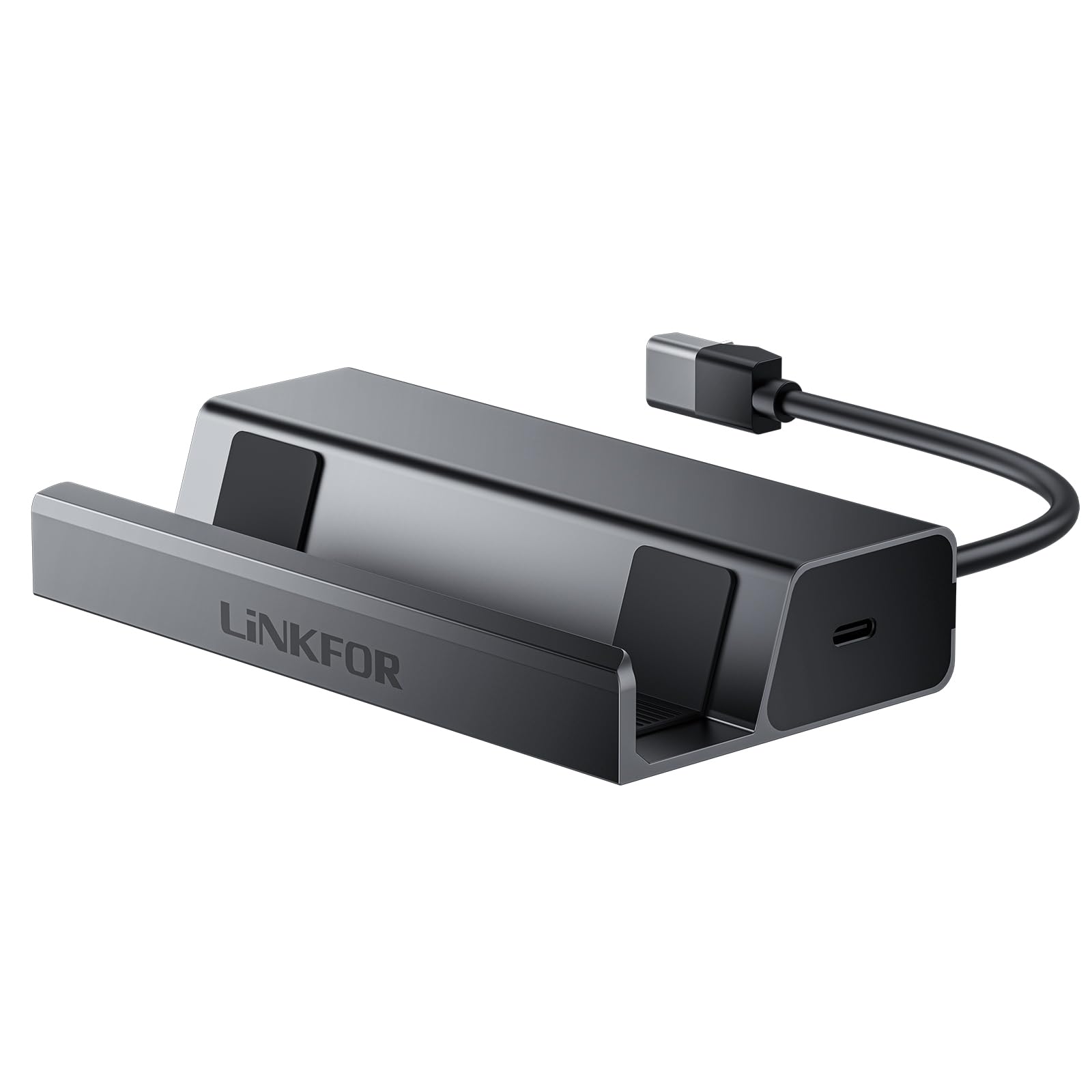
🎮 Elevate your Steam Deck setup—game bigger, charge faster, connect stronger!
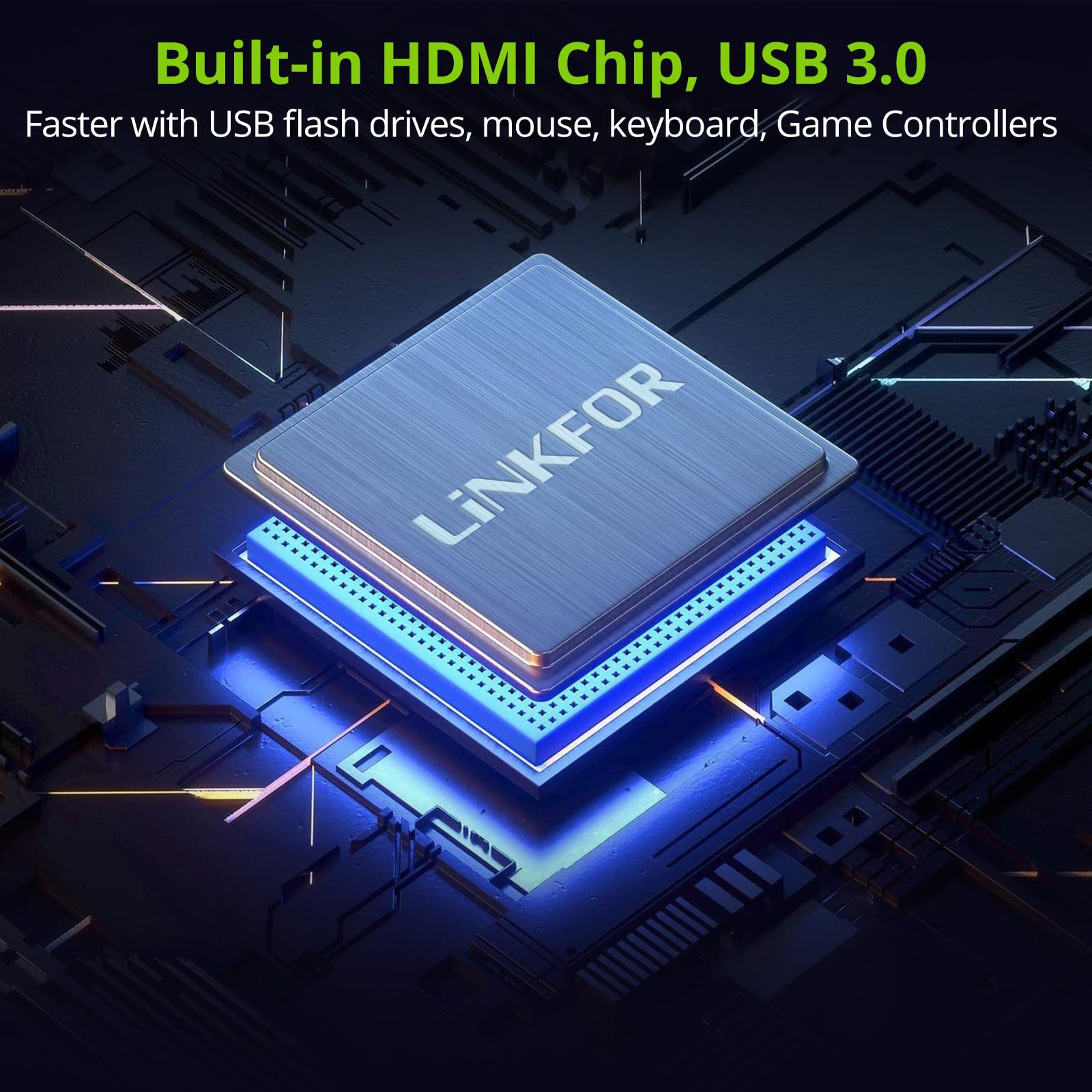
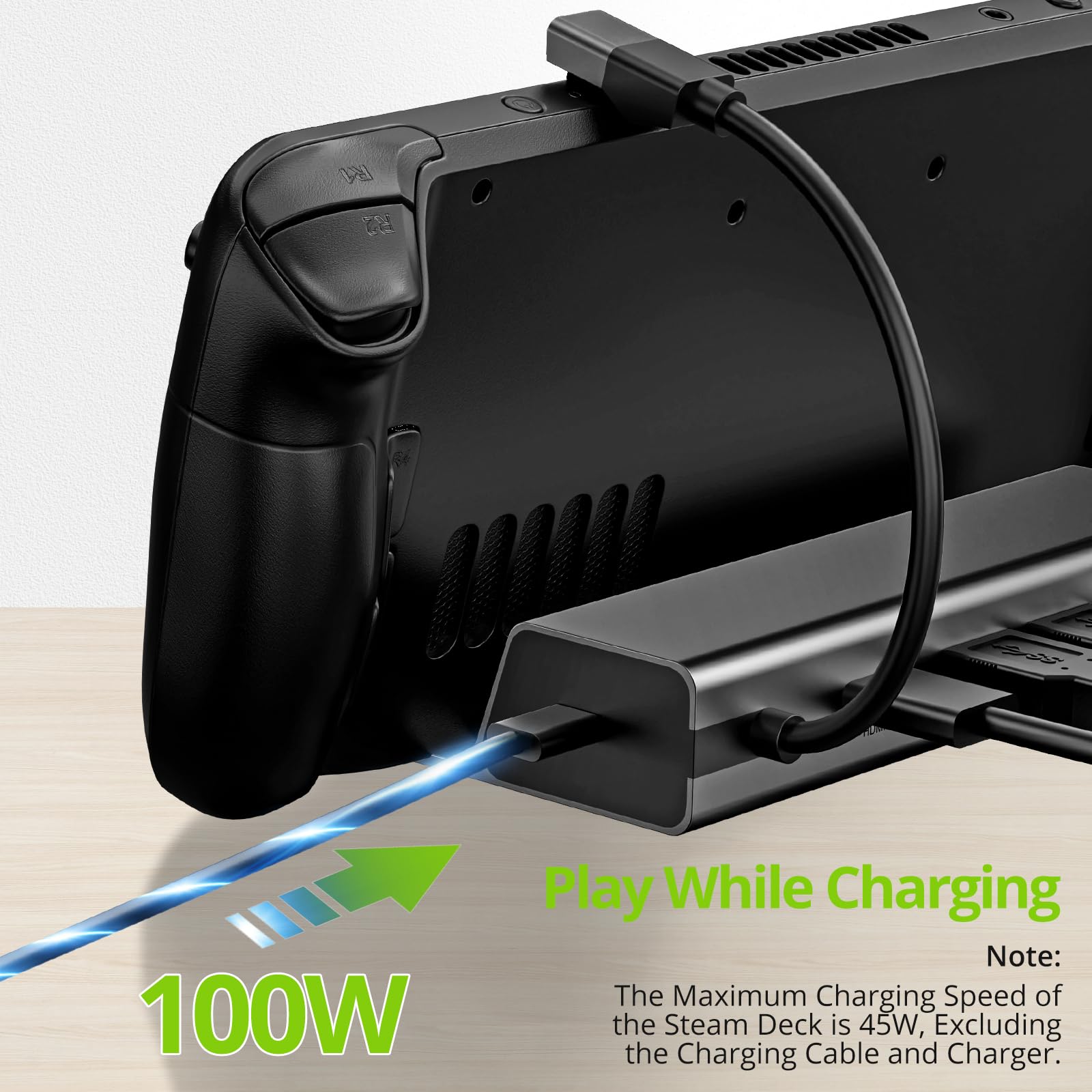
The LINKFOR 6 in 1 Docking Station is a compact, plug-and-play hub designed to enhance your Steam Deck gaming with 4K@60Hz HDMI output, gigabit Ethernet, three USB-A 3.0 ports, and a 100W fast-charging USB-C port. Compatible with multiple USB-C devices, it delivers seamless connectivity and power in a sleek, portable design.


D**M
Great desk accessories
This is basically the same as the official version but way cheaper. It has the same amount of port and I’ve tested it that it can transfer 30w to the steamdeck. It didn’t give off any heat during gameplay (talking about the attachment not the deck) so great design there. You can probably attach another hub to expand the slots available but I didn’t have one handy to test out. Full HDMI output to a big screen. It weights about 0.5lbs but it’s strong enough to not tip over. Overall this is a great product to have if you’re thinking about making a desktop version of your deck.
T**N
Great Item
Its good to carry the deck bare bones or with a skin. With a case it might not sit nicely, but you can make it work.
S**
Not worth your money
The dock barely worked having constant glitches and cutting in and out i eventually stopped using itI assume it was because the sale but either way not worth it just get an official dock or a type c to hdmi cord
P**S
Easy to Set Up and Use
It was just plug and play. Everything seems to be working fine when connected.Only one I struggled with is it wouldn't recognize the usb wireless dongle for the xbox controller but it worked fine when I connected using bluetooth.Otherwise keyboard, mouse, xbox controller keyboard, and ethernet are all working as expected.One weird thing I did have happen is when I was preparing to go to bed and started turning everything off the steam deck kept coming out of sleep mode which would then turn on the tv. This so far has only happened the first day I used it.
D**D
Perfect docking station! Or so I thought...
I've been getting into live streaming with my Nintendo Switch lately and needed a good docking station set up for it without having to unplug my default station in the front room. I tried a couple that either didn't work or were too big and clunky. This one caught my eye and was perfect for what I need! I love that it has several different ports and not just USB-C or HDMI. I'd say the only down side is that the Switch has to be upside down in order to charge. For some reason I assumed it was like most other docking stations and had the dongle on the stand itself along with the charger on the top. It's not a big deal since I play via my computer anyway, it's just a little bizarre to look at it. Either way, I highly recommend this little guy!EDIT: I tested the docking station when I wrote this review and it worked just fine. A couple days later when I actually went to use it for a stream, it suddenly would not work. I tried switching different cords thinking one of them wasn't working but nothing happened. I eventually put in my Nintendo Switch dock to see if the set up as correct with that and it worked just fine which means the thing not working was this dock. Kind of a bummer after I was so excited for this one. I'll try it again next time I stream to see if it does magically work again but at least for now, I had to take stars off.
T**E
Easy to setup, fits deck with a slim rubber case on it, not too deep.
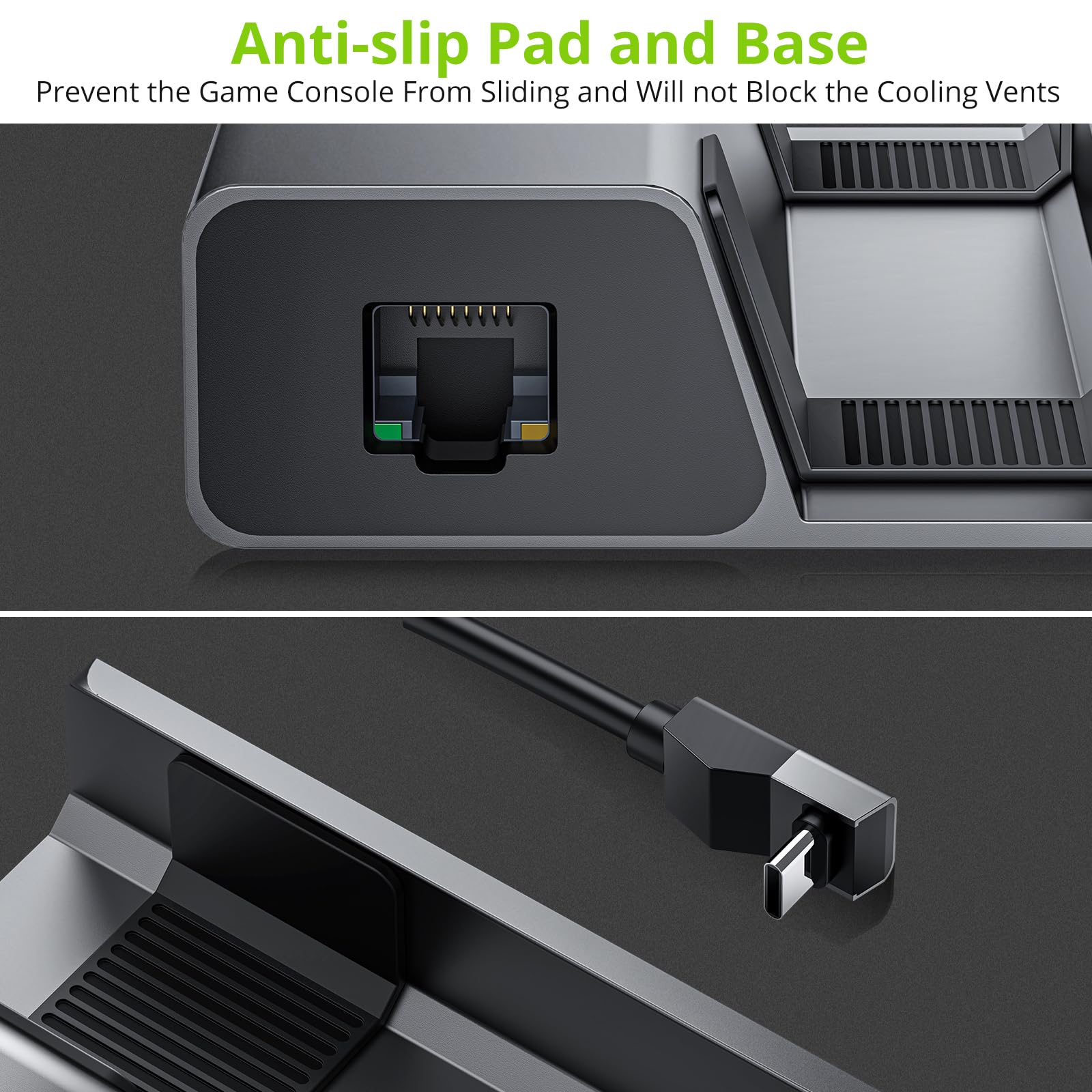
This is a nice small dock. it's not too deep but, it does have paddings to protect your deck, I have an thin rubber case on my deck and it fits in this perfectly. Power and network are on the sides of it, and HDMI and USB ports are in the back.Pretty much plug and play. No problems and worked as expected.
T**0
Worked perfectly!
Plug and play with my steam deck.All of the ports worked as they should. The hardwired cable is long enough to fit to my steam deck with a case on. The steam deck sits on the docking station and stays put. Enough power is passed through to keep it charged while playing.No complaints here!
J**J
Sturdy steam deck dock
Let me preface this by saying I've never been big on the idea of using a dock to use a mobile gaming device on the TV. It just seems to defeat the purpose of the device. I still feel that way.However the steam deck is not just a portable game system. It's a computer. Computers are hard to control using just a controller, especially Linux (despite steamOS having a nice GUI). If you need to do any significant work in desktop mode you're going to want to use a keyboard & mouse. While you could just use a USB hub to connect a kb/m you'd still be stuck with a small screen. This dock solves that problem.The hub feels solid and well made. It looks good too. It's all metal (except for some rubber grips to keep the deck in place. The USB-C connector plugs in and pulls out smooth.It's a pretty tight fit. So if you have a case or a somewhat thick skin etc on your deck it doesn't fit so well (the instructions mention this). You can still put it on the dock and it's mostly stable, though not as secure as it would be naked.I followed the instructions (recommend reading through it once, it's short and mostly well written) and connected to my 4k TV while in desktop mode. It worked great in desktop mode.I tried switching back to gaming mode and that's where I had issues. Though I think they were mostly due to my configuration, not this dock.In gaming mode the display kept flickering off and on. Constantly losing the signal. Pretty sure it's because of video signal attenuation and being underpowered while trying to push 4k from a device meant to display at 800p.- I had an HDMI cable that was probably too long (instructions mentioned short is better).- my steam deck power supply was plugged into a cheap power adapter hub that was already powering a mini computer and certainly isn't rated to power two of them. I would advise plugging directly into a wall outlet or a surge protector that can supply enough power.So I won't blame the hub for this. If I try it again properly configured I'll update this review.Overall, it works perfectly for my purposes, which is making desktop mode easier to use. I'm sure it works fine for gaming too (I think the instructions advised launching games from desktop mode, not gaming mode).If you plan to configure retro games and emulators, or if you want to use the steam deck as a traditional computer occasionally and not a game console, then this docking station would probably work well for you, and for quite a bit less than the official steam deck docking station.
Trustpilot
1 month ago
3 weeks ago