We remain fully operational. Our teams are working around the clock to ensure your deliveries continue safely.

DOWNLOAD THE APP


Copyright © 2025 Desertcart Holdings Limited
DOWNLOAD THE APP
Buy anything from 5,000+ international stores. One checkout price. No surprise fees. Join 2M+ shoppers on Desertcart.
Desertcart purchases this item on your behalf and handles shipping, customs, and support to South Korea.
🚗 Upgrade your drive with wireless freedom & booming sound!
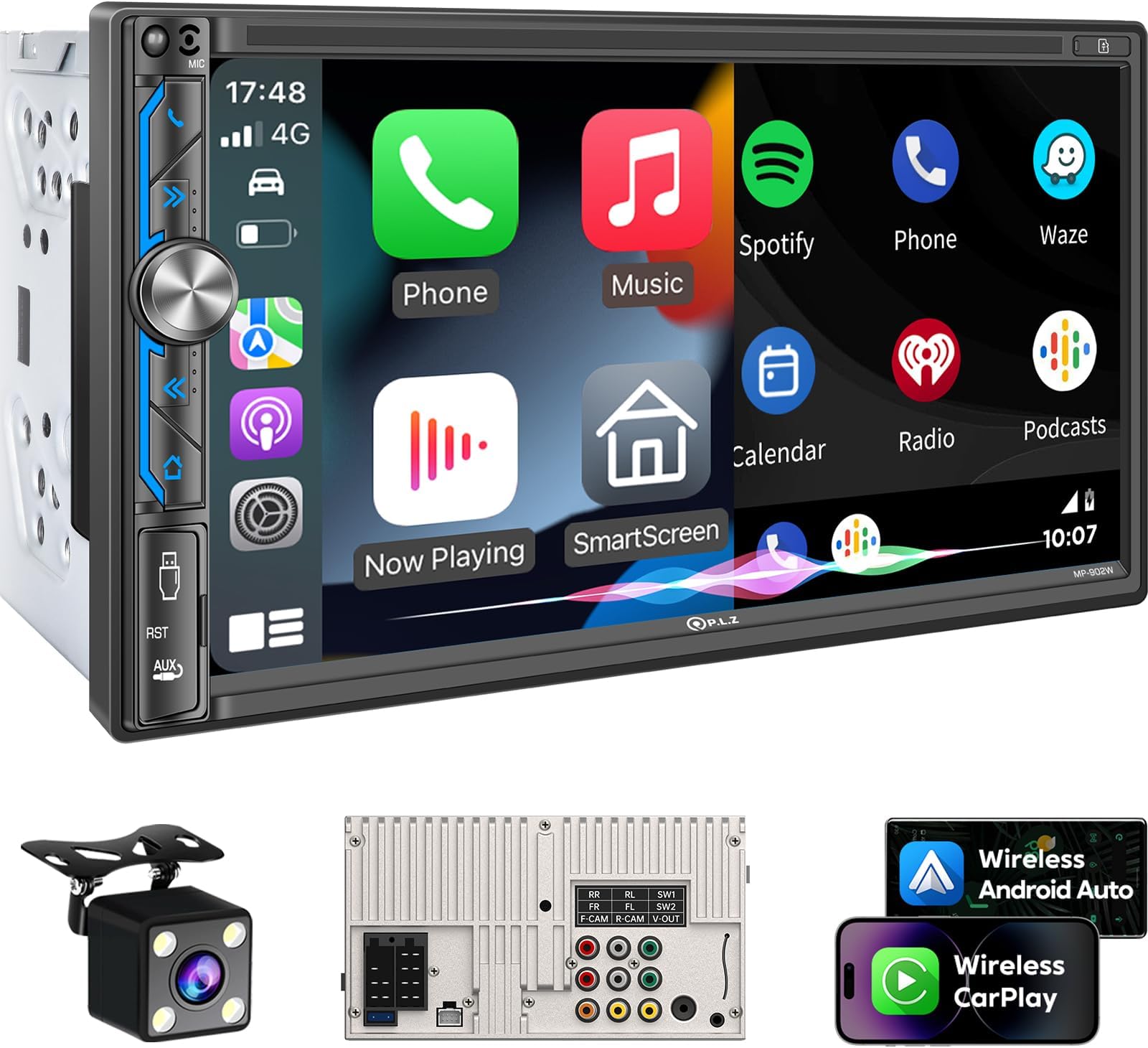
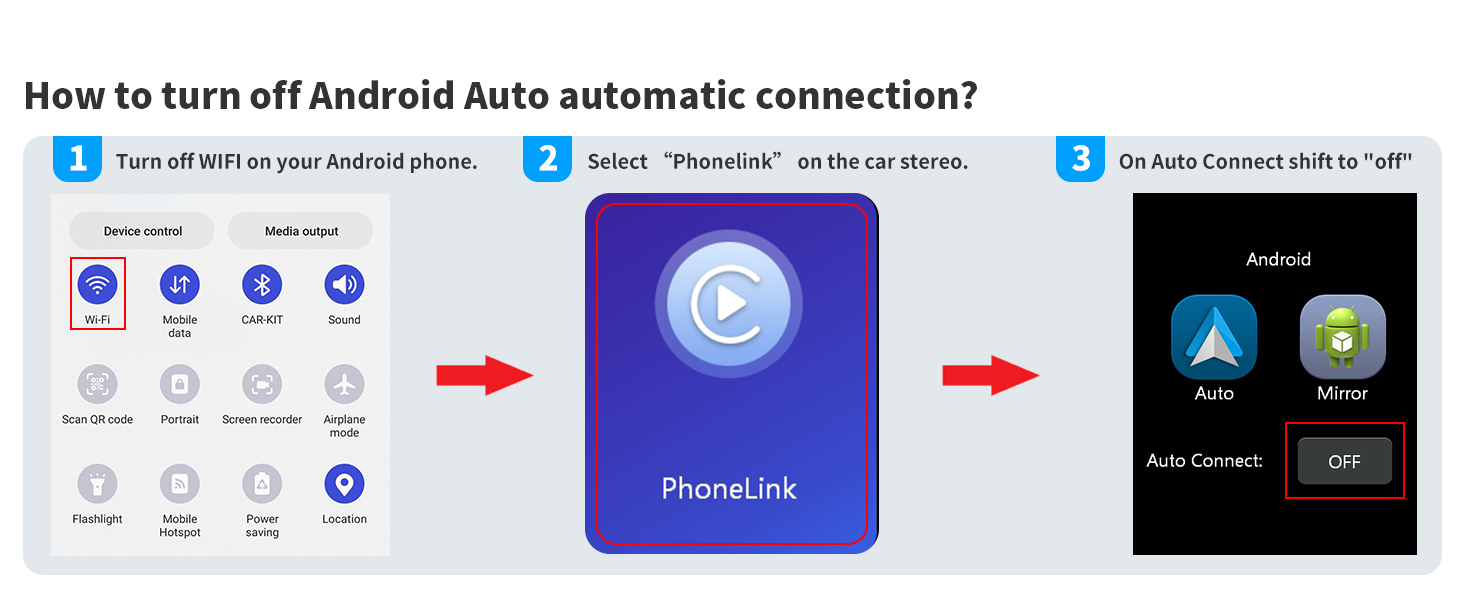
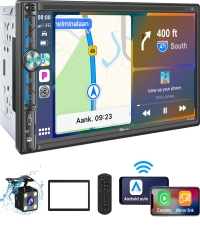
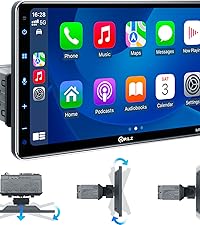
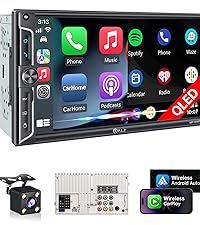
The PLZ 7" Wireless Double Din Car Stereo is a cutting-edge in-dash system featuring wireless Apple CarPlay and Android Auto, a powerful 240W 4.2 channel DSP audio system with dual subwoofer outputs, and a vibrant 7-inch IPS touchscreen. It includes advanced Bluetooth 5.3 connectivity with an external antenna for crystal-clear calls and streaming, steering wheel control integration for safer driving, and a high-quality backup camera. Designed for easy installation with professional support, this unit modernizes your car’s entertainment and navigation experience with premium features at an unbeatable price.








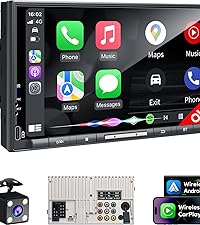
| ASIN | B0CFL3MFXF |
| Audio Output Mode | Stereo |
| Audio Output Type | Speakers |
| Best Sellers Rank | #111,644 in Electronics ( See Top 100 in Electronics ) #701 in Car Stereos |
| Brand | PLZ |
| Built-In Media | Backup Camera, Harness, Remote, Stereo Unit |
| Color | Silver Black |
| Compatible Devices | Amplifier, Smartphone, Speaker, Tablet |
| Connectivity Technology | Auxiliary, Bluetooth, USB |
| Connector Type | RCA, USB |
| Control Method | Remote |
| Controller Type | Apple Carplay |
| Customer Reviews | 4.1 4.1 out of 5 stars (1,874) |
| Format | MPEG, WAV, WMA |
| Item Weight | 1.23 Kilograms |
| Manufacturer | PLZ |
| Model Number | MP-902W |
| Number of Channels | 4 |
| Other Special Features of the Product | Android Auto, Apple CarPlay, Built-In Bluetooth, DSP, Screen Mirroring |
| Output Power | 240 Watts |
| Output Wattage | 240 Watts |
| Supported Internet Services | YouTube |
| Surround Sound Channel Configuration | 4.2 |
| Video Encoding | MPEG-4, RMVB, DivX, AVI, 1080P, MP3, WMA, JPEG |
| Wattage | 240 watts |
| Wireless Technology | Bluetooth |
C**C
The PLZ Car Stereo was purchased to replace a defective factory Bose Car Stereo in my 2003 Infiniti I35. There are so many things that I love about the PLZ especially at this price point. This is a quality unit indeed. The installation manual is a heavy bound printed booklet with clear instructions and helpful tips to ensure success in every step. You will need some additional accessories depending on your car and your needs: double din bezel, wiring harness, antenna adaptor, and optional steering wheel control adaptor. Once I hooked the PLZ stereo up, my initial reaction was WOW! Boot time was relatively fast. The screen was reactive and bright (even in daylight). The wireless Carplay feature updates the technology in my 23 year old car. It connects effortlessly. The included reverse camera image is amazingly bright and sharp. Once you adjust the angle of the tilt, the grid lines are accurate. I pointed mine as far down as possible just enough to see a tiny bit of the bumper. The sound is loud and clean after some adjustments for the stock Bose amp & speakers (see below). I love streaming spotify (no more FM bluetooth adapters) Added bonus is the customer support. You email the person to get a custom logo done plus an updated firmware. I was able to follow the directions and the update was flawless. The person even followed up to make sure that my update was completed successfully. Overall, the PLZ unit is worldclass. I am super surprised and happy with my purchase. The company obviously thought of everything to make a quality product at the cheapest price possible. They also go out of their way to make sure that we are successful in installing their head unit and to enjoy it. There are many positive reviews and I fully agree. Some tips for others with old complex Bose Car Stereos: If you decide to replace the head unit only and keep the Bose Amplifier and speakers, use a Scosche SLC4 Line Output Converter. It allows you to boost the 2V output from the PLZ to a level that sounds loud enough using the Bose gear. Add an inexpensive under seat subwoofer, it makes a world of difference to the sound.
J**K
I’m really impressed with this head unit. For the price, it does way more than I expected. The wireless CarPlay works smoothly, the touchscreen is responsive, and installation was pretty straightforward. One thing I really liked is that it actually comes with a backup camera for free and it’s not some low quality add-on either. It works great and makes a huge difference. Picture quality is great so it’s not lacking there! made my stock 350z speakers sound great and the usb port on the front button panel definitely adds a nice touch rather than having a loose usb wire cable that you have to find a place for. Another cool bonus: inside the box there’s info on how to contact customer service, and if you message them, they’ll send you a startup screen customized to your car’s brand. It’s a small thing but makes the setup feel way more premium and personalized. Overall, definitely worth it. Great features, good support, and solid performance.
A**S
My expensive, name brand, stereo decided to become possessed and start doing weird stuff, so I needed to replace it. I didn't have high expectations of this replacement, but I'm pleasantly surprised so far. It was an easy install, as I already had a wiring harness and bracket for the old 7" HU, and previously installed rear camera and wiring. The screen is considerably better than the Pioneer it replaced, and the sound is fantastic. I really like the physical volume knobs and all of the function buttons being on the left side of the unit. I really like wireless Android Auto connection, but it has some issues as detailed below. What I don't like, and why it doesn't get 5 stars: you can't listen to the radio and have android auto running. The old unit, you could. So, you don't get navigation prompts or a map if you want to listen to the radio. That was solved by an I Heart Radio app, and thankfully I have unlimited data on my phone plan. But I can see it would be an issue for some, and should be something a software update could fix. I also have the occasional android auto connection issue. Sometimes it automatically connects when I start the car, sometimes it doesn't, and sometimes it takes 5-10 minutes to connect. It also uses wifi to connect, not just Bluetooth. This is annoying, and sometimes I have to shut the car off, wait for the unitbto power down, and restart the car to get the unit and phone to connect. When it works, though, I really like it. I also HATE the built in mic on the unit. It's tiny, and far away. People say they can hear me, but I sound like I'm in a tunnel. There's seemingly no place to install an external mic (at least no where that I could install my pre-existing external mic). It's functional, but problematic. For the price pf the unit, however, it's not necessarily a deal breaker. Overall, good unit for the price. Now let's see how long it lasts.
A**U
Was easy to setup and runs smooth! Nice user friendly Interface and has all the features I wanted. Not laggy and works great witb Android Auto, great price too! Fit perfectly in my 04 tacoma. Very happy with my purchase would definitely recommend.
B**Y
Overall, I thought this digital car display was an excellent product! I thought it was appropriately priced and does everything it says does. I was a little hesitant that it would fit my car which is an old 1999 Toyota Corolla, however, it fit very well, although I had to take the harness that it came with off. I was also surprised that the brackets for the original cassette player that I was replacing this digital display with fit perfectly on this device. The dashboard cover mostly fits back onto the dashboard, except a little on the b bottom, but it's not really noticeable as the screen covers that; the vents also still work well. I also had to go and buy a cable that converts the connectors in my Toyota Corolla to the standard ISO connectors that connect to the back of this digital display (labeled A and B on the back of the device). For anyone interested, I got it for $12 here: https://a.co/d/0x2yaST This connector works for most Toyota models (the supported models are listed on the item page, but I'd still recommend checking to make sure they will work for your car model). The display is a little big for my car, as shown in the pictures since it covers the vents and some of the air controls below. I don't really mind this, however. I like that it's a really big display and easy to see. The display has a micro SD card reader and can also read from USB drives. From this, you can play videos, view photos, and listen to music stored on the device. The radio works fairly well and the original radio antenna fits into the back of this digital display. The sound from the radio is a little muffled, however, but I don't really use the radio much, so it wasn't a problem. A phone connected with Bluetooth has two ways of interfacing with with digital display. The built-in software of the device can do some basic functions like play music, receive calls, and make calls, which seem to work fairly well. I don't really use this feature as Android Auto has all of these features, plus a lot more. The device supports both wired and wireless Android Auto and Apple Carplay. However, I had a lot of trouble getting the wireless Android Auto to work well with my LG G8 phone. But, the wired Android Auto basically works instantly when I connect my phone and the digital display with a USB-C cable. As a plus, the digital display has a fast-charging, 3A USB port in addition to the regular port used to connect wired Android Auto. The Android Auto seems to work really well. The audio from the music is very clear, sounds really good and its loudness is ample. Google Maps is very handy and works very well, very similar to how it works on your phone. The Google Assistant is nice when it works, which usually does work for me. I have had an occasional bug where the Google Assistant responses can't be heard. Disconnecting Android Auto and reconnecting, however, seems to fix this. In addition, the Google Assistant voice is a little muffled, but this doesn't bother me that much. I can't really make much use of calling and texting through Android Auto since I have a Google Voice number that I use for texting and calling. There is a Google Voice application on Android Auto, which is nice, however, I can't compose new messages or call people from the Android Auto Google Voice app. I can only reply to messages and answer calls. This is less so a problem with the digital display and more a problem with Android Auto support. I can also customize some of the positions of the widgets and the menu bar from the Android Auto settings page on my phone. My phone is a little older with Android 11 and is no longer receiving updates, so I think that the reason I'm having wireless connection issues is because of my phone and not the digital display. I had a few problems with the wireless Android Auto. First, when I first connected my phone to Bluetooth, even though Android Auto was already installed, I had to manually start Android Auto by going into the phone settings, clicking on "Connected devices", and then clicking on "Android Auto" which brought me to the Android Auto settings page. Then, I found that the wireless Android Auto would work best when first setting up, by going through the Android Auto settings, pressing "CONNECT A CAR", pressing "Connect using wireless Android Auto", and then following the steps to connect with Bluetooth from there. Another error I had was when Android Auto would start to connect, but would then show an error on the phone saying "Communication error 17 - Something went wrong". This would only happen sometimes, however, and I found that the best way to fix this was to go under Developer options and enable the Bluetooth Gabeldorsche feature stack which is basically the newer version of the Android Bluetooth system used on the latest devices. Another thing that I think helped the connectivity was disabling "Media audio" usage for the Bluetooth device. I think when this is enabled, my phone treats the digital display as a wireless speaker, and that inhibits Android Auto from properly recognizing the digital display as an Android Auto device. Again, I think these wireless connection issues were largely due to my older phone and not the digital display. The included backup camera was also easy to install. You do need a tool to strip the ends of the wires to connect to the backup light and one wire going to the digital display. I got the camera working with very little hassle and it is very clear during the daytime. During the night, the camera looks a little hazy, but it still shows you clearly what's behind you. Overall, the digital display works very well and I would highly recommend it to anybody looking to upgrade their car!
Trustpilot
1 month ago
2 days ago