We remain fully operational. Our teams are working around the clock to ensure your deliveries continue safely.

DOWNLOAD THE APP


Copyright © 2025 Desertcart Holdings Limited
DOWNLOAD THE APP





Buy anything from 5,000+ international stores. One checkout price. No surprise fees. Join 2M+ shoppers on Desertcart.
Desertcart purchases this item on your behalf and handles shipping, customs, and support to South Korea.
🚀 Compact Powerhouse NAS: Speed, Silence & Storage Mastery
The TERRAMASTER F8 SSD Plus is a palm-sized, 8-bay all-SSD NAS featuring a high-performance Core i3 8-core CPU, 16GB DDR5 RAM, and a 10GbE port for ultra-fast data transfers. Designed for small businesses and prosumers, it supports up to 64TB of NVMe SSD storage with advanced cooling and near-silent operation. Its enterprise-grade backup suite and tool-free design make it a versatile, reliable solution for virtualization, multimedia, and secure data management.









| ASIN | B0D9HWLDX5 |
| Best Sellers Rank | #39 in Network Attached Storage (NAS) Enclosures |
| Brand | TERRAMASTER |
| Compatible Devices | Android, Linux, Mac, Windows, iOS |
| Customer Reviews | 4.2 4.2 out of 5 stars (43) |
| Enclosure Material | Plastic |
| Global Trade Identification Number | 06939236145770 |
| Is Assembly Required | No |
| Item Dimensions D x W x H | 2.4"D x 5.5"W x 6.9"H |
| Item Weight | 0.6 Kilograms |
| Manufacturer | TERRAMASTER |
| Mfr Part Number | F8 SSD Plus |
| Model Number | F8 SSD Plus |
| Mounting Type | Tabletop |
| Size | 2.4 inches x 5.5 inches x 6.9 inches |
| Warranty Description | 2 Years |
B**R
Great NAS!
I have had the F8 SSD Plus for about a month. I mainly use it as a Plex server, and Plex works flawlessly on this unit - it even does hw transcodes! One of the first things I did was upgrade the RAM to 48GB (with a Crucial RAM 48GB DDR5 5600MHz card); technically, this unit only supports 32 RAM, but the 48 GB seems to be working fine, so far. The next thing I did was replace the operating system - I played around with TOS for a bit, but I am used to Linux and the OS just seemed...foreign, to Linux, almost like it was wearing a skin suit of Linux. I oped to install TrueNAS Scale (which is Debian-based) and it works almost flawlessly - the only thing you gotta do to get it to work is go into the BIOS and change: Security → Secure Boot → Secure Boot → Disabled Chipset → North Bridge → VT-d → Disabled Once you change those BIOS settings, you can install TrueNAS Scale (be warned that turing off Secure Boot can potentially lead to security issues, but that is the only way you can install ANY another OS and imo TrueNAS Scale is worth it). The 8 bays for SSD are great, but it comes with a caveat - you will need one bay for the OS, and for both TOS _and_ TrueNAS Scale, that _entire_ SSD disk is used for the OS, and all other space on it is 'lost'. You have two options - simply buy a cheap 128GB SSD and use that for the OS, OR you can find out how to use the remainder of that space on the NAS. I didnt look into it for TOS, but I do know that can be done for TrueNAS Scale (although it requires editing some python scripts, currently). TL;DR The physical unit itself is great; I wasnt a fan of the installed operating system, but you can - with just a very minor bit of work - install another OS (I installed TrueNAS Scale, and I have seen others install Unraid or even Windows). I highly recommend this unit, especially if you are using this for something like a Plex server.
V**A
If you’re looking for flash give this a ride.
I’m giving this a 4.75/5 for potential. TOS 5 is suppose to be a game changer in the Terramaster world. Not a fan of the current OS build. You have to subscribe, to the community to get certain apps. Which, I guess if they are paying developers makes sense. From a hardware standpoint this thing is super supersonic. Don’t like that I can’t add decent after market heatsinks which is desperately needs for how compact the device is along with the price. There are definitely cheaper solutions not many..
D**E
Overall good SSD NAS with 10gbe
Got the NAS and inserted 4 drives I had already. Setting up the drives was fairly easy. Started using the drives then decided to add 4 more. Got 2 quickly and added them. Drive sync took just a few hours and didn’t overload the CPU even though it’s low powered. When I got the last 2 drives a day later the sync was about the same. Fans are well placed and the drive temps are steady at around 100f whether idle or under load. It comes with the proper heat sinks for M.2 drives that attach with rubber bands. Had 1 break but they have extras in the kit. This is the best SSD NAS I have seen with a good cooling setup and a decent price. It’s tiny and light so you could take it with you when traveling. Build is mostly plastic but sturdy enough that as long as you don’t drop it you should be fine. Software seems to be stable and mostly polished. The network UPS function forces you to use an IP address and will not allow a hostname like every other NAS on my rack. When clicking on certain options in the control panel it gives annoying pop ups and there are no keyboard shortcuts that I can find but once I set it up I haven’t needed to use the interface much so it’s not that bad for me. I have reached over 900MB/s with this pretty consistently and the latency is very low when moving small files.
C**R
Nice hardware. Not as impressed with the software
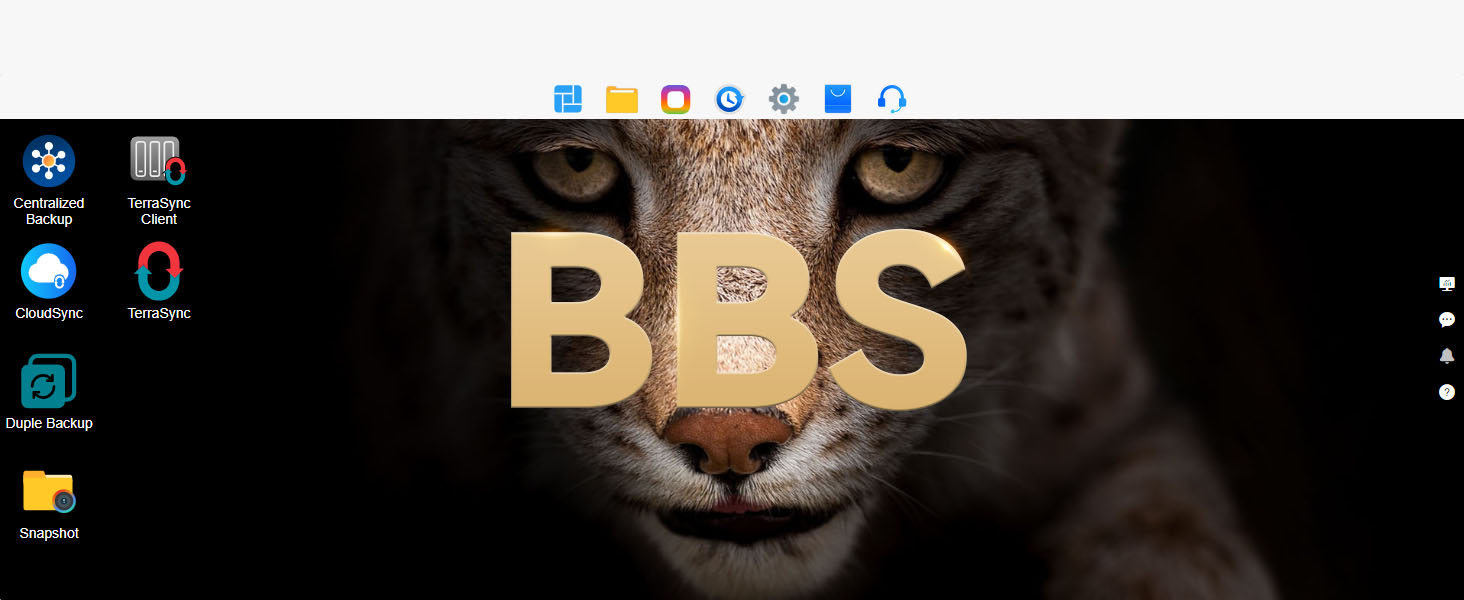
Well designed hardware. Elegant case and construction. Quiet fans. Easy to open for service. Still fighting with the software. I had immich running nicely in Docker on TOS6. Wasn't really happy with TOS6, because I did not see a way to run python processes as a normal user. Decided to update to TOS7 Beta. That broke Docker, and immich. Docker Manager and Docker engine appear to be stuffed by permissions problems, according to what I see in the user forums. It appears that we do not have a way to fix it ourselves. I'm talking with support via email. We should be getting a newer Beta image this week. Maybe it will fix it? Was surprised to discover that new users cannot post a new topic or bug report in the User Forums. I can only reply to other people's posts. I may toss TOS and install TrueNAS, OpenMediaVault, or UNRaid instead?
J**E
Fantastic 10Gbps SOHO//portable NAS option
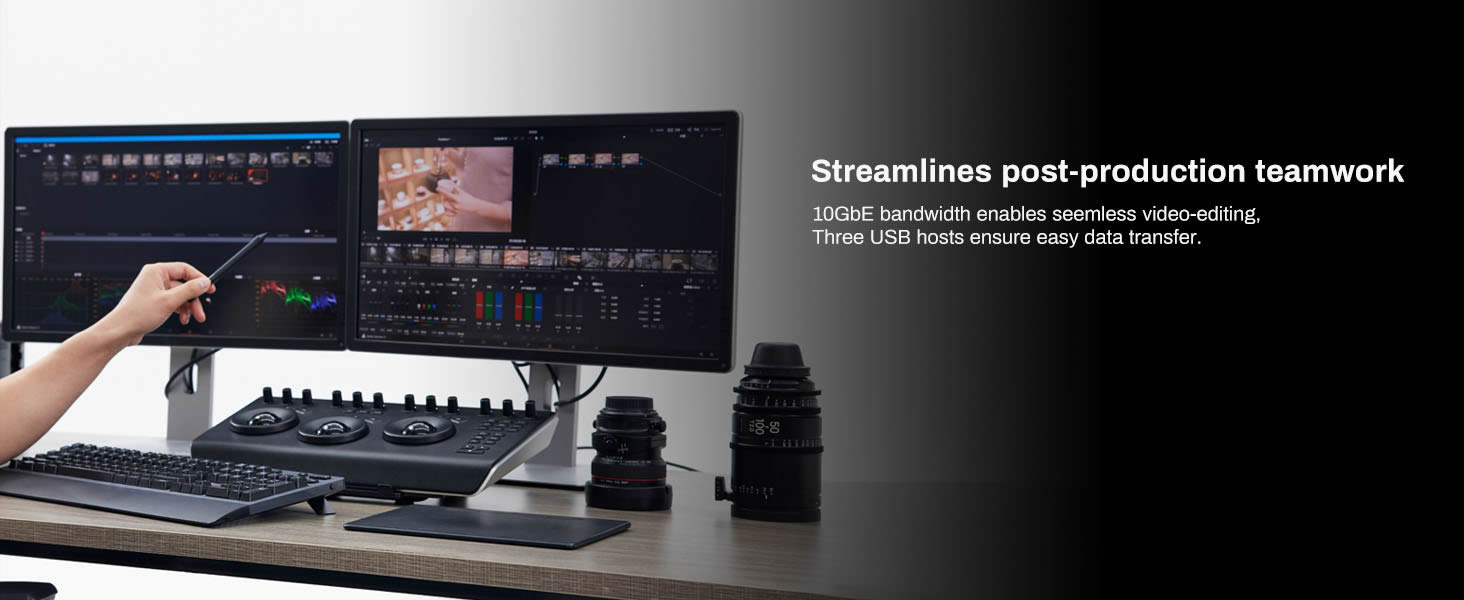
I’ve been using at home for mostly ProRes 4444 UHD files and it performs very well, allowing me to edit without lag. I get speeds close to the 10Gbps theoretical maximum. Getting cutting-edge drives isn’t necessary, the limit will be the network, not the SSDs. Over the first 90 days, I needed to power cycle one time when it dropped off the network. The web GUI is more than enough for what I need. In my opinion, the biggest perk is the exceptionally low power draw. This can be run on a very cheap UPS. It’s also quite small, it looks a lot like the classic WD My Book. It’s also pretty quiet, which is good because I’m sure a lot of SOHO users won’t want to upgrade their whole network to 10G. I’m sure this will be a popular way to manage very large files from cinema cameras on location and in studio. I’ll be recommending it for projects creating TBs of data daily.
A**8
Using this for Plex and iSCSI, it's fast with a 10G NIC. I can saturate the link with this NAS. Fast, quiet, lightweight and portable if you need it to be. Turn off DoS protection to save yourself headaches with ICMP and Proxmox.
Trustpilot
3 days ago
1 month ago