We remain fully operational. Our teams are working around the clock to ensure your deliveries continue safely.

DOWNLOAD THE APP


Copyright © 2025 Desertcart Holdings Limited
DOWNLOAD THE APP


Buy anything from 5,000+ international stores. One checkout price. No surprise fees. Join 2M+ shoppers on Desertcart.
Desertcart purchases this item on your behalf and handles shipping, customs, and support to South Korea.
🖨️ Print smart, live connected, and never miss a beat!
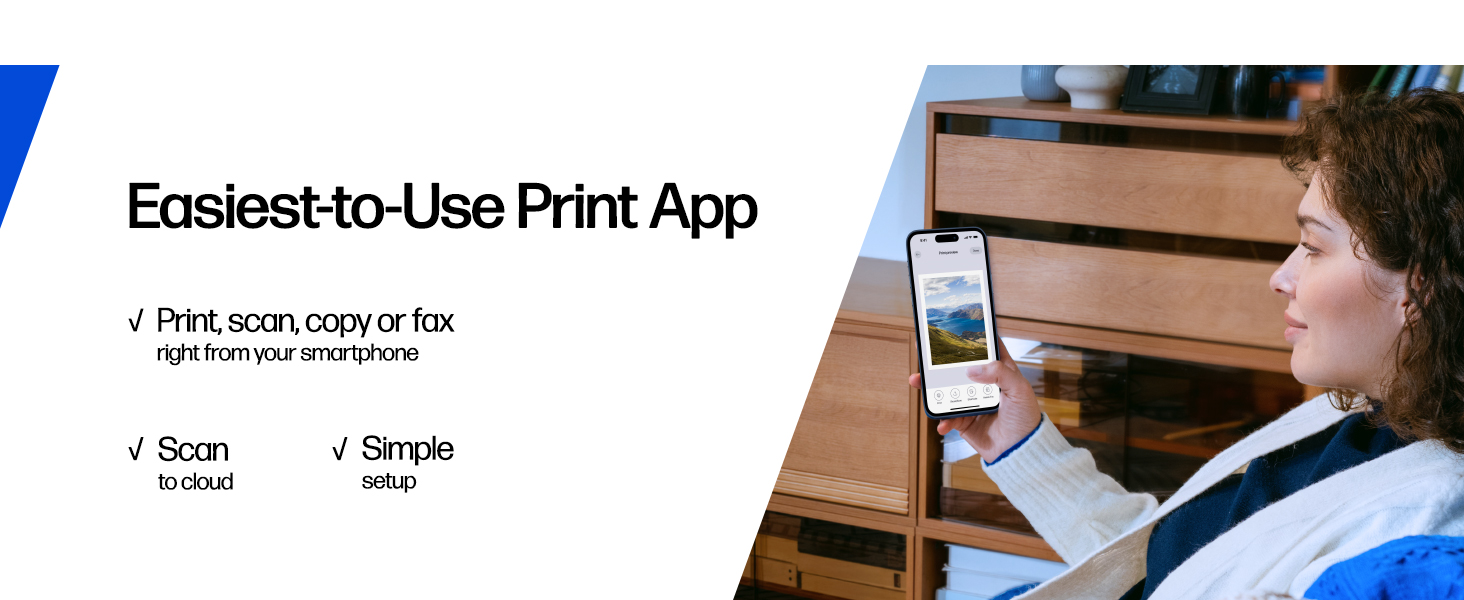
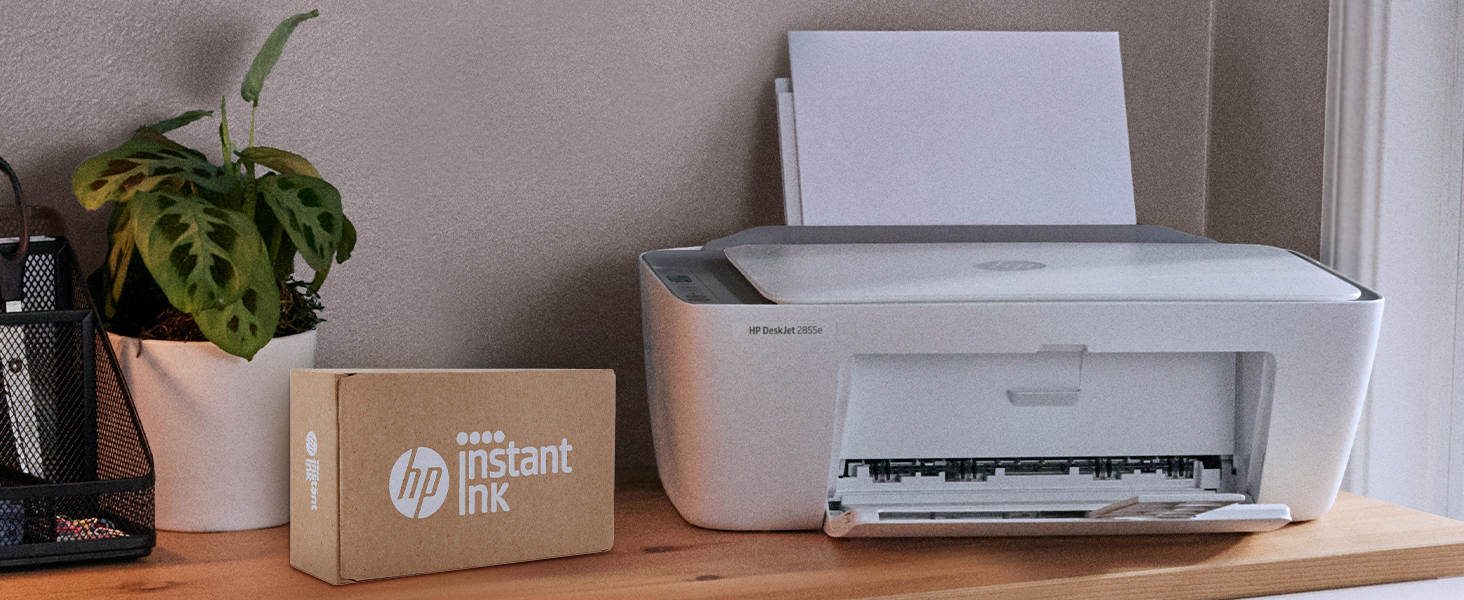
The HP DeskJet 2855e is a compact, wireless all-in-one inkjet printer designed for home use, offering fast print speeds up to 7.5 ppm (B&W) and 5.5 ppm (color), high-resolution color printing at 4800 x 1200 dpi, and seamless smartphone integration via the HP app. Featuring a 60-sheet input tray, automatic duplex printing, and sustainable construction with 60% recycled plastic, it includes 3 months of ink with HP+ activation and supports hassle-free Instant Ink subscription for continuous productivity.




| ASIN | B0CT2R7199 |
| Additional Printer Functions | All In One |
| B&W Pages per Minute | 7.5 ppm |
| Best Sellers Rank | #54,105 in Computers ( See Top 100 in Computers ) #132 in Ink Tank Printers |
| Brand | HP |
| Built-In Media | 588S5A HP DeskJet 2855e All-in-One; HP 67 Setup Black Cartridge; HP 67 Setup Tri-color Cartridge; Regulatory flyer; Setup guide; Reference guide; Power cord [For ink volume and page yield information, visit http://hp.com/go/learnaboutsupplies ] |
| Color | white |
| Color Depth | 24 bpp |
| Color Pages per Minute | 5.5 ppm |
| Compatible Cartridge | HP 67 |
| Compatible Devices | Smartphones |
| Control Method | App |
| Controller Type | iOS |
| Customer Reviews | 3.8 3.8 out of 5 stars (16,285) |
| Display Type | LCD |
| Dual-sided printing | Yes |
| Duplex | Automatic |
| Hardware Interface | USB 2.0 |
| Initial Page Print Time | 15 Seconds |
| Ink Color | black, cyan, magenta, yellow |
| Is Electric | Yes |
| Item Dimensions D x W x H | 30.4D x 42.4W x 15.4H centimeters |
| Item Weight | 7.55 Pounds |
| Manufacturer | HP |
| Manufacturer Contact Information | 500 STAPLES DR FRAMINGHAM MA 01702-4474 United States of America |
| Maximum Copies Per Run | 9 |
| Maximum Copy Resolution Black and White | 600 dpi |
| Maximum Copy Resolution Color | 4800 x 1200 dpi |
| Maximum Copy Speed Black and White | 7.5 ppm |
| Maximum Media Size | Letter/A4 |
| Maximum Print Resolution Black and White | 600 dpi |
| Maximum Sheet Capacity | 60 |
| Maximum print Resolution Color | 4800 x 1200 optimized dpi |
| Model Name | DeskJet 2855e All-in-One Printer |
| Model Number | 588S5A#B1H |
| Model Series | DeskJet 2855e |
| Number of Trays | 1 |
| Other Special Features of the Product | wireless |
| Output sheet capacity | 25 |
| Paper Size | 8.5 inches |
| Print media | Envelopes, Glossy photo paper, Paper (plain) |
| Printer Connectivity Type | single band wi-fi |
| Printer Output Type | Color |
| Printer Type | Inkjet |
| Processor Count | 1 |
| Resolution | 4800 x 1200 |
| Scanner Type | Flatbed |
| Specific Uses For Product | Home document printing |
| Total USB 2.0 Ports | 1 |
| Total Usb Ports | 1 |
| UPC | 196337380097 |
| Wattage | 2.8 watts |
L**A
Buena calidad
L**P
Good reasonably priced printer. Connectivity has been a problem in the past with reasonably priced printers, i've noticed not a tech genius.And often had to call h p support. So far, i have.I have not had any challenges and both.My phone and my laptop are connected to the printer and working effectively. Receiving the error message printer. Not ready happened a few times with my phone in the week.I have owned this printer, but I have resolved it. HP printers work best with HP ink, i wish it was more reasonably priced.
B**T
Simple easy set up. Great for home use and can print, scan, copy and WiFi to boot. Excellent printer certified by my cat. He loves watching the printer at work.
M**I
Es muy buen producto.
A**H
I'm really at a loss for words. The printer itself is completely fine, but the program written by HP is a complete mess. The computer took a long time to finally print out a document, but then what happened? I happily threw away the packaging box, thinking everything was fine. But then what happened next? Damn it, the next day when I reconnected, I couldn't do anything. The port couldn't connect, and the program couldn't associate with the device. Later on, on the HP smart page, it showed that I was connected, everything was online, and everything was ready. Then I tried to open a random file from my Office 365 and print it. But it couldn't print out a single document. At this point, I thought, can't be! Maybe it's just an issue with Office. I never even thought to blame this HP printer. But I wasn't giving up. I opened a PDF file. Damn it, it still couldn't print. My computer was doing nothing. Alt+F4 didn't work either. I tried printing from the web. Haha, there was no sign of response at all. Who wrote this "WIRELESS PRINTING – Stay connected with our most reliable Wi-Fi, which automatically detects and resolves connection issues"? Was it written for someone else? For your boss? For your lover? For your mom? You can tell anyone "Oh, it's reliable", but you never told your own purchasing users. You used the most unreliable connection scheme! HP smart? Hp Stupid!!!! The connection program is long, complex, confusing, and no one knows why you have to register an account before you can connect. The network connection technology is even worse. Ha ha, do you know that the WSD port is inherently unreliable? Why didn't they design a backup port? And then you set WSD as the default option. I changed the option but they changed it back. I really can't stand it. Also, the designers never thought that not all networks are stable and long-lasting. Once they go offline or disconnect, this thing will be useless!!! The funniest thing is that downloading this program on a Windows system is a very slow process. During the download, I wasn't allowed to change the storage location. The design like this is like a sewage pit. Who should be buried for such a bad design? Why not something else? Because I suspect that the things that can be called organized in the design of this thing simply can't be sold for value! And that's not all. I tried using other built-in programs to print in an attempt to fix the bug. Damn it, you even won't let me use the most basic method. How can you be so proud of saying that the connection is reliable??? ?? ?
Trustpilot
5 days ago
1 month ago