
🖥️ Elevate your battlestation with OLED speed and cinematic immersion—because average just won’t cut it.
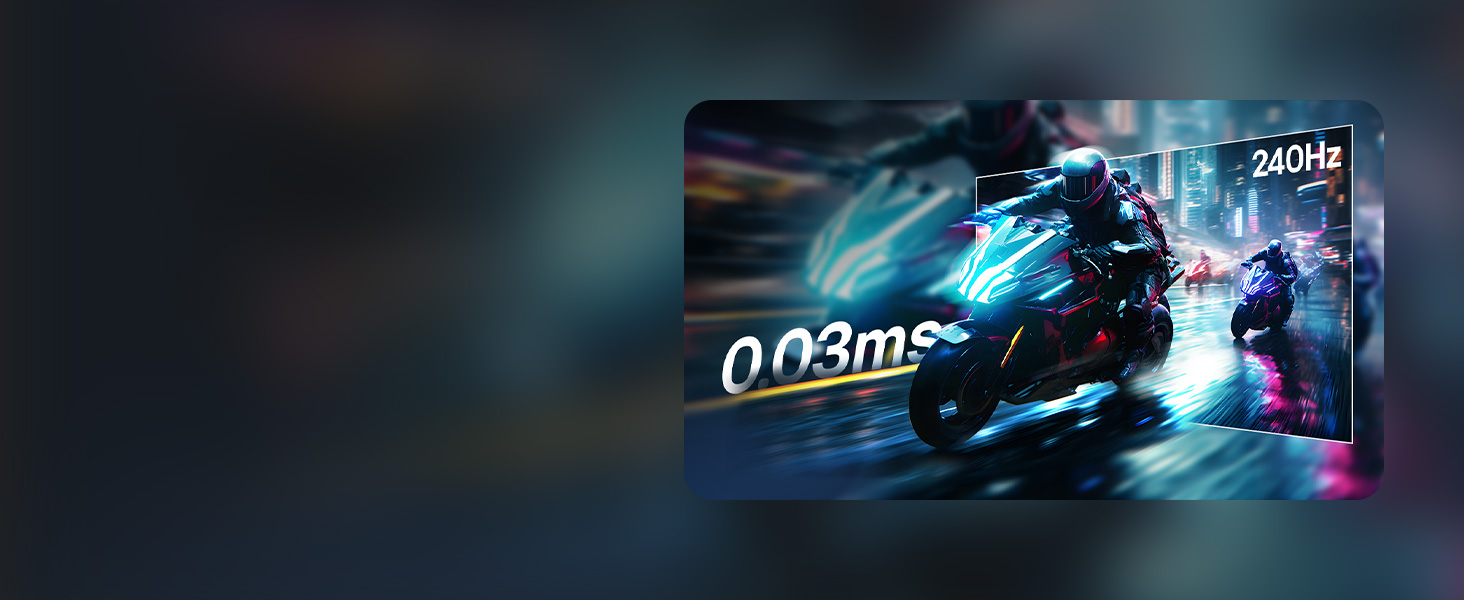
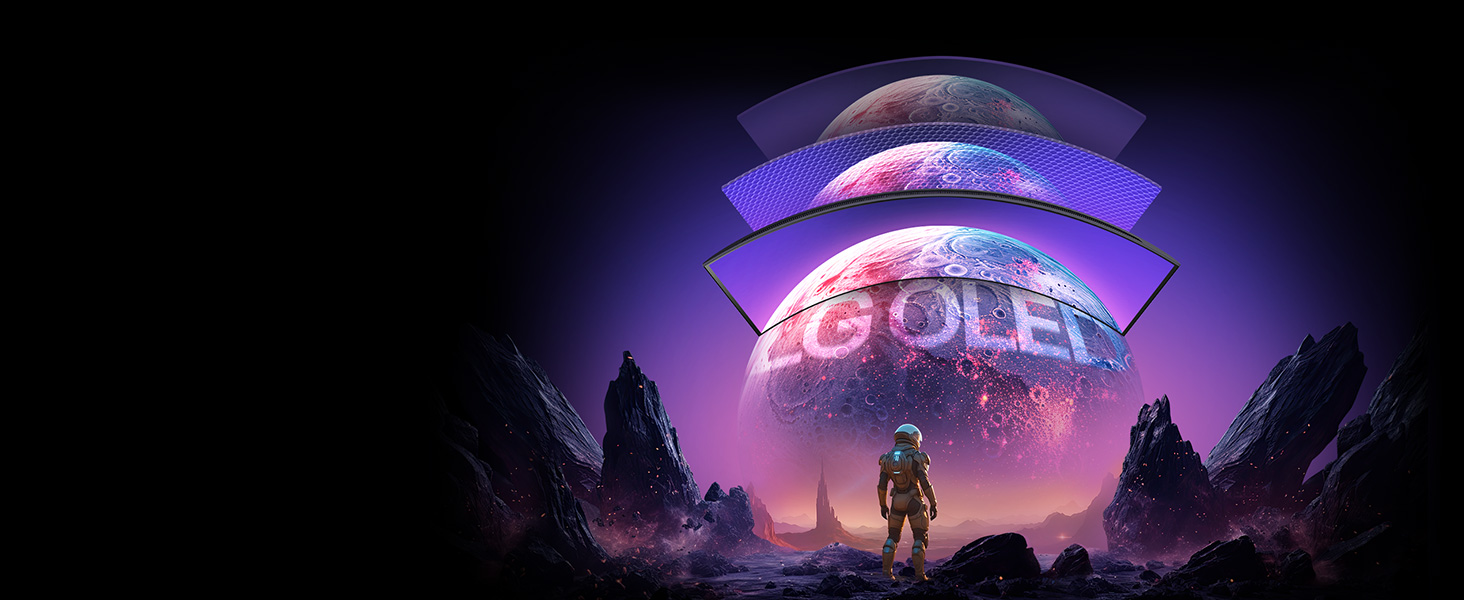
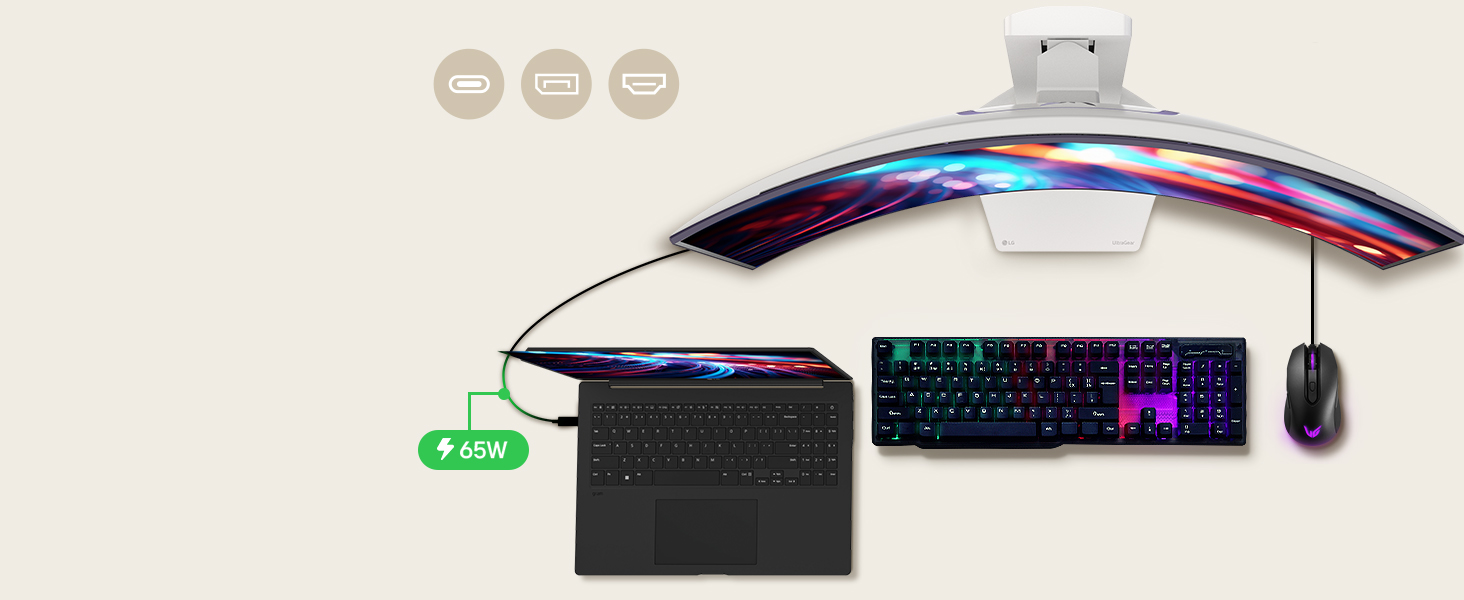
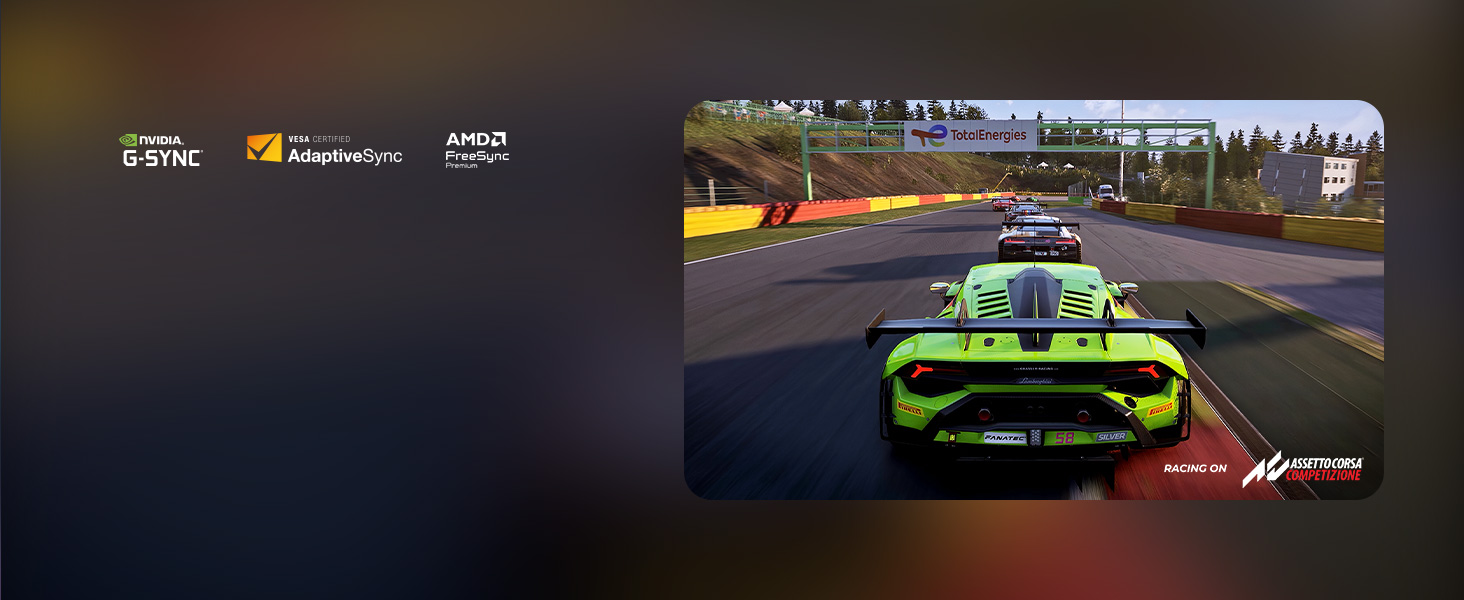
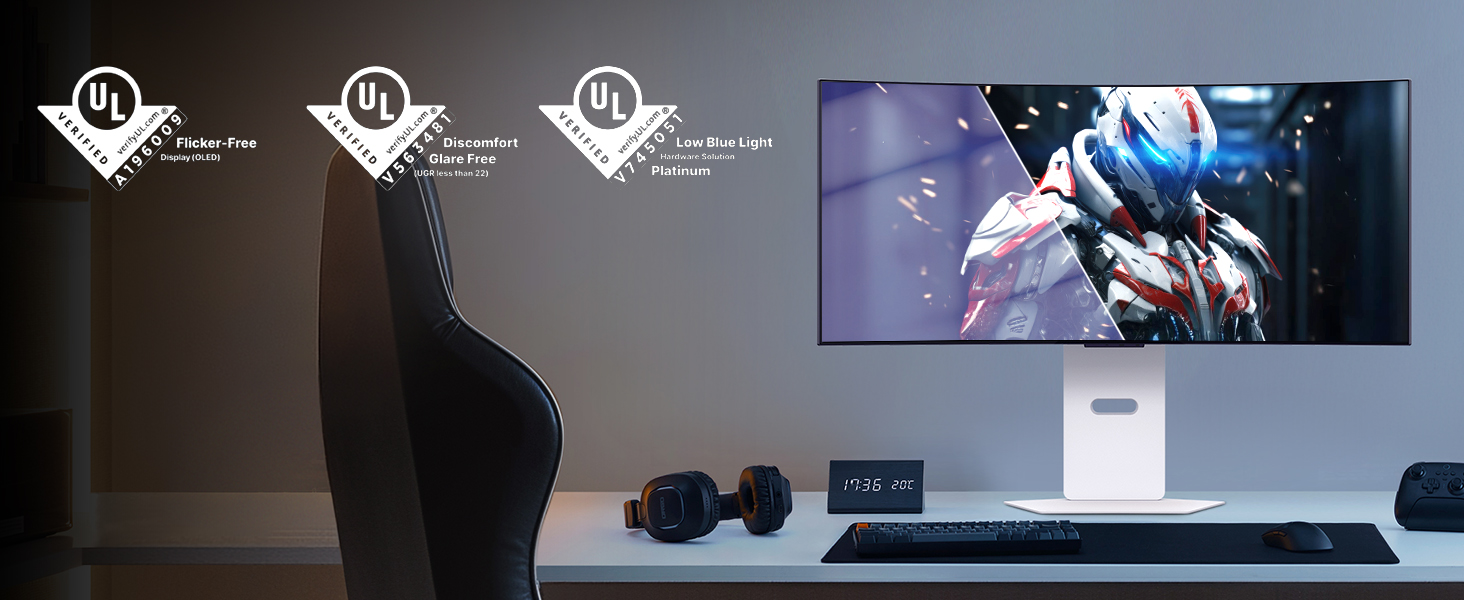
The LG 34GX90SA-W is a 34-inch WQHD (3440x1440) curved OLED gaming monitor featuring an aggressive 800R curve, ultra-fast 240Hz refresh rate, and 0.03ms response time. It supports NVIDIA G-SYNC and AMD FreeSync Premium for tear-free gameplay, boasts 98.5% DCI-P3 color coverage with DisplayHDR True Black 400, and integrates LG’s webOS for direct streaming and cloud gaming. Connectivity includes HDMI 2.1, DisplayPort 1.4, and USB Type-C with 65W power delivery. The monitor comes with a 2-year limited OLED warranty and advanced panel care tools, making it a premium choice for gamers and professionals seeking immersive visuals and seamless performance.




| ASIN | B0F15CGTGW |
| Best Sellers Rank | #2,918 in Electronics ( See Top 100 in Electronics ) #122 in Computer Monitors |
| Brand | LG |
| Color | White |
| Customer Reviews | 4.3 4.3 out of 5 stars (261) |
| Date First Available | March 11, 2025 |
| Item Dimensions LxWxH | 11.49 x 30.87 x 22.85 inches |
| Item Weight | 22.9 pounds |
| Item model number | 34GX90SA-W.AUS |
| Manufacturer | LG |
| Max Screen Resolution | 3440 x 1440 Pixels |
| Number of USB 3.0 Ports | 2 |
| Product Dimensions | 11.49 x 30.87 x 22.85 inches |
| Screen Resolution | 3440x1440 |
| Series | 34GX90SA-W.AUS |
| Standing screen display size | 34 Inches |
D**R
Best Monitor of the Year
This monitor is freaking awesome! If you’ve seen the first Incredibles where Mr. Incredible sneaks into Syndrome’s Computer? This monitor feels like that. A Goliath monitor. It’s insanely spacious. The 5K2K resolution is beautiful. Colors are beautiful, bright, and accurate on that OLED display. It’s expensive, but worth it. I use the USB-C cable for my Mac, and the DisplayPort for my PC. All working seamlessly. This is definitely the monitor to get. Insanely smooth too with the high refresh rate.
A**Z
Absolutely phenomenal!
First off, the curve is VERY aggressive! However, once you sit in front of it, it's nowhere near as bad as you may think. I have yet to try this on PC; it works mostly great on console. You do have to tweak some annoying settings to get it to register HDR and may have to manually adjust the picture quality but it is very worth it! You can either have the image stretched or cut it down to 16:9. I personally recommened the stretched ratio since it doesn't look as terrible as one might think. In some game, however, it is very noticable and should be switched to 16:9 instead of 21:9. The colors and brightness are beautiful, especially in dark rooms. The high refresh rate makes gameplay look simply stunning and easily worth the discounted price. While the original price is crazy, the cut down price makes this monitor a MUST if you want to get into wide screen monitors! The response time feels practically instant compared to other monitors I've used. The height can also be adjusted to very high or average, which helps a lot. Overall, I give this monitor a 9/10; one point is taken off due to the original full price. But if that doesn't bother you, go for it!
J**7
Excellent OLED gaming monitor with high resolution
Excellent display! Mine arrived with visible lines, however this is an expected possibility so running the image cleaner within the display fixed it on the second pass. LG lots of great resources so you can confidently purchase the OLED. The resolution is 5k2k so keep in mind things like videos on Netflix that are 4k will have black lines on the left and right unless you stretch the image. Games look absolutely amazing! If you have a high end video card and want a display that can produce an image that will astound you, get this. I will say I got it on a great sale so at the regular price it was too much for me, but I am glad I got this.
R**J
LG 45GX950A OLED Monitor – The Ultimate Upgrade After a 5-Year Wait
First Impressions After waiting for the perfect monitor for over 5 years, the LG 45GX950A has exceeded all expectations. It’s not just a monitor—it’s a full-on experience. This 45” OLED monitor is in a class of its own and is a huge upgrade that was well worth the wait. It's large and immersive enough to double as a TV. Performance & Display Quality Playing games on an OLED panel at 165Hz with this resolution is unprecedented. Text is razor-sharp and extremely legible at 125 PPI. The tiny pixels make individual RGB subpixels invisible even under a magnifying glass. The default brightness is set at 100%, which can be harsh on the eyes, but reducing it to 50% creates a comfortable and rich viewing experience. Design & Build The matte finish is an excellent choice, minimizing reflections during daytime use or nighttime movie viewing. Unlike glossy screens with aggressive curves that can reflect the room or even distort the monitor’s own image, the matte surface eliminates internal glare and reflection, which can be problematic on an 800R curve. The monitor also features a stylish, hexagonal customizable LED backlight, and the black rear cover helps minimize ambient light scatter, unlike white back panels. Features & Functionality A key improvement over my old LG monitor is the convenience factor. The 45GX950A auto-switches to the active input source—a welcome change from having to switch manually. Also, DisplayPort now carries audio to the internal speakers, which are surprisingly loud and adequate for everyday use. Gaming Experience The 21:9 ultrawide aspect ratio is perfect for cinematic content and immersive gameplay. With a 0.03 ms response time and support for up to 165Hz (330Hz with overclocking), this monitor is lightning-fast. The wider field of view is especially ideal for racing sims, flight sims, and open-world titles. If you've never gamed on an OLED display, the difference in black depth and contrast will feel almost surreal. Power Efficiency Despite its size and capabilities, the monitor uses only 35 watts for non-gaming activity and 40 watts during gaming when HDR brightness is at 50%. That’s incredibly efficient and allows it to run cool even during extended use. Pros: 1. You will feel very giddy at first – in a good way. The curve feels dramatic but quickly becomes natural and immersive. 2. Blazing speed: 165Hz/330Hz refresh and 0.03 ms response time. 3. Convenience: Auto input switching and DisplayPort audio. 4. Cinematic ultrawide 21:9 ratio with a vertical 2160 resolution. 5. Immersive and ideal for games and movies with deeper blacks. 6. Low power usage and high efficiency. 7. Matte finish eliminates distracting reflections. 8. Customizable backlight with functional design choices like the black rear panel. Cons: 1. A faint white vertical bar appeared at first, but OLED Image Cleaning resolved it quickly. 2. On the pricey side, though the feature set justifies the cost. 3. Your GPU or CPU may need upgrading to handle the full 5K2K resolution. 4. For uncompressed DisplayPort 2.0/2.1 support, you’ll need an RTX 5000 or RX 7000 series card. Final Thoughts If you're looking for a monitor that blends stunning visuals, fast refresh rates, immersive curvature, and premium build quality—this is it. I didn’t get to see this in person before buying, but after using it for a day, I can confidently say I will be more than 100% satisfied with it for years to come. Highly recommended.
T**O
I see a few people saying this monitor looks washed out or faded out of the box but that’s just LG playing it safe for VESA compliance. It’s calibrated to pass certification, not to wow you. Here’s what you need to do the moment you unbox it for HDR On the hardware side (monitor settings) Gamer 1 profile Change Black Stabilizer to 25-30. The default is 50, and it makes everything look flat and hazy. Set Brightness to 100 and Peak Brightness to High. Sharpness : 50 Run the Windows HDR Calibration Tool. Minimum Luminance :0 Max luminance :1260 Full Frame Luminance: 270 (Optional): Run a manual screen refresh once if you notice banding out of the box. If you want more visual punch, switch to Gamer 2. but personally, I find it too oversaturated. Gamer 1, with the tweaks above, gives you clean contrast, natural skin tones, and sharp text clarity without sacrificing realism. After calibration, this panel looks stunning. The 800R curve is immersive... sit about 31 inches (80 cm) away for the best experience. Too close = eye strain, too far = immersion breaks. I came from a Samsung G9 OLED, and at first this didn’t look as punchy. But once I made these changes? It won me over. And unlike my G9, which failed just after the warranty expired, I feel much more confident with LG’s build. If you’re hesitant or waiting for Black Friday I got mine on Prime Day, and I have zero regrets.
A**M
Initially received the monitor with severe panel artifacts (second time experiencing this with LG). Almost returned it again, but Pixel Cleaning in the monitor settings fixed it completely. Works great now, but be aware of this issue before buying. For a premium LG monitor, it shouldn’t be like this out of the box.
M**A
The title image and description is not what it says. This is 2K not 5K its 3440 and its totally misleading.
M**E
This is NOT the 5k2k version of this monitor, like the images and description suggests. It is the older 1440p version. The model number is the only thing that is correct in the description and again matches the older model NOT the 5k2k version.
S**E
I was very hesitant after some reviews, but after taking a chance on it, I can safely say it's absolutely amazing, best monitor i've had. I had zero Issues. Coming from a flat 144hz 32" 4K IPS panel to this feels like I've been missing out - mainly due to widescreen curve filling the view for gaming. It definitely needs to be tuned to your liking with tweaks in monitor colour settings + bumping things in the NVidia control panel desktop colour settings to really color pop. It will seem a bit darker at first as well. I prefer FPS mode over game mode 2. No regrets.
Trustpilot
3 days ago
1 week ago



