
DOWNLOAD THE APP


Customer Services
Copyright © 2025 Desertcart Holdings Limited
DOWNLOAD THE APP


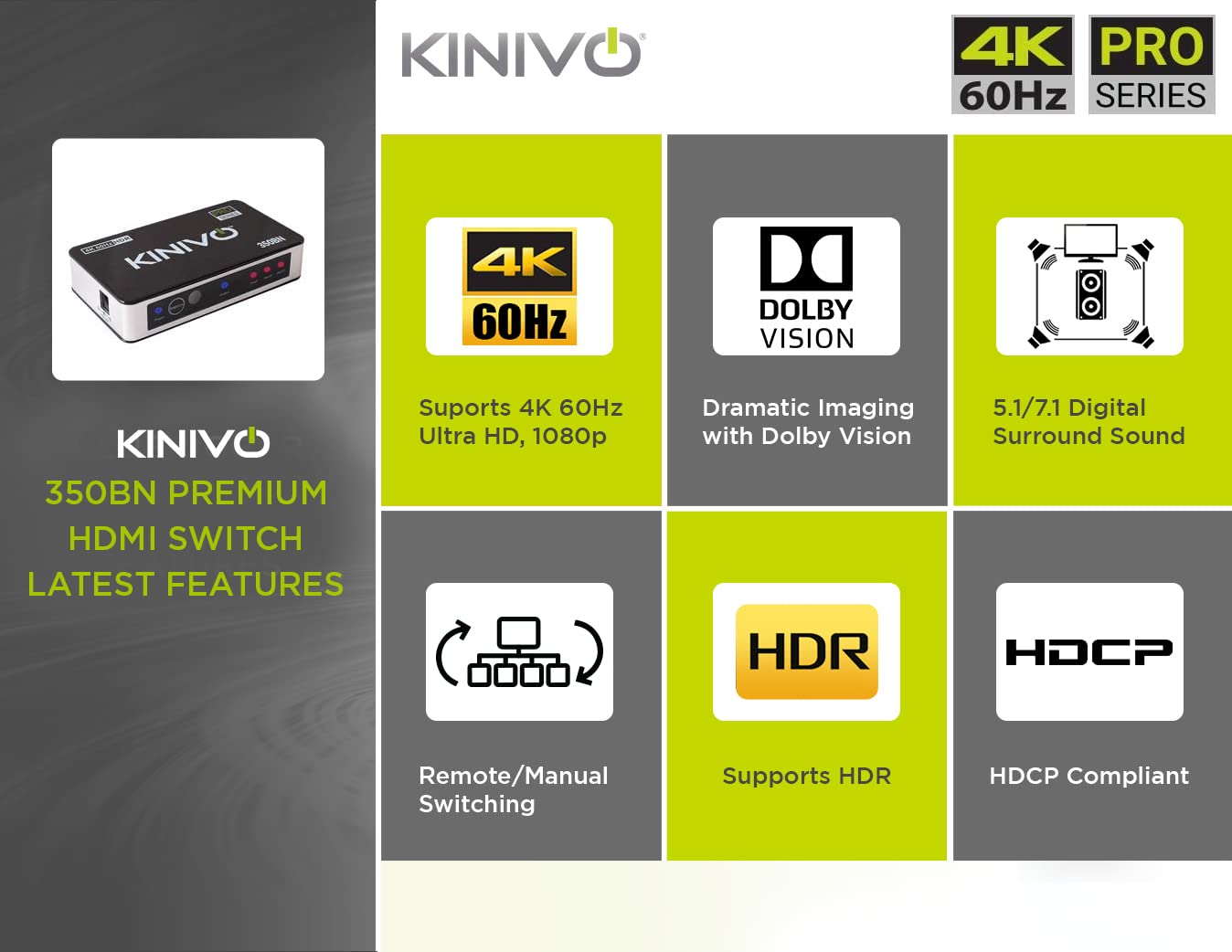

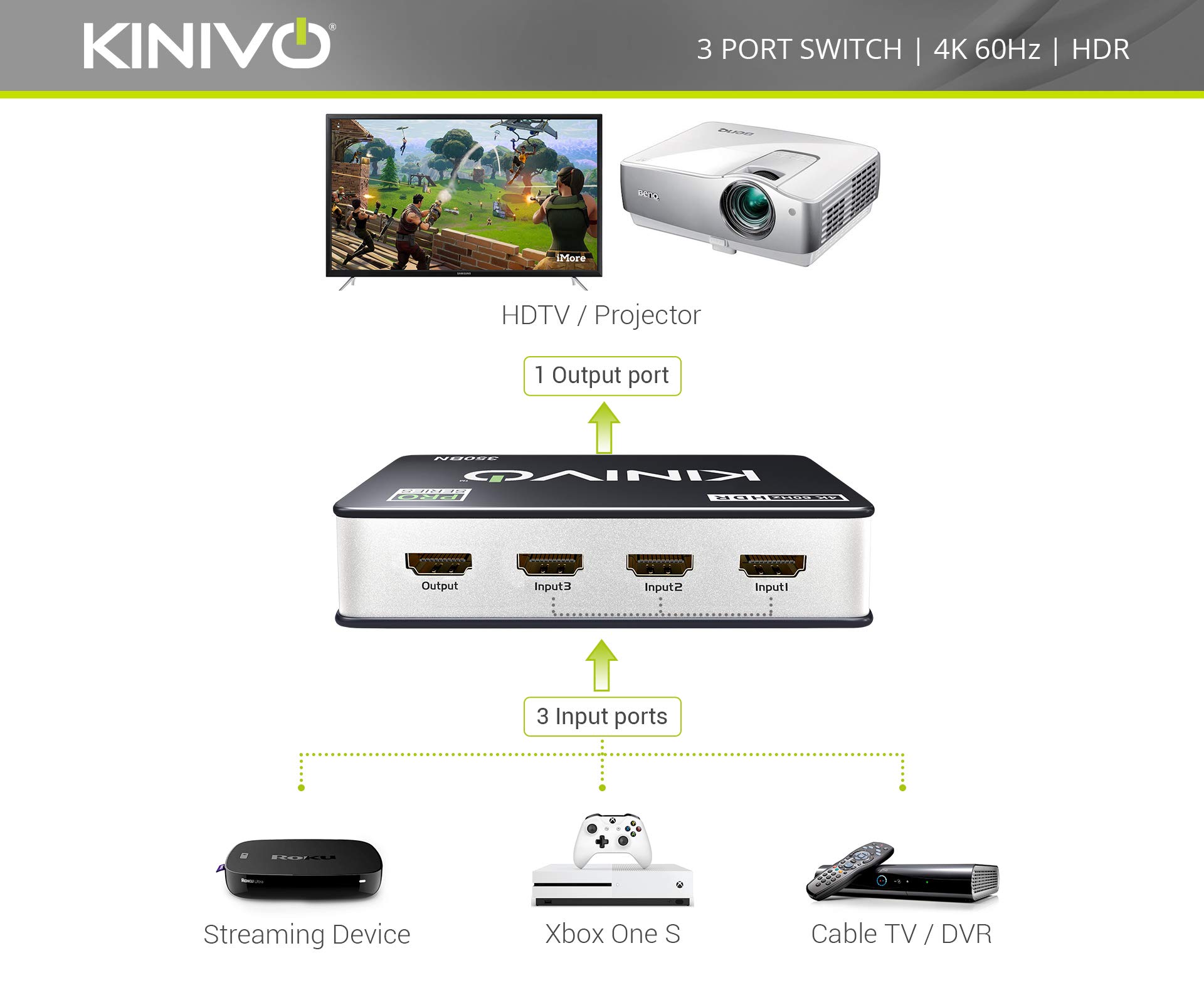


🎮 Elevate your entertainment setup—because your gear deserves the spotlight.
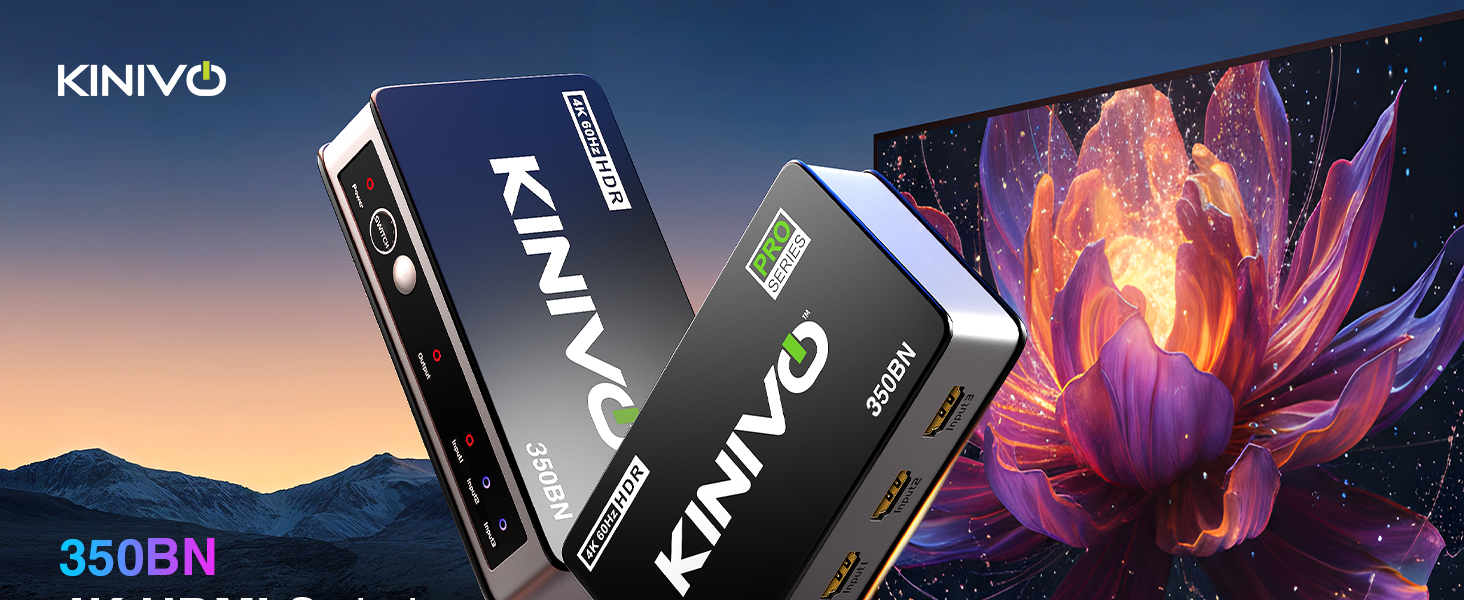
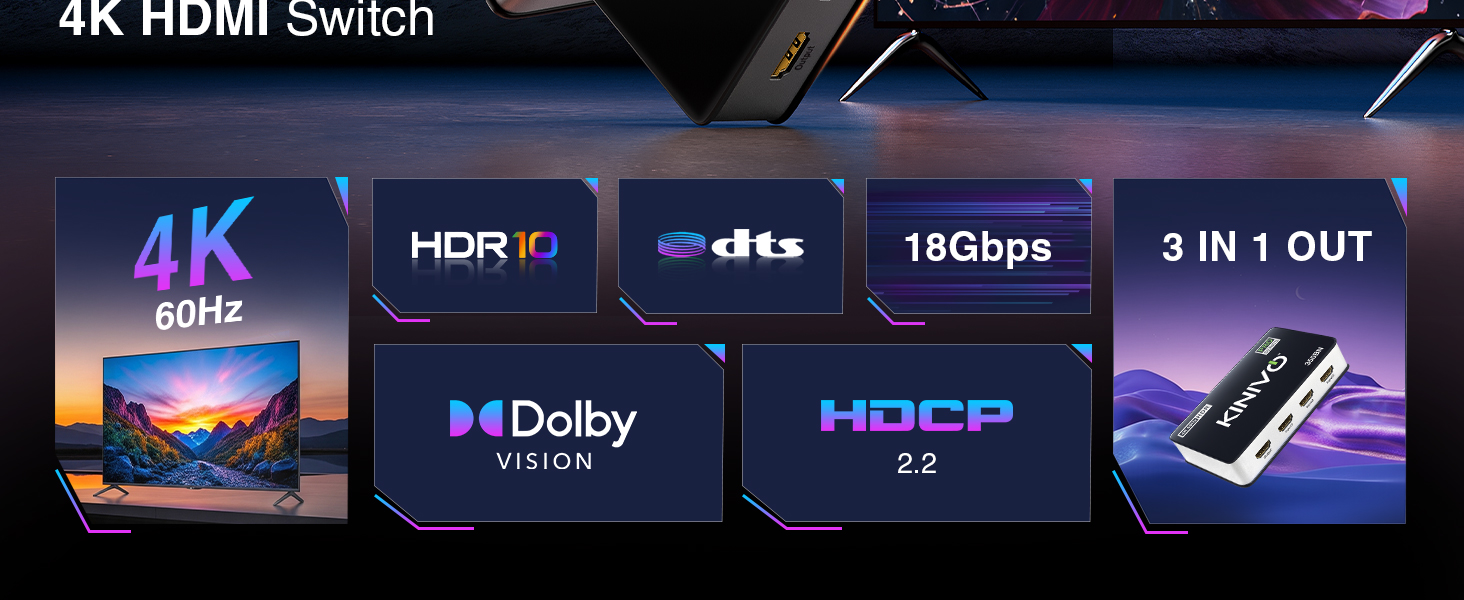
The Kinivo 350BN HDMI Switch is a premium 3-in-1 HDMI hub delivering flawless 4K 60Hz HDR10 and Dolby Vision support with 18Gbps bandwidth. Compatible with all major consoles and streaming devices, it features VRR and ALLM for smooth gaming, an IR remote for easy switching, and a robust metal build with gold-plated connectors. Perfect for decluttering your media setup while ensuring zero signal loss and hassle-free HDCP 2.2 compliance.






| ASIN | B07CRSJLJ2 |
| Batteries | AAA batteries required. |
| Best Sellers Rank | #26 in Audio & Video Selector Boxes |
| Customer Reviews | 4.3 4.3 out of 5 stars (5,491) |
| Date First Available | November 30, 2018 |
| Is Discontinued By Manufacturer | No |
| Item Weight | 10.8 ounces |
| Item model number | SW-350BN |
| Manufacturer | Kinivo |
| Product Dimensions | 4.6 x 2.5 x 1 inches |
E**N
Finally: a switch that does 4K60 HDR without drama
Short review (to the point) Plugged in, powered up, and my Xbox lit green for 4K60 + HDR10 instantly. Apple TV 4K looks perfect. Auto-switch works; nice that I can disable it. Solid build, proper 18 Gbps/HDCP 2.2, no handshake fuss. If you need reliable 4K60 HDR across multiple inputs, this is the box. Long review: After two failed “4K” boxes that down-negotiated my signal, the Kinivo 350BN worked the moment I plugged it in. My setup: Xbox Series X and Apple TV 4K into the 350BN → TV’s HDMI 1 (UHD/Deep Color on). Powered from the included wall adapter. Results: Xbox shows green checks for 4K 60 Hz, HDR10, 10-bit in the TV details screen. Apple TV runs UHD 4K flawlessly; with Match Dynamic Range/Frame Rate enabled, HDR content pops and menus stay clean. No flicker, no HDCP tantrums, no color banding. Why it works: Proper 18 Gbps / HDMI 2.0 bandwidth, HDCP 2.2, and an auto-switch you can toggle off if a streamer stays “awake.” The remote is simple, port LEDs are readable, and the metal chassis feels solid. It’s not a 2.1/120 Hz device—and that’s fine for a 4K60 HDR setup like mine. Tip: Keep HDMI runs short and power the switch from the wall, not a TV USB port. If your TV has a per-port “UHD/Deep Color” option, enable it. Bottom line: Zero handshake headaches and full-quality 4K60 HDR10 from both Xbox and Apple TV. This is the one I wish I bought first.
R**E
Hallelujah!!
Husband loves it. Worked straight out of the box on our old RV TV no clunky installation or kabuki dance necessary. Cleaned up all the cables and stupidity that RVs are known for with their substandard entertainment systems. Not sure why we waited so long. Buy it — you won’t be disappointed.
M**S
SONY and Apple products don't play so nice....says so in the owners manual.
For starters, I really like the look and feel of the switch. I also like the fact that this is capable of doing true 4K rendering at 60 Hz. I bought two of these animals because of the reviews and specs...that, and the fact that the availability makes this a hard item to get. Because I have two, I was able to do some basic testing to make sure the problems I initially was experiencing weren't, in fact, due to bad HW. Here's what I discovered... When you go to set up your components, MAKE SURE EVERYTHING IS POWERED OFF AND DISCONNECTED!! When I say everything, I mean everything. The components, the switch, the TV...all of it. It may not be practical, but you are better off literally unplugging the power from everything before you connect ANY HDMI cables. The pics show that I have an Xbox One X and a Sony PS4 as the only two items connected to a SONY 40" curved 4k monitor. Initially, I thought that the consoles would be ok in a "Power Rest" mode. Once I'd plugged in my HDMI cables, I plugged in the power to Switch ONE and fired up the Xbox. WOOHOO! Now, let's fire up the PS4! That's when things got weird... Switch ONE kept intermittently flashing, meaning it would kill the vid/aud feed from Input1 (Xbox) and try to jump over to Input2 (Playstation). It would hang, then try and go back to the Xbox, be ok for a few seconds, then repeat this annoying habit of trying to go back to the PS (which was in it's Power Rest mode). Figuring that the PS was doing a 'keep awake/connected' pulse out the HDMI port, I disconnected the PS (just pulled the HDMI cable out of the Input2 port), and the Xbox was able to work with no issues. Every time I'd plug the PS back into Switch ONE (regardless of which input port), the same behavior would manifest. Flash off of Xbox, try to go to PS, go BACK to Xbox....wash, rinse, repeat. I was able to get Switch ONE to work by powering down EVERY component (did some other tests that I won't go into here with an Apple TV) and disconnecting the switch power, as well as the power cables from the consoles. I plugged in all of my HDMI cables, THEN powered on the switch ONLY. I then plugged in and turned on the Xbox, no issues. Then plugged in and turned on the PS, VOILA! It still flashed....I know. I was hoping that would've fixed it too. For this particular switch, I had to hold in the SWITCH button per the Mfg's directions for ~ 8 sec. to turn off the Auto-switching mode. With that done, you can see that Input 1 is Blue, Input 2 is RED and I have stability even if both consoles are on, regardless of 'power state'. Did I mention I did some testing with two switches? After verifying that I got the same behavior on both switches (initially), I tried just powering everything down and plugging everything in to Switch TWO. Powered up Switch two, powered up Xbox, then powered up PS...oddly enough, Switch TWO was able to figure out how to navigate the issue and did not do the 'flashing' behavior. I did NOT have to hold in the SWITCH button for ~8 sec. on the second switch. Both switches will not Auto Sense and switch. I believe that is just the best you're going to get if you have any Apple or SONY products connected to this switch. You're stuck using the remote. Which isn't that bad, you can see in pic 4 that I keep mine right on top of the Xbox, and when I'm ready to go get pwned on the PS I just pick up the remote and push the button for Input2. BOOP! Even if both consoles are powered up, it switches right over, no issues, no flashing, no drama fo' yo' mama. Hope this helps anyone out there that's having issues getting this switch to work initially! I was able to get both to work with SONY, Xbox, PC, and Apple products connected...just no love on the auto-switching front. That's why it get's 4 stars instead of 5. I'd honestly give it 4.9 if I could, because the pic quality is perfect!!
P**S
Amazing. Period.
This thing is literally worth every penny. I have recently discovered that an iPhone works quite well as a gaming console when paired with an HDMI adapter. Unfortunately, my TV only has two HDMI ports. One is fully occupied by the Sonos sound surround sound system, while the other was occupied by my Apple TV. My goal was to keep all Apple TV functionality while being able to easily switch to my iPhone for game play. Two HDMI adapters I tried failed MISERABLY at this task. Both of these adapters worked 100% of the time for the iPhone, but either would not switch back to the Apple TV, switched back only sometimes or worked for a little while but eventually dropped out after weird black outs that would persist. Another major problem, is that I lost the ability to tell Siri (via Homepod & Apple TV) to turn on my TV. I almost gave up before purchasing this adapter. My Siri commands to turn on TV through Apple TV (over HDMI) work even when the Apple TV is sleep and the iPhone is the active HDMI device. Switching to and from works FLAWLESSLY and there are no drop outs and no quirky behavior. Even though the manual says that Auto switching does not work for Apple TV here is what I experienced. When I unplug the iPhone from the dock connected to my TV, it AUTOMATICALLY switches back to the Apple TV. When I sit my iPhone back on the dock, it AUTOMATICALLY switches from the Apple TV to my iPhone. This is EXACTLY what I was hoping for. There are absolutely no flaws in this adapter for my intended uses. 5 stars all the way !
C**N
EXCELENTE PRODUCTO
G**I
If you ever need to buy a HDMI 2.1 Switcher coz your TV HDMI 2.1 ports are taken and want to add more devices that support HDMI 2.1 features. I recommend this little device, I have tried few, some work but not the best and some are advertised falsely. This is little pricy, but goes on special at times and is super fast, supports everything with beautiful picture with no slow down and also automatically switches to the right port once the device has been turned on, and also comes with a remote. I bought mine from Amazon.
A**I
Installazione veloce e funzionale
D**D
A parte la modalità autoswitching che non posso utilizzarla causa XBOX One, come specificato anche nelle istruzioni, è perfetta: disattivatelo altrimenti non fa funzionare lo switch. Non ho effettuato una configurazione standard perché invece di andare al TV ho collegato l'output alla mia soundbar e funziona tutto magnificamente anche con Dobly Atmos e 4K@60Hz, come dichiarato. Tanto per capire la diversità dei dispositivi che gestisce senza nessun problema ho inserito: Dune HD 4K Pro (lettore multimediale), Sky Q, XBox One, lettore Panasonic 4K allo switch ed infine l'output l'ho collegato alla mia soundbar Vizio SB36512 all'ingresso HDMI IN. Infine collegato HDMI ARC della soundbar al televisore in HDMI ARC. Come già descritto funziona tutto correttamente senza interruzioni, lag o altri problemi; anche per l'audio nessun problema di alcun genere anche per quelli più recenti (Dolby Digital, Dolby TrueHD e Dolby Atmos). L'unica avvertenza che mi sento di dire è utilizzare dei buoni cavi HDMI: inizialmente avevo dei problemi di lag, refresh, si collegava e scollegava di continuo l'immagine, cambiato il cavo tutto ha ripreso a funzionare correttamente e senza nessun altro problema. Inoltre lo switch è riconosciuto anche dal mio telecomando Harmony quindi lo comando con questo dispositivo senza bisogno dell' autoswitching o del suo telecomando. Spero di esservi stato utile
A**Z
Muy contento con el equipo. Me ha costado mucho encontrar un conmutador HDMI que soportase Dolby Vision, el control de dispositivos HDMI vía CEC y que aparte de la selección Manuel manual (o con el mando) de la fuente, esta se seleccione automáticamente según están disponibles o no los equipos (con señal de vídeo o sin) en caso de estar todos activos tiene prioridad la señal en el puerto 1. Muy bien ingeniado
Trustpilot
1 month ago
1 day ago