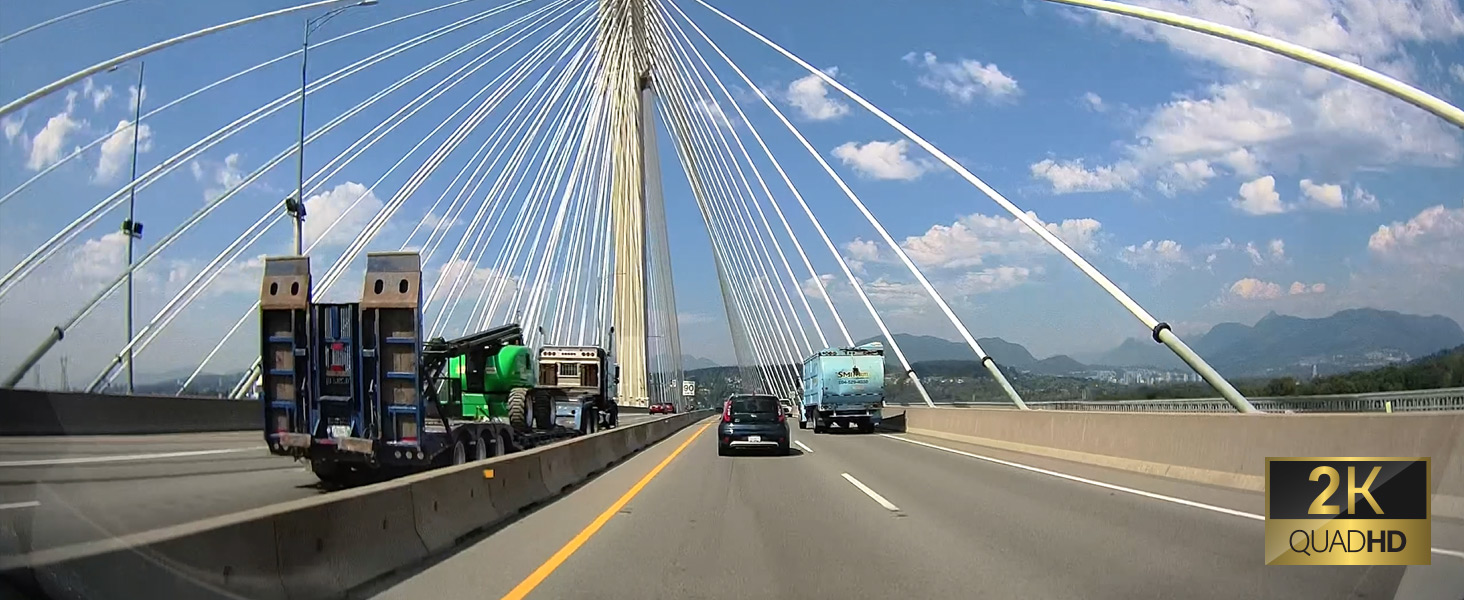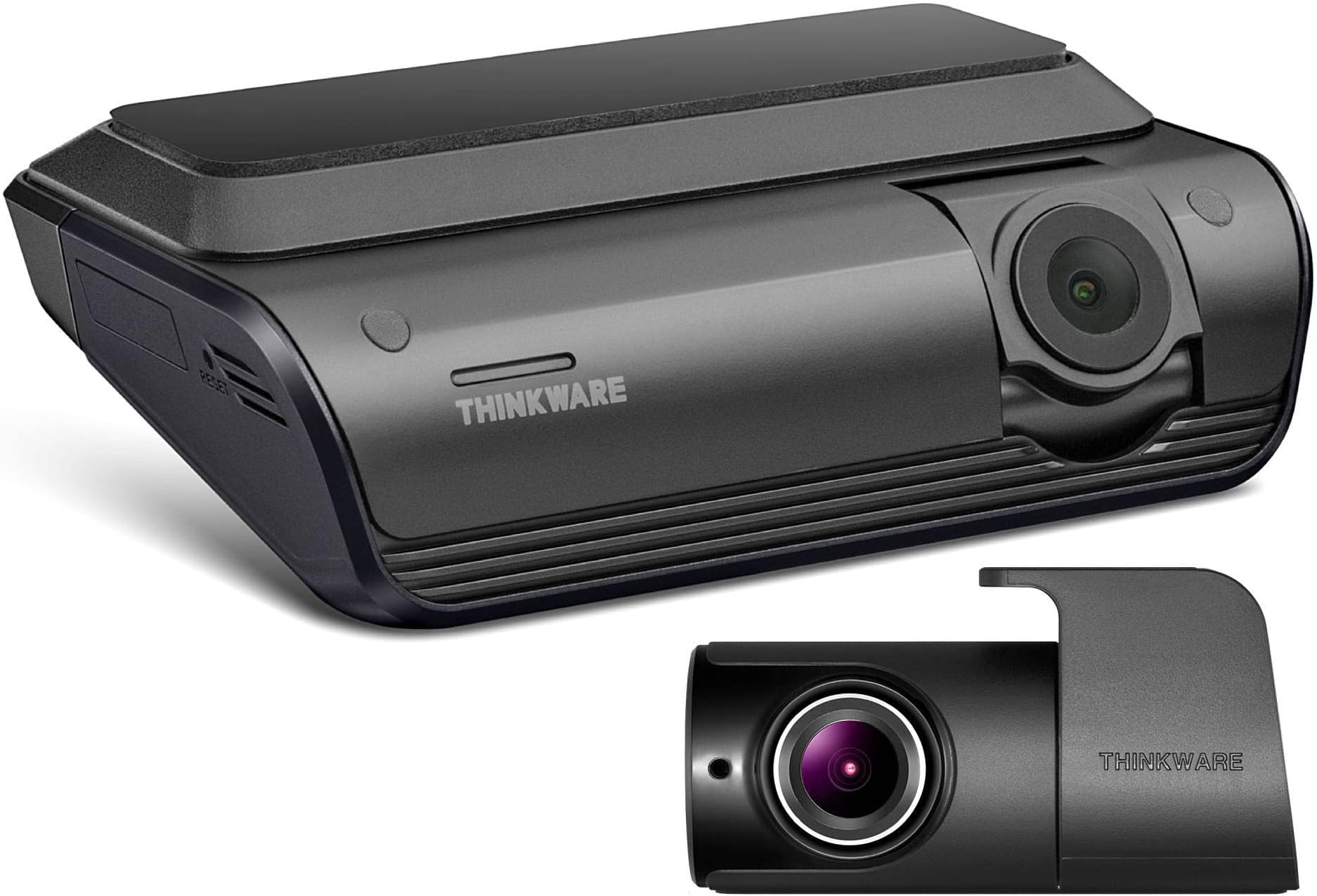
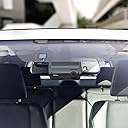
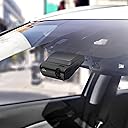


Product description Where Performance Meets Design thinwkare q1000 QHD Dash cam Capturing crisp 2K QHD footage, the Q1000's wide-angle lens records both the front and rear (optional) of your vehicle. Built-in GPS precisely tracks your speed and route, while Bluetooth and Wi-Fi connectivity allow seamless pairing with your smart device, offering convenience on the go. 2K QHD Front Record 2K QHD at 30fps, wide 156ยฐ angle, for clear footage with enhanced contrast and precise colors 2K QHD Rear Discern even more intricate details with a 2K QHD rear camera for exceptional clarity Super Night Vision 3.0 Enhance video brightness and minimize image noise in low-light conditions Sony STARVIS Image Sensor Capture details with a 5.14MP Sony STARVIS sensor and HDR technology, enhancing contrast and clarity Advanced Driver Assistance System Alerts the driver of potential forward collisions, lane departures, and front vehicle departures Safety Camera Alerts Stay informed with real-time alerts for speed and red light cameras Smart Parking Mode Prevents heat-related damage by transitioning to low-power mode if the vehicleโs temperature rises Wide Angle View without the Distortion Dewarping technology ensures minimal edge distortion to reduce the fisheye effect Easy Wi-Fi Device Pairing Built-in Bluetooth allows hassle-free pairing with your compatible Android or iOS device THINKWARE CONNECTED Get impact notifications and remotely monitor your vehicleโs surroundings via your smartphone Dual-band Wi-Fi Connect your smartphone device to either the 2.4 GHz or 5 GHz bandwidth for faster file transfers Parking Surveillance Mode Motion Detection Triggers recording on motion or vehicle impact, capturing a 20-second video clip (10-sec before and 10-sec after incident). Time Lapse Time Lapse at 2fps allows extended parking surveillance without increased power consumption. Energy Saving Mode Reduces power consumption by saving footage triggered by impacts only. Radar Parking Mode* Extend parking mode with the radar module accessory, allowing for extended buffering to record events leading up to incidents. *Sold separately How do I enable Parking Mode? Power the dash cam via hardwiring, OBD-II, or iVolt battery. Connect to the app via Wi-Fi or Bluetooth, go to Dash Cam Settings > Record Settings, and select your preferred Parking Surveillance mode. How do I enable Parking Mode? Power the dash cam via hardwiring, OBD-II, or iVolt battery. Connect to the app via Wi-Fi or Bluetooth, go to Dash Cam Settings > Record Settings, and select your preferred Parking Surveillance mode. Which THINKWARE Mobile App should I use? Download THINKWARE DASH CAM LINK app to review footage and adjust dash cam settings.To access connected features, download THINKWARE CONNECTED app. *Mobile hotspot required. Data charges may apply. Which THINKWARE Mobile App should I use? Download THINKWARE DASH CAM LINK app to review footage and adjust dash cam settings.To access connected features, download THINKWARE CONNECTED app. *Mobile hotspot required. Data charges may apply. Why won't my dash cam connect to the app? Make sure Wi-Fi and Bluetooth is on and you're connected to the dash cam. Disconnect Apple CarPlay or Android Auto, as they can block the connection. If issue persists, please contact our support team for help. Why won't my dash cam connect to the app? Make sure Wi-Fi and Bluetooth is on and you're connected to the dash cam. Disconnect Apple CarPlay or Android Auto, as they can block the connection. If issue persists, please contact our support team for help. My THINKWARE dash cam will not power on. Test with a 12V car charger cable. If it powers on, check your hardwiring cable, OBD-II cable, or iVolt battery. If you don't have a 12V car charger or the dash cam doesn't power on, contact our support team for help. My THINKWARE dash cam will not power on. Test with a 12V car charger cable. If it powers on, check your hardwiring cable, OBD-II cable, or iVolt battery. If you don't have a 12V car charger or the dash cam doesn't power on, contact our support team for help. How do I reset my dash cam? Hold the REC and MIC buttons at the same time until the device begins to beep. The dash cam will then restart, reverting to default, which will erase the microSD card and all recording footage. Be sure to save all crucial footage beforehand. How do I reset my dash cam? Hold the REC and MIC buttons at the same time until the device begins to beep. The dash cam will then restart, reverting to default, which will erase the microSD card and all recording footage. Be sure to save all crucial footage beforehand. THINKWARE Dash Cam Comparison Q1000 1CH Front X800 1CH Front U3000 1CH Front Q200 1CH Front


| ASIN | B09X6F68SJ |
| Are Batteries Included | No |
| Auto Part Orientation | Front & Rear |
| Auto Part Position | Front |
| Best Sellers Rank | #163,147 in Electronics ( See Top 100 in Electronics ) #2,036 in Car On-Dash Mounted Cameras |
| Brand | THINKWARE |
| Built-In Media | Memory Card |
| Color | Black |
| Compatible Devices | Devices with Bluetooth and Wi-Fi capabilities |
| Compatible with Vehicle Type | Car |
| Connectivity Technology | Bluetooth |
| Control Method | Touch |
| Customer Reviews | 4.2 out of 5 stars 108 Reviews |
| Display Type | LCD |
| Field Of View | 156 Degrees |
| Flash Memory Supported Size Maximum | 32 GB |
| Flash Memory Type | microSD |
| Frame Rate | 30 FPS |
| Included Memory Card Size | 32 GB |
| Item Dimensions D x W x H | 1.18"D x 3.94"W x 2.83"H |
| Item Weight | 0.34 Pounds |
| Manufacturer | Thinkware |
| Maximum Aperture | 1.8 f |
| Memory Slots Available | [POSSIBLY] 1 |
| Mfr Part Number | TW-Q1000D32CH |
| Model Name | Q1000 |
| Model Number | TW-Q1000D32CH |
| Mounting Type | Windshield Mount |
| Optical Sensor Technology | CMOS |
| Other Special Features of the Product | Night Vision |
| Photo Sensor Size | 1/2.8 inches |
| Real Angle of View | 156 Degrees |
| Screen Size | 3 Inches |
| Special Feature | Night Vision |
| Supported Standards | 2K, H.264, MP4 |
| UPC | 888622016957 |
| Vehicle Service Type | Car |
| Video Capture Resolution | 1440p |
A**R
M**.
Z**S
A**.
H**T
P**Y
L**T
M**L
D**I
N**N
S**E
J**F
S**N
Trustpilot
1 week ago
3 weeks ago