Buy anything from 5,000+ international stores. One checkout price. No surprise fees. Join 2M+ shoppers on Desertcart.
Desertcart purchases this item on your behalf and handles shipping, customs, and support to South Korea.
๐ Elevate your data game with WALNEWโs dual-slot speedster!
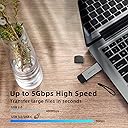
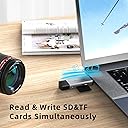
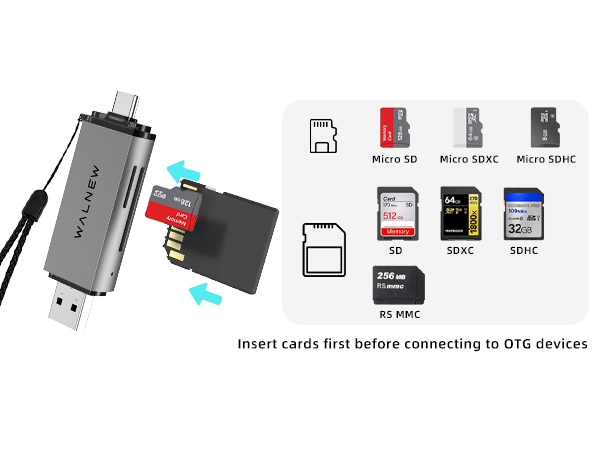
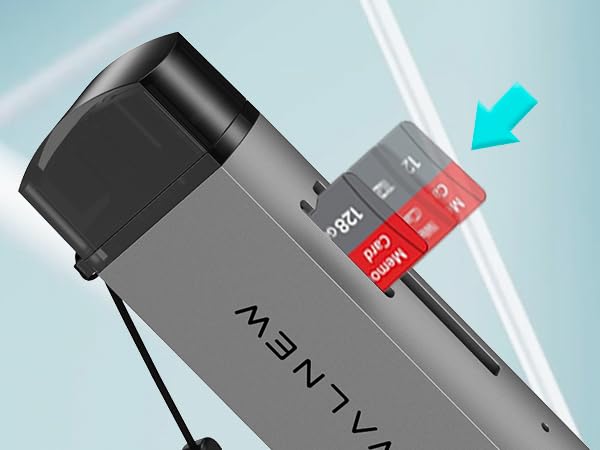
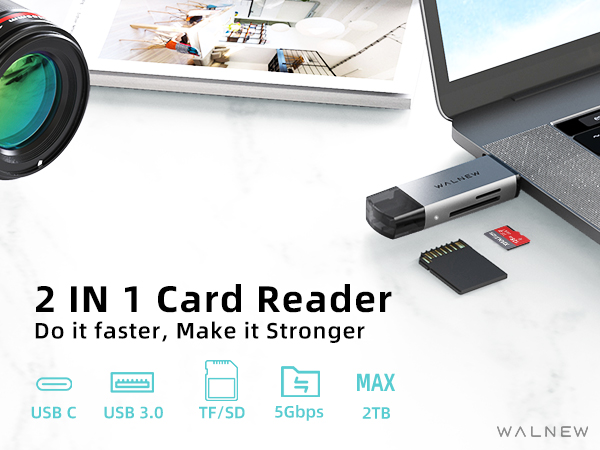
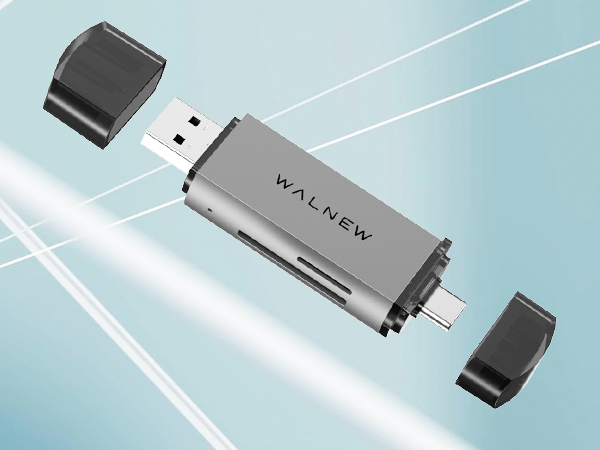
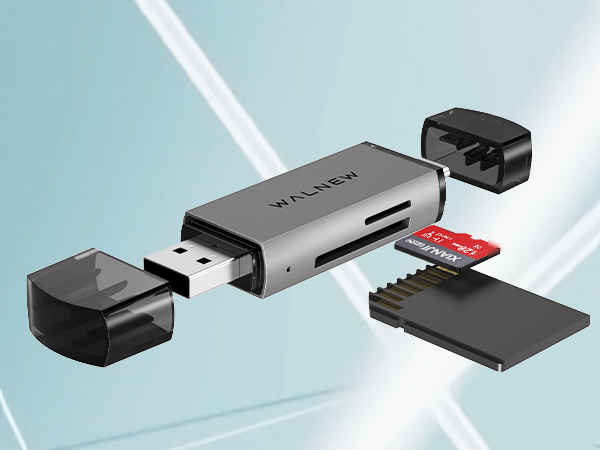
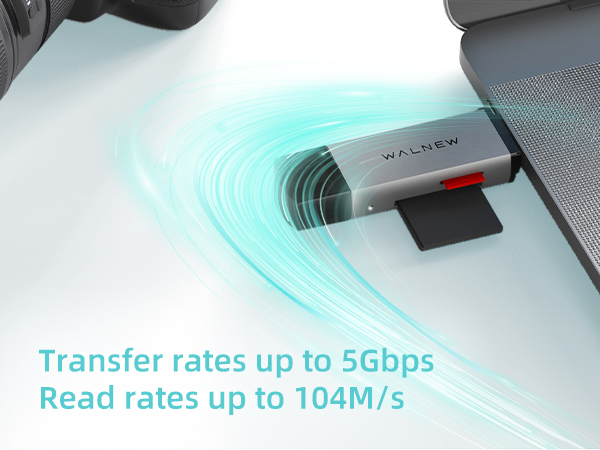
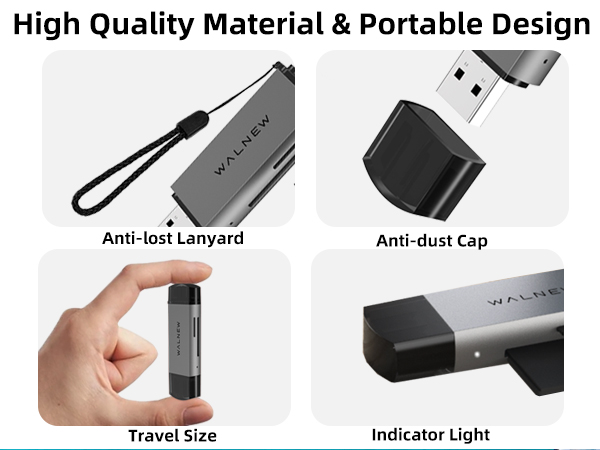
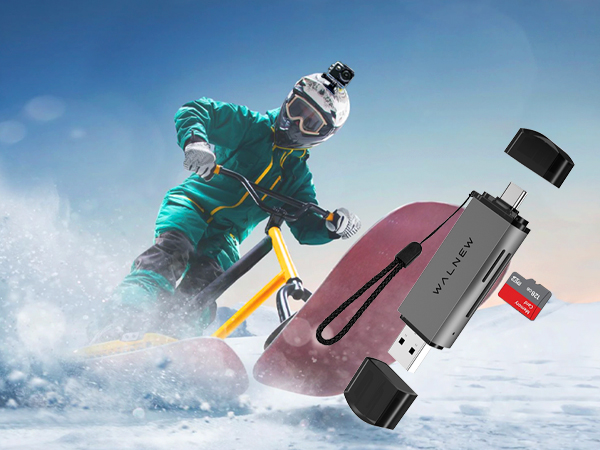
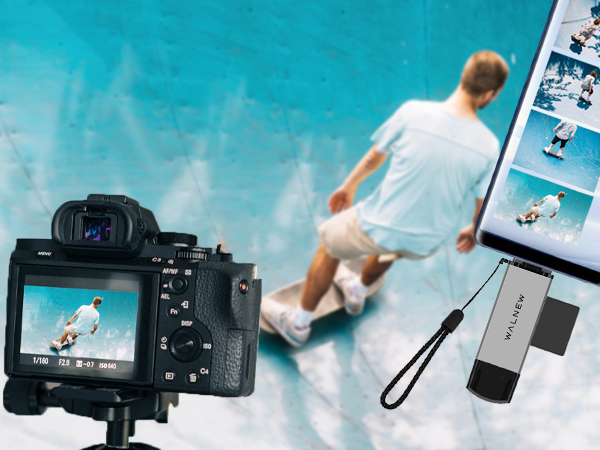
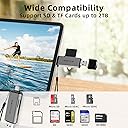
The WALNEW SD Card Reader combines USB 3.0 and USB-C interfaces to deliver ultra-fast, driver-free data transfers up to 10x faster than USB 2.0. Featuring dual slots for SD and MicroSD cards, it supports up to 2TB storage and is compatible with Mac, PC, Android, and more. Its premium aluminum shell ensures durability and heat dissipation, while a compact, portable design with protective covers and a lanyard makes it perfect for professionals on the move.


| ASIN | B0C5M7YBYK |
| Additional Features | Plug & Play |
| Best Sellers Rank | #251 in Computer Memory Card Readers |
| Brand | WALNEW |
| Color | Gray |
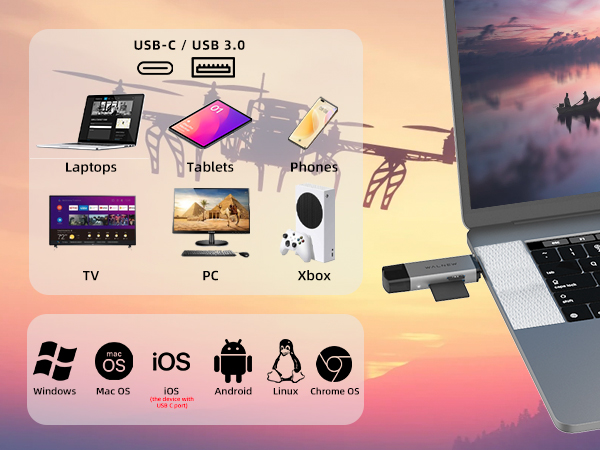
| Compatible Devices | Laptop, Personal Computer, Tablet, Smartphone |
| Connectivity Technology | USB Type C, USB Type C USB |
| Customer Reviews | 4.6 out of 5 stars 1,818 Reviews |
| Data Transfer Rate | 5000 Megabits Per Second |
| Hardware Interface | Thunderbolt 3, Thunderbolt 4, USB 3.0, USB 3.1 Type C |
| Item Dimensions L x W x H | 3.01"L x 0.86"W x 0.43"H |
| Item Weight | 20 Grams |
| Manufacturer | WALNEW |
| Media Type | SD Card, SDHC, SDHX, microSD, microSDHC, microSDXC |
| Mfr Part Number | MicroSD Kartenleser |
| Operating System | Android, Linux, Mac OS, Windows |
| Slot Count | 2 |
| Special Feature | Plug & Play |
| Warranty Description | 18 months |
C**E
Heavy Duty, Fast & My Secret Fix for issues!
When I first got this device and plugged it into my computer ๐ฅ๏ธ it displayed two separate drives, an E:\ and an F:\. I was able to put in two cards, 1 TF card and 1 SD card. My computer with Windows 10 easily displayed both drives at once. After 1 hour of use and exchanging different cards however, one of the drives went missing. I thought the device was defective. I then ordered a new device thinking this was broken already? ๐ก The new device arrived and I had the exact same issues! It only displayed 1 drive even though I had 2 cards in the unit. Come to find out, all I needed to do was go to the computer drive management. Then, all I have to do was right click on one of the SD slots, and ASSIGN A NEW DRIVE letter! I only have to do this with one of the cards but you may have to click on both cards and assign a new drive letter to each one. You can assign any letter except C or D if you have these in your system already. That fixed everything! And I was a happy camper. Now I have two of these units and they both work perfectly fine. Definitely USE THE USB 3 PORT! You can still use USB version 2 ports however, they are much slower when transferring and reading either from the same cards or to transfer onto your computer. When you put it on the USB port 3, (the blue ๐ต one) that makes a huge difference both for the internal card reading and writing as well as the transfer speeds to the computer. It's like Turbo! This thing was super cheap and now I have two. Also transferring pictures from your cell phone to this device was super easy and I was able to back up all my pics, music and files. Using 1 card for backup from my cell ๐ฒ was a Breeze! Super fast, super sexy, super easy, super cheap this is the way to go! I highly recommend this pup! Remember to assign a drive letter when you're using it with the computer and two cards at the same time. I was using Windows 10. Once the letter is assigned, you don't have to assign it over and over. If you just use one card only, you may not have to assign anything. I used both cards at the same time to test it and to make copies of the cards for backup. Using the USB port 3, the copies were way faster. Peace to this crazy world! And get this device! ๐ CB (I'll update with pics later.)
J**T
Sd card reader
Works great
M**A
Works well
Does what it should
L**Y
Wish it was marked with which way to put in the memory cards
It looks nice and sleek. But when I put in my SDHC Memory card into the reader itโs hard to tell if I put it in the correct way cuz thereโs no click or indication marker for which way to put it. It also feels like itโs scraping the reader cuz it feels forced. I had to guess. when I put it in the computer it did actually show up so it does work.
G**N
Great product
Great product works well
P**L
Smart Buy
My new laptop did not have an SD card slot which I missed and I do a lot of storage on SD cards so it is a must for me. This device took care of the issue. It is so easy to use and it will take all sizes of SD cards along with the adapter that comes with many SD cards. My laptop recognizes the device right away and uploads very quickly. I highly recommend this product as a very useful tool if you have computers or laptops that do not have an SD slot.
K**D
Great price
Have had this reader for quite some time. Works well.
B**E
Works on all gadgets
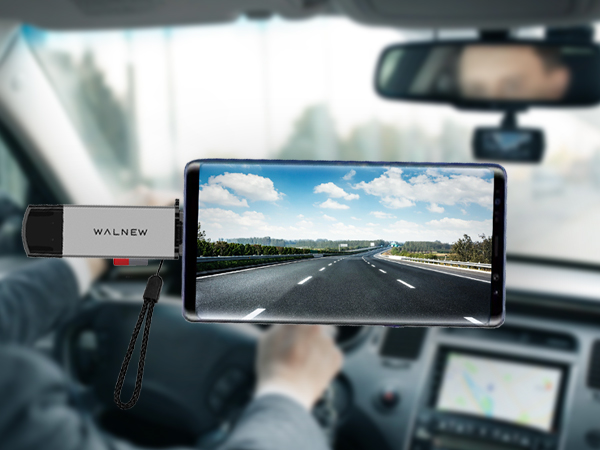
I like this item because it works for all my gadgets even in my car, price great and easy to use.easy to transfer music after reading instructions. Glad I bought it, and can carry it with you. I would recommend to all music lovers.
C**E
Simple to use
Bought this to transfer files from an outdoor wildlife camera to my Samsung tablet without having to crank up my laptop. It's simple to use and does exactly what it says. No problems with it so far. It's also nice and robust which makes it easy to use with dexterity problems. All good (but I've had it for a few weeks and can't speak to its longevity)
N**I
Super!
Super Kartenleser! Ich benutze ihn um schnell und einfach die Bilder & Videos meiner DJI Drohne auf Handy und PC zu bekommen, funktioniert schneller als รผber die App da es direkt von der SD-Karte geht. Sehr zufrieden
K**D
Work everytime, no issues not recognzing. Love the USB A and C options.
I use this to format Micro SD cards and transfer files from the Micro SD cards in my security cameras. I've also used it to transfer files from my computer, to a Micro SD to then put on my phone in a pinch because of the USB-A and C options. I load the card in first, then insert into the computer and it detects it immediately, so issues and it's been working great for months. Happy with it. Other adapters I've had have failed, they stopped recognizing but this is working perfect. I keep it in my bag as an every day carry item.
G**A
Works as advertised.
Good product with good quality material. It reads all the cards inserted on it with speed and without any hassle. Good product.
K**N
Funktioniert gut
Funktioniert gut
Trustpilot
2 weeks ago
3 weeks ago