

Buy anything from 5,000+ international stores. One checkout price. No surprise fees. Join 2M+ shoppers on Desertcart.
Desertcart purchases this item on your behalf and handles shipping, customs, and support to South Korea.
๐ Upgrade your desktop WiFi game โ faster, stronger, smarter!
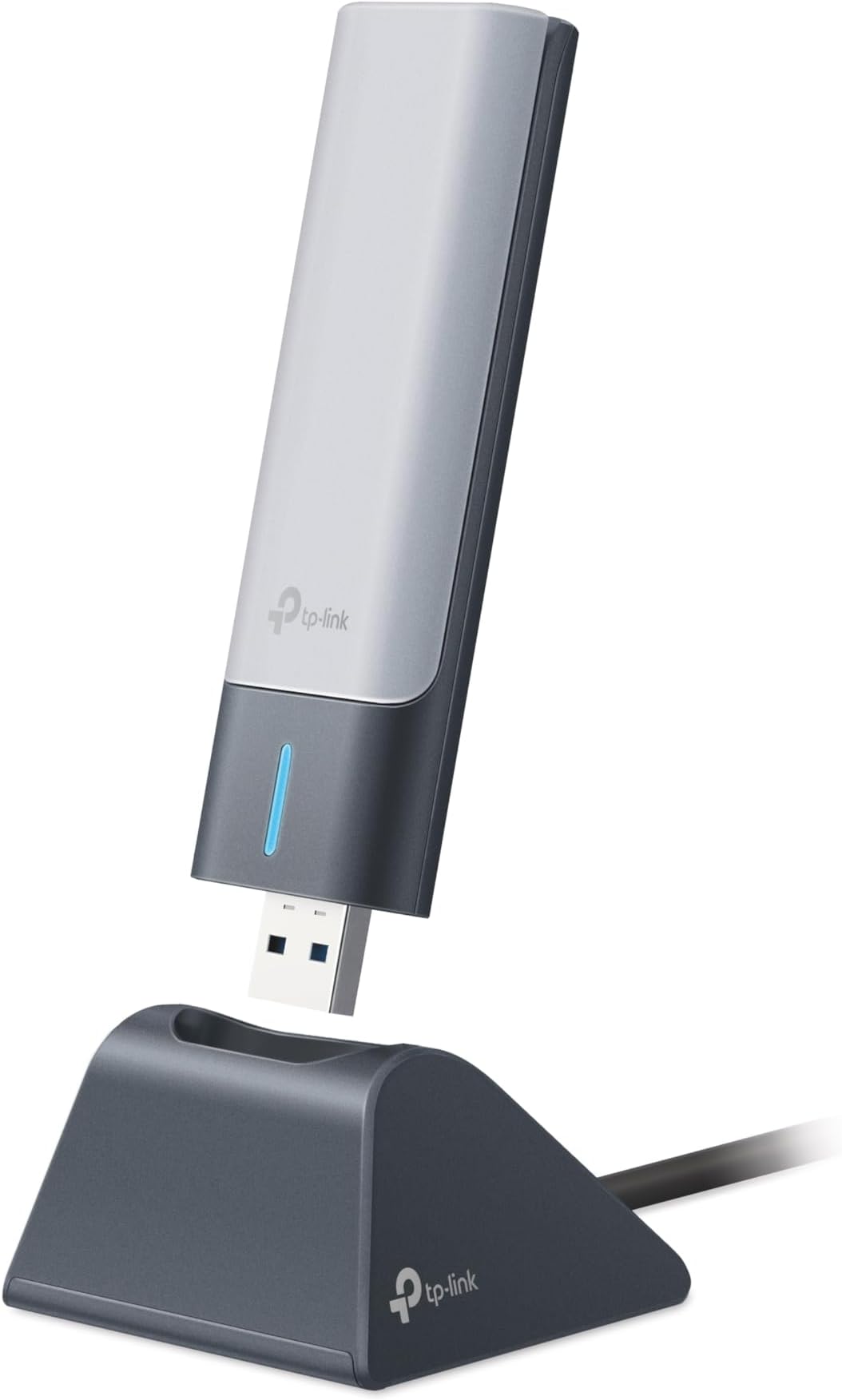
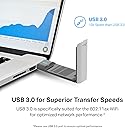
The TP-Link Archer TX21UH AX1800 WiFi 6 USB Adapter delivers dual-band wireless speeds up to 1.8 Gbps with advanced MU-MIMO and OFDMA technologies. Equipped with high-gain 5dBi antennas and WPA3 security, it ensures extended range, robust connections, and next-gen encryption. Designed for Windows 10/11 desktops, its USB 3.0 interface and flexible cable provide easy installation and superior transfer speeds, making it the perfect upgrade for professional-grade home or office networking.


| ASIN | B0BZJRXT7X |
| Best Sellers Rank | #165,611 in Computers ( See Top 100 in Computers ) #1,081 in USB Computer Network Adapters |
| Brand | TP-Link |
| Built-In Media | Archer TX21UH, Quick Installation Guide, USB 3. |
| Color | Black |
| Colour | Black |
| Compatible Devices | Desktop, Laptop |
| Compatible Operating System Family | Windows |
| Compatible devices | Desktop, Laptop |
| Customer Reviews | 4.2 out of 5 stars 558 Reviews |
| Data Link Protocol | USB |
| Data Transfer Rate | 1800 Megabits Per Second |
| Data link protocol | USB |
| Hardware Interface | USB |
| Hardware interface | USB |
| Item Dimensions L x W x H | 30L x 15W x 112H millimeters |
| Item Type Name | WiFi Adapter |
| Item Weight | 0.28 Pounds |
| Manufacturer | TP-Link |
| Mfr Part Number | Archer TX21UH |
| Model Number | Archer TX21UH |
| Product dimensions | 30L x 15W x 112H millimeters |
| UPC | 840030706394 |
| Unit Count | 1.0 Count |
J**R
Works great. Had one hiccup during installation of driver software.
Works great. Had one hiccup during installation of driver software. This happens if you insert the USB adapter while a Windows update is waiting in the queue. For some reason the installation of the Wifi driver fails. After installing the Windows Update the Wifi Adapter does not show the installer anymore. When this happens copy the installer to a folder on your computer before running the Windows Update. If you forget this step, you can download the installer from the TP-Link website. URL is in the small document that comes with the Wifi Adapter.
S**Y
PnP with Driver ready to install on Windows 10 Pro.
Check the box/container label for Version Number as there are 2 versions 1.0 or 1.6 If you remove/uninstall the Driver just go to the TP-Link website to download and reinstall. the Extension antenna is made of thin and lightweight plastic which can easily break. Construction of the device could have used a more rigid enclosure as if stepped on will be crushed. It may take a few extra seconds to connect to your Wi-Fi signal while the PC is first turned on. I don't use the mount/stand as the AX1800 USB adapter is plugged into the rear USB 3.0 port on my desktop. For me , it just one less wire and an item I don't have to fidget with. Wi-Fi 7 should be incoming by 2026 or start to become more popular. Hopefully 6G will become available to replace 5G permitting Wi-Fi 7 to take advantage of better transfer of data. Depending on your Internet Provider and Data Speed if under 800Mbps then Wi-Fi 5 is the most you will need. As Wi-Fi 6 is up to 1.2Gbps and provides new security feature WPA-3. The TP-Link AX1800 (Archer TX21UH) adapter performs well and highly recommended for those with very fast internet speeds up to 1.2Gbps. Bought mine while discounted for the holiday season and it's worth it.
D**R
Great speeds
This adapter works great and offers good speeds.
S**S
Super easy setup
Bought this because my WiFi driver corrupted. Plugged this in, downloaded the driver and was able to connect to the WiFi router effortlessly! Was concerned about printer not connecting to computer but that was not an issue. Printed on first try. Would recommend and buy again!
J**I
Just died while stored.
Unit came in, tested it, worked fine on my desktop PC that lacked integrated WiFi, to use with my Starlink (Floridian, storms take out both power and cable regularly). After satisifed that it would work, I stored it for several months, in a secure drawer indoors in my climate controlled house. Had a cable outage, so deployed my Starlink during a cable outage and it was dead, Jim. No power at all, in the cradle or direct to any number of USB ports, including on a laptop.
Trustpilot
2 weeks ago
1 month ago