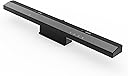
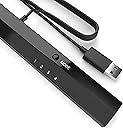
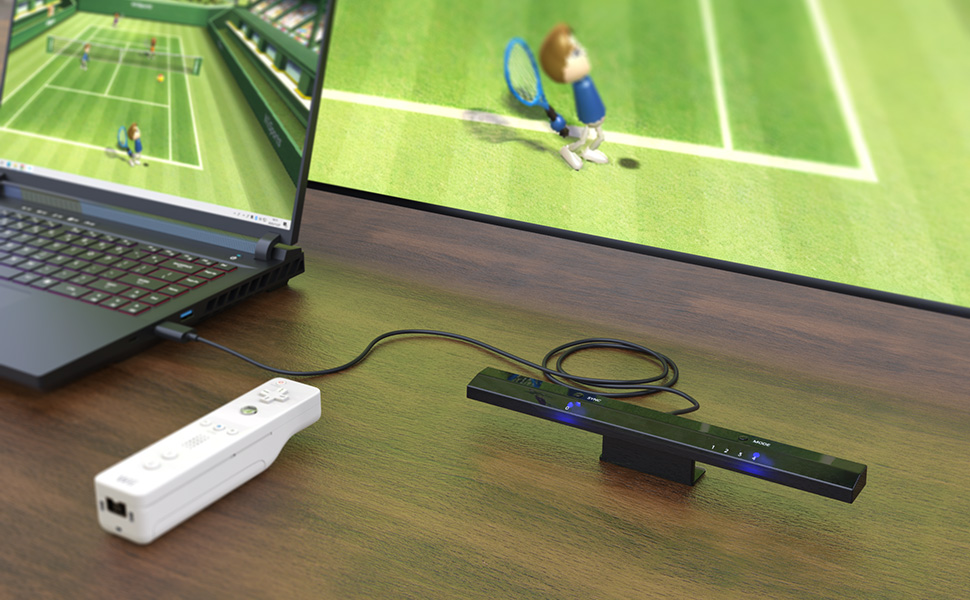
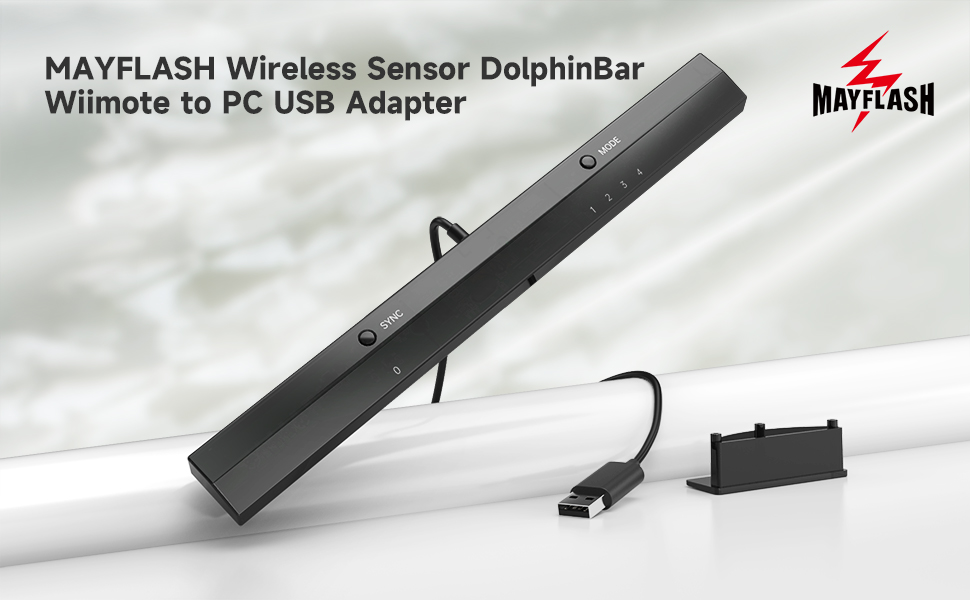
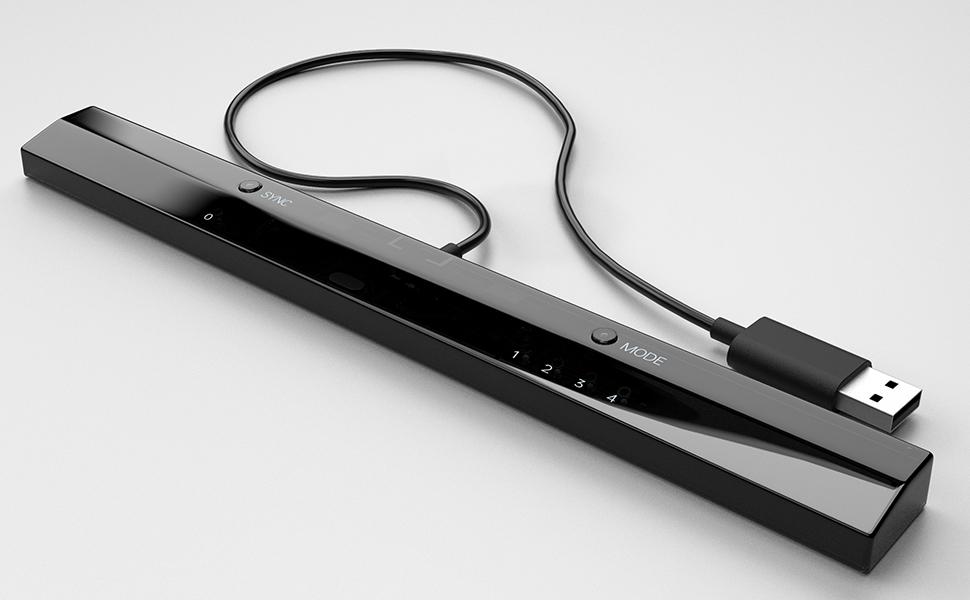
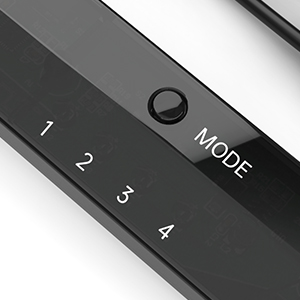
I just bought one of these and I found that it is exactly what is needed when you use Dolphin emulator to play your Wii or Gamecube games on the PC. It makes using the Wii remote easy which is a big change from before when you spent hours getting the Wii remote to detect with Bluetooth. And once the Wii remote is detected it stays detected, even when you turn off your PC and then start it up again, Dolphin will see your Wii remote immediately, no need to go through reconnecting it. The Wireless Sensor DolphinBar had some earlier compatibility problems when Dolphin released dolphin 3.5 but they are fixed now so if you are still having any troubles then just go to their site and get the latest drivers and make sure you are using the latest Dolphin Emulator version. In fact, As of 4.0-2241 and that DolphinBar firmware update, all of the DolphinBar's compatibility issues have been resolved! You can get the latest updated drivers from Mayflashs site http://www.mayflash.com/products/nintendowiigc/w010.html And you can get the latest Dolphin Emulator version for Windows, MAC and Linux here: https://dolphin-emu.org/download/ I found that this sensor bar is much more sensitive to my Wiimote than the Nintendo sensor bar and that is a plus for sure. Also this Sensor bar acts as a Bluetooth detector!!! So you don't need a bluetooth adapter to use it. In fact, I think it works better than the Azio I was using. It detects and properly recognizes the Wiimote within seconds and you will see it correctly identified and working in Windows which, I am sure you already know, is a problem if you are not using this Dolphinbar. This Dolphinbar has a small blue LED light that glows steadily when the Wiimote is connected and it will blink if the Wiimote gets disconnected for any reason. Here is some information from the Mayflash site: W010 Upgrade Firmware Ver04 Updates on February 10, 2015 1. The SYNC LED (LED 0) will be off if NO Connecting with the Wiimotes. The SYNC LED (LED 0) will stay lit if connecting with the Wiimotes. 2. The DolphinBar will not enter into the sleep mode while in the Mode 4 (Dolphin Mode) with Windows 8.1 (Some customers feedback this problem before) Description: Wireless Sensor DolphinBar can connect your Wii Remote Plus Controller to your PC by Bluetooth. Support Nunchuk Controller and Wii Classic Controller. Support four working modes: Keyboard and Mouse Mode (LED1), Keyboard and Mouse Game Mode (LED2), Game Controller Mode (LED3) and Wii Remote Controller Emulator Mode (LED4). Features: - Wireless Sensor DolphinBar can connect your Wii Remote Plus Controller to your PC by Bluetooth. - Easy and simple operation, no need extra Bluetooth dongle. - Supports Cursor Anti-Shake function. - Allows you to play more quicky and precisely with your Game Controller, Light Gun or Racing Wheel. - Works as a normal keyboard and mouse. - Works as a PC Remote Controller. You can return or skip to the beginning of the current, previous or next chapter, and supports Fast reverse, Fast forward, Pause playing, etc. - Works as a Game Light Gun. You can play all kinds of PC Shooting Games, and PC or Wii Light Gun is well supported. - Works as a wireless Game Controller. Connects your Wii Remote Controller, or Wii Remote Controller + Wii Nunchuk, or Wii Remote Controller + Wii Classic Controller to your PC. Supports the G-sensor function that is the best choice for the Racing Games. Supports the Vibration Feedback. - Compatible with the Wii Emulator Dolphin. Supports up to 4 of the Wii Remote Controllers. - Compatible with Windows XP, Vista and Windows 7, Windows 8 ,32 bit and 64 bit. Supports TR WiiMotes and the newest Dolphin 4.0-2241(Please download the newest Dolphin version from the official website https://dolphin-emu.org) by installing the updated firmware on MAYFLASH website download page 1.Download and run the firmware (MAYFLASH DolphinBar Upgrade Firmware Ver03) on WINDOWS (XP, WIN7 or WIN8). 2.Press and hold the “SYNC” button on the DolphinBar, and plug the DolphinBar into the PC USB ((Your Windows will find the new firmware, wait until the recognization is completed). 3.Release the SYNC button, and you'll find the Update Firmware button becomes available. Click this button to update. 4.Please don’t unplug the DolphinBar when it’s upgrading.
![[MAYFLASH]WiiリモコンをPCで Wireless Sensor DolphinBar[SRPJ1833]](https://m.media-amazon.com/images/I/51y0PTBxc4L._AC_SL3840_.jpg)