Buy anything from 5,000+ international stores. One checkout price. No surprise fees. Join 2M+ shoppers on Desertcart.
Desertcart purchases this item on your behalf and handles shipping, customs, and support to South Korea.
๐ Supercharge your Raspberry Pi 5 with NVMe speed โ because waiting is so last decade!
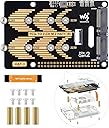
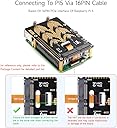
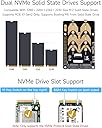
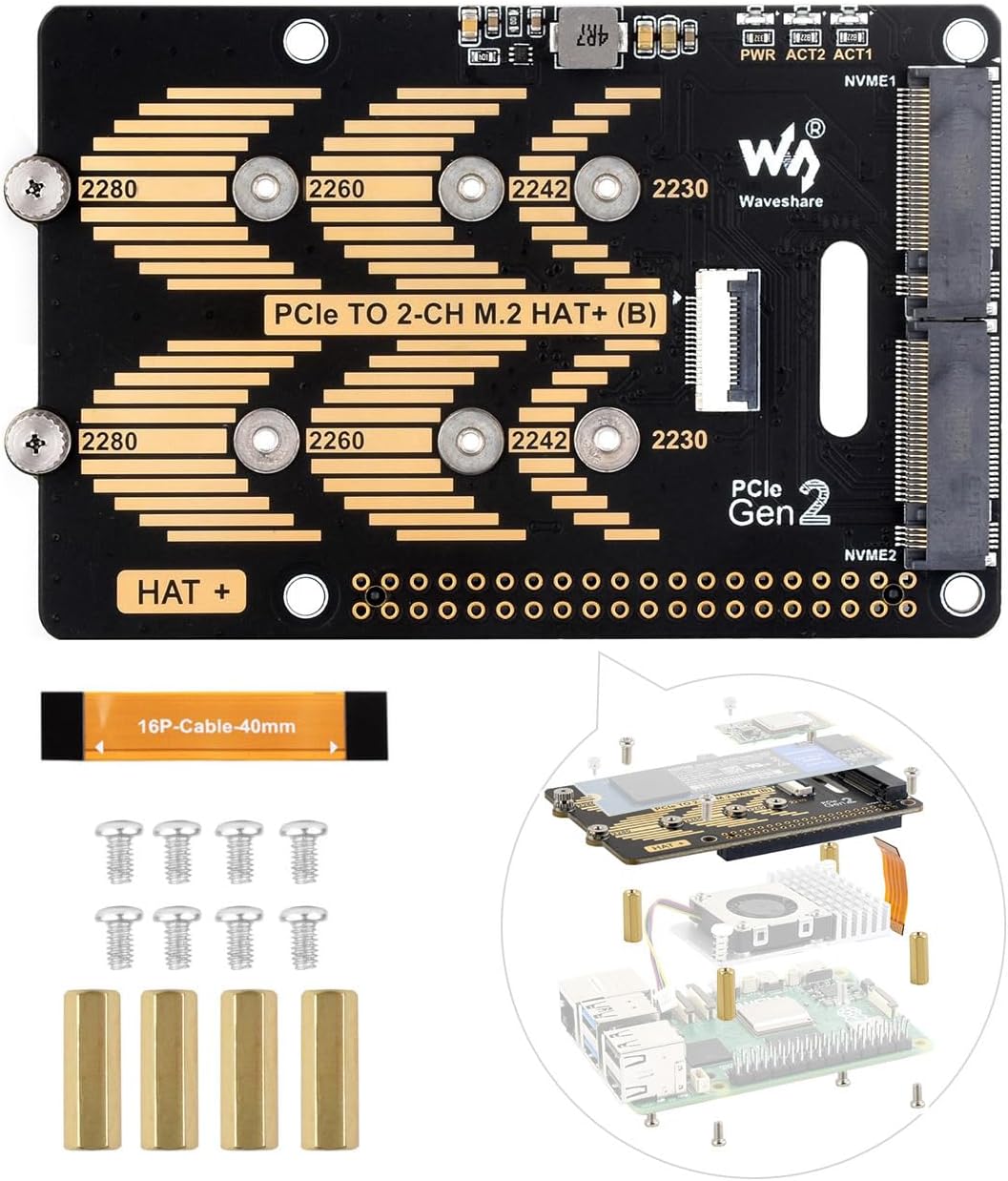
The Waveshare PCIe 2-CH M.2 HAT is a high-performance expansion board designed exclusively for Raspberry Pi 5, enabling dual M.2 NVMe SSD support (2230, 2242, 2280 sizes) with PCIe x1 Gen2 interface. It significantly boosts read/write speeds compared to traditional SD cards, supports booting the Pi 5 from NVMe drives, and offers real-time power monitoring for stable operation. Compatible with popular Linux OSes and backed by detailed Wiki resources, itโs the ultimate upgrade for professionals demanding speed and reliability.


| ASIN | B0D8FPNLYR |
| Amazon Bestseller | #77,447 in Computers ( See Top 100 in Computers ) #677 in Single Board Computers |
| Brand | waveshare |
| Built-In Media | 1 x PCB, 2 x HAT, 4 x Screws, 8 x Jumpers |
| Compatible Devices | Raspberry Pi 5 |
| Connector Type | PCIeใ |
| Customer Reviews | 4.6 out of 5 stars 94 Your Review |
| Item Package Quantity | 1 |
| Item Weight | 0.05 Kilograms |
| Manufacturer | Waveshare |
| Mfr Part Number | PCIe TO 2-CH M.2 HAT+ (B) |
| Model Number | PCIe TO 2-CH M.2 HAT+ (B) |
| Number of Items | 1 |
| Number of Ports | 2 |
| Package Quantity | 1 |
| Smart Home Compatibility | Not Smart Home Compatible |
S**N
Works well with my Raspberry Pi 5 NAS
This PCIe two channel M.2 Pi HAT works very well with the RPi 5. It is relatively easy to install even without instructions. It came with all the screws and standoffs needed to mount the device to a RPi 5, including small knurled thumbscrews to hold the NVME drives in place. You do have to be careful when aligning the GPIO pins to the connector on the HAT, but that is true of any HAT you are installing on a Raspberry Pi. Once I figured out a mistake I had made orienting the small PCIe interface cable it came online and I was able to install the two NVME drives I had purchased for my NAS project. This HAT is compatible with the OpenMediaVault NAS software I am using, although that is not a surprise. It should be compatible with almost any software or operating system given that it comes online so easily. The price point is good, too. Overall I am pleased with this purchase.
G**L
Trop proches
Deux emplacements trop proches: un seul utilisablecz la fois !!!!
I**A
Dual NVME
If you need two NVME drives, this board works very well. I installed 2 nvme's and tested both for speed, here are the results using "dd" command. #"-NVME0 Write Test." #> dd if=/dev/zero of=/home/pinox/xnvme0/xtst bs=500M count=1 oflag=sync 1+0 records in 1+0 records out 524288000 bytes (524 MB, 500 MiB) copied, 2.15291 s, 244 MB/s #"-NVME0 Read Test." #> dd if=/home/pinox/xnvme0/xtst of=/dev/null bs=500M count=1 oflag=sync 1+0 records in 1+0 records out 524288000 bytes (524 MB, 500 MiB) copied, 0.339717 s, 1.5 GB/s . #"-NVME1 Write Test." #> dd if=/dev/zero of=/home/pinox/xnvme1/xtst bs=500M count=1 oflag=sync 1+0 records in 1+0 records out 524288000 bytes (524 MB, 500 MiB) copied, 2.16044 s, 243 MB/s #"-NVME1 Read Test." #> dd if=/home/pinox/xnvme1/xtst of=/dev/null bs=500M count=1 oflag=sync 1+0 records in 1+0 records out 524288000 bytes (524 MB, 500 MiB) copied, 0.414051 s, 1.3 GB/s #"-Copy NVME0 to NVME1 Test." #> dd if=/home/pinox/xnvme0/xtst of=/home/pinox/xnvme1/xtst0to0 bs=500M count=1 oflag=sync 1+0 records in 1+0 records out 524288000 bytes (524 MB, 500 MiB) copied, 2.19423 s, 239 MB/s I hope this helps you in deciding if you want to buy this board.
D**S
Fonctionnel
Le montage est fait, reste ร tester le tout
L**D
Tutto ok
Ottimo prodotto perfetto per l'utilizzo su Raspberry 4
Trustpilot
2 weeks ago
1 week ago