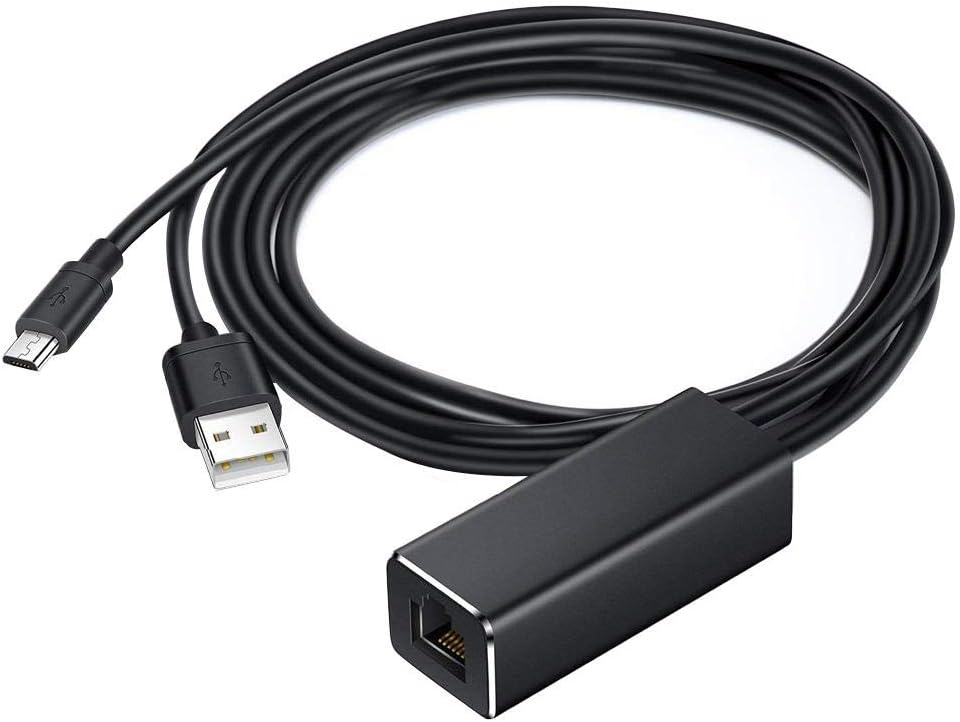
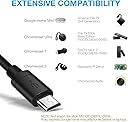
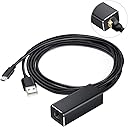
Cracklight Ethernet Adapter for Chromecast and Fire TV Stick Micro USB To RJ45 Network Adaptor 10/100 Mbps With USB Power Supply Cable
Product ID: 91463840
Desertcart purchases this item on your behalf and handles shipping, customs, and support to South Korea.
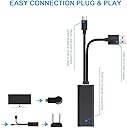
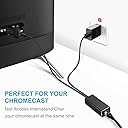
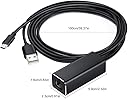
Our Ethernet Adapter is the good choice for your life Product Information: Step 1: Plug your Chromecast / TV Stick into your TV's HDMI port. Step 2: Connect the Micro USB connector to your Chromecast / TV Stick. You need to make sure the Micro USB connector is securely plugged into your Chromecast / TV Stick. Step 3: Connect an Ethernet cable to the RJ45 port of this Ethernet adapter for Chromecast. Step 4: Plug the USB cable into the AC power source. Step 5: Feel free to enjoy your Chromecast. Micro USB port: 480 Mbps;RJ45 Ethernet port: 10/100 MbpsUSB port: power only, no data transmission;Power: 5V / 1A~5V / 2ACable length(approx.): 1 meter (for Micro USB cable and USB power cable)
J**R
Device didn’t work for my Fire TV.
Item didn’t work with my Amazon Fire TV (pendant type) despite being listed as compatible. Item is currently sat in a box of spare cables and have since purchased the official Amazon Ethernet adapter that works perfectly.
L**N
Highly Recommended
Great product
D**.
Gr8
Did the job
J**K
Jut what we needed!
It works and is good value as well!
M**W
Great
Great, works as described
Trustpilot
1 week ago
1 month ago