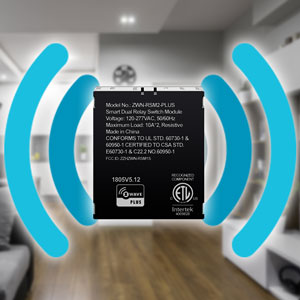
โก Power your smart home invisibly, control it effortlessly!
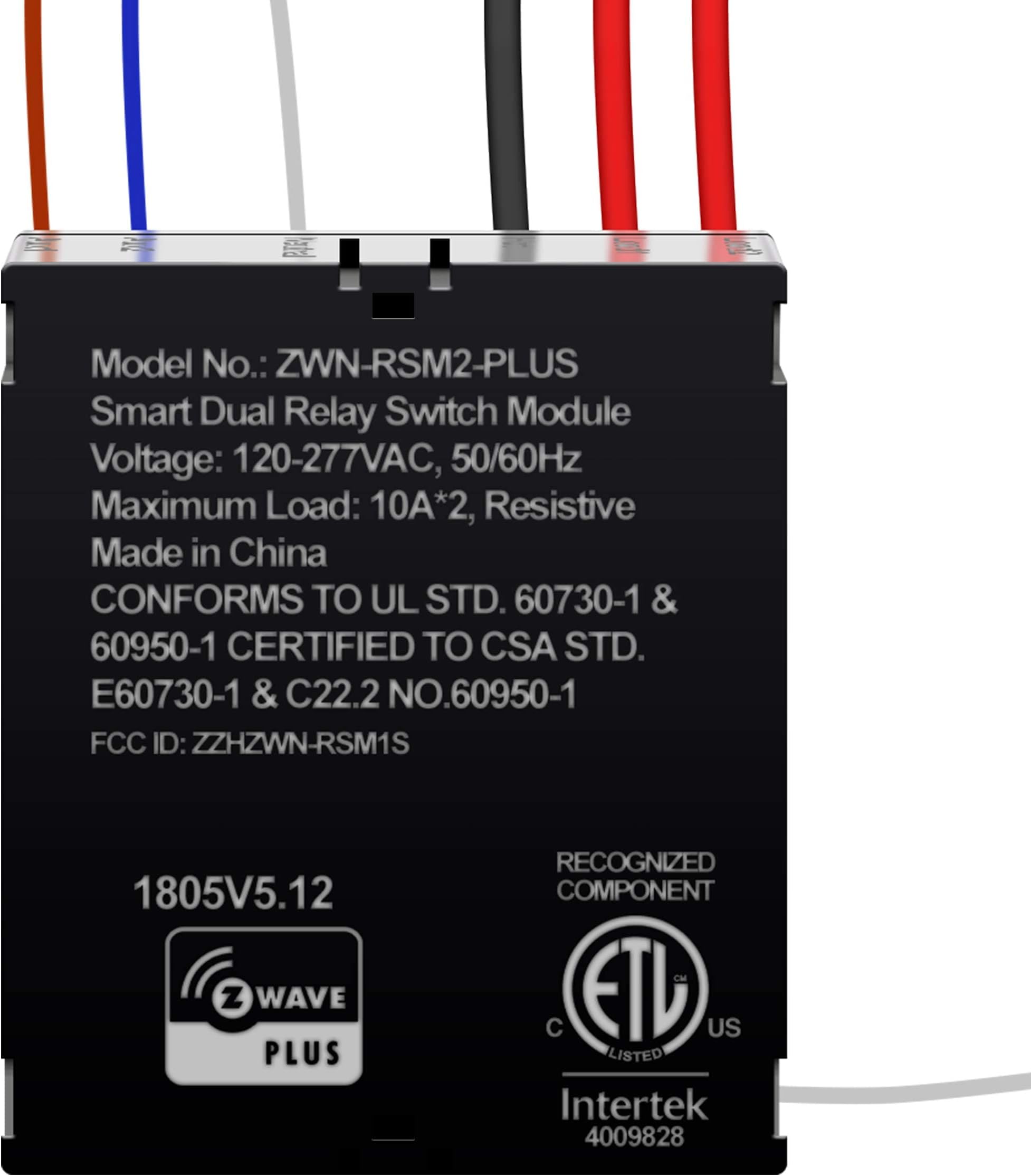
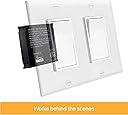
The ENERWAVE Z-Wave Plus Dual Relay Module is a compact, hidden smart switch designed for seamless integration behind existing switches or outlets. Supporting 120-277VAC and dual 10A relays, it offers advanced Z-Wave Plus technology with improved range, bandwidth, and OTA updates. Perfect for remote control and automation of lights and appliances, it requires a neutral wire and a Z-Wave hub for full functionality, including voice assistant compatibility.






| ASIN | B07KQMGH7X |
| Best Sellers Rank | #1,096,365 in Tools & Home Improvement ( See Top 100 in Tools & Home Improvement ) #227 in Home Automation Modules |
| Brand | ENERWAVE |
| Brand Name | ENERWAVE |
| Coil Voltage | 277 volts |
| Connector Type | Screw |
| Contact Current Rating | 10 A |
| Contact Type | Switch |
| Current Rating | 10 A |
| Customer Reviews | 4.0 out of 5 stars 137 Reviews |
| Included Components | 1x Z-Wave Dual Relay Module, Instructions |
| Item Type Name | ENERWAVE Z-Wave Plus Dual Relay Module, Hidden Smart Switch, Single Pole, 120-277VAC, 10A Per Relay, NEUTRAL WIRE REQUIRED, ZWN-RSM2-PLUS, Black (New Version) |
| Manufacturer | ENERWAVE |
| Maximum Switching Current | 10 A |
| Minimum Switching Voltage | 120 volts |
| Model | ZWN-RSM2-PLUS-NEW |
| Mounting Type | Wall mount or Ceiling mount |
| Number of Items | 1 |
| Number of Packs | 1 |
| Number of Terminals | 2 |
| Operation Mode | Automatic |
| Part Number | ZWN-RSM2-PLUS-NEW |
| Specification Met | Etl Listed |
| UPC | 883951455767 |
| Unit Count | 1 Count |
| Wattage | 2770 watts |
J**J
Worked as expected
This is the second one of these Dual Relays I have used. The first one was an older version in my last house. This one install as expected. I am currently work through some issues with my integration into Openhab. The switch shows up now and has 3 channels. A main switch which works both relays and then individual switches for each relay. The individual ones are currently not working, but I am working through that with the Openhab community.
B**.
Almost exactly what I want but with a fatal flaw for Vivint users
This review is for the dual relay module: Relatively straightforward installation It's a super tight fit but is just small enough Responsive Inexpensive Retains ability to use existing switch This device is almost exactly what I needed but it's poor integration with my Vivint Smart Home is making it a deal breaker for me. I have a double switch installed in a one-gang box for independent control of my ceiling fan and light. This device would have been the perfect solution to making the fan and light smart w/o having to give up the ability to control them independently. Surprisingly I was able to set the module into the existing box and the installation was effortless. The relay works quickly with almost no delay. And overall, I'd be really happy with this but.... I have a Vivint Smart Home security system that I can use as a z-wave hub which I can link to my Google home account to control my z-wave devices like my deadbolt, thermostat, and garage door opener. If you have Vivint all you need to do is call support and ask them to put your panel in maintenance mode so you can access the installer's toolbox and add a z-wave device. This maintenance mode is normally locked for security reasons but support can remotely grant you 24-hour access. Overall this process was pretty easy if not a little time-consuming. But where I ran into trouble is my Vivint panel doesn't seem to fully understand how to recognize this dual relay device. My PANEL actually shows three different devices (1 & 2 both control the light, 3 controls the fan). However, both the Vivint and Google APPS only show one device (the light). So, if you're trying to integrate this into your Vivint Smart Home then this essentially means buying the dual relay is a waste of money.
D**Y
Great hardware, but as of Dec2022 it is incompatible with SmartThings
I really like these. They are compact and work well in my experience. Unfortunately, they've relied on a 3rd party Groovy device driver to achieve SmartThings compatibility in the past. Why they never invested the time to develop their own driver always seemed a little odd. Now, SmartThings is changing the way its device drivers work, and you can't add devices using the old driver style (Groovy code). All new SmartThings device drivers need to be provided by the manufacturer and certified by SmartThings. When I reached out to Enerwave to ask about the availability of the new driver, their R&D manager indicated that they planned to do it at some point, but couldn't say when it would be done. Avoid this product if you have SmartThings (or avoid SmartThings if you like this product).
C**H
Dual Relays, Easy Install, Easy Program
The house is pretty atomated with Amazon's Echo running the lights by voice command. But, for me, I don't want to rely on the network working to be able to control the lights. I still want to be able to use the light switch. This Dual relay does that for me. The light switches are wired to the input of the relay and the output of the relay is wired to the lights. Now when you move the switch, it triggers the relay to turn on or off the light. The dual relay also is a "Z-wave" device that can be added to home automation devices like Hubitat so that it can control the relay action also. The best part is that if you use the switch, the controller knows that the state of the switch changed and knows that the relay is on and can still shut it off electronically. This also works for threeway switches. So both threeway switches can control the relay from either switch location and the Hubitat can also still know what state the relay is in and act accordingly. I use this relay in places where there are two physical switches in an electrical box controlling two different lights. I have four of these relays installed. The switch box you install this in needs to have an always on power wire and a neutral wire available to power the relay.
D**N
Fails after a couple years
Works for a while then ultimately welds shut. I've gone through 2 of these over the years and the last one only lasted about 2 years.
M**R
Great idea . . . somewhat working
This dual relay should address controlling my four patio lights in two banks quite well. Upon receipt, I tested the relay and it seems to be working as designed. The next step was integration into my smart home automation environment. I currently have Smartthings but am in the process of switching the Hubitat. This is where the initial problems stated. It took a while but I finally found some Z-Wave drivers for Hubitat. Initially It took trying a few drivers to find one that had the capabilities of addressing each relay as a device. In the end I was successful in having Hubitat treat each relay as an individual switch and it seemed to work well. Once I installed the dual relay in its final location (an outside rated plastic box), I proceeded to test the Hubitat control. This worked very poorly. I'm not sure if this is a relay, driver or Hubitat issue. But I was willing to accept that until I had a chance to troubleshoot. In the meantime I thought I could use the wall switch to control the AUX1/AUX2 lines to manually control the relay. Since AUX1/AUX2 take a normal light switch input as trigger, you would think that you could combine AUX1 and AUX2 and wire to the same switch. But no, that doesn't seem to work. Only one relay is triggered. The idea behind using this relay was that the wall switch would control both relays via AUX1/AUX2 and with smart control, you control the individual relay. Apparently this is not the case. For now I decided to remove the relay until I can solve the other issues. In its current state it would be too frustrating for family to use. In short, each relay should be individually controlled via smart control and jointly controlled via a wall switch. The primary reasons for a 3 star review are: - Yes it kind of, sort of works as described - Drivers are almost non-existent for smart platforms - Documentation is acceptable for basic wiring and installation but severely lacking for smart control - Needs better explanation of the allowed use of AUX1/AUX2 manual control May 28, 2019 Update I finally reinstalled the relay and I have a working configuration with my Hubitat smart home configuration. I now have individual control of the relays which control 2 sets of patio lights. I replaced my regular wall switch with a smart switch and have a rule on my smart hub that triggers both relays if the smart switch is turned on. I'm leaving my review at 3 stars because the dual relay does not seem to work when the AUX1/AUX2 wires are simultaneously triggered from a single wall switch. I lost all cost effectiveness by using a smart switch along with this dual relay. I probably could have used two single relays and a regular wall switch to trigger them. Instead, I was hoping to save some money by using the dual relay but the only way I was able to get this to work was with a smart switch. I am satisfied with the final outcome. I can trigger the individual light banks by voice via Alexa or Google or using my dashboard from my phone. The wall switch also works to turn on all lights albeit with a smart switch.
B**M
Pleasantly suprised
I was not too sure what to expect with this but it works great. I used it in a recessed light install where there was really no great place to add a light switch. I know this is made to work in conjunction with toggle switches but it works fine without. Pairing will be a pain in the future since i will have to effectively pull the whole recessed fixture down but I dont plan on needing to do that. I put the antenna outside the box and reception is great. There is an audible click from the mechanical relay but that does not bother me. I am using a veralite zwave controller and it added a light and two appliance modules. So you basically have two devices for load1 and another third device for load2. It seems odd but it works I guess.
A**E
Appealing Product, But...
I bought and installed this device, after replacing the metal switch box with a plastic one as I was concerned about signal penetration of the metal enclosure. This thing is small, but still was somewhat of a struggle to get it into the electrical box. Once installed and set up ( I only used it as a single switch) it worked great for a few months, then it became unreliable. It never stopped working completely, just sometimes would not follow the programming. There was no change in my network so I attribute the problem to the switch itself. In the end, I removed it, extended the circuit and used a smart wall switch which had the schedule resident in the device rather than relying on transmission of data every time a state change was called for (in my case the Leviton Smart Switch). Bummer. A great idea for a niche need.
Trustpilot
4 days ago
5 days ago